ZMS AI Creative Platform
ZMS AI – AI Creative Suite for Stunning Videos & Images
Product screenshot
Overview
What is ZMS AI Creative Platform?
ZMS AI is an all-in-one AI creative suite for generating and editing images and videos from text prompts and visual references. Instead of focusing on a single AI model, it brings several model families into one connected workspace, allowing creators to choose the tool that better fits each project.
The current platform includes video models such as Seedance 2.5, Seedance 2.0, Veo 3.1, Wan 2.7, and Wan 2.6, alongside image-generation options including GPT Image 2, GPT Image 1.5, Nano Banana 2, and a Seedream 5 preview workspace.
How does ZMS AI work? The basic workflow is simple: start with an idea, choose Image or Video, select a model, write a prompt, and add reference material when the selected model supports it. Controls such as resolution, aspect ratio, duration, and references vary by model.
Key features include: AI Video Generation — create videos from text prompts, images, or supported visual references. AI Image Generation & Editing — create new images or edit existing visuals using natural-language instructions. Multiple AI Models — access different model families without switching between completely separate creative platforms. Reference-Based Creation — supported models can use uploaded images to guide composition, visual identity, materials, or starting frames. Model Comparison — creative directors can compare outputs while keeping the same basic brief. Project Organization — keep related references, tasks, and generated work together for ongoing projects. Shared Credit System — one credit balance works across connected models. Credits are sold as one-time packs and currently do not expire.
One useful detail is that ZMS is fairly transparent about integration status. Some model pages state that a configured workspace or driver does not necessarily mean the complete signed-in generation, credit deduction, returned media, and download flow has been verified end to end. For promotional content, I would therefore avoid claiming that every listed model or feature is fully operational unless its individual page confirms that status.
Who uses ZMS AI? ZMS AI is aimed at content creators, filmmakers, creative directors, marketing teams, production teams, designers, and independent creators. A filmmaker can move from a still-image concept into motion, while a marketing team can create campaign visuals and compare different model outputs without rebuilding the creative brief each time.
For independent creators, the main benefit is convenience: instead of learning a completely different interface for every model, they can explore several image and video workflows from one platform.
Overall, ZMS AI is best described as a multi-model AI creative suite rather than a single AI generator. Its main value is bringing AI image generation, AI video generation, reference-based creation, multiple model families, and project organization into one connected workspace. ZMS also states that it operates independently and is not affiliated with or endorsed by the third-party model providers whose models or names appear on the platform.
Platforms and languages
ZMS AI Creative Platform Availability
Platforms
Languages
Plans and access
ZMS AI Creative Platform Pricing
Free
Compare similar tools
ZMS AI Creative Platform Alternatives
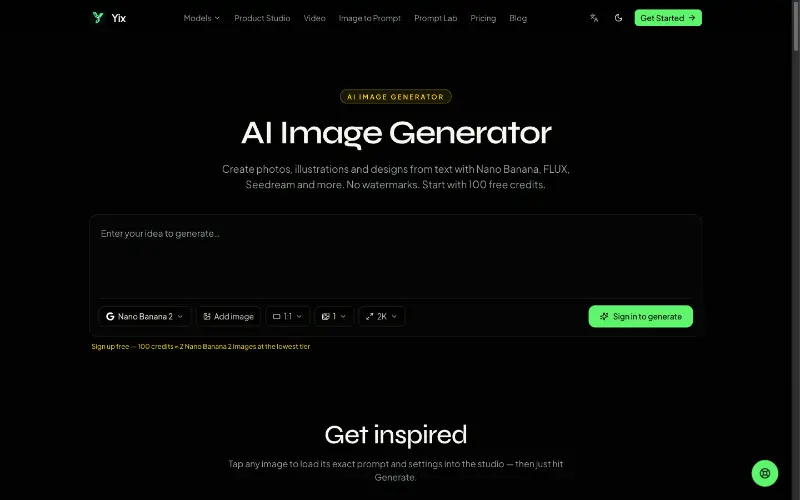 YixYix is a browser-based AI image and video studio with multiple models, reference-image workflows, free prompt tools, and credit-based pricing.AI Image Generation
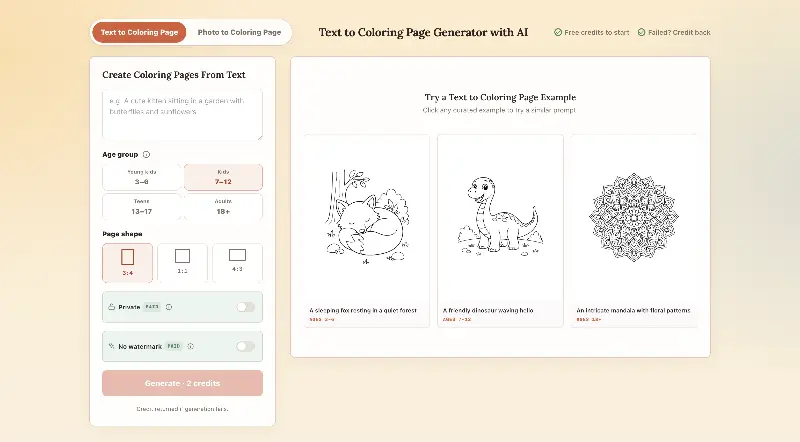 CPagesCPages turns text prompts or photos into printable coloring pages.AI Image GenerationAI Illustration ToolsAI Design Toolscoloring pagesprintable arttext to image
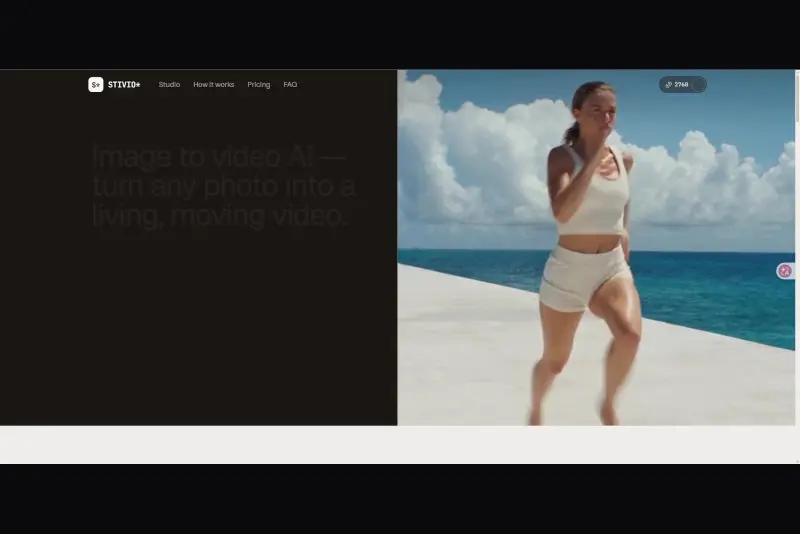 StivioStivio turns a single photo into a moving HD video. Upload an image, describe the motion in plain English, and six leading AI video models render an HD MP4 in one to five minutes.AI Video CreationAI Image GenerationAI Creation Generationimage to videoai video generatorphoto animation
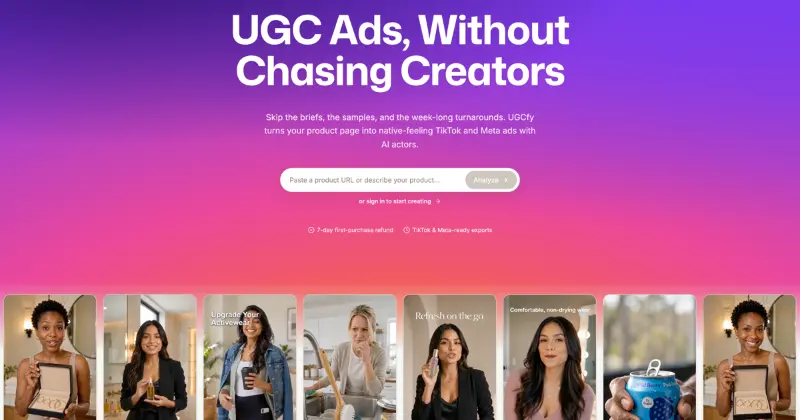 UGCfy AICreate AI-generated UGC-style video ads from product links, with scripts, hooks, AI actors, captions, and export-ready formats.5.0(1 reviews)AI Video CreationAI Marketing ToolsAI Content Generationugc adsai video adsecommerce marketing
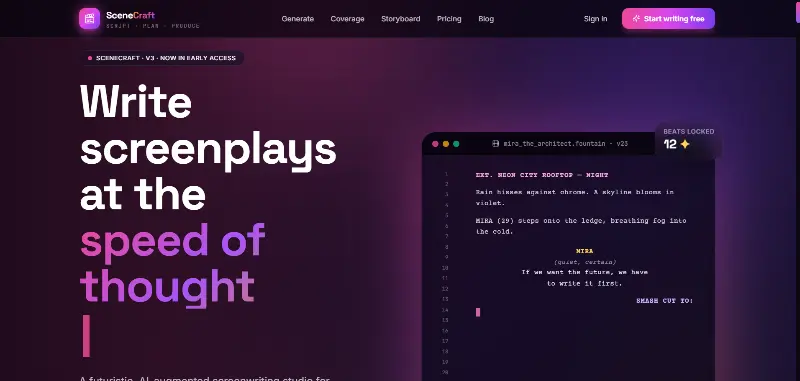 SceneCraft - AISceneCraft is an AI screenwriting studio. Generate full screenplays from an idea, get instant AI script coverage, and turn scenes into storyboards or full comic pages — all in industry-standard format, in 100+ languages. Built for screenwriters, showrunners, and indie filmmakers who want to move from idea to pre-production without switching tools.5.0(1 reviews)AI Image GenerationAI Text WritingAI StorytellingTurn any scene into a comic pagepanel by panel.
 OpuslyOpusly is an AI studio for creators — generate images and videos with auto-picked best models (Nano Banana 2, GPT-Image-2, Seedance 2.0), or use one-click scene templates like Italian Brainrot and MSPaintify. Free signup includes 30 credits.AI Image GenerationAI Video CreationAI Design Art
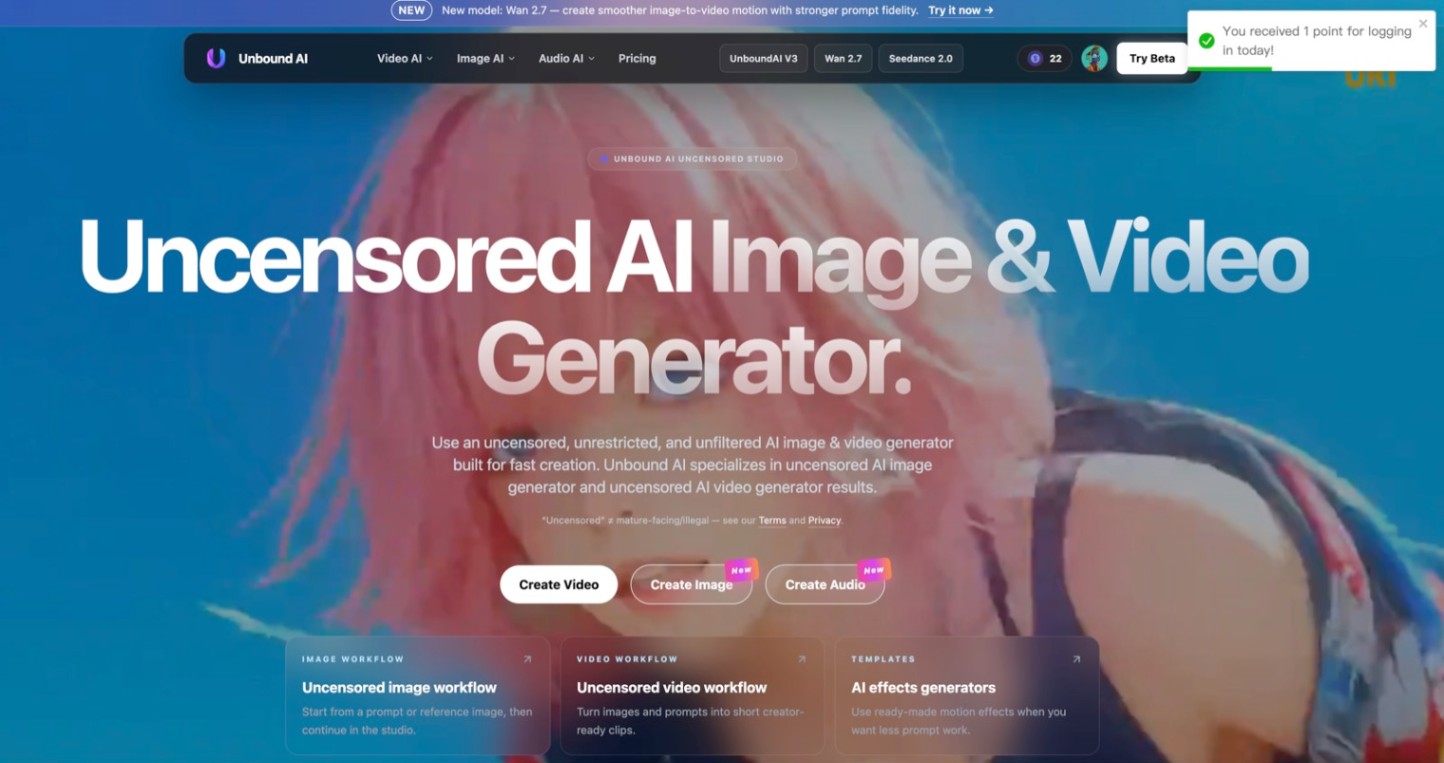 Unbound AICreate uncensored and unrestricted AI images and videos with optional music, voice, and sound effects.AI Image GenerationAI Video CreationAI Audio Tools
 ImgfreeImgfree is a free AI image and video generator that allows users to create stunning visuals from text prompts, offering unlimited access to various AI models without the need for credits.AI Image GenerationAI Video CreationAI Design Art
 Modellix.aiModellix is a MaaS (Model as a Service) platform that provides unified API access to maintream AI models, covering text-to-image, text-to-video, image-to-image, image-to-video, video editing, and more. Supported models include Nano Banana, Kling, Veo, Seedance, Seedream, Minimax, Qwen, Wanx, GPT, and others.
Whether you’re a developer building AI-powered applications or a creator producing visual content, Modellix provides the tools you need through a single API.AI Video CreationAI Marketing ToolsAI Image Generation
Modellix.aiModellix is a MaaS (Model as a Service) platform that provides unified API access to maintream AI models, covering text-to-image, text-to-video, image-to-image, image-to-video, video editing, and more. Supported models include Nano Banana, Kling, Veo, Seedance, Seedream, Minimax, Qwen, Wanx, GPT, and others.
Whether you’re a developer building AI-powered applications or a creator producing visual content, Modellix provides the tools you need through a single API.AI Video CreationAI Marketing ToolsAI Image Generation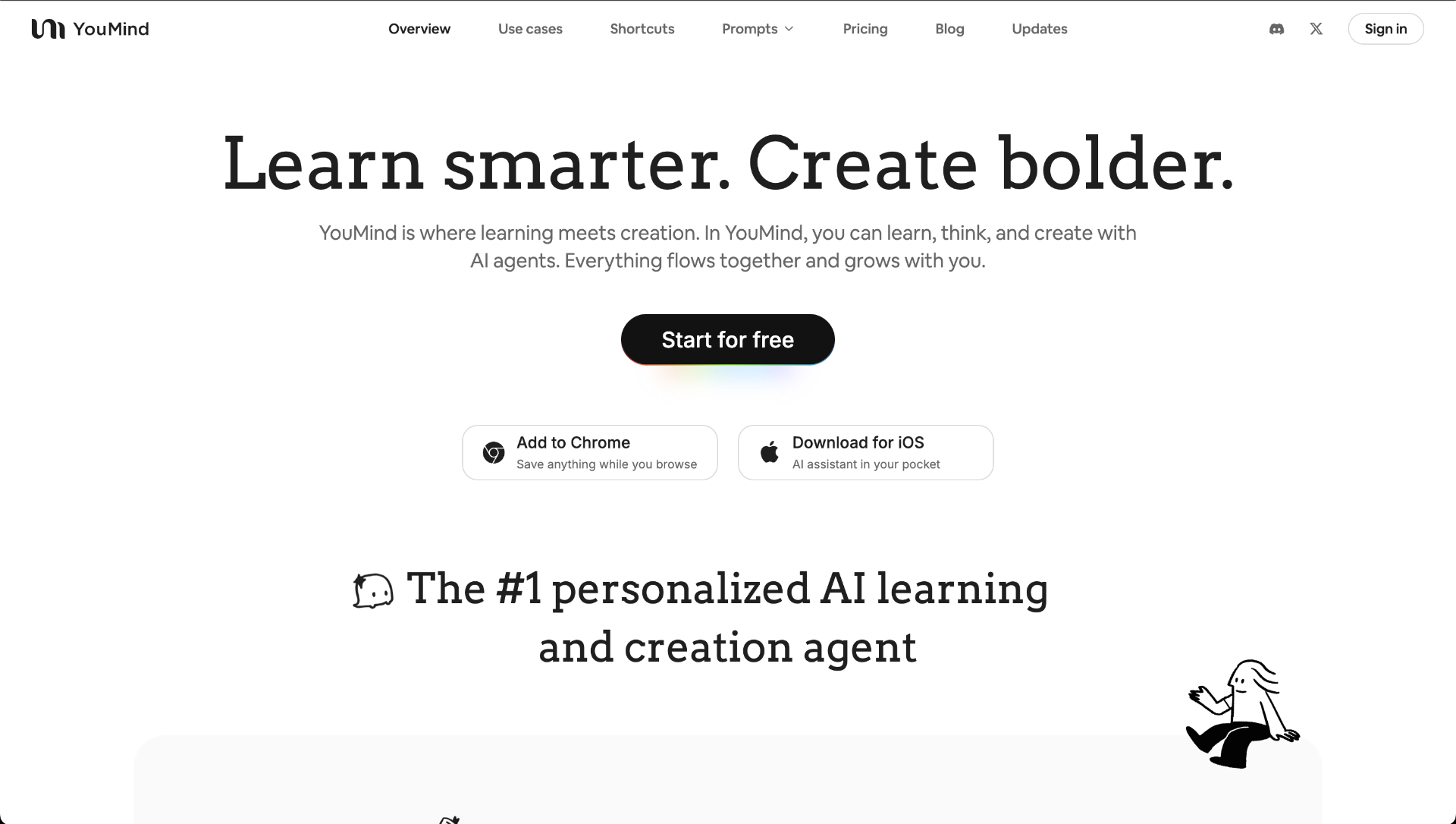 YouMindYouMind is an innovative creation agent that harnesses the power of generative AI to transform diverse materials into inspired creations.5.0(1 reviews)AI Image GenerationAI Text WritingAI Workflow
Reviews
See what the community thinks and share your experience.
—
Based on 0 ratings
Rating distribution
Community reviews
No reviews
No written reviews yet.