
Tencent Hy4 Explained: The Model That Sees and Clicks, and 5 Ways to Try It
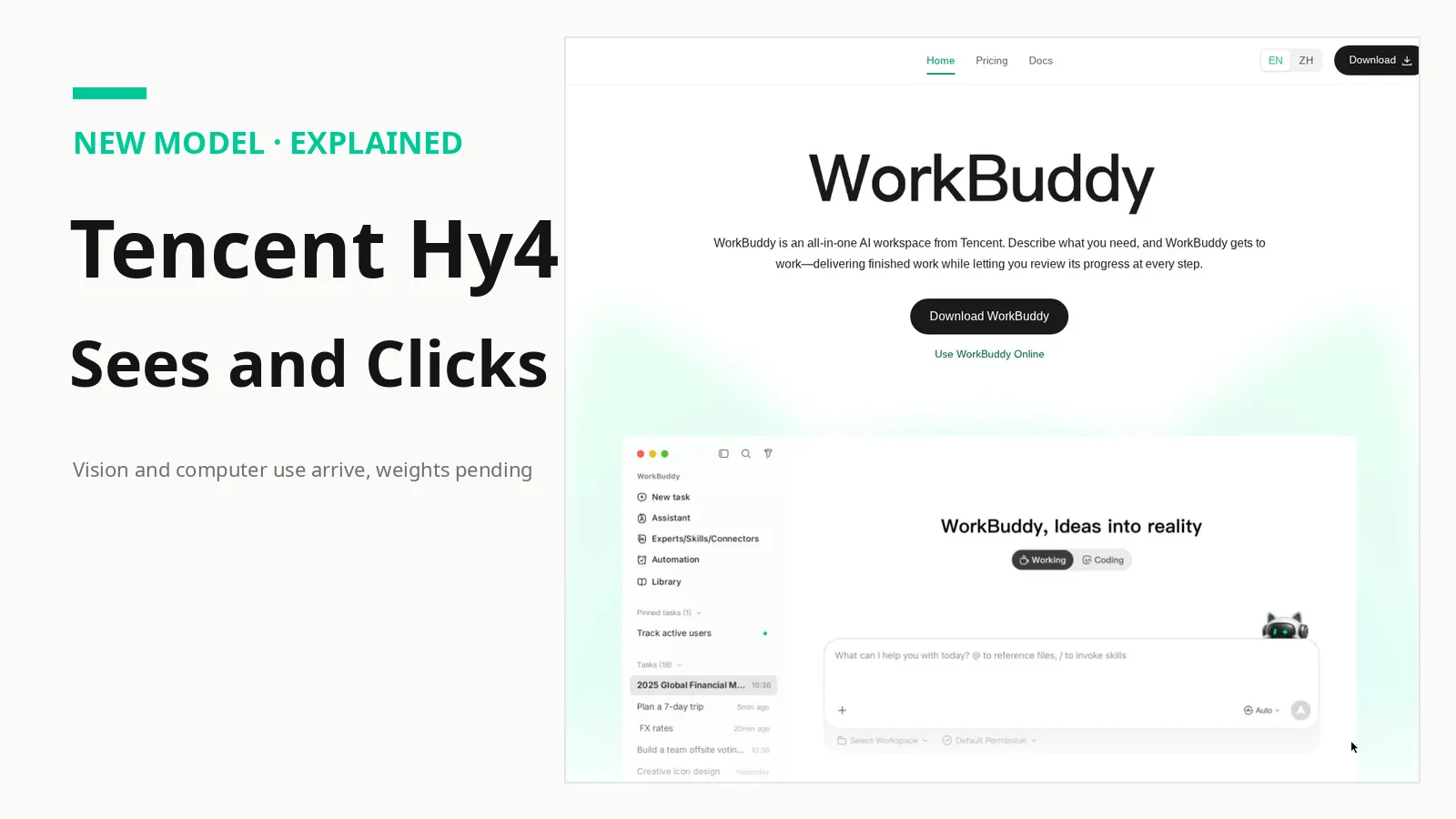
On November 4, 2026, Tencent switched on the full version of Hy4, its Hunyuan team's flagship model. Ten weeks earlier, the preview could not see an image at all. The full release adds two capabilities that change what the model is for: it can look at images, charts, and screens, and it can operate a computer through command-line tools and graphical interfaces.
That combination puts Hy4 alongside the computer-use agents from Anthropic and OpenAI, with one catch that matters more than any benchmark here: you cannot download it yet. The August preview shipped with open weights, but the full model is API-only for now, with weights and a system card promised later. Below: what changed, what Tencent's numbers do and do not prove, and five places to try Hy4.
From a text-only preview to a model that sees and clicks
Hy4 began in August 2026 as a text-only preview: a mixture-of-experts system with 770 billion total parameters, 49 billion active, a 1-million-token context window, and Apache 2.0 weights. Tencent built it for coding and office work, and flagged two weaknesses: excessive reasoning and over-verification.
The November release scales up both pre-training and post-training, according to Tencent, with reported gains in instruction following, long-document understanding, long tasks, and deep research. Vision and computer use are now part of the hosted API, not limited to Tencent's own apps: OpenRouter's listing specifies a 1,048,576-token context window, a 65,536-token completion limit, and text and image inputs.
In short: where the preview only handled typed or pasted text, the full model can work with what is on a screen, reading a chart, opening the right application, and acting on what it finds.
Vision first: what Hy4 can look at
Tencent says Hy4 can interpret fine-grained image details and complex charts, and reason across multiple images. Its demonstration case is deliberately extreme: in a 2.8-gigapixel aerial photograph, the model finds a roof fitting about two metres across. Treat that as a vendor illustration rather than a benchmark, since no public visual benchmark is attached to it. Documents, photos, screenshots, and charts thus become working material, not attachments the model merely describes.
Tencent trained Hy4 on office tasks, financial analysis, and game development, and vision is the bridge between those worlds: an analyst can point it at a chart and a spreadsheet and ask it to reconcile the two. Its game-development training data and evaluations, curated with help from developers at Tencent Interactive Entertainment Group, covered Unreal Engine, Unity, and Godot, with reported gains of 19.1 percent on its GameDev benchmark and 9.8 percent on GameLogic over the preview. Both figures are company-reported, not independently reproduced.
Vision also shows up in Tencent's finance evaluation: 213 finance professionals, including 153 experts from financial institutions, judged the model across 579 real-world tasks, and Tencent says Hy4 ranked first among open-weight models with a score of 3.04, ahead of DeepSeek-V4.1-Flash-1017 at 2.97 and Kimi K3.1 Pro and GLM-5.3 at 2.68 each. This is Tencent grading its own model on its own tasks: a useful signal about where the company thinks Hy4 is strong, not an independent verdict.
Computer use: the bigger change
Computer use is the more significant addition. Hy4 can work through the command line and on-screen applications, with specialised training on professional software such as Blender and CAD tools and on long tasks spanning several applications. Frontend work got its own optimisation pass, covering complex interactions, business logic, state management, and full-stack integration.
The benchmark Tencent chose to headline is OSWorld 2.1, a test of operating a computer. In Tencent's own table, Hy4 scores 78.9, against 81.8 for Claude Opus 5.5, 79.6 for Kimi K3.1 Pro, and 75.2 for GPT-6.1 Sol. That is the closest Hy4 gets to the frontier on any published comparison, and it is vendor-reported until independent testers run it.
One more number matters more for an agent than any leaderboard score. Tencent says its internal search evaluations showed the hallucination rate falling from 15.76 percent in the preview to 5.45 percent, with speculative errors down from 23.1 percent to 5.6 percent. A computer-use agent that invents a file path or misreads a dialog box is a liability, not a convenience, so if that improvement holds outside Tencent's test harness, it is the release's most practical gain.
The honest gap: where Tencent says Hy4 still trails
Unusually, Tencent's own post includes a section on Hy4's limits: the team writes that the model still has a significant gap to the top closed models, especially on its hardest internal tests of frontier mathematics, long software projects, model development, and advanced visual questions.
Its own chart bears that out: on Terminal Bench 4.0, Hy4 scores 44.4, against 66.4 for Claude Opus 5.5, 55.5 for GPT-6.1 Sol, and 66.8 for Kimi K3.1 Pro, and on ProgramBench it gets 30.0 to Claude's 56.5. Among open models the picture is mixed, with Hy4 ahead of DeepSeek and GLM on most of Tencent's tests but behind Kimi on several. The honest read: a strong open-weight computer-use model that is not yet a frontier model, by Tencent's own account.
Safety disclosures are also more detailed than most Chinese labs publish at launch. Tencent says it limited cybersecurity training data to defensive material, filtering out exploit development, reverse engineering, and penetration-testing material, and that red-team audits by its Xuanwu and Keen labs found no elevated offensive risk. On its own biology-lab test, Hy-BioExperimentBench, Hy4 scored 30.4 out of 100, below what Tencent calls its high-risk threshold. These are company findings, not independent audits.
Pricing and access: what it costs right now
Hy4 is available through Tencent Cloud's TokenHub, through OpenRouter, and inside Tencent's own products, at list pricing unchanged from the preview: $0.834 per million input tokens, $2.501 per million output tokens, and $0.042 per million cached input tokens. Two early-user discounts apply: a free usage quota in WorkBuddy and CodeBuddy from November 4 through November 15, and half-price TokenHub calls through December 31, 2026. OpenRouter currently lists Hy4 at $0.42 per million input and $1.25 per million output tokens.
The missing piece is the weights: Tencent plans to release them with ecosystem support from the vLLM and SGLang communities, but has given no date and no license for the full model. A cheaper, faster Hy4 Flash is also planned. Until the weights land, every route below is hosted, not a download.
Five ways to try Hy4 today
1. Yuanbao: the everyday chat route
Yuanbao is Tencent's all-in-one AI assistant and the simplest way to meet Hy4: ask questions, get writing help, and search in one chat window, on the web, mobile apps, or WeChat. Yuanbao is free, and it is the simplest first stop for testing Hy4's vision: ask it to read a chart or photo, then judge whether the answer is grounded in the picture or invented around it.
2. WorkBuddy: the office agent route
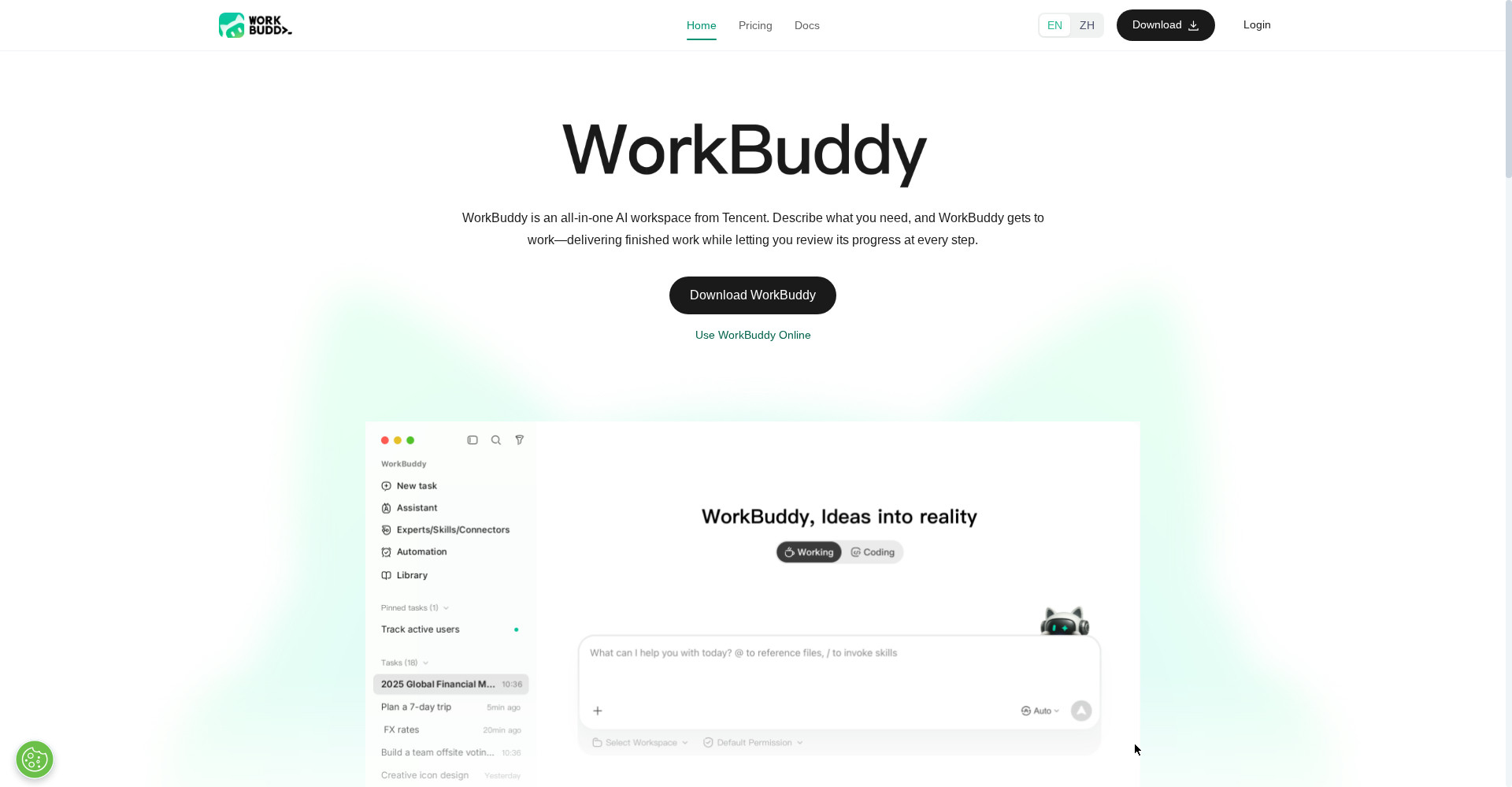
WorkBuddy is Tencent's all-in-one AI workspace for office work, and the easiest place to feel Hy4's computer use. You describe what you need in one sentence; WorkBuddy plans and executes the task, delivering finished documents, spreadsheets, presentations, or data analysis while you review its progress at every step. It can work inside folders you approve. The free plan includes 100 credits a month; Pro costs $10 a month or $96 a year. Try it on a real deliverable, such as turning meeting notes into a report.
3. CodeBuddy: the coding route
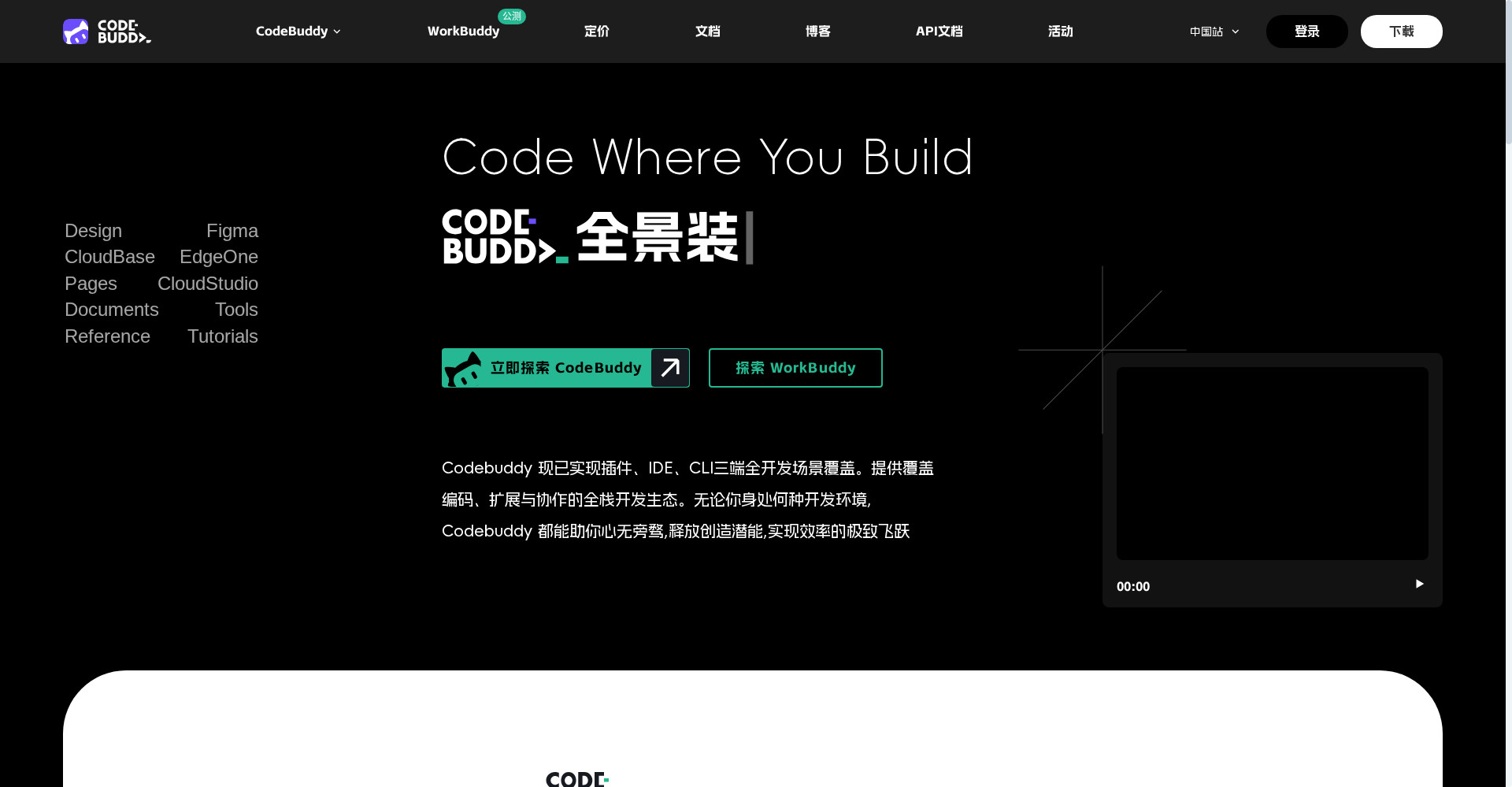
CodeBuddy is Tencent Cloud's AI coding assistant, available as an IDE and as a command-line tool. It covers the full chain from planning to deployment, with real-time completion, multi-file generation, and inline dialogue, and CodeBuddy Code runs on macOS, Linux, and Windows. It has a free plan, and Pro is listed at $10 a month or $96 a year. The revealing test is agentic: give it a multi-step job across files and watch whether it holds the whole task together.
4. ima: the knowledge-base route
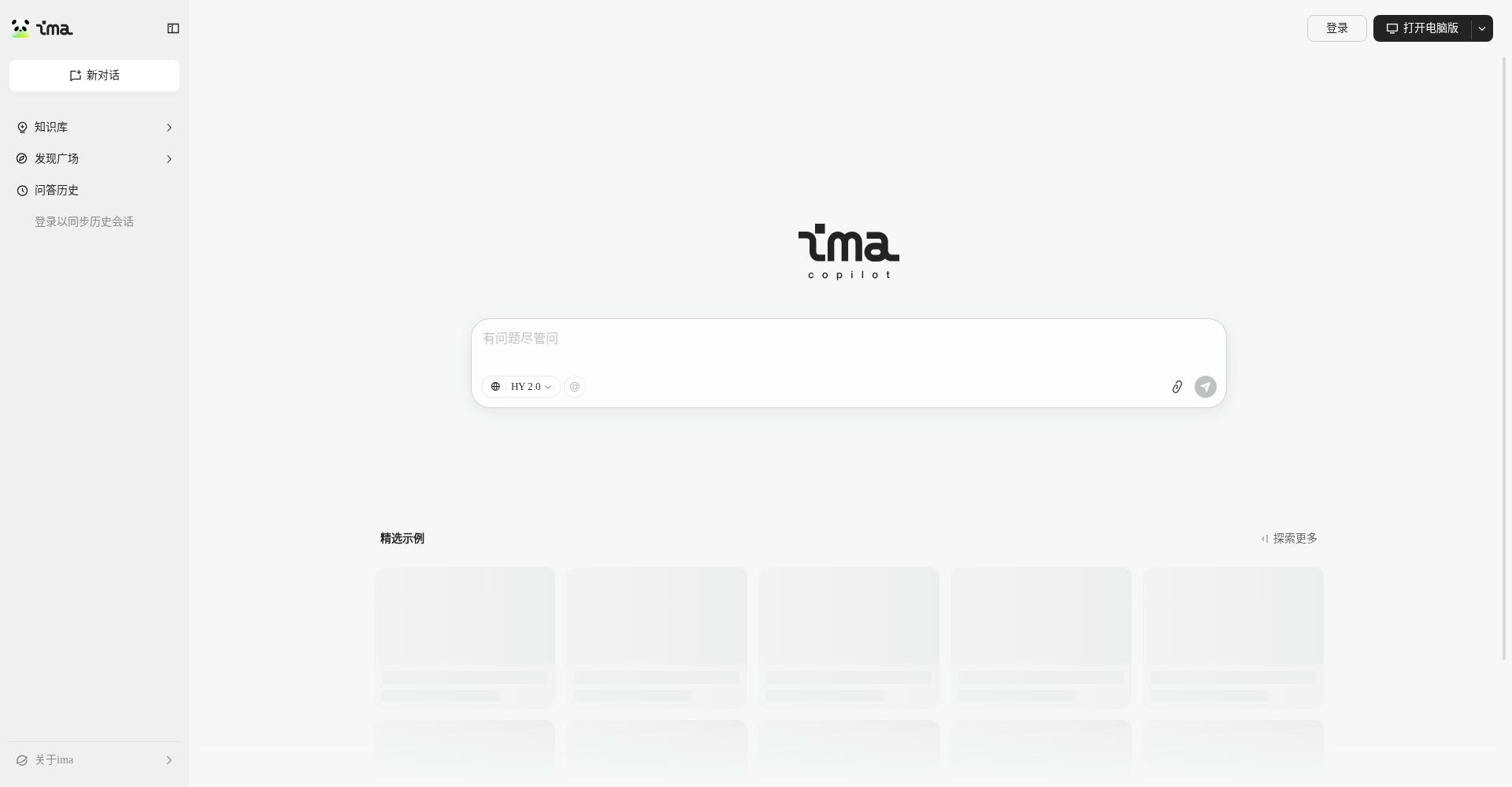
ima is Tencent's AI knowledge workspace, showing a different side of Hy4: grounded work over your own material. Save PDFs, web pages, images, audio, and WeChat articles into a personal library, then search, ask, and write from it; libraries can be shared or published publicly. ima's core knowledge-base features are free, while copilot features run on purchasable credits. Test grounding: ask something only your documents can answer, and check whether it cites the right one.
5. OpenRouter: the API route
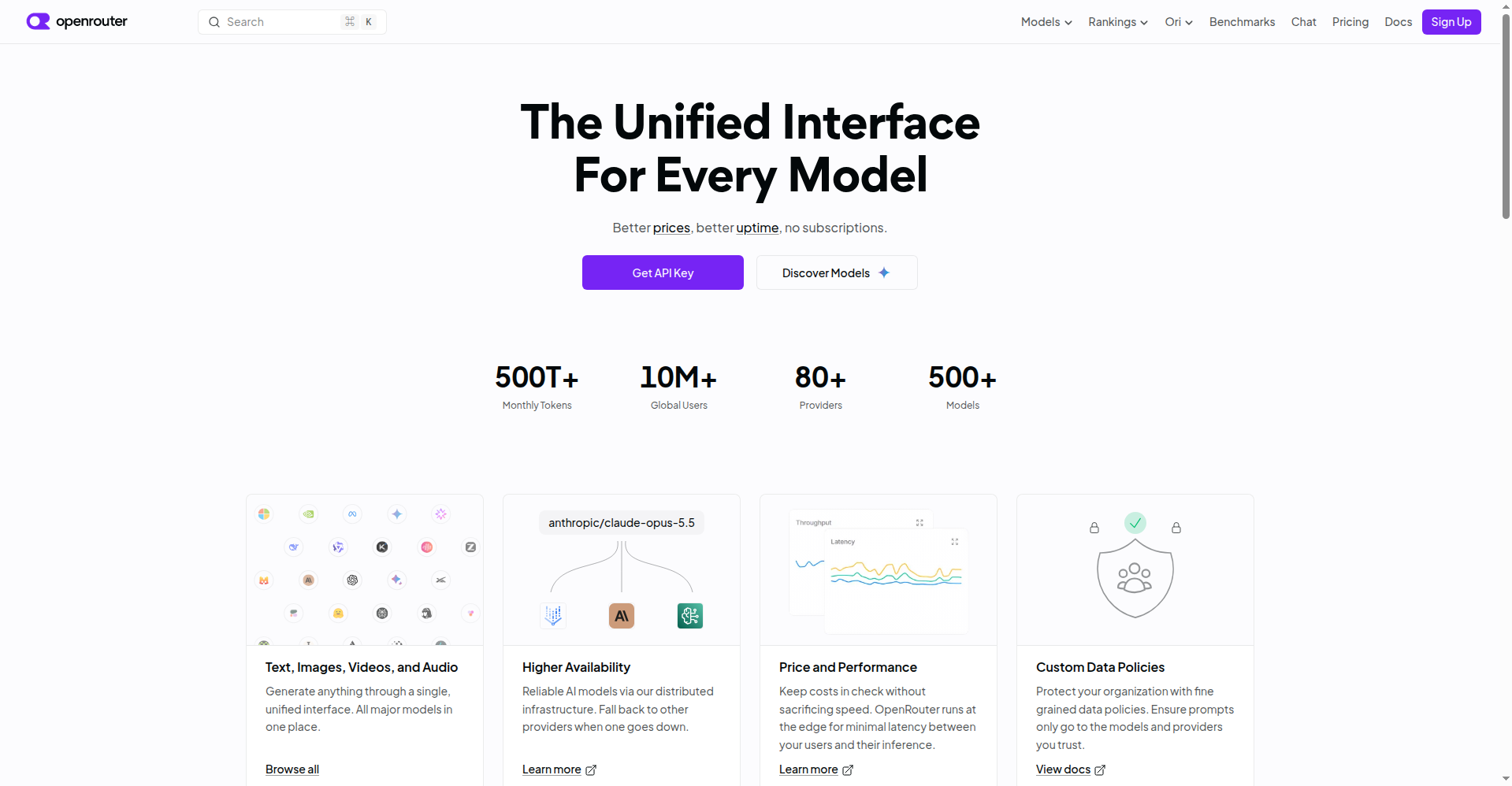
OpenRouter is the route for developers and for anyone outside Tencent's own apps. It lists Hy4 with a 1,048,576-token context window, a 65,536-token completion limit, and text and image inputs, currently priced at $0.42 per million input and $1.25 per million output tokens. Its advantage is comparison: send the same prompt to Hy4 and a rival model, including on vision tasks, and see the difference without committing to one vendor's app.
What to watch next
Three things will decide whether Hy4 matters beyond launch week: the weights, which with no date or stated license do not yet make it an open model; Hy4 Flash, which will show whether Tencent wants Hy4 in cost-sensitive workloads; and the system card, which should turn company safety claims into checkable documentation.
Until then, Hy4 is best judged as a capable, inexpensive hosted model with genuine computer-use skills and an honestly stated gap to the frontier. Try it where it is strongest: reading a screen, working across applications, and turning messy documents into finished work. And verify the output, especially when it acts on your files. That advice holds for every computer-use agent, doubly so while its headline scores are still its maker's own.
Sources
- Unite AI — unite․ai
- Mad Robot — madrobot․blog
- Startup Fortune — startupfortune․com