
Cursor vs GitHub Copilot: The $8 Editor Against the $10 Assistant
Two AI coding tools can look almost identical on a pricing page and feel completely different after a week of real work. Cursor and GitHub Copilot both offer a free tier, a cheap paid tier, and a ladder that runs to $100 or $200 a month. Both promise agents that can work across files, not just finish the line you are typing. The headline prices, however, hide the decision that matters most: whether you want a dedicated agent editor, or an assistant that lives inside the editor and the GitHub workflow you already use.
That distinction is sharper in November 2026 than it was a few months ago, because both products have changed how they charge. Cursor now sells its individual plans through a shared usage pool, and its cheapest paid plan is limited to one model family. GitHub Copilot now meters agent work in credits with a stated dollar value, while keeping code completions outside that meter.
Two different answers to the same job
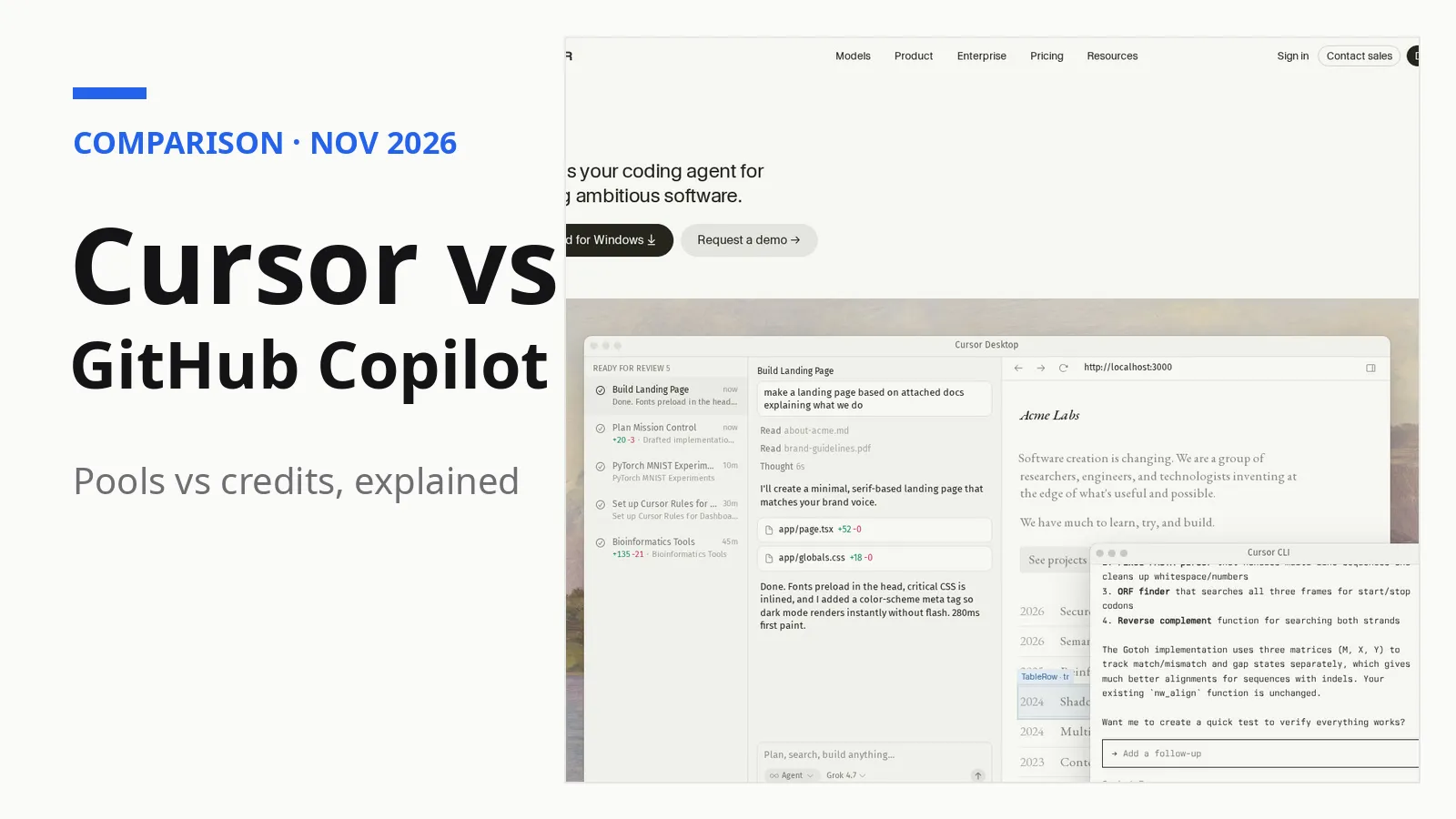
Cursor presents itself as a coding agent for building ambitious software. Its agents, according to its own homepage, use their own computers to build, test, and demo features end to end for review, and can work in parallel for hours or days. It also runs in the terminal, collaborates in Slack, and reviews pull requests in GitHub. In practice, that means Cursor asks you to centre your work in its own environment: you hand a task to an agent, watch it work across files, and review the result.
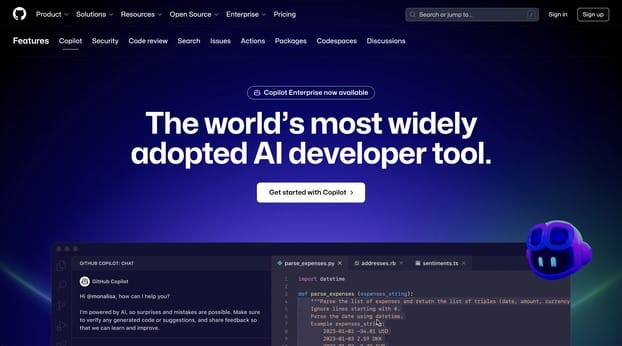
GitHub Copilot presents a different route through the same job. According to GitHub, a change can start as an issue, be picked up by an agent, return as a pull request, get reviewed, and be merged, all in the same place. Copilot is available in Visual Studio Code, Visual Studio, JetBrains IDEs, Xcode, Vim, Neovim, Zed, and Eclipse, as well as through a command-line interface, a desktop app, the web, mobile, Slack, and Teams. The pitch is continuity: you do not move your work to a new home, because Copilot follows you through the tools and the repository where the work already lives.
The price gap is smaller than the usage gap
On sticker price, Cursor looks cheaper at the entry level and GitHub Copilot looks cheaper at the next step up. Cursor's free tier offers limited agent and chat requests. Its Plus plan costs $8 a month, Premium costs $30, Super costs $100, and Ultra costs $200, with Teams starting at $30 per user a month. Copilot's free tier is also $0, while Pro costs $10 a month, Pro+ costs $39, and Max costs $100. Those numbers are taken from the two companies' own pricing pages; Cursor's page notes that its prices do not include applicable taxes or fees.
The real gap is not $8 against $10. It is how each company counts usage. Cursor describes its paid tiers as multiples of the Plus pool: Premium gives four times the Plus usage, Super gives fifteen times, and Ultra gives fifty times. The pool refreshes weekly, and it is shared across Cursor and Grok, so chat, image generation, voice, and bot use inside Grok draw from the same allowance as coding work. Cursor does not publish the Plus pool as a number of requests or a dollar amount, which makes it hard to translate those multiples into a concrete amount of work before you try the product.
Copilot, by contrast, publishes its allowance in money. One GitHub AI Credit equals $0.01. Pro includes $15 of credits a month, made up of a $10 base allotment and a $5 flexible allotment. Pro+ includes $70 a month, and Max includes $200 a month. Agent mode, code review, Copilot in the cloud, the Copilot command-line tool, and the Copilot app consume credits, and the cost of an interaction depends on the model chosen and the complexity of the task. Code completions and next-edit suggestions do not use credits, and they remain unlimited on every paid plan. Copilot's free tier is limited to 2,000 completions a month, with limited chat and agent usage.
Put side by side, the two systems reward different behaviour. Copilot gives you a number you can budget against, but a frontier-model agent session can burn through it faster than a short chat. Cursor gives you a relative ladder and a weekly reset, which is forgiving if you have one heavy day, but opaque if you want to know exactly how much work $30 buys. A developer who mainly wants completions plus occasional agent help gets a clearer deal from Copilot Pro. A developer who wants frequent agent runs and does not mind a relative allowance may find Cursor's weekly rhythm easier to live with.
| Cursor | GitHub Copilot | |
|---|---|---|
| Free tier | $0, limited agent and chat requests | $0, 2,000 completions a month, limited chat and agent usage |
| Entry paid plan | Plus, $8 a month | Pro, $10 a month |
| Mid paid plan | Premium, $30 a month, 4x the Plus pool | Pro+, $39 a month, $70 of AI credits |
| Top individual plan | Ultra, $200 a month, 50x the Plus pool | Max, $100 a month, $200 of AI credits |
| How agent usage is counted | Weekly shared pool, described as multiples of Plus | Monthly AI credits, 1 credit equals $0.01 |
| Completions | Not separated out as a free, unlimited allowance on paid plans | Unlimited on paid plans, and outside the credit meter |
Models, and the restriction hiding in the cheapest plan
Model choice is where the $8 Cursor plan needs a careful read. Cursor's pricing page states plainly that only Grok models are available on Plus. Premium and above add third-party models, but those models are billed separately at their API list price and are not included in the monthly plan price. Cursor's homepage says users can choose between models from OpenAI, Anthropic, Gemini, SpaceX AI, and Cursor, but that breadth is not what the cheapest plan buys. If your workflow depends on a particular model from another lab, Plus is not the plan that gives it to you, and the real monthly cost will be the plan price plus whatever you spend on third-party model usage.
Copilot takes the opposite approach to model access. Its plans page says model options may vary by feature, and that agent mode, code review, coding agent, command-line use, and chat use credits, with usage varying by model. Pro+ is described as the plan for more complex development with premium models, while Max is aimed at sustained, high-volume agent workflows.
The fine print that changes the bill
Two pieces of fine print deserve attention before either subscription is treated as a fixed monthly cost. First, flexible allowances can move. GitHub states that the flexible part of its credit allotment may change over time, so the $15, $70, and $200 totals should be read as the current published allowance, not a permanent contract. Cursor's prices are also subject to change, and its third-party model usage is explicitly excluded from the monthly prices shown. Neither product is selling a truly all-inclusive agent service at its headline price, except in the narrow sense that Copilot's completions are unlimited on paid plans.
Second, privacy handling differs. Cursor's pricing FAQ says privacy mode can be enabled in settings or by a team administrator, and that when it is enabled, code data is not used for training by Cursor or its model providers. GitHub's FAQ says that for individual subscribers, it may use Copilot interaction data, including prompts, suggestions, and code snippets from Copilot sessions, to train and improve its models, but that individual subscribers can opt out at any time through their Copilot settings, and that opting out does not affect access to Copilot features. Teams with strict code-handling rules should check the current settings for whichever tool they choose.
Because the usage pool is shared with Grok, a month in which you lean heavily on Grok chat, image generation, or voice features is also a month with less allowance left for coding agents. Copilot has no equivalent cross-product pool, so its credits are spent only on Copilot features.
The choice, by the work you do most
Choose GitHub Copilot Pro if you already live in Visual Studio Code or another supported editor, work mostly inside GitHub, and want unlimited completions plus a stated dollar allowance for occasional agent work. At $10 a month, it is the lower-friction way to add an agent to a workflow you do not want to rebuild, and the credit system makes it easy to see when agent use, rather than typing help, is driving your bill.
Choose Cursor Plus if $8 is your ceiling and you are happy working with Grok models inside Cursor's editor and agent environment. Treat it as an introductory plan, not a full model menu: the moment you need another lab's model, the cost model changes. Choose Cursor Premium, at $30, if you want cloud agents, automated code reviews, and a larger weekly pool, and you are comfortable paying separately for third-party models at API rates.
For heavy agent use, the $100 tiers are not directly comparable, and that is the point. Cursor Super offers fifteen times the Plus pool, but without a published dollar size for that pool, while Copilot Max offers $200 of credits a month. A team that runs agents every day should trial both on the same real task and measure how much of each allowance a finished pull request actually consumes before committing.
Sources
- Cursor official pricing — cursor․com
- GitHub Copilot plans and pricing — github․com
- Cursor official homepage — cursor․com