GitHub Copilot
GitHub is where people build software. More than 100 million people use GitHub to discover, fork, and contribute to over 420 million projects.
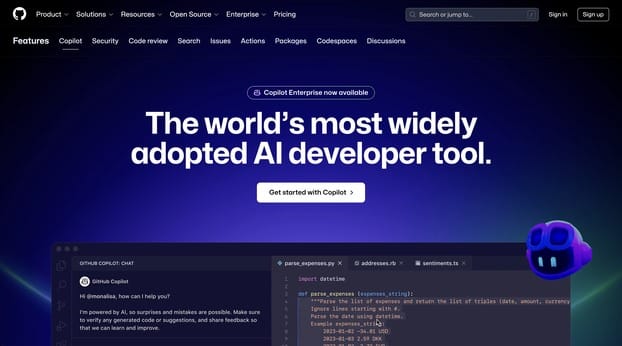
Product screenshot
Overview
What is GitHub Copilot?
GitHub Copilot: Your AI Pair Programmer
GitHub Copilot is an AI-driven tool designed to enhance the developer experience by providing real-time code suggestions and assistance throughout the software development lifecycle. Backed by leading AI technologies from GitHub, OpenAI, and Microsoft, Copilot is the world's most widely adopted AI developer tool, used by millions of individual users and tens of thousands of businesses.
Key Features
- Code Completion: Suggests code completions as developers type, based on the context and style conventions of the project.
- Chat Assistance: Offers interactive chat capabilities within IDEs and GitHub.com to assist with coding questions and explanations.
- Security Filters: Includes mechanisms to block or notify users of insecure coding patterns and potential vulnerabilities.
- Customization: Available for businesses to customize Copilot to their organization's needs, including fine-tuned models for code completion.
Main Use Cases
GitHub Copilot is ideal for a wide range of developers, from individual contributors to large organizations. It accelerates the pace of software development by increasing developer productivity and efficiency. Use cases include:
- Faster Coding: Copilot helps developers write code faster by suggesting lines of code or entire functions.
- Learning and Exploring: Developers can learn new languages, frameworks, or APIs by seeing how Copilot suggests implementations.
- Debugging and Security: Copilot assists in identifying and fixing common coding errors and security vulnerabilities.
User Experience
Users report increased satisfaction with their jobs and productivity, with studies showing up to a 55% increase in coding speed without sacrificing quality. Companies like Duolingo and Figma have seen significant improvements in developer speed and efficiency after adopting GitHub Copilot.
How to Use
- Install the Extension: GitHub Copilot is available as an extension for Visual Studio Code, Visual Studio, JetBrains IDEs, and Neovim.
- Enable Copilot: Once installed, enable Copilot in your IDE settings.
- Start Coding: As you type, Copilot will suggest code completions. Accept suggestions by pressing the tab key.
- Chat for Assistance: Use the chat feature within your IDE or on GitHub.com to ask questions and get coding assistance.
Pricing
GitHub Copilot offers several pricing plans:
- Individual: $10 USD per month or $100 USD per year, with a free trial available.
- Business: $19 USD per user per month.
- Enterprise: $39 USD per user per month, offering advanced customization and integration features.
Potential Limitations
- Quality of Suggestions: The accuracy of suggestions can vary depending on the language and the volume of training data available.
- Learning Curve: Users need to understand how to effectively use AI suggestions without compromising code quality or security.
- Privacy Concerns: While GitHub Copilot processes personal data, it adheres to strict privacy policies and does not use customer data to train its models.
GitHub Copilot is continuously evolving, with new features and improvements aimed at making developers more productive and the software development process more efficient.
Platforms and languages
GitHub Copilot Availability
Platforms
Languages
Compare similar tools
GitHub Copilot Alternatives
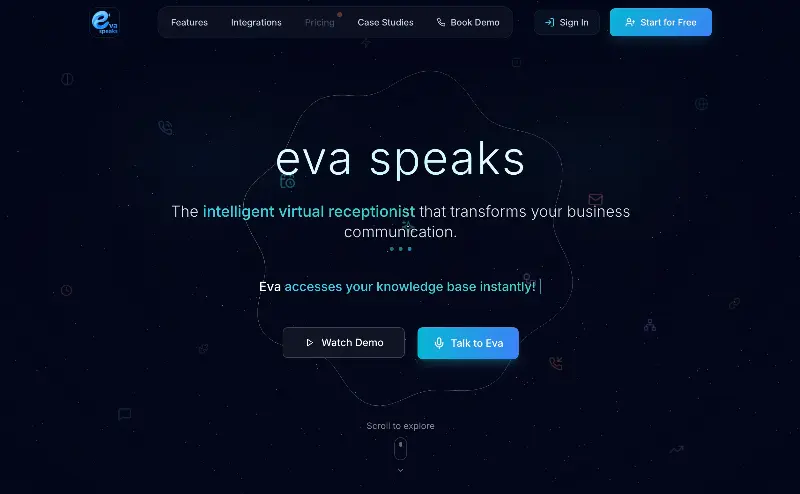 EvaSpeaksEvaSpeaks is an AI-powered virtual receptionist that answers calls 24/7, handles customer inquiries, schedules appointments, captures leads, and routes calls to the right team. It helps businesses improve response times, reduce missed opportunities, automate routine communication, and provide reliable customer support even outside regular business hours.5.0(1 reviews)AI Business SolutionsAI Voice RecognitionAI WorkflowAI receptionist
 LuffyAI employee that gets work done directly in Slack5.0(1 reviews)AI Productivity ToolsAI Personal AssistantsAI WorkflowAI assistantautomationworkflow
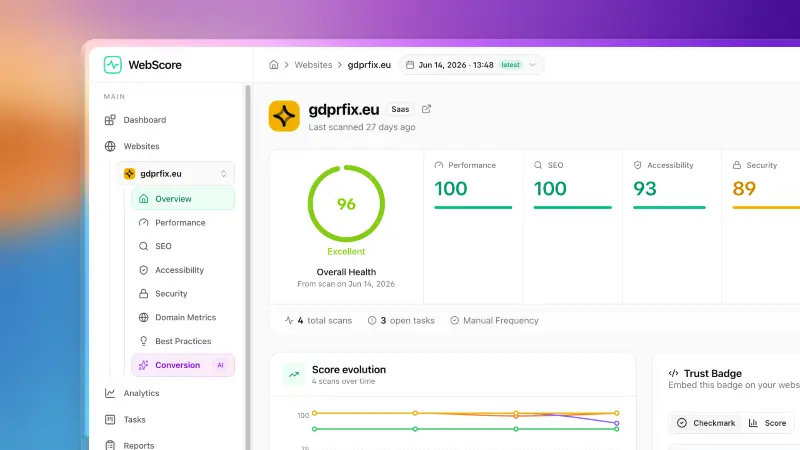 WebScore - Website audit toolWebScore audits any website across performance, SEO, accessibility, security, best practices, domain authority and an AI conversion audit — and hands you prioritized, step-by-step fixes. Now with an MCP server, so your AI (Claude, Cursor, Codex, Grok) can run the audits for you.5.0(2 reviews)AI Coding AssistantsAI Search EnginesAI Marketing Toolswebsite auditconversion auditperformance check
 OpuslyOpusly is an AI studio for creators — generate images and videos with auto-picked best models (Nano Banana 2, GPT-Image-2, Seedance 2.0), or use one-click scene templates like Italian Brainrot and MSPaintify. Free signup includes 30 credits.AI Image GenerationAI Video CreationAI Design Art
 ImgfreeImgfree is a free AI image and video generator that allows users to create stunning visuals from text prompts, offering unlimited access to various AI models without the need for credits.AI Image GenerationAI Video CreationAI Design Art
 Modellix.aiModellix is a MaaS (Model as a Service) platform that provides unified API access to maintream AI models, covering text-to-image, text-to-video, image-to-image, image-to-video, video editing, and more. Supported models include Nano Banana, Kling, Veo, Seedance, Seedream, Minimax, Qwen, Wanx, GPT, and others.
Whether you’re a developer building AI-powered applications or a creator producing visual content, Modellix provides the tools you need through a single API.AI Video CreationAI Marketing ToolsAI Image Generation
Modellix.aiModellix is a MaaS (Model as a Service) platform that provides unified API access to maintream AI models, covering text-to-image, text-to-video, image-to-image, image-to-video, video editing, and more. Supported models include Nano Banana, Kling, Veo, Seedance, Seedream, Minimax, Qwen, Wanx, GPT, and others.
Whether you’re a developer building AI-powered applications or a creator producing visual content, Modellix provides the tools you need through a single API.AI Video CreationAI Marketing ToolsAI Image Generation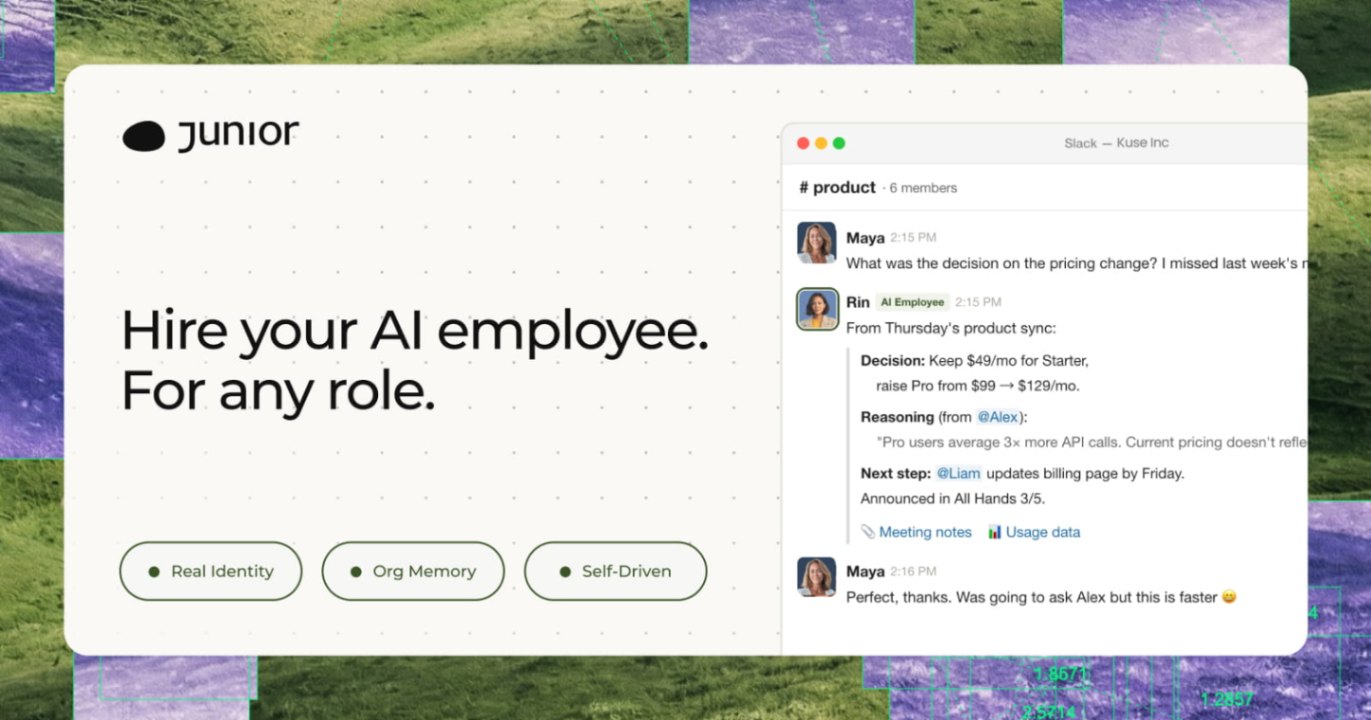 JuniorJunior is an AI employee that works inside your Slack, Teams, Lark, or Telegram. It connects to 3,000+ tools and handles sales ops, from outreach and CRM updates to follow-ups and pipeline reports. Built-in approval gates keep your team in control of every outbound action. Featured in Bloomberg, Business Insider, and LinkedIn News.AI Productivity ToolsAI Text WritingAI WorkflowAI
 YouMindYouMind is an innovative creation agent that harnesses the power of generative AI to transform diverse materials into inspired creations.5.0(1 reviews)AI Image GenerationAI Text WritingAI Workflow
 Miniflow AISeamlessly Connect Multiple AI Tools to Create Tailored Solutions — Experience Easy, No Code Automated Workflows for Everyone!5.0(1 reviews)AI WorkflowAI Productivity Tools
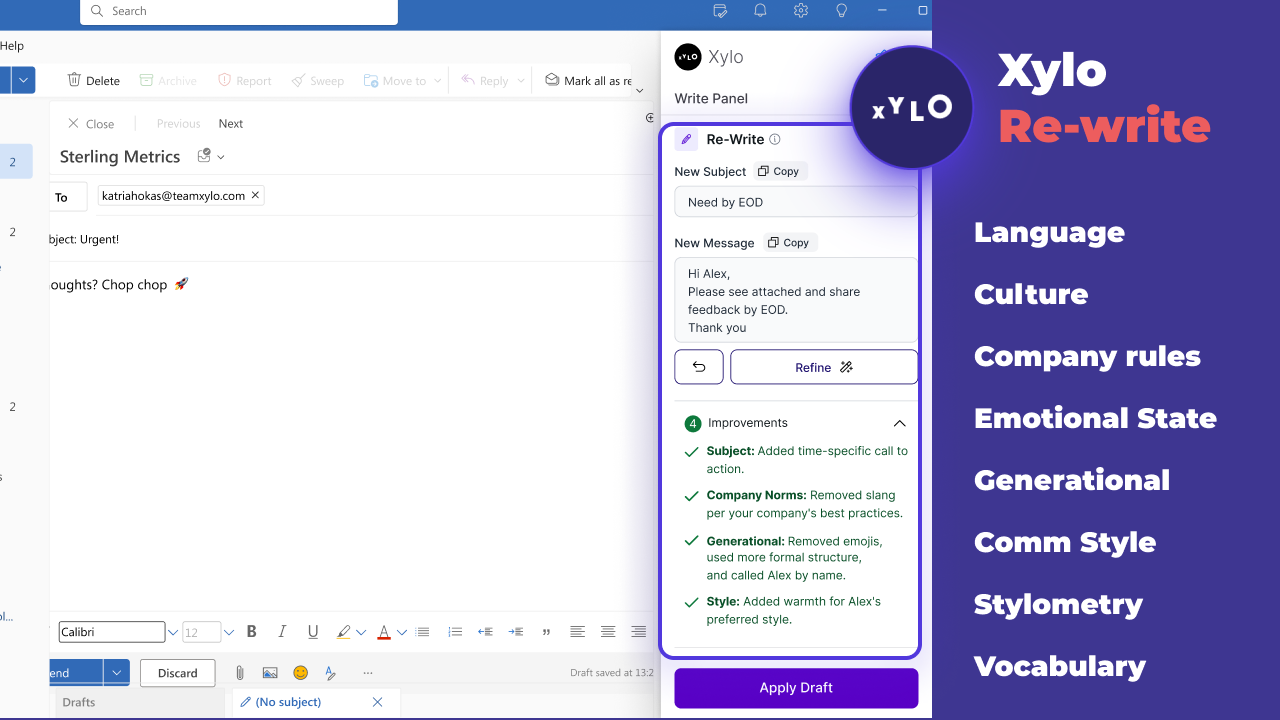 Xylo AISupporting productive working relationships and written communication with emotionally intelligent AI email assistant.AI Business SolutionsAI WorkflowAI Productivity Tools
Reviews
See what the community thinks and share your experience.
5.0
Based on 2 ratings
Rating distribution
Community reviews
No reviews
No written reviews yet.