
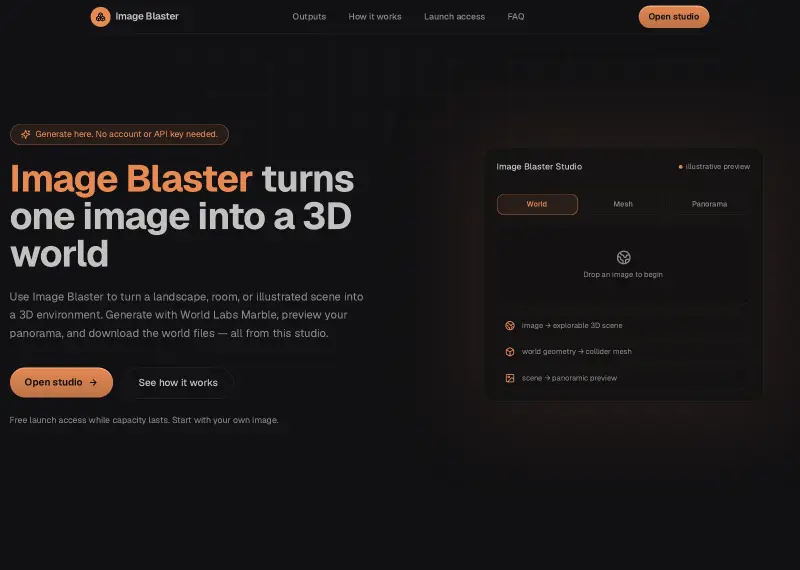
Image Blaster
Turn a scene image into a downloadable 3D world
Category
Explore 60+ ai 3d model generators for professionals, teams, and independent creators. Use them to make focused work faster with practical AI assistance. For 3d modeling workflows, compare options by features, ease of use, and pricing to find the right fit.
Explore the tools currently published in this category.
Turn a scene image into a downloadable 3D world
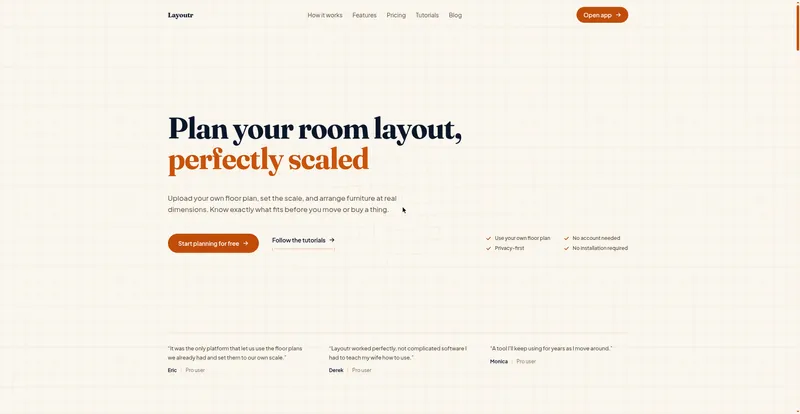
Free browser floor plan tool: upload or draw a plan, place true-size furniture, view it in 3D, and render AI interiors.
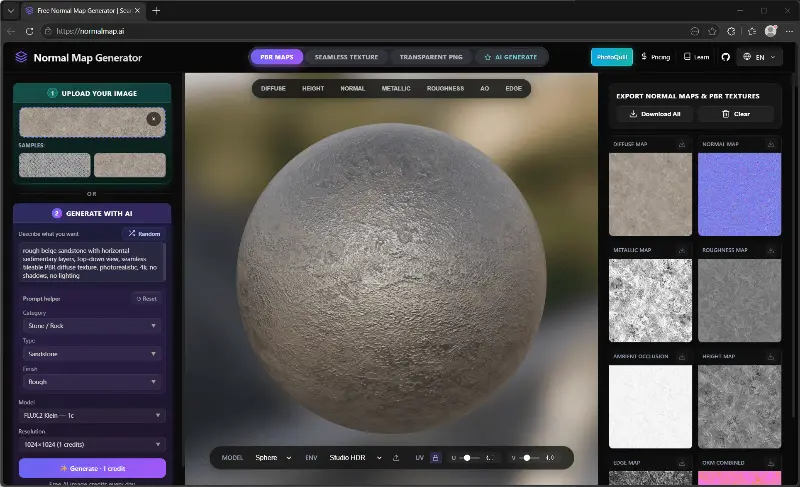
Generate normal maps and PBR textures online, free and private
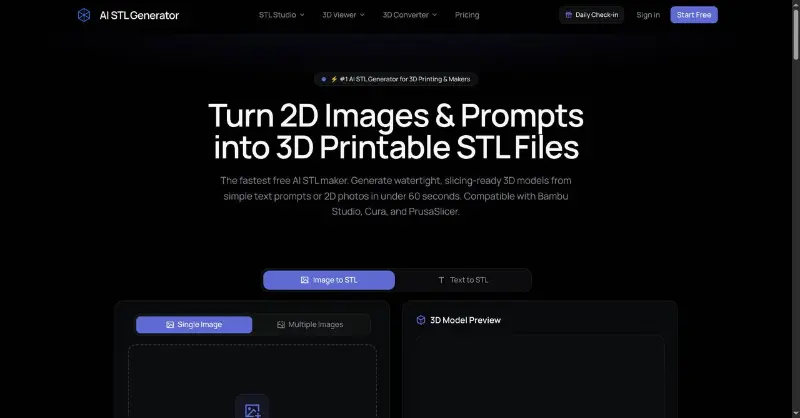
Turn Text & Images into 3D Printable STL Files
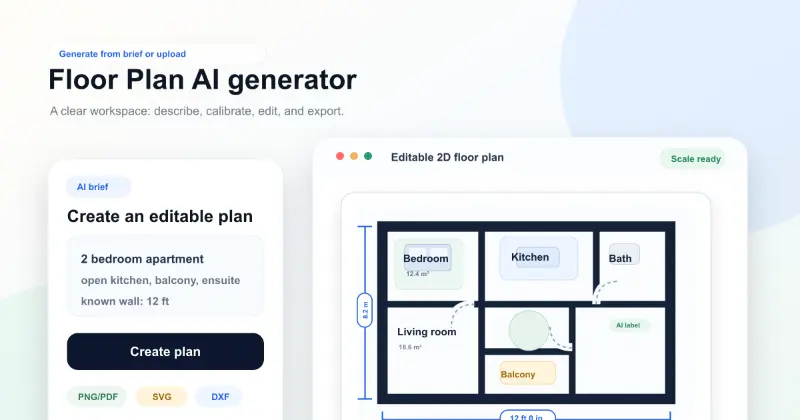
Create reviewable 2D floor plan drafts from prompts, dimensions, or reference images.
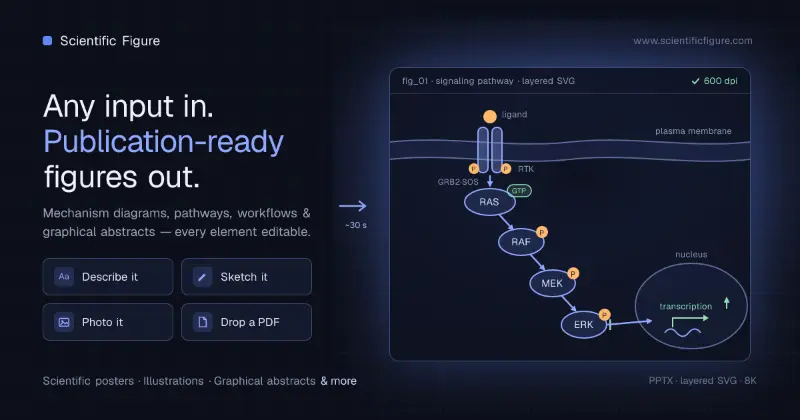
Scientific Figure — Free AI Scientific Figure Generator
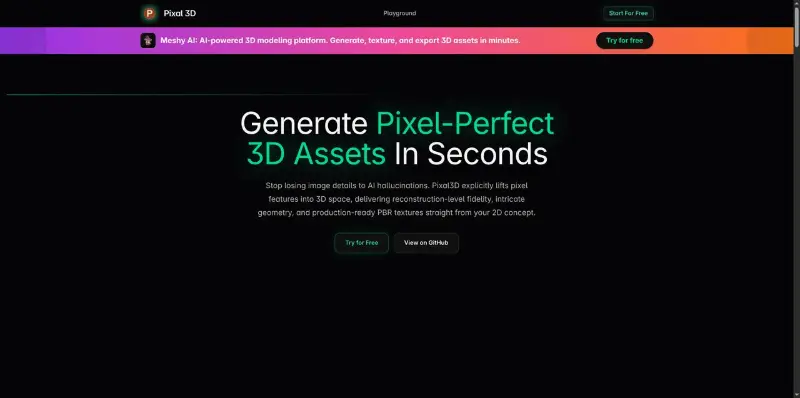
Generate pixel-perfect 3D assets from any 2D image in seconds. Open-source image-to-3D model with PBR textures and GLB export.

Virtual Element Studios is a Pune-based animation and visualization company offering 3D animation, industrial animation, product visualization, 3D modeling, AR/VR, 2D animation, and video production.

Welcome to musespark,Harness true model potential and transform every spark of inspiration into reality.
.png.webp)
Sam 3D 2.0: Turn One Image into 3D Objects, People, and Scenes
 (1).png.webp)
This tool utilizes AI to simplify the creation and rendering of 3D models and augmented reality scenes. It automates the complex technical workflows of ARCore to make immersive content accessible for mobile developers.
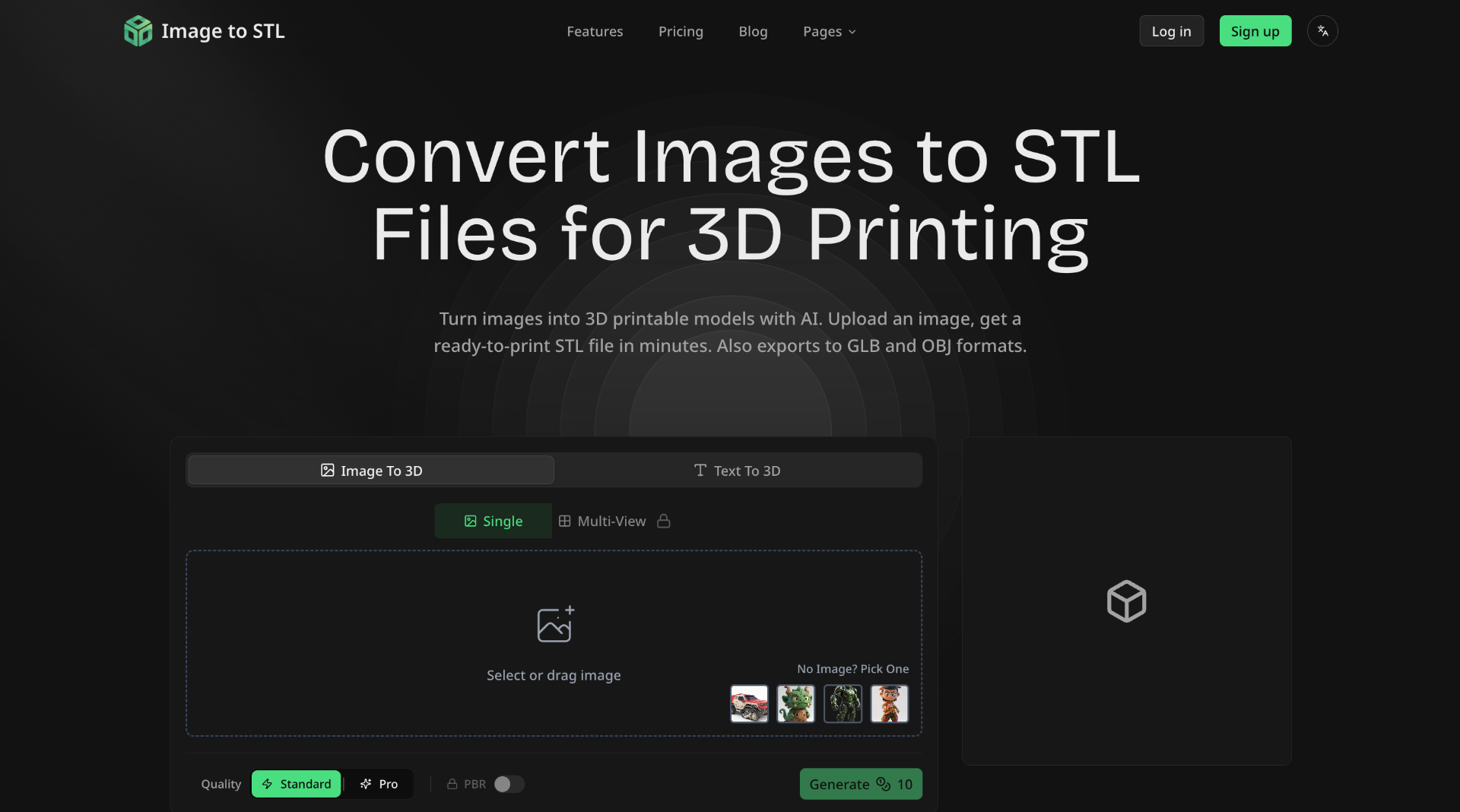
## What is Image to STL Image to STL is an AI-powered online platform that converts 2D images into 3D printable models. It allows users to upload images or describe their desired 3D model using text, and then generates a 3D mesh that can be downloaded in various formats. ## How to Use Image to STL 1. **Upload or Describe:** Upload an image (JPG, PNG, WebP) or describe what you want to create with text. 2. **AI Processing:** The AI analyzes your input and generates a 3D mesh. Choose between Standard or Pro mode. 3. **Preview & Refine:** Preview the 3D model in the interactive viewer. Rotate