AI meeting copilot that turns action items from notes into ready follow-up drafts in Gmail, Slack, CRM or calendar.
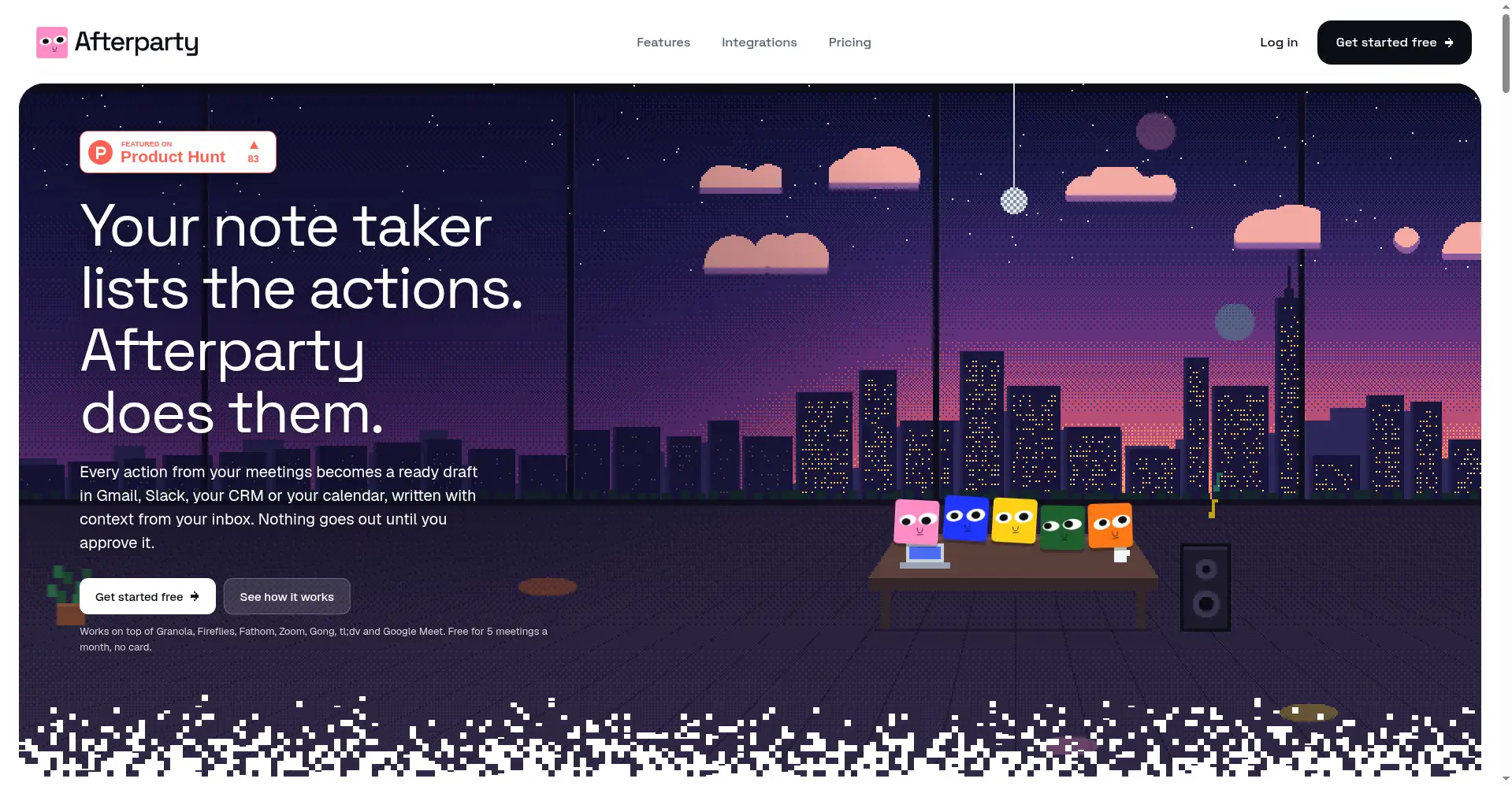
Homepage hero - your note taker lists the actions, Afterparty does them
1 / 3Overview
What is Afterparty?
Automated actions for meeting deliverables
Afterparty is an AI meeting copilot that turns the actions from your meetings into ready follow-up drafts - recap emails, Slack messages, meeting invites, and CRM updates - written with context pulled from your inbox. Every action item is routed to the right person and channel, already-done items are skipped automatically, and it asks you when information is missing. An approval inbox gives you one-click approval; nothing ever goes out without it. It learns your writing style (you can view and control the memory in settings) and works on top of your existing note-taker, auto-importing from Granola, Fireflies, Fathom, Zoom, Gong, tl;dv, and Google Meet on Pro. The free plan covers 5 meetings a month, no credit card required.
Platforms and languages
Afterparty Availability
Platforms
Languages
Capabilities
Afterparty Key Features
Action items become drafts
Every action item from your meeting notes becomes a ready follow-up draft - recap emails, Slack messages, invites, CRM updates.
Context-aware routing
Reads your email and Slack for context, routing each action item to the right person and channel.
Smart skipping & clarifying
Already-done items are skipped automatically; it asks you when information is missing.
Approval inbox
Nothing is ever sent without your one-click approval in the approval inbox.
Style memory & note-taker integrations
Learns your writing style (view and control it in settings); Pro auto-imports from Granola, Fireflies, Fathom, Zoom, Gong, tl;dv, and Google Meet.
Best for
Who uses Afterparty?
Client-facing professionals with packed calendars (consultants, sales)
Turn meeting notes into follow-up emails, Slack messages, and CRM updates with one-click approval
Plans and access
Afterparty Pricing
Freemium
Free 5 meetings/mo; Pro $29/mo
Common questions
Afterparty FAQs
Does Afterparty send emails automatically?
No. Nothing is sent until you approve it in the approval inbox.
Does it replace my meeting note-taker?
No - it works alongside your note-taking tool, not in place of it.
Do I need to connect my email and Slack?
Connecting Gmail, Outlook, and Slack is optional, but Afterparty works better with the extra context.
What language are the drafts written in?
Drafts are written in the language your meeting was conducted in.
Is my meeting data used for training or shared?
Your meeting data is visible only to you and never used to train AI. Deleting your account deletes all your data.
Reviews
See what the community thinks and share your experience.
—
Based on 0 ratings
Rating distribution
Community reviews
No reviews
No written reviews yet.