AI Image Combiner
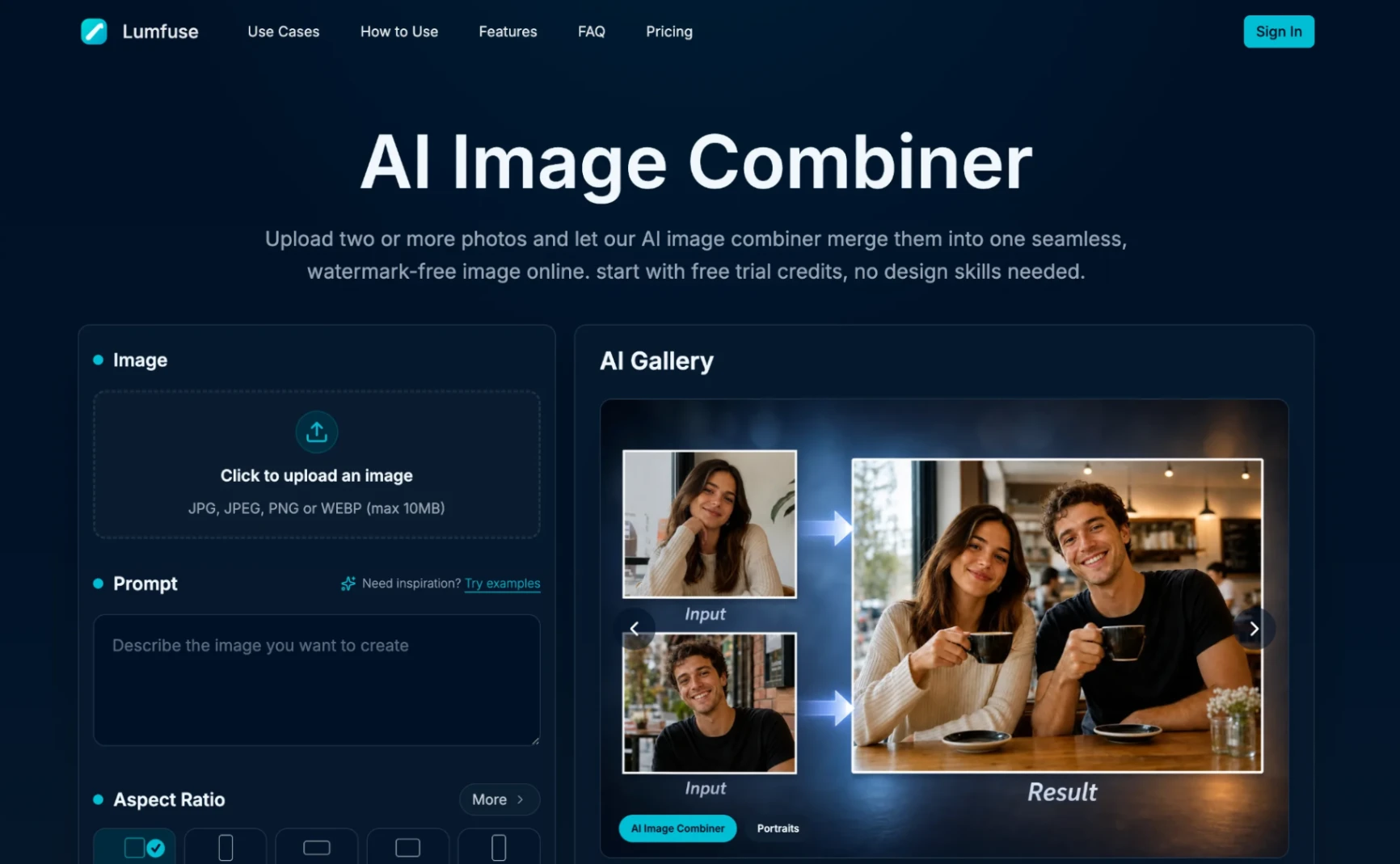
AI Image Combiner is a simple online tool that helps you merge multiple images into one natural-looking photo. It can be used for family photos, product images, pets, outfits, creative scenes, and other everyday image editing needs without Photoshop skills.
Product screenshot
Overview
What is AI Image Combiner?
AI Image Combiner Introduction
AI Image Combiner is an online AI tool for merging multiple images into one natural-looking photo. It is designed for users who want to combine people, pets, products, outfits, or different scenes without using complex photo editing software.
The tool focuses on making the final image look realistic, with better matching of lighting, colors, background, and subject placement. It can be useful for family photos, creative social media images, product visuals, profile pictures, and everyday image editing tasks.
AI Image Combiner Core Feature
- Merge multiple images into one clean final photo
- Combine people, pets, objects, products, or scenes naturally
- Match lighting, color tone, and composition automatically
- Support common image formats such as JPG, PNG, and WEBP
- Generate high-resolution output images
- No Photoshop or design skills required
AI Image Combiner Usage
Using AI Image Combiner is simple. Upload two or more images, describe how you want them to be combined, and let the AI generate a new image based on your request.
For example, you can add a missing person into a family photo, place a pet into a different scene, combine product photos for marketing, or create a more complete image from several separate pictures.
AI Image Combiner Price
AI Image Combiner provides free trial credits for new users. For users who need more generations, high-resolution results, or watermark-free images, paid plans are available.
It is suitable for casual users, creators, marketers, small businesses, and anyone who needs quick image merging without manual editing.
AI Image Combiner FAQs
What is AI Image Combiner?
AI Image Combiner is an AI-powered tool that helps users merge multiple images into one natural-looking image.
Do I need design skills?
No. The tool is made for simple everyday use and does not require Photoshop or professional editing experience.
What can I use it for?
You can use it for family photos, pet photos, product images, outfit previews, social media content, creative scenes, and more.
Does it support multiple images?
Yes. You can upload multiple images and ask the AI to combine them into one final result.
Platforms and languages
AI Image Combiner Availability
Platforms
Languages
Compare similar tools
AI Image Combiner Alternatives
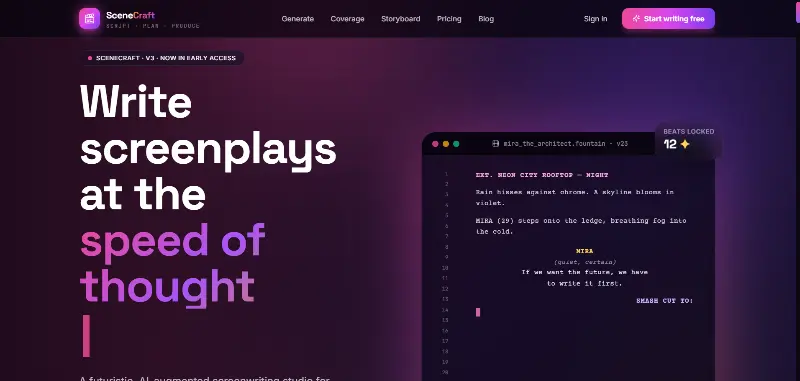 SceneCraft - AISceneCraft is an AI screenwriting studio. Generate full screenplays from an idea, get instant AI script coverage, and turn scenes into storyboards or full comic pages — all in industry-standard format, in 100+ languages. Built for screenwriters, showrunners, and indie filmmakers who want to move from idea to pre-production without switching tools.5.0(1 reviews)AI Image GenerationAI Text WritingAI StorytellingTurn any scene into a comic pagepanel by panel.
 OpuslyOpusly is an AI studio for creators — generate images and videos with auto-picked best models (Nano Banana 2, GPT-Image-2, Seedance 2.0), or use one-click scene templates like Italian Brainrot and MSPaintify. Free signup includes 30 credits.AI Image GenerationAI Video CreationAI Design Art
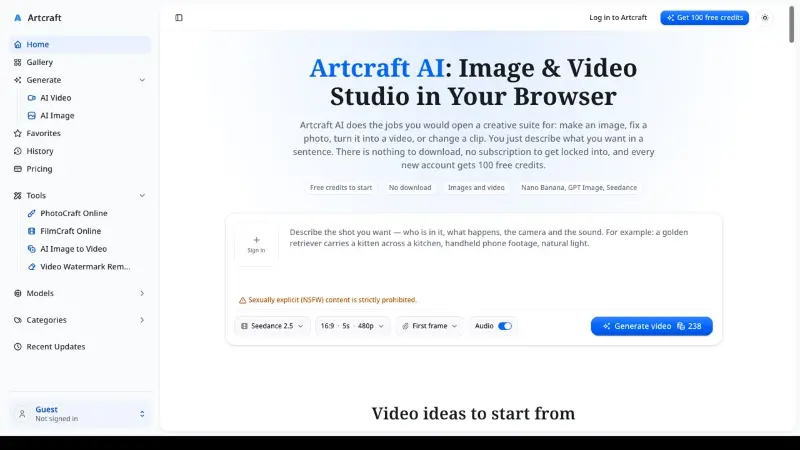
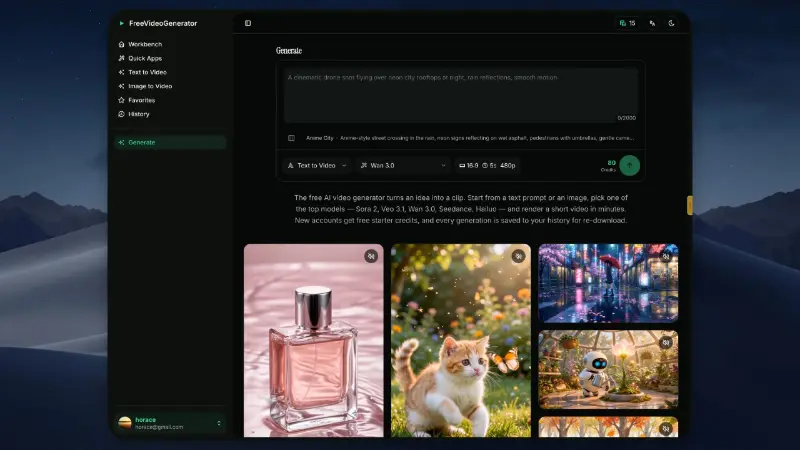
 ImgfreeImgfree is a free AI image and video generator that allows users to create stunning visuals from text prompts, offering unlimited access to various AI models without the need for credits.AI Image GenerationAI Video CreationAI Design Art
 Modellix.aiModellix is a MaaS (Model as a Service) platform that provides unified API access to maintream AI models, covering text-to-image, text-to-video, image-to-image, image-to-video, video editing, and more. Supported models include Nano Banana, Kling, Veo, Seedance, Seedream, Minimax, Qwen, Wanx, GPT, and others.
Whether you’re a developer building AI-powered applications or a creator producing visual content, Modellix provides the tools you need through a single API.AI Video CreationAI Marketing ToolsAI Image Generation
Modellix.aiModellix is a MaaS (Model as a Service) platform that provides unified API access to maintream AI models, covering text-to-image, text-to-video, image-to-image, image-to-video, video editing, and more. Supported models include Nano Banana, Kling, Veo, Seedance, Seedream, Minimax, Qwen, Wanx, GPT, and others.
Whether you’re a developer building AI-powered applications or a creator producing visual content, Modellix provides the tools you need through a single API.AI Video CreationAI Marketing ToolsAI Image Generation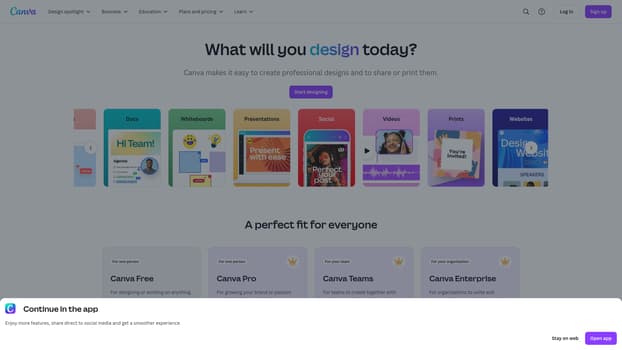 CanvaCanva is a free-to-use online graphic design tool. Use it to create social media posts, presentations, posters, videos, logos and more.5.0(1 reviews)AI Design ArtAI Productivity Toolsgraphic-designonline-designcollaboration
 만화 번역기 — manga translator만화 번역기는 만화 이미지의 텍스트를 여러 언어로 번역합니다. AI 만화 번역기는 일괄 번역, 온라인 편집기와 API를 제공합니다.AI TranslationAI Design ArtAI Productivity Tools만화 번역AI 만화 번역기OCR
 GPTImage25AI image generation, photo editing, reference-image workflows, and developer API tools in one browser-based platform.AI Creation GenerationAI Development InfrastructureAI Design Artgpt image 2.5AI image generatorAI image editor
 PixlyTurn one property photo into staged rooms, cinematic videos and social-ready transitions — with no prompts to write.AI Real Estate ToolsAI Architecture DesignAI Image Generationvirtual stagingreal estateinterior design
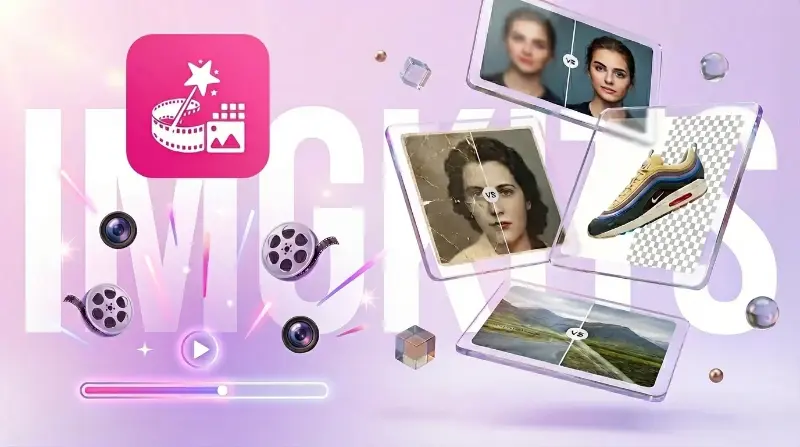 ImgkitsImgkits is an all-in-one online AI-powered image and video editing platform for removing objects, restoring photos, editing backgrounds, enhancing images, and applying creative filters.AI Design ArtAI Image GenerationAI Design Toolsimage editingphoto restorationbackground removal
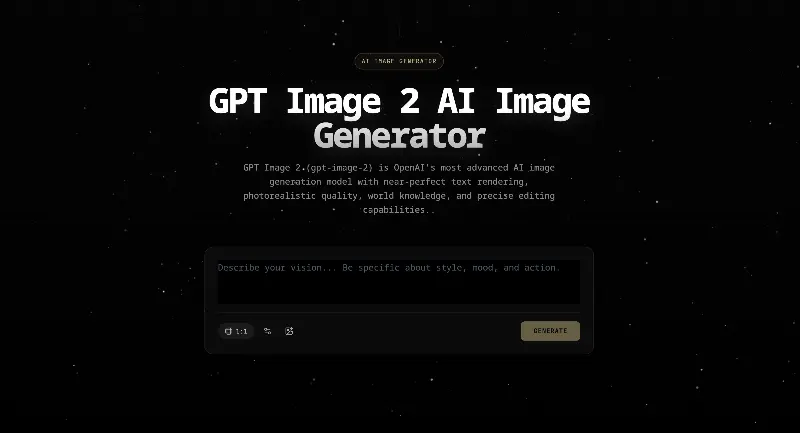 ImageGen2Generate images from text and refine existing visuals with focused prompt-based edits.AI Image GenerationAI Design ArtAI Content CreationAI image generationimage editingGPT Image 2
Reviews
See what the community thinks and share your experience.
—
Based on 0 ratings
Rating distribution
Community reviews
No reviews
No written reviews yet.