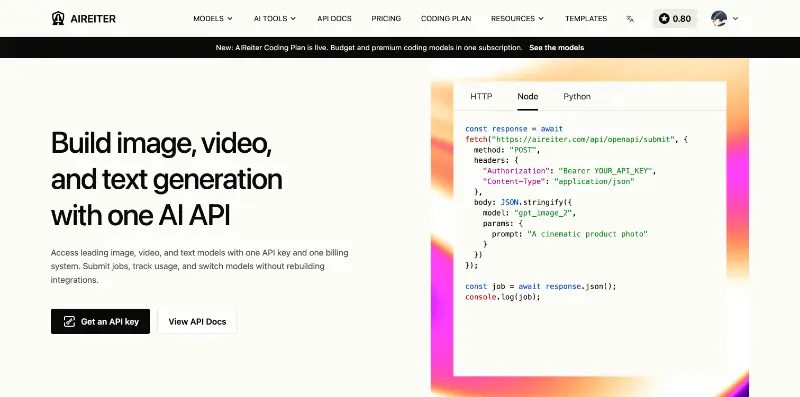
One OpenAI-compatible API for supported AI models, with live catalog pricing and usage-based billing.
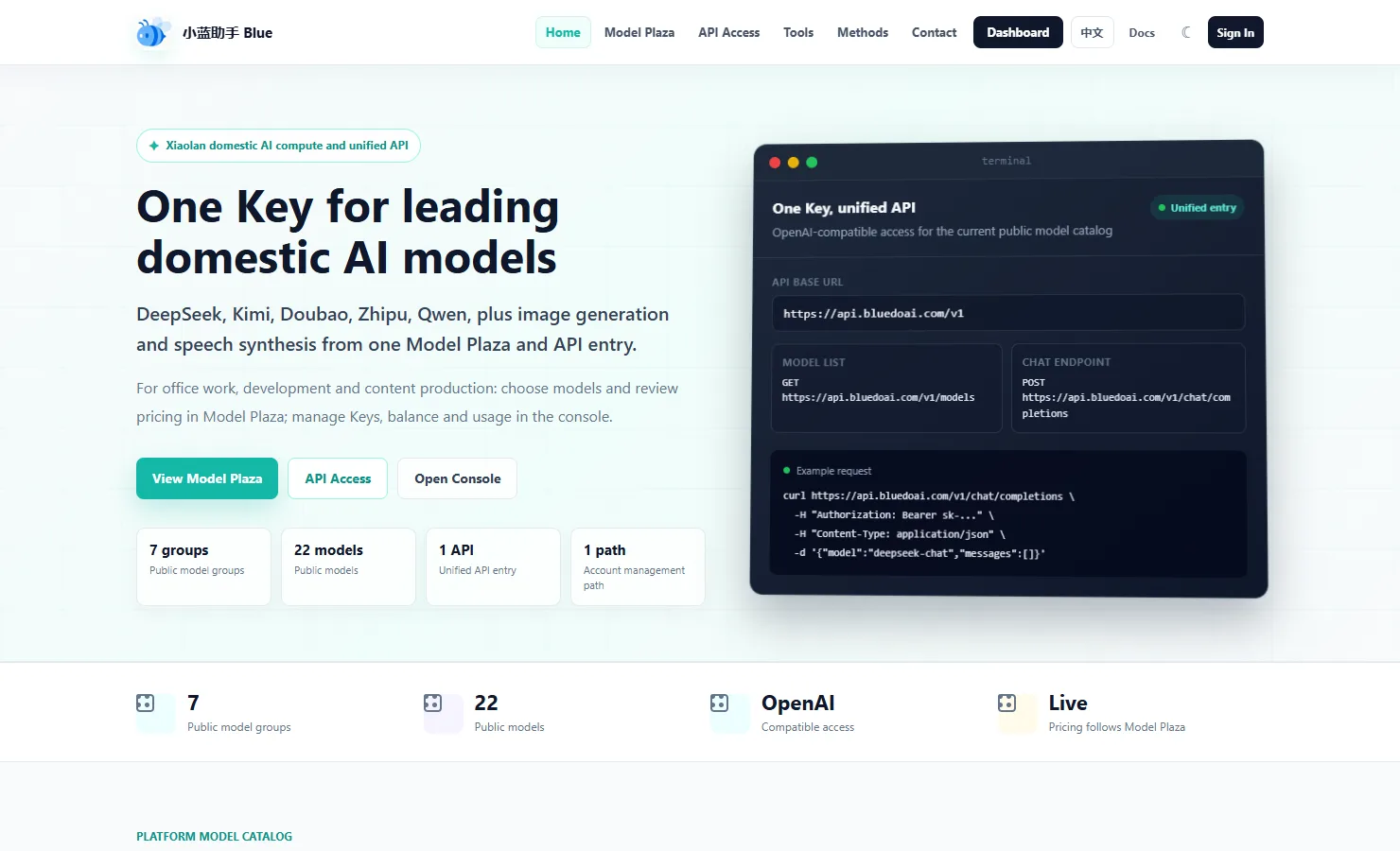
BlueDoAI English homepage and unified AI model API
1 / 2Overview
What is BlueDoAI?
One API entry to AI models with live pricing and usage tracking.
BlueDoAI
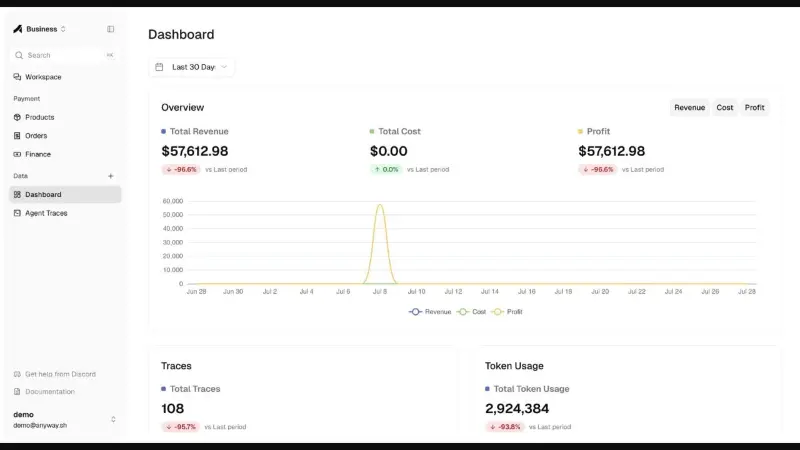
BlueDoAI gives developers and teams one API entry to AI models listed in its public catalog. Applications can use an OpenAI-compatible request format for supported models. The console provides API key management, account balance, and usage records.
Browse the current model catalog to compare available model IDs, billing units, and published rates. The API access guide explains connection details. Model availability and prices can change, so check the live catalog before use.
BlueDoAI is a paid, usage-based API service for integrating AI into applications. It provides model access and billing tools; the models in the catalog are supplied by their respective providers.
Platforms and languages
BlueDoAI Availability
Platforms
Languages
Capabilities
BlueDoAI Key Features
OpenAI-compatible API
Use a familiar OpenAI request format to connect applications to supported AI models through one API entry.
Live model catalog and pricing
Check currently available model groups and prices in the public Model Plaza before choosing a model.
API keys and usage tracking
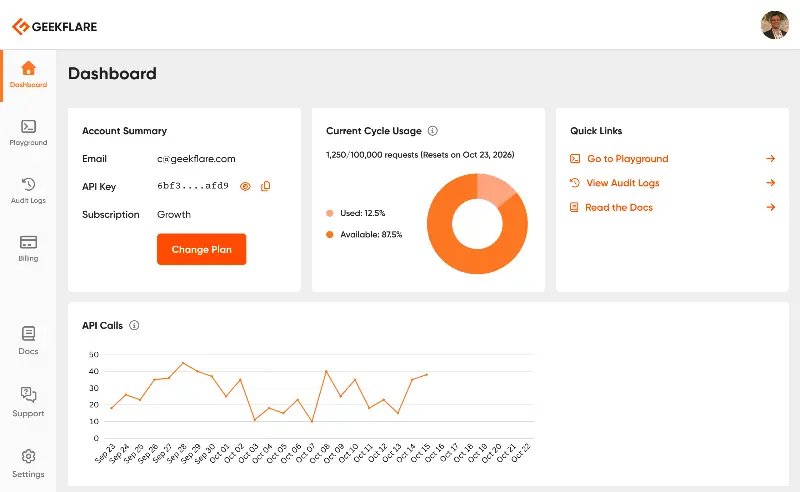
Create API keys and review balance and usage in the console for usage-based billing.
Best for
Who uses BlueDoAI?
Developers
Connect applications to supported AI models through an OpenAI-compatible API and manage access with API keys.
Teams integrating AI
Compare available model groups and pricing in Model Plaza, then monitor usage and balance in the console.
Plans and access
BlueDoAI Pricing
Paid
Paid, usage-based API access. Rates vary by model and usage unit. Check the current model catalog for available model IDs, public rates, and billing units before use.
Common questions
BlueDoAI FAQs
How is BlueDoAI billed?
BlueDoAI offers usage-based billing. Check the current price for each available model in the public Model Plaza before use.
How do I connect an application?
Create an API key in the BlueDoAI console and use the published API access details to connect a compatible application.
Compare similar tools
BlueDoAI Alternatives
Reviews
See what the community thinks and share your experience.
—
Based on 0 ratings
Rating distribution
Community reviews
No reviews
No written reviews yet.