Open-source Chromium browser with tmux-style panes, named sessions and a shell CLI so people and AI agents can browse side by side.
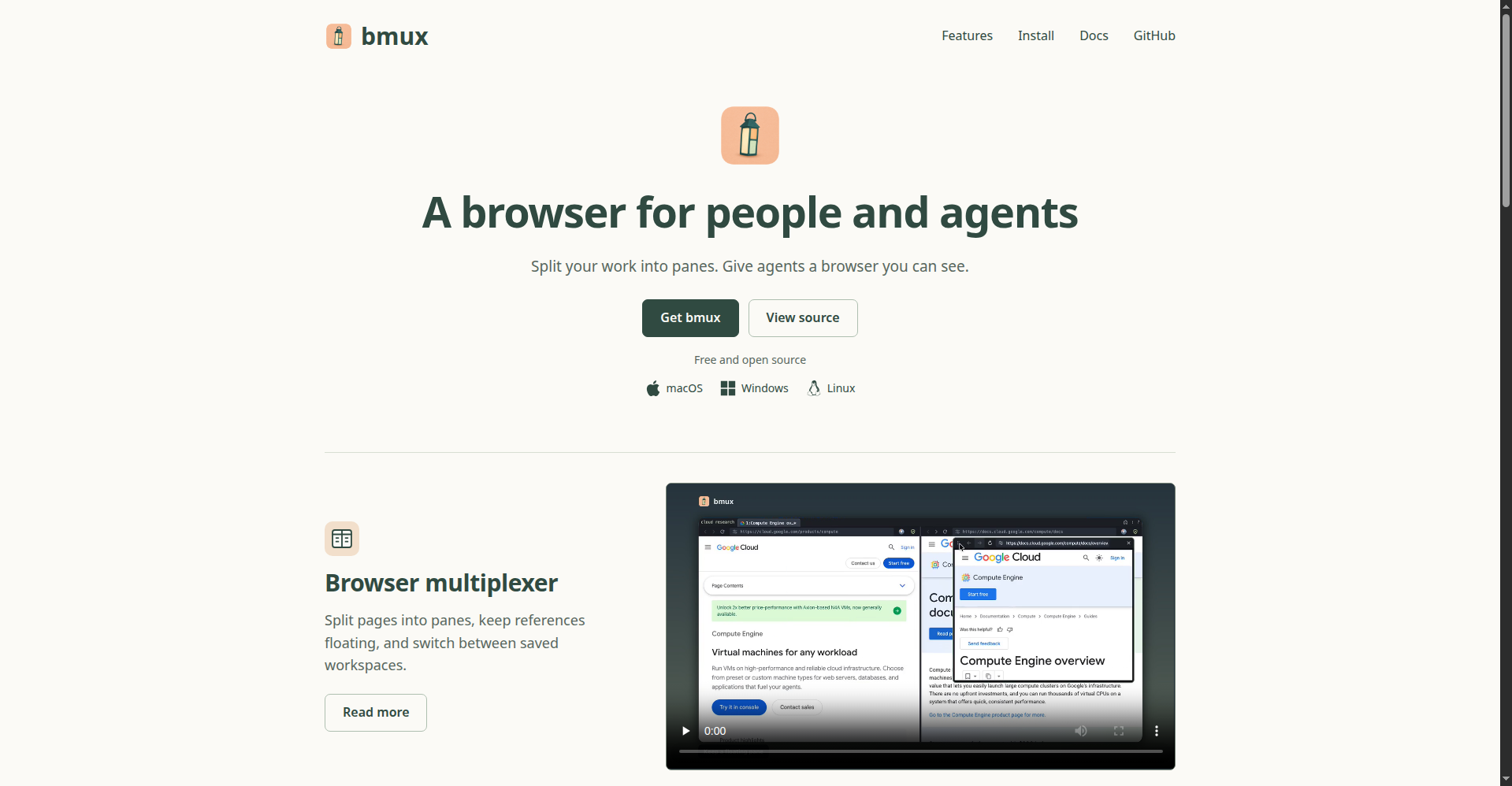
bmux homepage hero
1 / 2Overview
What is bmux?
Browser multiplexer for the agentic era
bmux is a free, open-source (GPL-3.0) Chromium-based browser built for the agentic era. It brings tmux-style workflows to the browser: split pages into panes with savable layouts, keep persistent named sessions per project or agent workflow, and isolate storage per pane with per-profile proxies. A shell CLI with JSON output lets you or your AI agent navigate, inspect the DOM, run JavaScript, click, type and screenshot specific panes without stealing focus, while mobile device simulation presets cover Pixel, Galaxy and iPhone viewports. Available for macOS, Windows and Linux; currently in early preview.
Platforms and languages
bmux Availability
Platforms
Languages
Capabilities
bmux Key Features
Browser multiplexer
Split pages into horizontal/vertical panes and floating reference panes with savable layouts, driven by tmux-style keyboard commands.
Named sessions
Persistent workspaces per project or agent workflow that keep pages running when detached and restore URLs on relaunch.
Agentic browsing
A shell CLI (JSON output) to navigate, inspect DOM, run JS, click, type and screenshot specific panes without stealing focus.
Isolated profiles
Per-pane storage partitions with per-profile proxies (HTTP/HTTPS/SOCKS5) and a bot profile that keeps background pages running.
Mobile device simulation
Pixel, Galaxy and iPhone presets applying viewport, pixel ratio, touch input, locale, timezone and geolocation per pane.
Best for
Who uses bmux?
Developers, researchers and AI-agent builders
Multiplex, monitor and script multiple browser sessions and profiles from one window or the command line, alongside AI agents
Plans and access
bmux Pricing
Free
Common questions
bmux FAQs
What is bmux?
A Chromium/Electron-based browser that combines tmux-style split panes, named persistent sessions and a shell CLI, designed so humans and AI agents can browse side by side in one window.
How is it different from a normal browser?
Regular browsers are tab-centric. bmux is organized around panes, sessions and profiles: savable layouts, isolated storage partitions, background bot profiles, and a CLI that can drive any pane from the shell.
Who is it for?
Developers, researchers and AI-agent builders who need to multiplex, monitor and script multiple browser sessions — either using it directly or letting an agent browse in visible panes they can watch.
What does it cost, and what is the license?
Completely free and open source under GPL-3.0 (earlier code retains MIT notices). There are no paid plans.
What are the known limitations?
Known limits: no DRM media support, some platform auth integrations may not work, sites that refuse embedded browsers can fail, and restarts restore URLs but not unsaved form or JS state. Release builds are currently unsigned, so macOS asks for manual confirmation on first launch.
Reviews
See what the community thinks and share your experience.
—
Based on 0 ratings
Rating distribution
Community reviews
No reviews
No written reviews yet.