Claude for Google Workspace
Bring Claude directly into Google Docs, Sheets & Slides
Anthropic's official add-on that brings Claude into Google Docs, Sheets and Slides for drafting, analysis and slides.
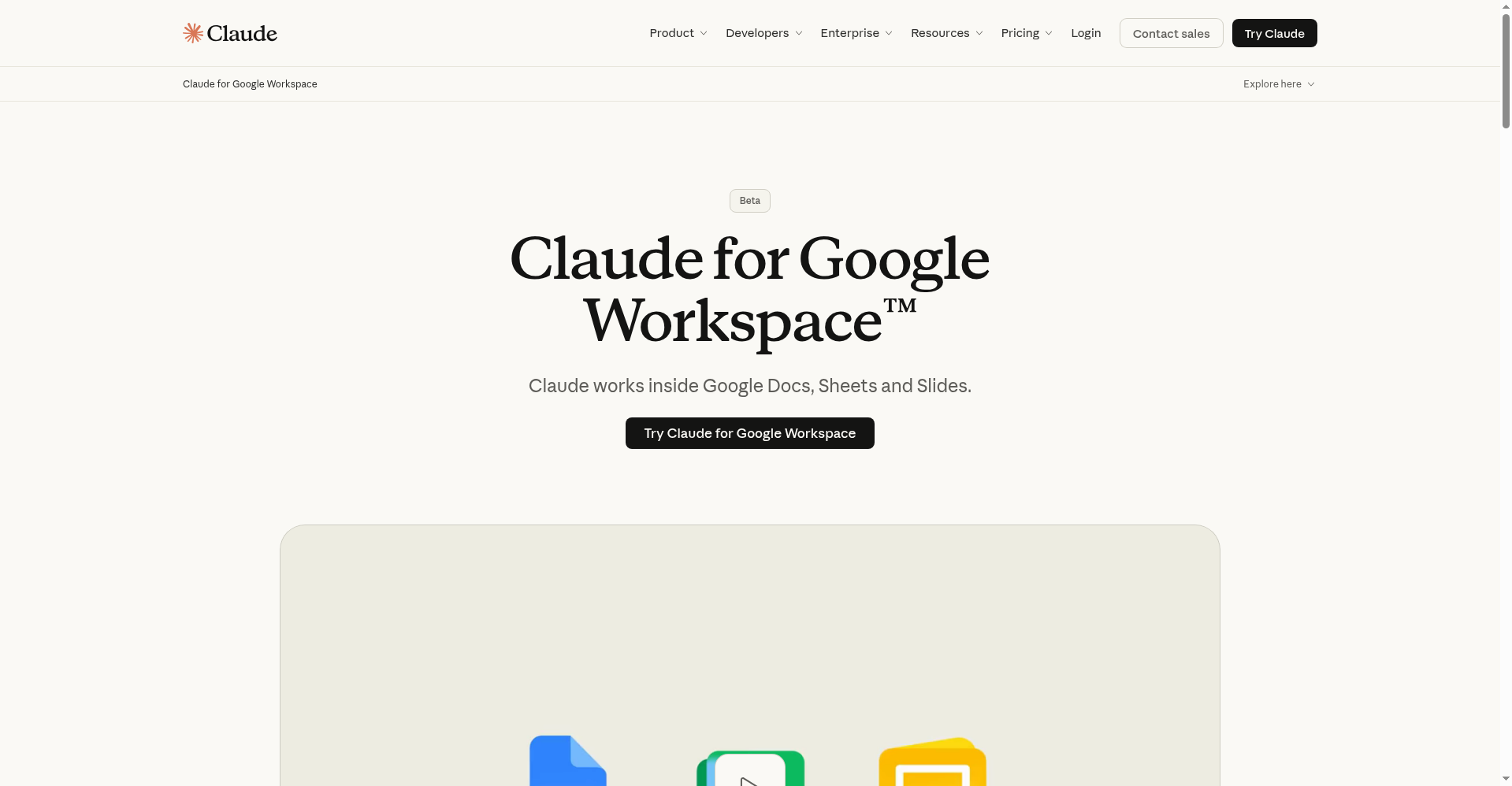
Claude for Google Workspace homepage
1 / 2Overview
What is Claude for Google Workspace?
Bring Claude directly into Google Docs, Sheets & Slides
Claude for Google Workspace is Anthropic's official add-on (currently in beta) that brings Claude directly into Google Docs, Sheets and Slides: draft and edit documents with suggested revisions, analyze data and build formulas and charts in Sheets, and auto-generate presentations in Slides.
New connectors let you create and edit Google files directly from Claude. You can reuse skills and preferences, reference PDFs, CSVs and Office files in the sidebar, and keep original document formatting with admin controls. Requires a paid Claude plan; install from the Workspace Marketplace or via domain-wide admin deployment.
Platforms and languages
Claude for Google Workspace Availability
Platforms
Languages
Capabilities
Claude for Google Workspace Key Features
Draft and edit in Docs
Draft and edit documents in Google Docs, reviewing changes as suggested edits.
Analyze in Sheets
Analyze data, build models, write formulas and generate charts in Sheets.
Generate slides
Auto-generate presentations in Slides following your layouts.
Connectors
Create and edit Google files directly from Claude via new connectors.
Reference files
Reuse skills and preferences, and reference PDFs, CSVs and Office files in the sidebar.
Best for
Who uses Claude for Google Workspace?
Google Workspace users on paid Claude plans
Draft, analyze and build presentations with Claude inside Docs, Sheets and Slides
Plans and access
Claude for Google Workspace Pricing
Freemium
Free plan; Pro $20/mo; Max from $100/mo; Workspace add-on needs a paid plan (beta)
Common questions
Claude for Google Workspace FAQs
Who can use the beta?
All paid-plan users, on Chrome, Edge or Safari.
How do I install it?
Install from the Workspace Marketplace, or have an admin deploy it for the domain.
What data can Claude access?
Only its sidebar, files you open, and connected connectors.
Can it work with existing Google files?
Yes — pull Google files into Claude or paste a link to edit them.
What are the privacy terms?
Consumer plans fall under the Privacy Policy; Team/Enterprise plans under Commercial Terms and DPA.
Reviews
See what the community thinks and share your experience.
—
Based on 0 ratings
Rating distribution
Community reviews
No reviews
No written reviews yet.