Turns designs into guidelines that AI tools follow, so every AI-made screen stays on-brand.
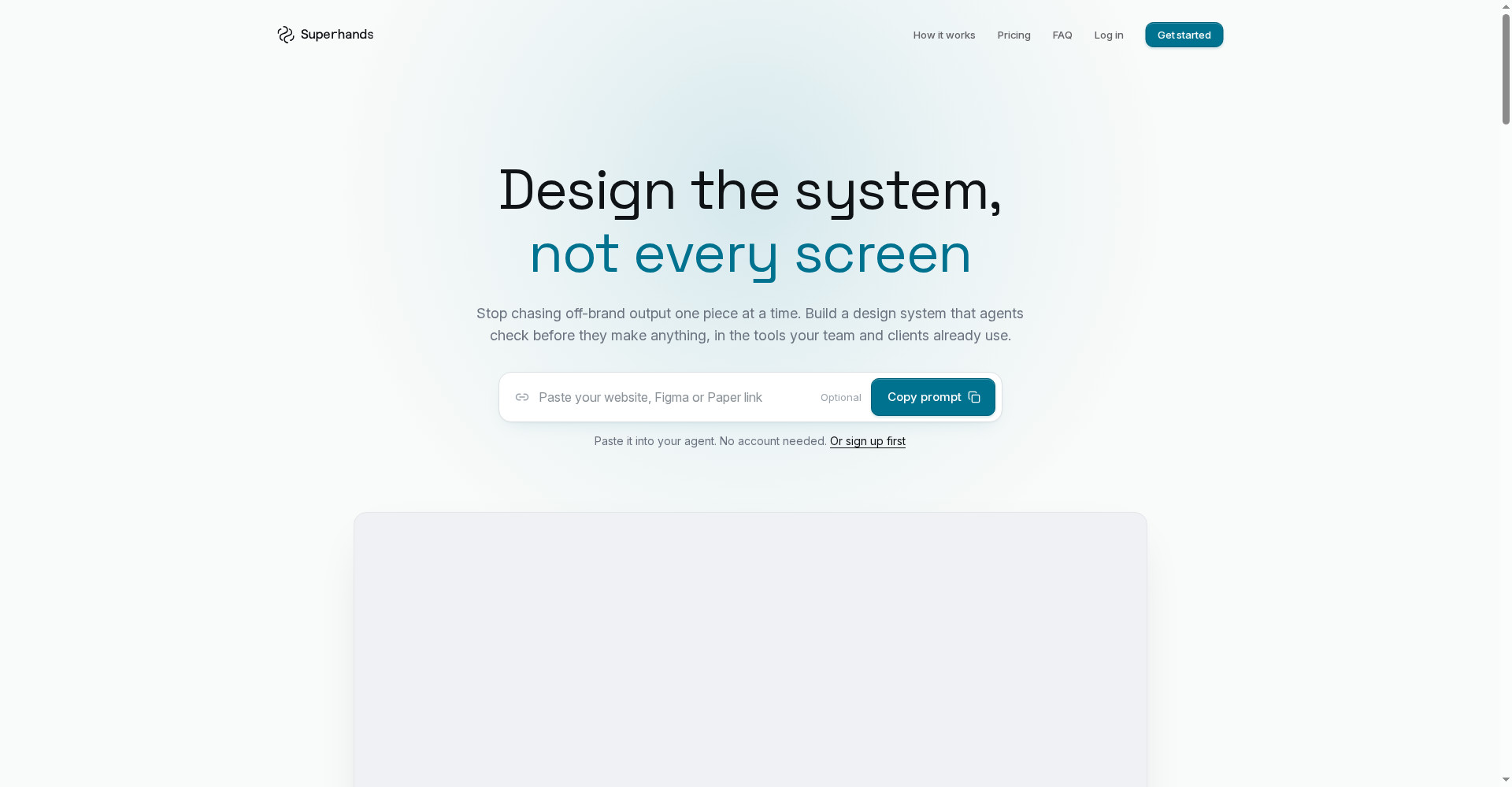
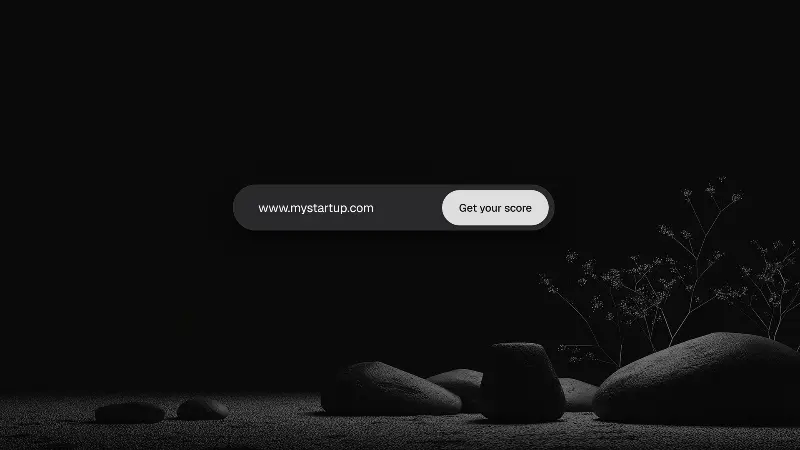
Superhands homepage
1 / 2Overview
What is Superhands?
Design the system, not every output.
Superhands turns designs into guidelines that AI tools can follow. Point it at a website, Figma file, or design document and it creates a design system that agents respect, so every AI-made screen stays on-brand. It connects through MCP to Claude, ChatGPT, Cursor, Lovable, and more, and lets you review AI output and fix the system once instead of patching every screen. The free plan costs $0 per month with 100 credits, unlimited people, and unlimited design systems; Pro is $29 per month with 1,000 credits, and extra credits can be topped up at 500 credits with no expiry.
Platforms and languages
Superhands Availability
Platforms
Languages
Capabilities
Superhands Key Features
Designs become guidelines
Turns a website, Figma file, or design document into guidelines an AI agent can follow.
Works with your AI tools
Connects through MCP to Claude, ChatGPT, Cursor, Lovable, and more.
Fix the system once
Review AI output and fix the design system itself, instead of patching every screen.
Free plan for teams
The free plan includes 100 credits a month with unlimited people and design systems.
Best for
Who uses Superhands?
Designers, design teams, and brand teams using AI to produce screens
Turn a design into guidelines so AI tools produce on-brand screens
Plans and access
Superhands Pricing
Freemium
Free $0/month (100 credits); Pro $29/month (1,000 credits).
Common questions
Superhands FAQs
Which AI tools does Superhands work with?
It connects through MCP to Claude, ChatGPT, Cursor, Lovable, and other AI tools that support MCP.
Do teams need to change how they work?
No. You keep designing as before; Superhands turns your designs into guidelines the AI tools follow.
Can agencies use it for clients?
Yes, it can be used for client work, with design systems per client.
What happens to my PDF guides?
Design documents, including PDFs, can be turned into guidelines the same way as websites and Figma files.
Reviews
See what the community thinks and share your experience.
—
Based on 0 ratings
Rating distribution
Community reviews
No reviews
No written reviews yet.