An AI CAD tool that turns plain-language descriptions into printable 3D parts, exported as STEP, STL, 3MF, or DXF.
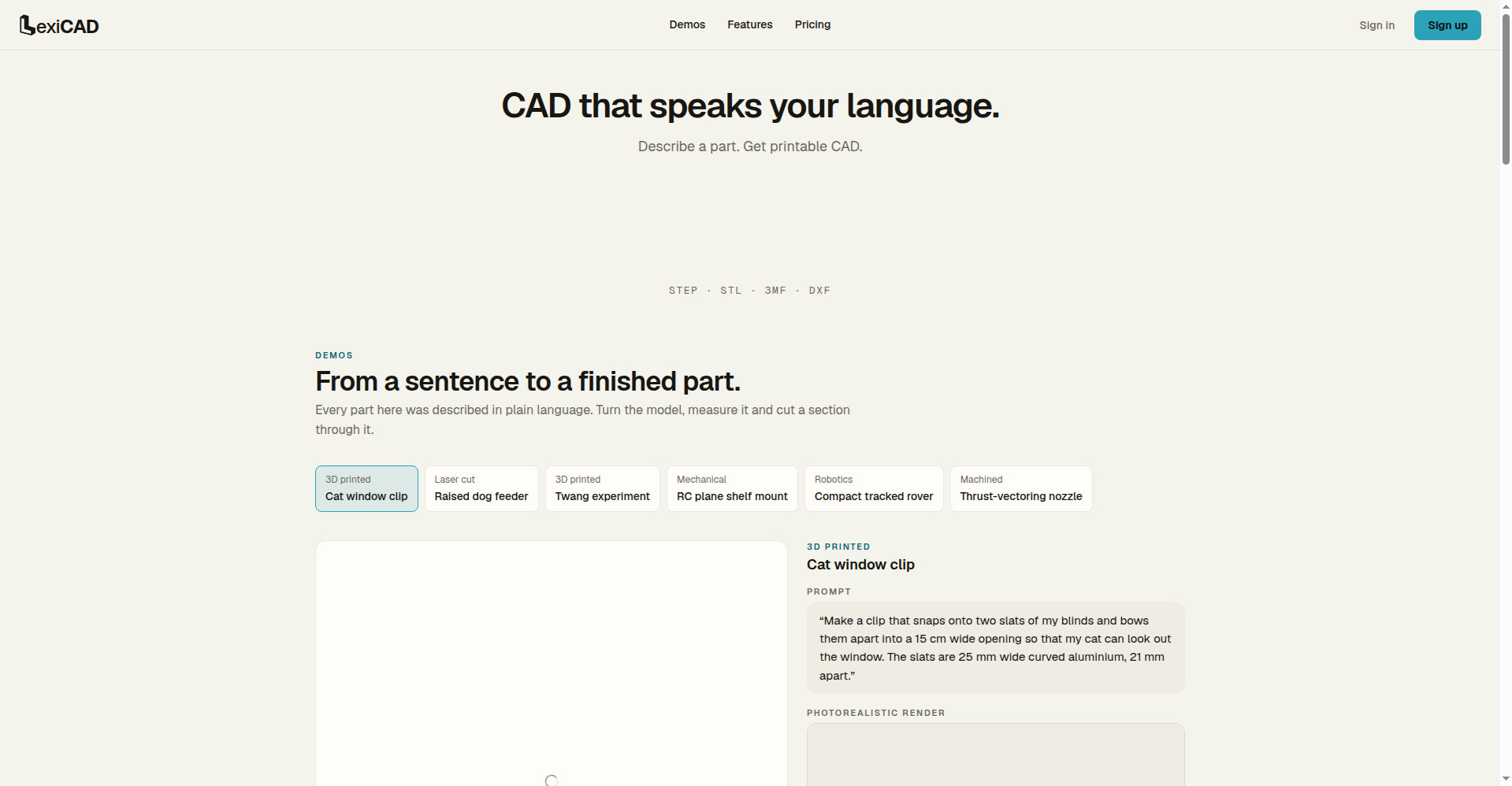
LexiCAD homepage
1 / 2Overview
What is LexiCAD?
CAD that speaks your language.
LexiCAD is an AI CAD tool that turns plain-language descriptions into printable parts. Describe what you need — a clip, a bracket, a rover — and its AI agent designs, checks, and iterates on the part, with photorealistic renders to review before you make it. Finished parts export as STEP, STL, 3MF, or DXF for 3D printing, laser cutting, or machining. Pricing is pay per use: 125 credits for $10, with purchased credits never expiring.
Platforms and languages
LexiCAD Availability
Platforms
Languages
Capabilities
LexiCAD Key Features
Describe it in words
Describe a part in plain language and get printable CAD.
AI designs and checks
An AI agent designs, measures, and validates the part.
Export anywhere
Download STEP, STL, 3MF, or DXF files for printing, laser cutting, or machining.
See it first
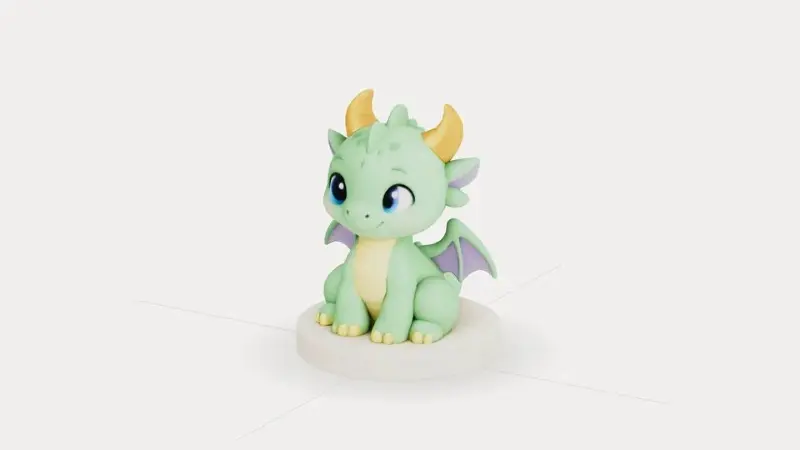
Photorealistic renders show the part before you make it.
Real demo parts
Every demo part was described in plain language, from a cat window clip to a tracked rover.
Best for
Who uses LexiCAD?
Makers, engineers, and hobbyists who need custom parts
Describe a part in plain language and get a printable CAD file
Plans and access
LexiCAD Pricing
Paid
Pay per use: 125 credits for $10; purchased credits never expire.
Common questions
LexiCAD FAQs
How much does LexiCAD cost?
LexiCAD is pay per use: 125 credits cost $10, 350 credits $25, and 775 credits $50. Purchased credits never expire.
What file formats can I export?
You can export STEP, STL, 3MF, and DXF files.
What can I make with LexiCAD?
Anything you can describe: 3D printed parts, laser-cut pieces, mechanical parts, robotics, and machined components.
Do I need CAD experience?
No. You describe the part in plain language, and the AI agent designs it.
Reviews
See what the community thinks and share your experience.
—
Based on 0 ratings
Rating distribution
Community reviews
No reviews
No written reviews yet.