Converts product photos, CAD files, or renders into realistic 3D models with AR previews for online stores.
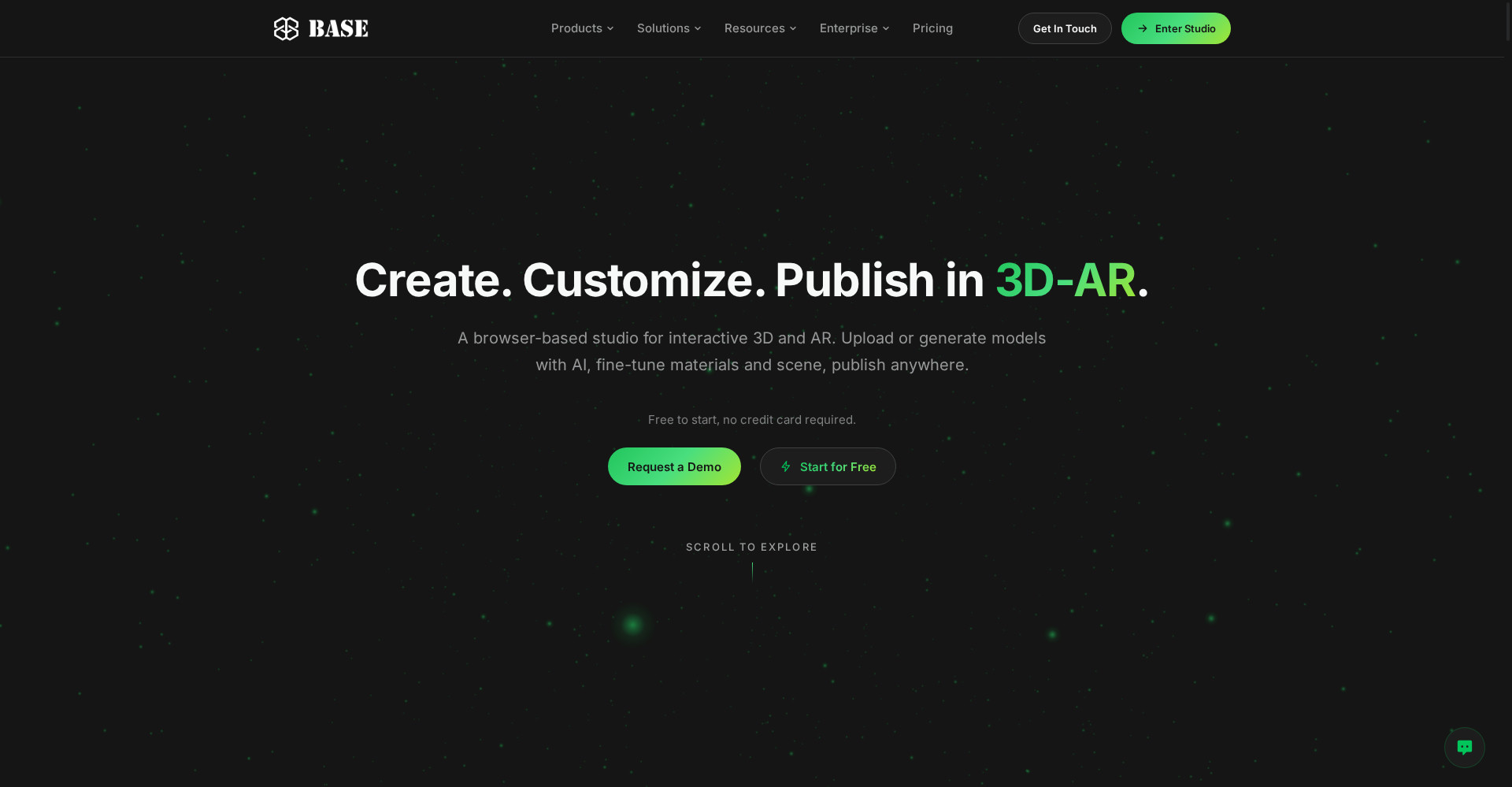
BASE Studio homepage
1 / 2Overview
What is BASE Studio?
Turn product photos into 3D and AR, automatically
BASE Studio turns product photos into 3D and AR, automatically. Upload product photos, CAD files, or renders and it generates a realistic 3D model in minutes, with an AR preview you can embed in your store. A 3D scene editor, image editing, and relighting help you polish each model, and it connects to Shopify, WooCommerce, BigCommerce, WebAR, and an API. The free plan costs $0 and includes 3 models for non-commercial use; Pro is $0.50 per model per month with a $20 monthly minimum, and paid plans come with a 30-day money-back guarantee.
Platforms and languages
BASE Studio Availability
Platforms
Languages
Capabilities
BASE Studio Key Features
Photos to 3D, automatically
Upload product photos, CAD files, or renders and get a realistic 3D model in minutes.
AR previews in your store
Embed AR previews so shoppers can see the product in their own space.
Edit scenes and relight
A 3D scene editor, image editing, and relighting let you polish each model.
Built for commerce
Works with Shopify, WooCommerce, BigCommerce, WebAR, and an API.
Pay per model
Pro is $0.50 per model per month with a $20 monthly minimum; the free plan includes 3 models.
Best for
Who uses BASE Studio?
Ecommerce brands, sellers, 3D creators, and agencies
Turn product photos into 3D models with AR previews for an online store
Plans and access
BASE Studio Pricing
Freemium
Free $0 (3 models); Pro $0.50/model/month, $20 minimum.
Common questions
BASE Studio FAQs
Which files can I upload?
Product photos, CAD files, and renders are all supported as input for 3D models.
How long does a model take?
Models are generated in a few minutes.
Can I use models commercially?
Yes on paid plans. The free plan is for non-commercial use only and carries a BASE mark.
Which formats can I download?
Models can be downloaded as GLB, USDZ, FBX, or OBJ.
How do I embed a model in my store?
Models can be embedded in Shopify, WooCommerce, and BigCommerce stores, or shown through WebAR.
Reviews
See what the community thinks and share your experience.
—
Based on 0 ratings
Rating distribution
Community reviews
No reviews
No written reviews yet.