Flyne AI
Explore Kling 4.0 video ideas, prompt guidance, and creative workflows on Flyne AI.
AI image, video, and music tools with a dedicated Kling 4.0 product page.
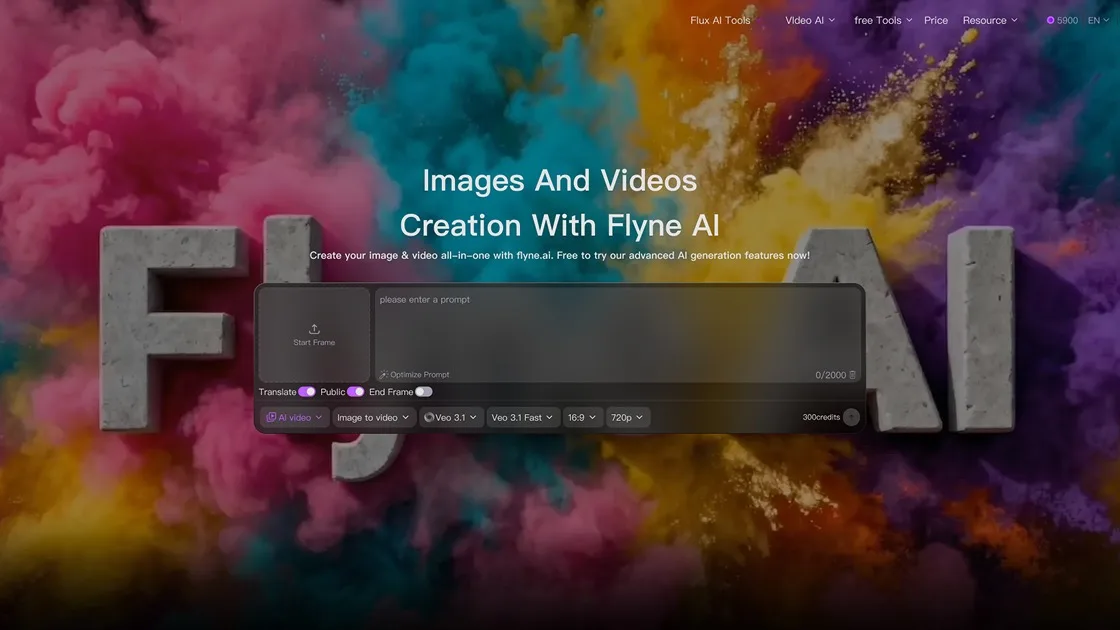
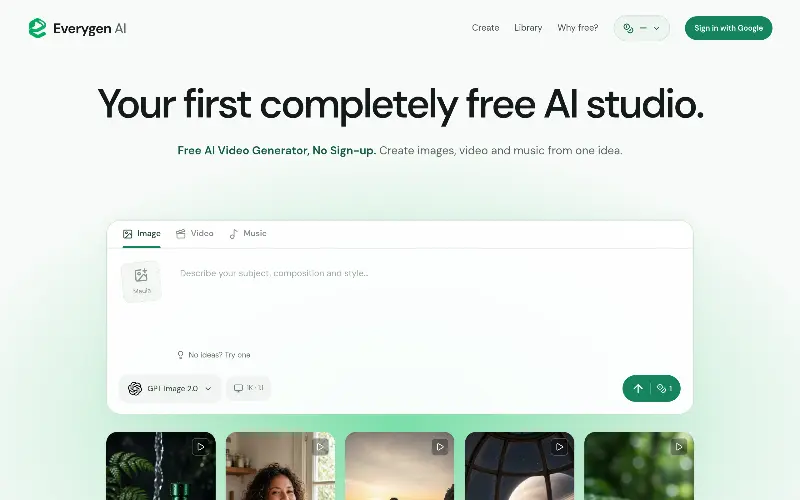
Flyne AI image and video creation workspace
Overview
What is Flyne AI?
Explore Kling 4.0 video ideas, prompt guidance, and creative workflows on Flyne AI.
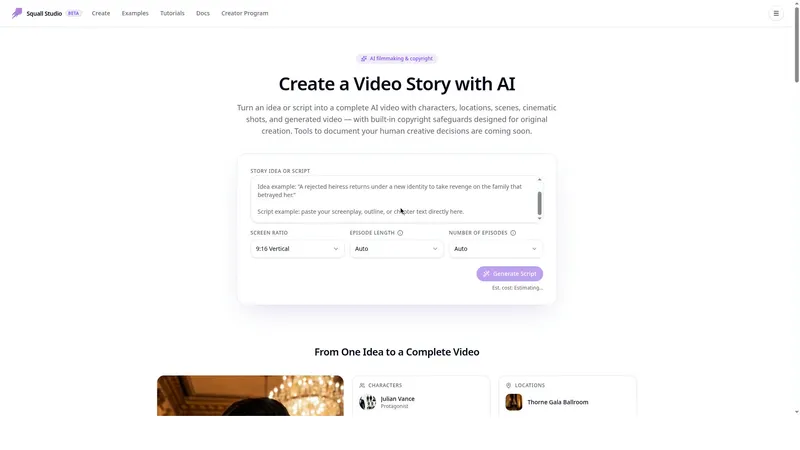
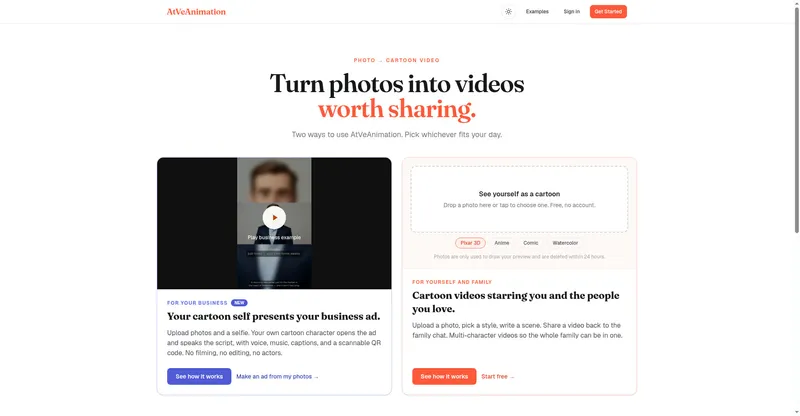
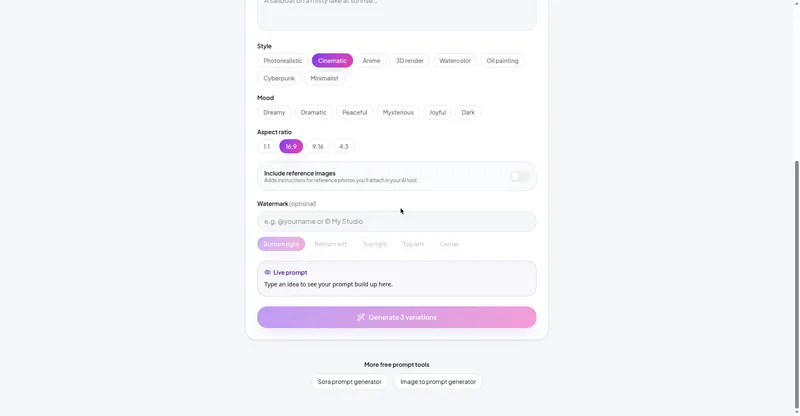
Flyne AI brings AI image, video, and music tools together in one online creative studio. Its Kling 4.0 page helps creators explore video concepts, prompt ideas, and practical use cases for cinematic scenes, social content, campaigns, and product storytelling. Flyne AI also supports text-to-image, image-to-image, text-to-video, and image-to-video workflows.
Platforms and languages
Flyne AI Availability
Platforms
Languages
Capabilities
Flyne AI Key Features
Text-to-image creation
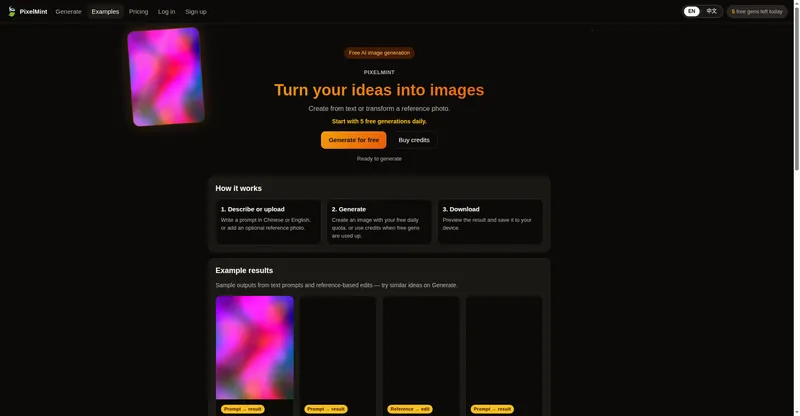
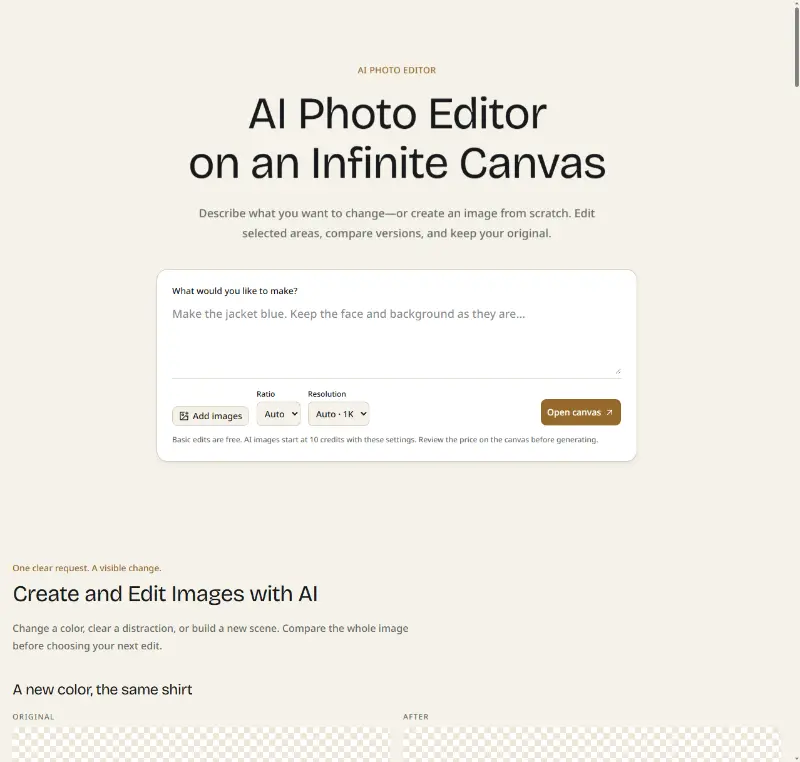
Generate images from written prompts using Flyne AI’s image tools.
Image-to-image editing
Transform an uploaded image with text-guided edits.
Text-to-video creation
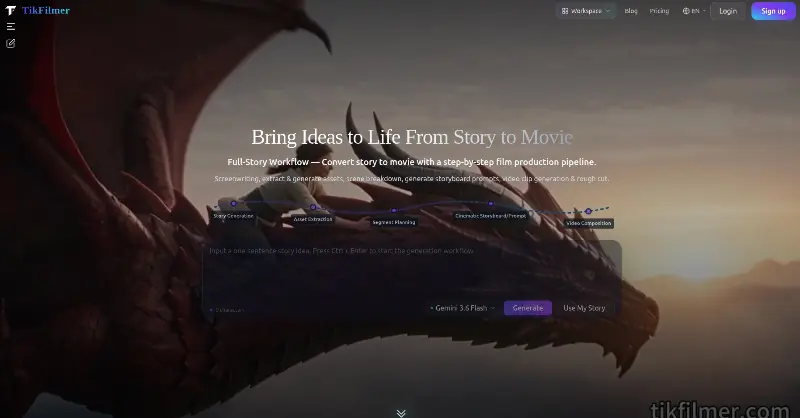
Create video clips from written prompts with AI video tools.
Image-to-video animation
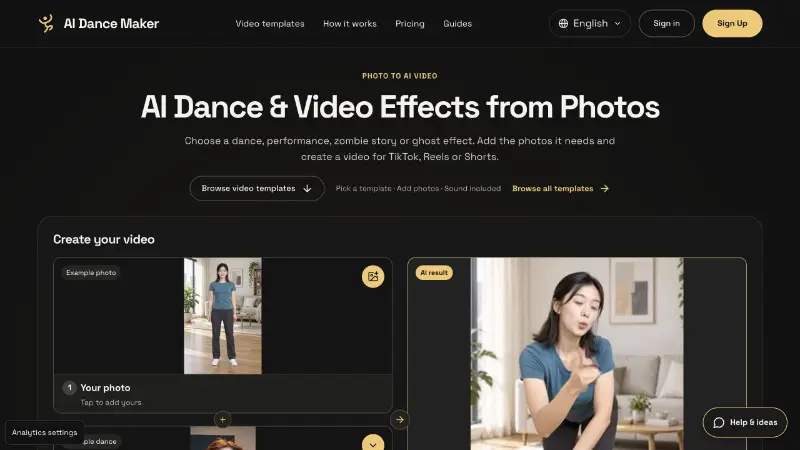
Turn a still image into an animated video clip.
Best for
Who uses Flyne AI?
Content creators
Create social posts, short-form videos, and visual stories.
Marketing teams
Build campaign visuals and product storytelling assets.
E-commerce sellers
Create product images and videos for storefronts and ads.
Plans and access
Flyne AI Pricing
Freemium
A free plan includes 40 credits for new users, 20 credits per daily check-in, and five free AI tool uses per day. Paid monthly plans and one-time credit packs are available; paid plans add more credits, premium image and video tools, faster queue access, and private generations.
Compare similar tools
Flyne AI Alternatives
Reviews
See what the community thinks and share your experience.
—
Based on 0 ratings
Rating distribution
Community reviews
No reviews
No written reviews yet.