A chat-based studio for short marketing videos and banners: paste a link or describe your product, and it writes, voices and renders the video.
Homepage
1 / 3Overview
What is FoxyLab?
FoxyLab: AI video and banner editor in a chat
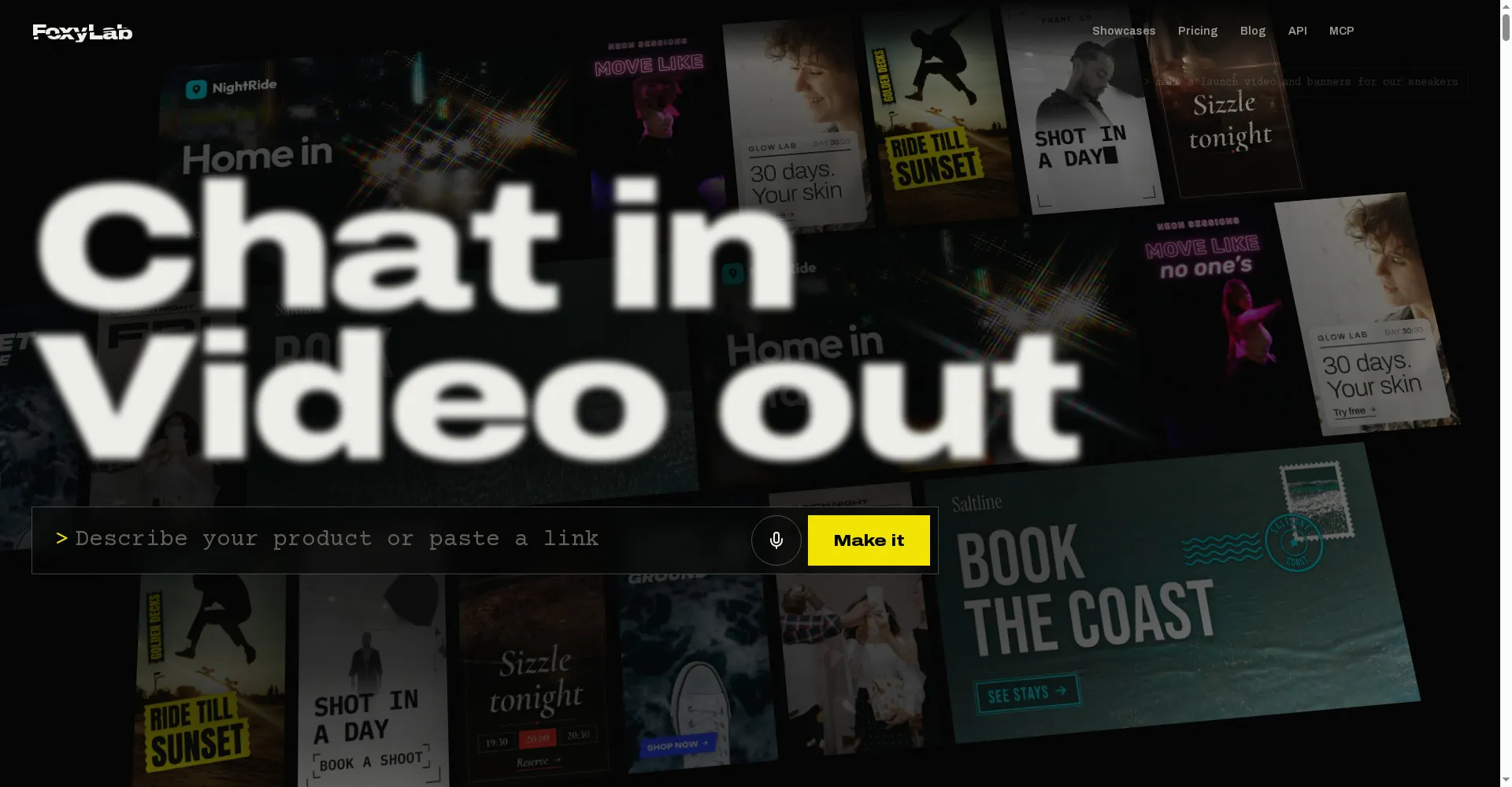
FoxyLab is a studio for short marketing videos and banners, driven by chat. Paste your site link or describe your product in one line and FoxyLab reads your brand — logo, colours, fonts, tone and screenshots — then writes the script, records the voice, builds the shots, reviews them and renders the video. You get video ads, launch films, product explainers and social videos, plus banner sets for feeds and Google Display, in any pixel size. Change a video with a natural-language note and only the parts your note touches are redone. Output covers 9:16, 4:5, 1:1 and 16:9 in MP4, MOV, WebM, GIF, PNG and JPG, with realistic AI video shots on Pro and 4K on Max. A REST API and MCP server let agents call it too. The free plan covers about one video a week; paid plans start at $29.99 a month.
Platforms and languages
FoxyLab Availability
Platforms
Languages
Capabilities
FoxyLab Key Features
Chat-to-video studio
Paste a site link or describe your product in one line and get a short marketing video or banner set.
Reads your brand
Logo, colours, fonts, tone and screenshots are read first, then the script, voice and shots are built to match.
Edit with a note
Change a video with a natural-language note and only the parts your note touches are redone.
Any size, any file
Outputs in 9:16, 4:5, 1:1 and 16:9 as MP4, MOV, WebM, GIF, PNG or JPG, with 4K on Max.
API and MCP access
A REST API and MCP server let agents call FoxyLab directly.
Best for
Who uses FoxyLab?
Small product teams and marketers
Produce short video ads and banner sets without a video editor
Creators
Turn a product link or one-line description into launch films and social videos
Plans and access
FoxyLab Pricing
Freemium
Free $0 (about 1 video/week); paid plans $29.99–$199.99/mo.
Common questions
FoxyLab FAQs
How is usage counted?
Usage is measured from 0 to 100% each week and resets every Friday at 00:00 UTC. Bigger jobs use more; small edits use less.
How many videos can I make each week?
About one on Free, one to two on Starter, about five on Pro and about ten on Max for a typical video with two rounds of edits.
Can I cancel or change my plan at any time?
Yes. You can cancel or switch whenever you like, and a cancelled plan stays active until the end of the current period.
What does extra usage cost?
Once a paid plan reaches 100% for the week, you can keep working with extra usage at about $10 for two videos.
Reviews
See what the community thinks and share your experience.
—
Based on 0 ratings
Rating distribution
Community reviews
No reviews
No written reviews yet.