AI wedding video editor that watches every second of your footage on your own computer and cuts a highlight film and vertical teaser.
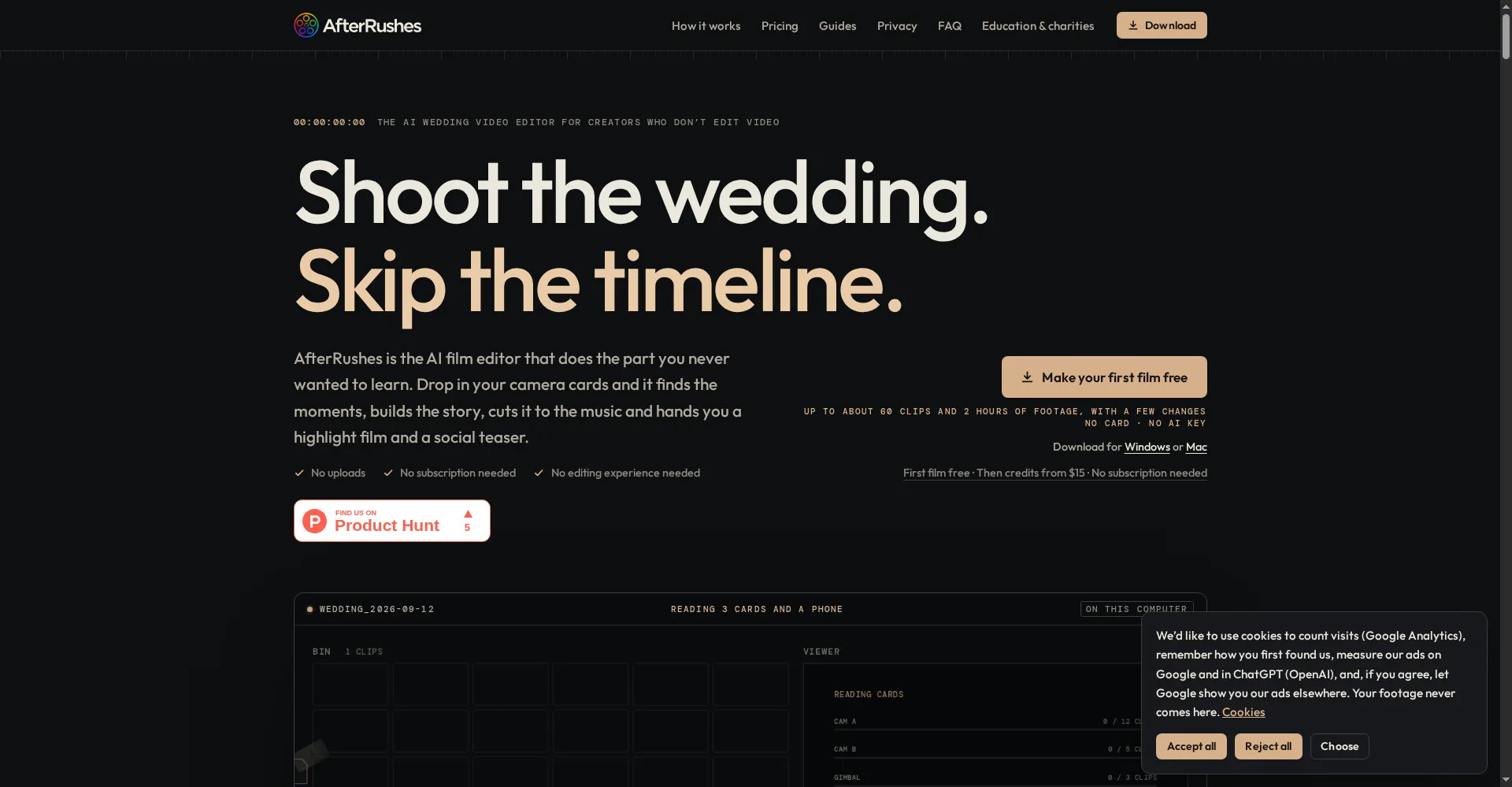
Homepage
1 / 3Overview
What is AfterRushes?
AI wedding video editor — turn raw footage into films
AfterRushes is an AI wedding video editor that edits on your own computer. Add your camera cards and it watches every second — checking sharpness, shake and faces, transcribing speech and writing the film with Claude — then exports a highlight film and a vertical teaser.
One pass produces four finished outputs: a 3–15 minute highlight film, a 30/60-second vertical teaser, a speeches collection and an .srt subtitle file. It understands the wedding itself — prep, ceremony, vows, toasts, first dance and party — layering vows and toasts over the music and cutting on the beat. Ask for changes in plain English ('slower opening', 'swap the second song') or move, trim and delete shots by hand; undo is always available.
Your footage never leaves your computer: video and audio stay local, and only stills, photos and transcripts go to the AI. Your first film is free (about 60 clips or 2 hours of footage, no bank card needed). After that, pay per film with credit packs from $15, or take Flex at $19.95 a month or a $149 lifetime licence.
Platforms and languages
AfterRushes Availability
Platforms
Languages
Capabilities
AfterRushes Key Features
AI full-film editing
Reads multi-camera cards and phone folders, checks every second for sharpness, shake and faces, transcribes speech and writes the film with Claude.
Four finished outputs
A 3–15 minute highlight film, 30/60-second vertical teaser, speeches collection and .srt subtitle file in one pass.
Local processing
Video and audio stay on your computer; only stills, photos and transcripts go to the AI.
Understands weddings
Recognizes prep, ceremony, vows, toasts, first dance and party, layers vows and toasts over music and cuts on the beat.
Plain-English revisions
Ask for changes in plain English ('slower opening', 'swap the second song') or move, trim and delete shots by hand, with undo always available.
Best for
Who uses AfterRushes?
Wedding photographers and videographers
Turn raw multi-camera footage into a highlight film and teaser without editing by hand
Travel film and vlog creators
Cut long footage into polished films with AI that understands the flow of an event
Schools, universities and charities
Apply for free Flex access to edit their own event films
Plans and access
AfterRushes Pricing
Freemium
First film free; credit packs $15–$449, Flex $19.95/mo, Lifetime $149.
Common questions
AfterRushes FAQs
Is my footage uploaded anywhere?
No — all processing happens on your own computer; footage never goes to the cloud.
Do I need a subscription?
No — you can pay per film with credits; Flex is an optional monthly plan.
Is the first film really free?
Yes — about 60 clips or 2 hours of footage, with a few revisions, no bank card needed.
Does the AI edit the whole film for me?
It produces the first cut, and you can request changes in plain English or adjust shots manually.
What computer do I need?
Windows 10/11 (64-bit) or a Mac running macOS 14 Sonoma or later, Apple silicon or Intel.
Reviews
See what the community thinks and share your experience.
—
Based on 0 ratings
Rating distribution
Community reviews
No reviews
No written reviews yet.