iPhone camera app that overlays 14 professional composition guides on the live view and coaches you as you shoot.
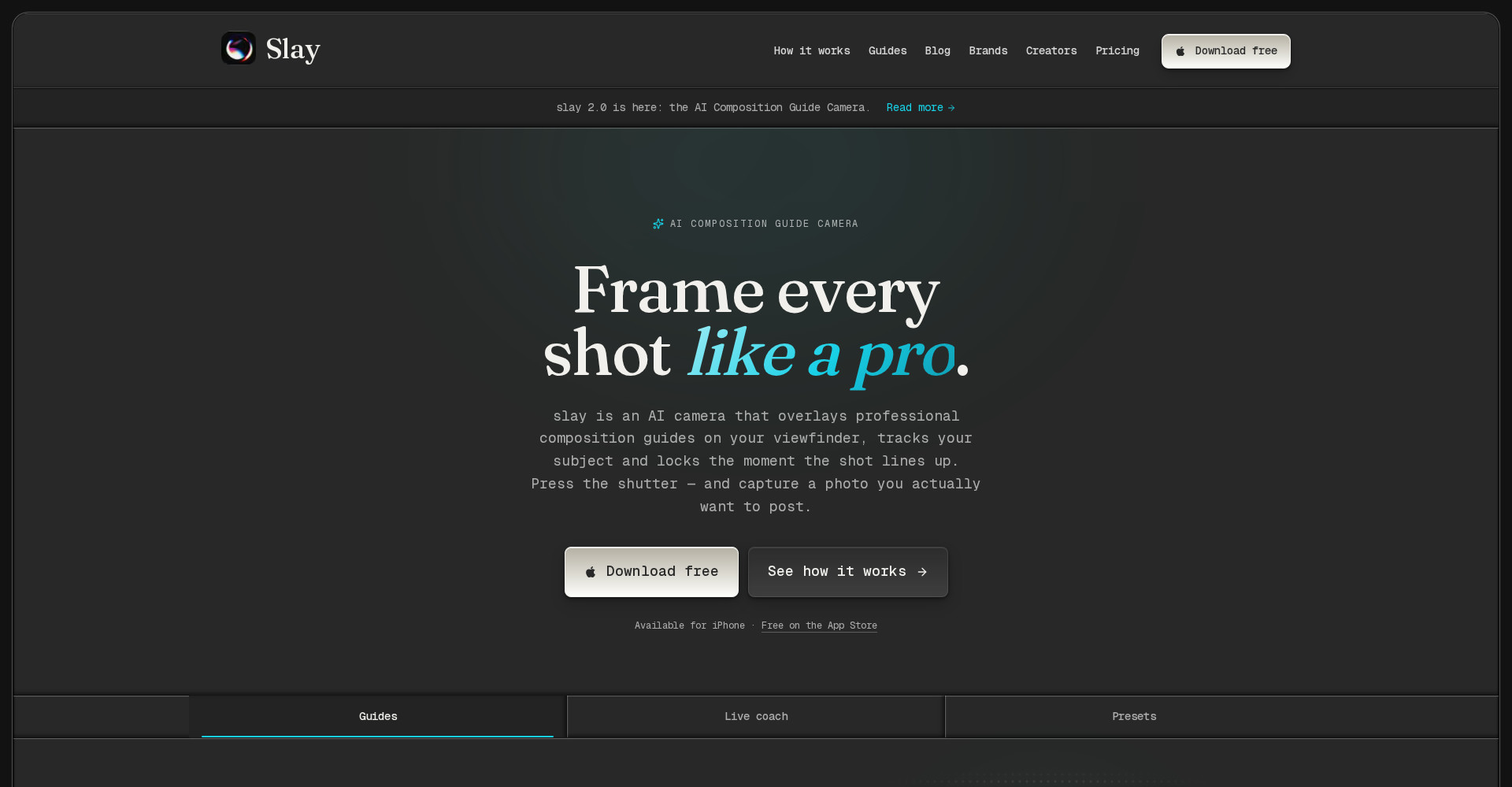
Homepage
1 / 3Overview
What is slay?
Frame every shot like a pro.
slay is an iPhone camera app that teaches you how to frame stunning shots. It overlays 14 professional composition guides directly on the live camera view, each with the camera height, angle, zoom and distance to use, plus 38 built-in LUTs so photos are framed and post-ready without editing.
The AI tracks your subject live and locks it onto the guide, then gives you a shot report. A Field Guide of composition lessons helps you learn as you shoot. All subject detection runs on-device with Apple Vision, so your camera feed and photos stay on your phone.
The free plan is $0 with 2 guides, AI subject tracking, 5 film looks and the first 3 lessons. Pro is $2.99 per month with a 3-day free trial and unlocks all 14 guides, 38 LUTs and every lesson.
Platforms and languages
slay Availability
Platforms
Languages
Capabilities
slay Key Features
14 composition guides
Overlays guides such as Portrait, Travel Shot, Vanishing Point and Aerial Triangle on the live view, with camera height, angle, zoom and distance.
AI subject tracking and lock
Tracks your subject live and locks alignment on the guide, with a shot report after each photo.
38 built-in LUTs
Film looks are applied as you shoot, so photos come out finished without editing.
Native 0.5-3x zoom
Guides track the lens as you zoom from 0.5x to 3x, keeping framing accurate at every focal length.
Field Guide lessons
Composition courses teach you while you shoot, so each session makes you a better photographer.
Best for
Who uses slay?
iPhone photographers
Frame portraits, travel and street shots like a professional
Content creators
Get post-ready photos straight from the camera, without editing
Photography beginners
Learn composition hands-on with guided framing and lessons
Plans and access
slay Pricing
Freemium
Free plan $0. Pro $2.99/month with a 3-day free trial.
Common questions
slay FAQs
How does slay's AI work?
It uses Apple Vision on your iPhone to find the subject and check whether it sits in the guide target, with the motion sensor as a level. Nothing is uploaded; your feed and photos stay on your phone.
How many composition guides are there?
14 guides, from Portrait and Close Up to Vanishing Point, Triangle and Aerial layouts.
How much does slay cost?
Free is $0 with 2 guides and 5 film looks. Pro is $2.99 a month with a 3-day free trial and unlocks all guides, LUTs and lessons.
Which phones does it work on?
iPhone, through the App Store. The app is iOS only.
Reviews
See what the community thinks and share your experience.
—
Based on 0 ratings
Rating distribution
Community reviews
No reviews
No written reviews yet.