MDViewer — Fast, Native Markdown Viewer for macOS
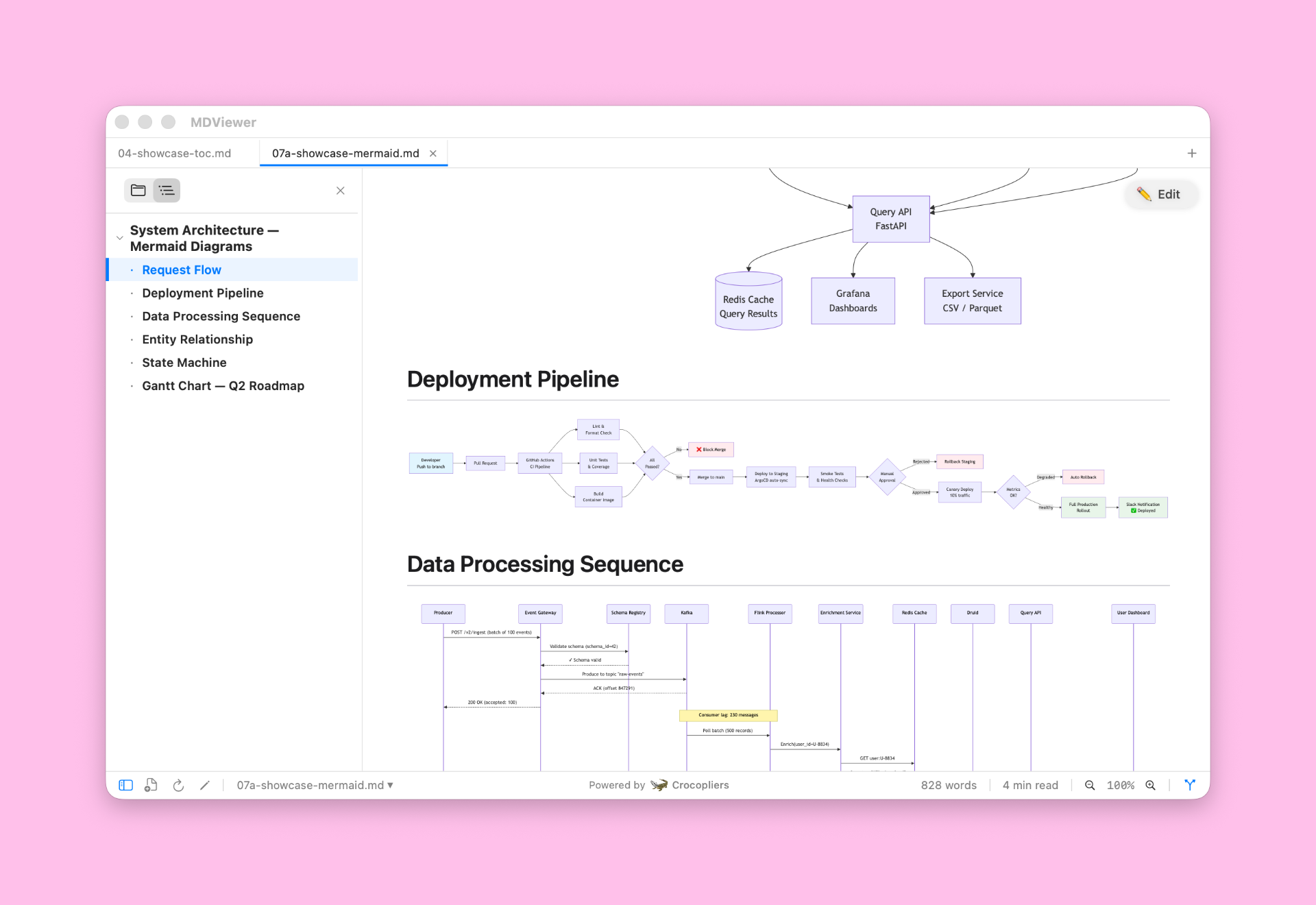
MDViewer is a lightweight, beautifully designed Markdown viewer built with SwiftUI. Open any .md file and see it instantly rendered — with syntax highlighting, diagrams, and math support.
Product screenshot
Overview
What is MDViewer — Fast, Native Markdown Viewer for macOS?
MDViewer is a lightweight, beautifully designed Markdown viewer built with SwiftUI. Open any .md file and see it instantly rendered — with syntax highlighting, diagrams, and math support.
Key Features Beautiful Markdown Rendering - Full GitHub Flavored Markdown (GFM) support — tables, task lists, code blocks, links, images, and more.
Syntax Highlighting - 180+ languages with a GitHub-style theme. Automatically adapts to light and dark mode.
Table of Contents - Auto-generated from headings with smooth scroll sync and collapsible sections.
Mermaid Diagrams - Render flowcharts, sequence diagrams, ER diagrams, Gantt charts, and more — with fullscreen zoom.
Math Formulas - LaTeX-powered rendering via KaTeX — supports inline and block equations, matrices, integrals, and symbols.
JSON Viewer - Open .json files as an interactive, collapsible tree with formatting tools.
Find in Document - Instant search with highlighting and quick navigation (Cmd+F).
QuickLook Integration - Preview .md, .json, and .mermaid files directly in Finder with the Space bar.
Work with Projects - Multi-Tab Interface
Open multiple files at once - Drag & drop files and folders.
File Tree Navigation - Browse your project from the sidebar and quickly open files.
Git History & Diffs - View commit history, switch versions, and compare changes with line-by-line diffs.
Inline Editor - Edit Markdown with syntax highlighting — jump to position and start typing instantly.
Designed for macOS - Native SwiftUI App. Fast, responsive, and memory-efficient.
Light & Dark Mode - Seamless adaptation to system appearance.
Keyboard Shortcuts - Powerful shortcuts like Cmd+F, Cmd+S, Cmd+R, and more.
Default Markdown App - Set MDViewer as your default .md viewer for instant access.
Status Bar - Word count, reading time, and zoom controls at a glance.
Export to PDF - with paginated pages and beautiful margins.
Platforms and languages
MDViewer — Fast, Native Markdown Viewer for macOS Availability
Platforms
Languages
Compare similar tools
MDViewer — Fast, Native Markdown Viewer for macOS Alternatives
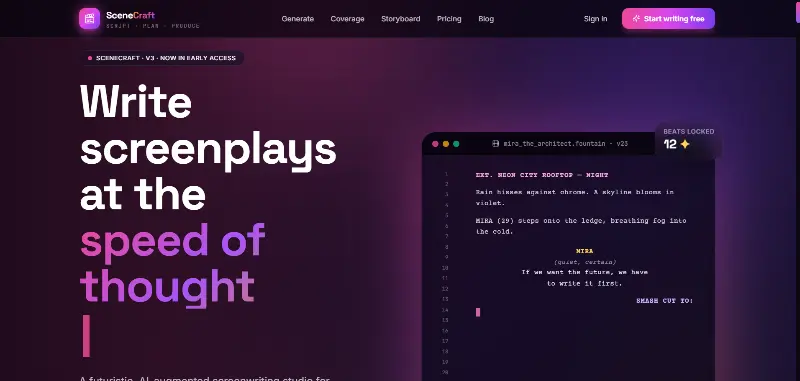 SceneCraft - AISceneCraft is an AI screenwriting studio. Generate full screenplays from an idea, get instant AI script coverage, and turn scenes into storyboards or full comic pages — all in industry-standard format, in 100+ languages. Built for screenwriters, showrunners, and indie filmmakers who want to move from idea to pre-production without switching tools.5.0(1 reviews)AI Image GenerationAI Text WritingAI StorytellingTurn any scene into a comic pagepanel by panel.
 ytzoloYTZolo is an AI-powered YouTube content generator that helps creators produce engaging scripts, SEO-friendly titles, descriptions, tags, and content ideas quickly to grow their channels more efficiently.AI Text WritingAI Marketing ToolsOther AI Toolsai ytzolo youtube script
 JuniorJunior is an AI employee that works inside your Slack, Teams, Lark, or Telegram. It connects to 3,000+ tools and handles sales ops, from outreach and CRM updates to follow-ups and pipeline reports. Built-in approval gates keep your team in control of every outbound action. Featured in Bloomberg, Business Insider, and LinkedIn News.AI Productivity ToolsAI Text WritingAI WorkflowAI
 YouMindYouMind is an innovative creation agent that harnesses the power of generative AI to transform diverse materials into inspired creations.5.0(1 reviews)AI Image GenerationAI Text WritingAI Workflow
 MP Chat - Live with Crypto.MP is a privacy-first communication and crypto platform that empowers individuals and global businesses to chat securely with end-to-end encryption, manage and spend digital assets seamlessly through an integrated wallet and card, and build next-generation decentralized applications on our developer platform—all within one ecosystem designed for the new era of cryptocurrency.5.0(1 reviews)Non AI
 Minute TimerMinuteTimers: A simple, free, and customizable online timer designed to help you stay productive, manage time effectively, and achieve your goals with precision.5.0(1 reviews)Non AIOther AI ToolsMinute Timer Timer Online Timer
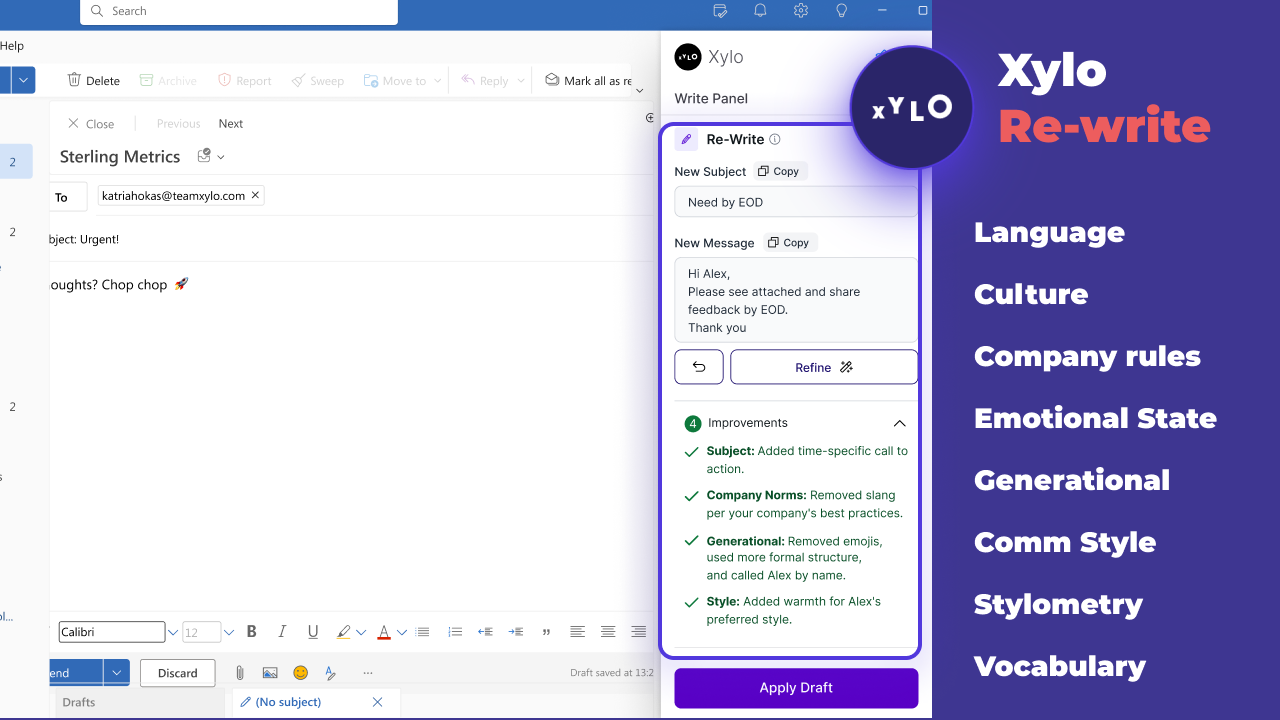 Xylo AISupporting productive working relationships and written communication with emotionally intelligent AI email assistant.AI Business SolutionsAI WorkflowAI Productivity Tools
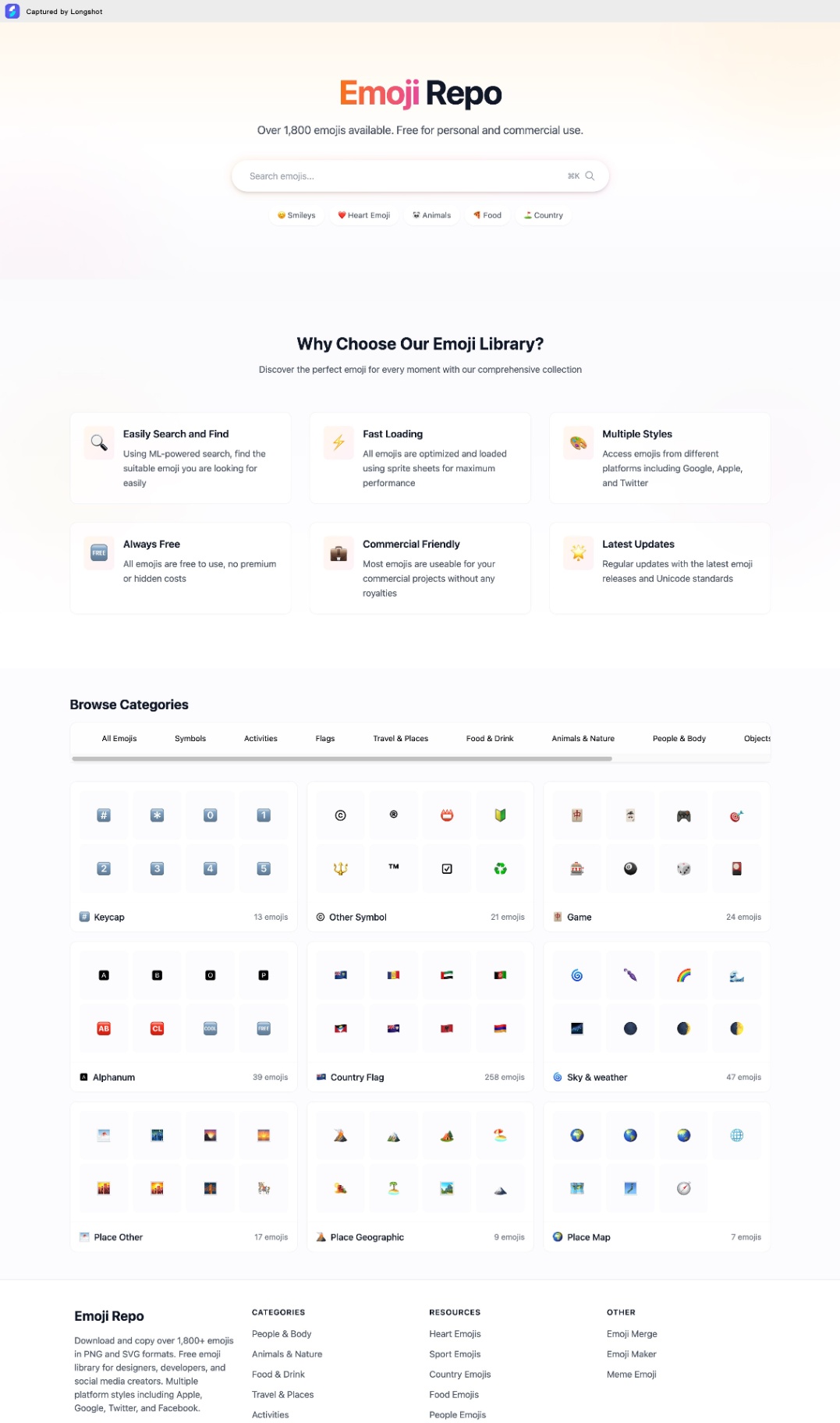 Emoji RepoFree Emojis in PNG and SVG formats. Copy and Download 1,800+ emojis for commercial use. Multiple styles from Apple, Google, Twitter & Facebook.5.0(1 reviews)Non AIOther AI ToolsEmoji Repo Emoji coppy Emoji download
 GeminiBard is now Gemini. Get help with writing, planning, learning, and more from Google AI.5.0(1 reviews)AI Personal AssistantsAI Text WritingGoogle AIcreative inspirationtask management
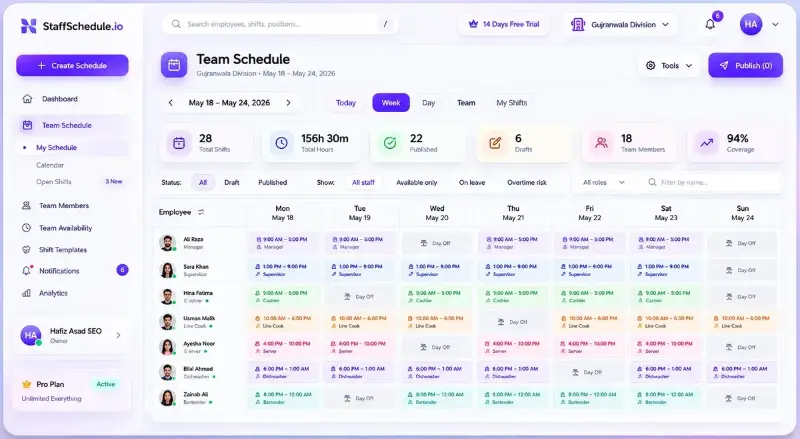 Staff SchedulingStaff Scheduling helps businesses create employee schedules, manage availability, handle leave, and keep teams organized in one simple workforce management platform.Non AIstaff schedulingemployee schedulingworkforce management
Reviews
See what the community thinks and share your experience.
5.0
Based on 1 ratings
Rating distribution
Community reviews
No reviews
No written reviews yet.