GiglCalc
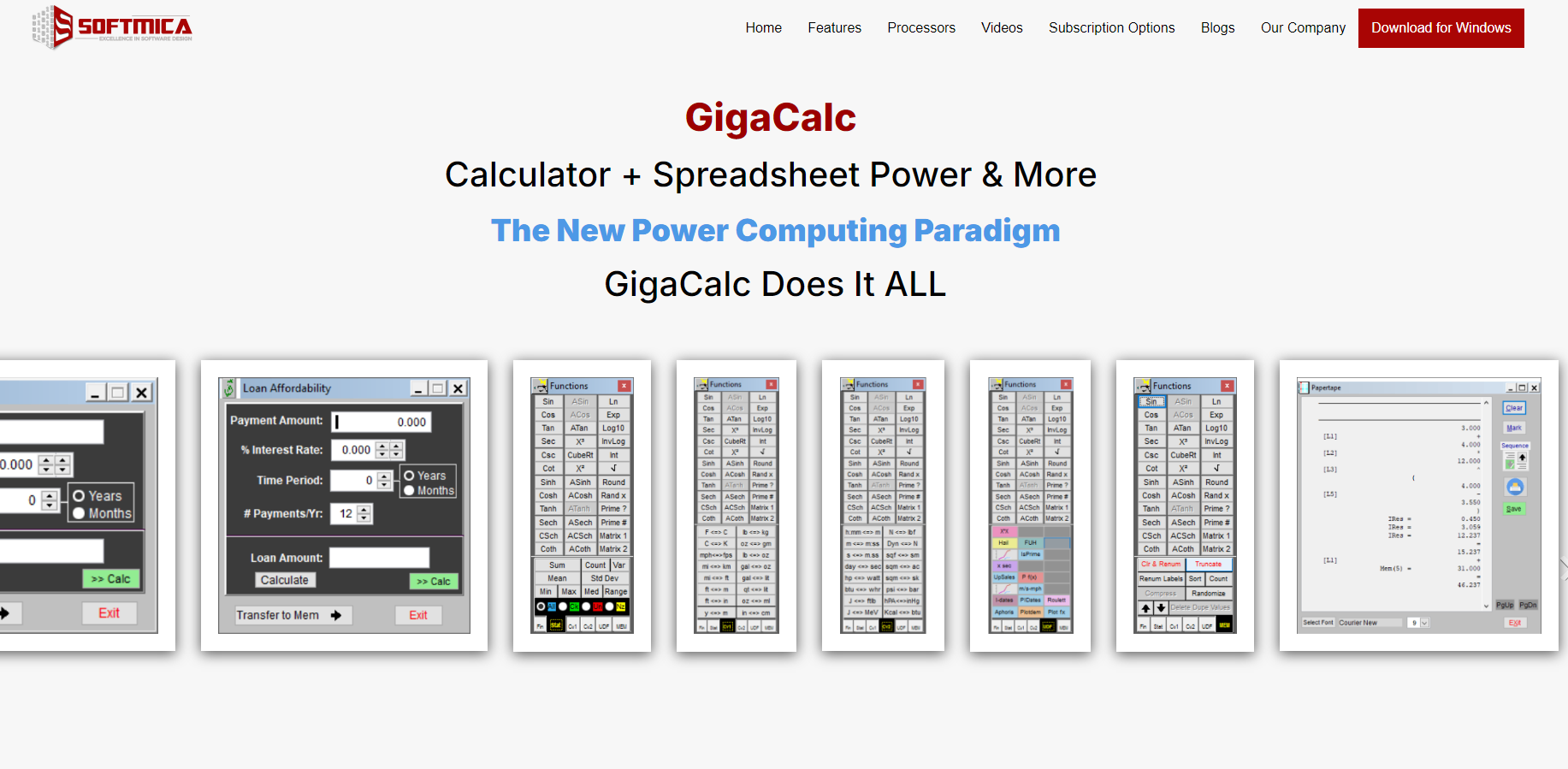
GigaCalc is a powerful Windows-based visual calculation software that combines the capabilities of a calculator, spreadsheet, and equation processor in one intuitive platform. Designed for engineers, students, analysts, and professionals, it simplifies complex calculations, equation solving, financial analysis, graphing, and data processing with advanced yet easy-to-use features that improve accuracy and productivity.
Product screenshot
Overview
What is GiglCalc?
GigaCalc is a comprehensive calculation software for Windows that combines an advanced calculator, equation processor, spreadsheet, and graphing capabilities into a single application. It is designed to help engineers, scientists, students, educators, and business professionals perform everything from everyday calculations to complex mathematical and financial analysis with greater accuracy and efficiency. Its visual interface makes working with formulas, variables, and datasets straightforward, reducing errors while improving productivity.
Core Features-
-Advanced equation editor for creating and solving complex mathematical expressions.
-Spreadsheet-style workspace for organizing calculations and data.
-Built-in scientific, engineering, and financial functions.
-Supports variables, formulas, and reusable calculations.
-Graphing and visualization tools for mathematical functions.
-High-precision calculations for technical and professional work.
-Unit conversion and mathematical utilities.
-Save, edit, and reuse calculation worksheets.
-User-friendly interface suitable for beginners and professionals.
-Windows desktop application with fast performance.
FAQs
- What is GigaCalc?
GigaCalc is a Windows-based calculation software that combines an equation processor, advanced calculator, spreadsheet, and graphing tools in one application.
- Who can use GigaCalc?
It is suitable for engineers, scientists, students, teachers, researchers, financial analysts, and anyone who regularly performs complex calculations.
- Does GigaCalc support engineering and scientific calculations?
Yes. It includes a wide range of mathematical, engineering, scientific, and financial functions for professional use.
- Can I save my calculations?
Yes. You can save calculation worksheets, edit them later, and reuse them whenever needed.
- Is GigaCalc only available for Windows?
Yes. GigaCalc is designed as a desktop application for Windows systems.
- Does GigaCalc include graphing capabilities?
Yes. The software allows you to visualize mathematical functions and data using built-in graphing tools.
Platforms and languages
GiglCalc Availability
Platforms
Languages
Compare similar tools
GiglCalc Alternatives
 ytzoloYTZolo is an AI-powered YouTube content generator that helps creators produce engaging scripts, SEO-friendly titles, descriptions, tags, and content ideas quickly to grow their channels more efficiently.AI Text WritingAI Marketing ToolsOther AI Toolsai ytzolo youtube script
 TaxiCloudAI-powered taxi dispatch platform that helps operators automate bookings, driver allocation, pricing, airport transfers and customer communication.Other AI Tools
 MP Chat - Live with Crypto.MP is a privacy-first communication and crypto platform that empowers individuals and global businesses to chat securely with end-to-end encryption, manage and spend digital assets seamlessly through an integrated wallet and card, and build next-generation decentralized applications on our developer platform—all within one ecosystem designed for the new era of cryptocurrency.5.0(1 reviews)Non AI
 MCPFlyDiscover and explore a wide range of awesome MCP servers, clients, and reliable hosting solutions for all your needs.5.0(1 reviews)Other AI Tools
 Minute TimerMinuteTimers: A simple, free, and customizable online timer designed to help you stay productive, manage time effectively, and achieve your goals with precision.5.0(1 reviews)Non AIOther AI ToolsMinute Timer Timer Online Timer
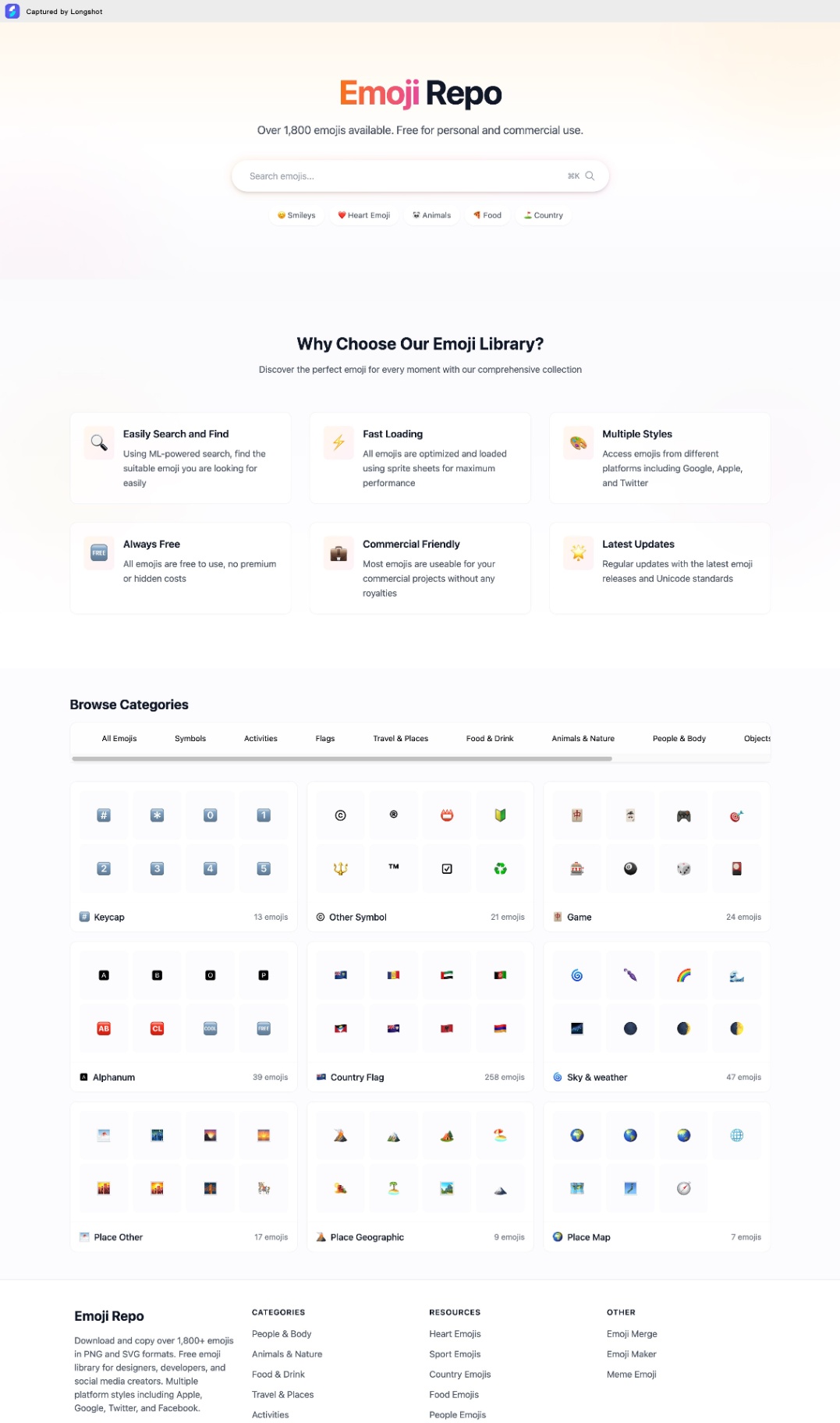 Emoji RepoFree Emojis in PNG and SVG formats. Copy and Download 1,800+ emojis for commercial use. Multiple styles from Apple, Google, Twitter & Facebook.5.0(1 reviews)Non AIOther AI ToolsEmoji Repo Emoji coppy Emoji download
 MonitorGuardMonitorguard and security guard Workforce management systemOther AI Tools
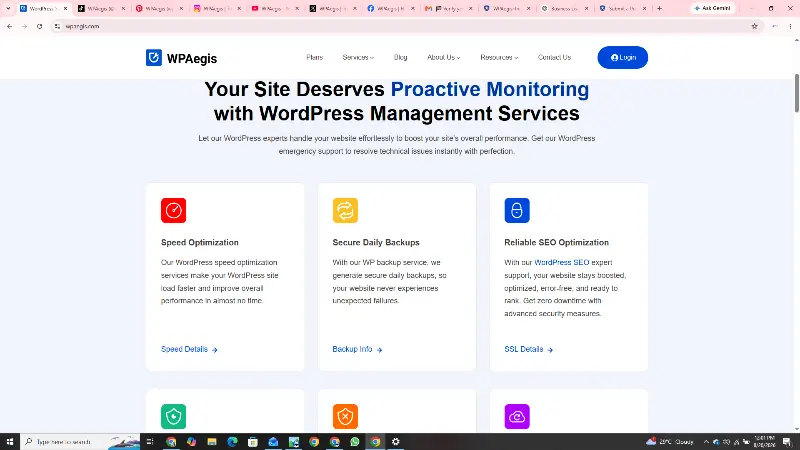 WPAegisWPAegis keeps WordPress websites secure, fast, updated, backed up, and reliably maintained.Other AI ToolsAI Security ToolsAI Marketing ToolsWordPress SecurityWordPress MaintenanceWebsite Performance
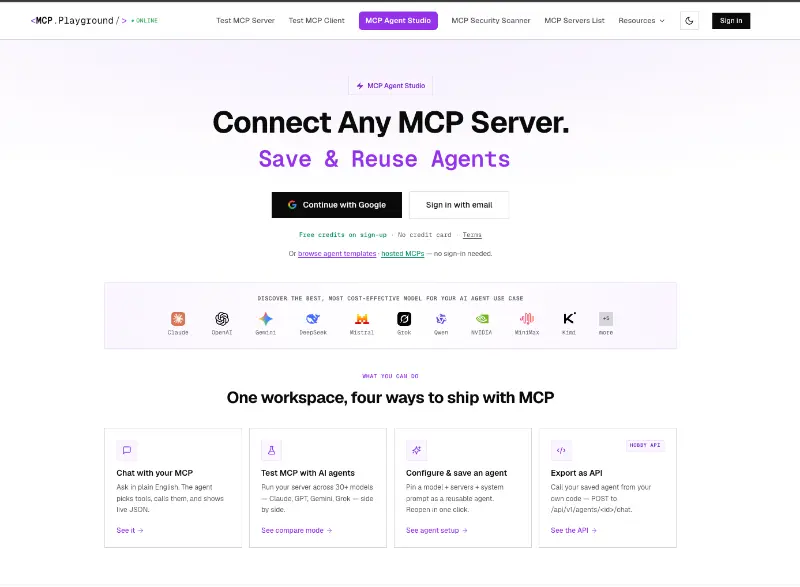 MCP Playground OnlineMCP Playground Online is an all-in-one browser-based platform for building, testing, debugging, and deploying MCP-powered AI agents. Connect to any MCP server, deploy 60+ hosted servers instantly, and test agents with live tool-call inspection. Compare 60+ AI models, use ready-made templates, collaborate with your team, and export agents as production-ready APIs—all without managing SDKs, Docker, or infrastructure.Other AI Toolsmcpaiagent
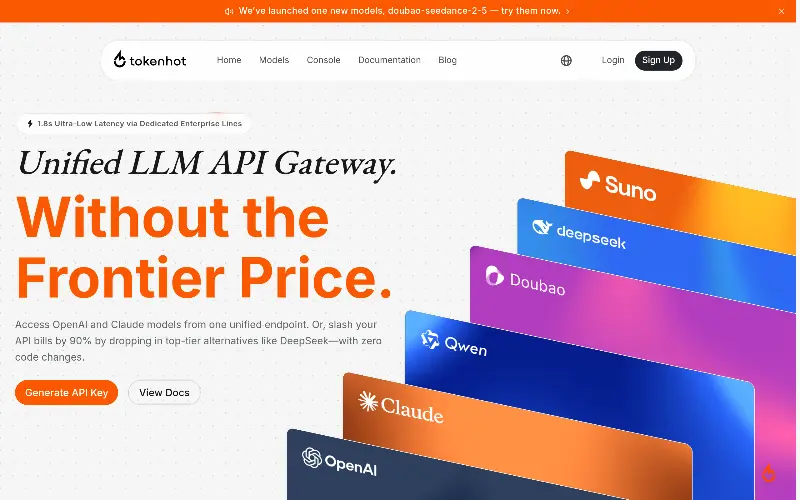 Tokenhot LLM API GatewayOpenAI-compatible LLM API gateway for 100+ models. One endpoint, one API key, zero KYC. Cut costs by up to 90% with intelligent routing. Supports text, vision, video, and TTS.AI Productivity ToolsOther AI ToolsAPIAutomation
Reviews
See what the community thinks and share your experience.
5.0
Based on 1 ratings
Rating distribution
Community reviews
No reviews
No written reviews yet.