Rents real iPhones and Macs in the cloud so AI agents can use apps, test software, and handle everyday phone tasks like a person.
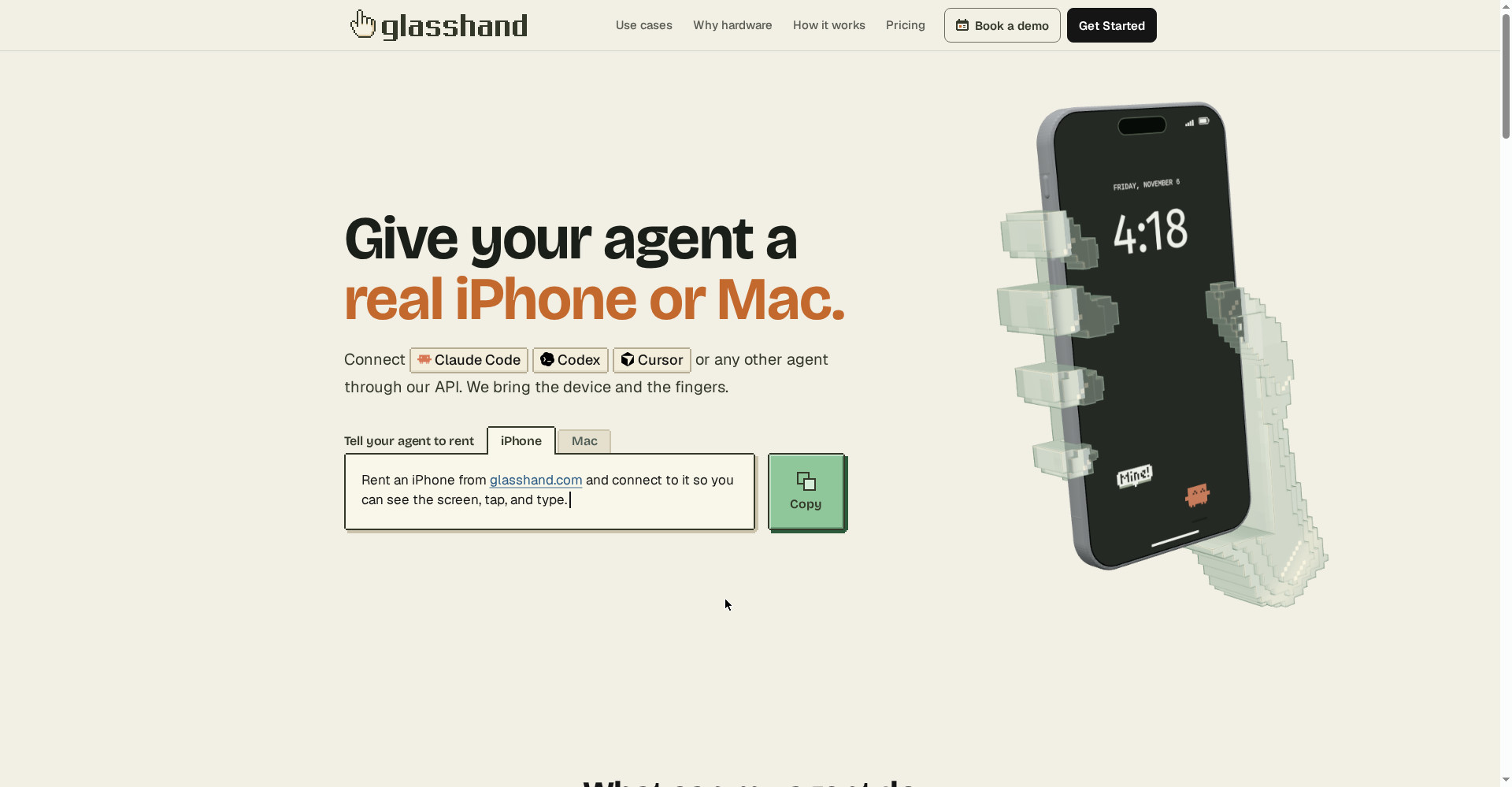
Glasshand homepage
1 / 2Overview
What is Glasshand?
Give your agent a real iPhone and Mac
Glasshand gives your AI agent a real iPhone or Mac in the cloud. Connect Claude Code, Codex, Cursor, or any MCP agent, and with one prompt your agent can rent a device and use it the way a person would — tapping, typing, and seeing the screen.
- Real iPhone and Mac hardware, not emulators
- Five-minute setup through MCP
- Build, test, and submit iOS apps on a real Mac
- An iPhone that handles messages, bookings, and social posts
- Data erased and device factory reset after every rental
Glasshand rents iPhones at $60 per month and Macs at $90 per month, billed month to month with no long-term commitment.
Platforms and languages
Glasshand Availability
Platforms
Languages
Capabilities
Glasshand Key Features
Real iPhone and Mac, not emulators
Your agent operates physical devices hosted in a data center, with a real screen, apps, and accounts.
Five-minute MCP setup
Connect Claude Code, Codex, Cursor, or any MCP agent and start renting a device with one prompt.
Build and test iOS apps on a real Mac
Run Xcode, Simulator, and TestFlight on a dedicated Mac to build, test, and submit apps.
An iPhone that works as a personal assistant
The phone handles messages, bookings, shopping, and social posts on your agent's behalf.
Private by design
Each rental is dedicated to you; when you release it, data is erased and the device is factory reset.
Best for
Who uses Glasshand?
Developers using Claude Code or Codex
Test iOS apps on a real Mac and let agents operate a real iPhone
Teams automating phone tasks
Have an agent handle messages, bookings, and social posts on a dedicated device
Plans and access
Glasshand Pricing
Paid
iPhone $60/month, Mac $90/month, billed month to month.
Common questions
Glasshand FAQs
What is Glasshand?
A service that rents real iPhones and Macs to AI agents, so an agent can use a phone or computer the way a person would.
How do I start?
Connect your agent through MCP — setup takes about five minutes — then ask it to rent a device.
What can the Mac do?
Build in Xcode, test apps in the Simulator, submit to TestFlight, install apps, and sign into your accounts.
What can the iPhone do?
Handle everyday phone tasks such as messages, bookings, shopping, and social posts.
What happens to my data?
When you release a device, your data is erased and the device is factory reset.
Reviews
See what the community thinks and share your experience.
—
Based on 0 ratings
Rating distribution
Community reviews
No reviews
No written reviews yet.