A HIPAA-compliant browser that lets AI agents log in and complete real web workflows, saving successful steps as replayable playbooks.
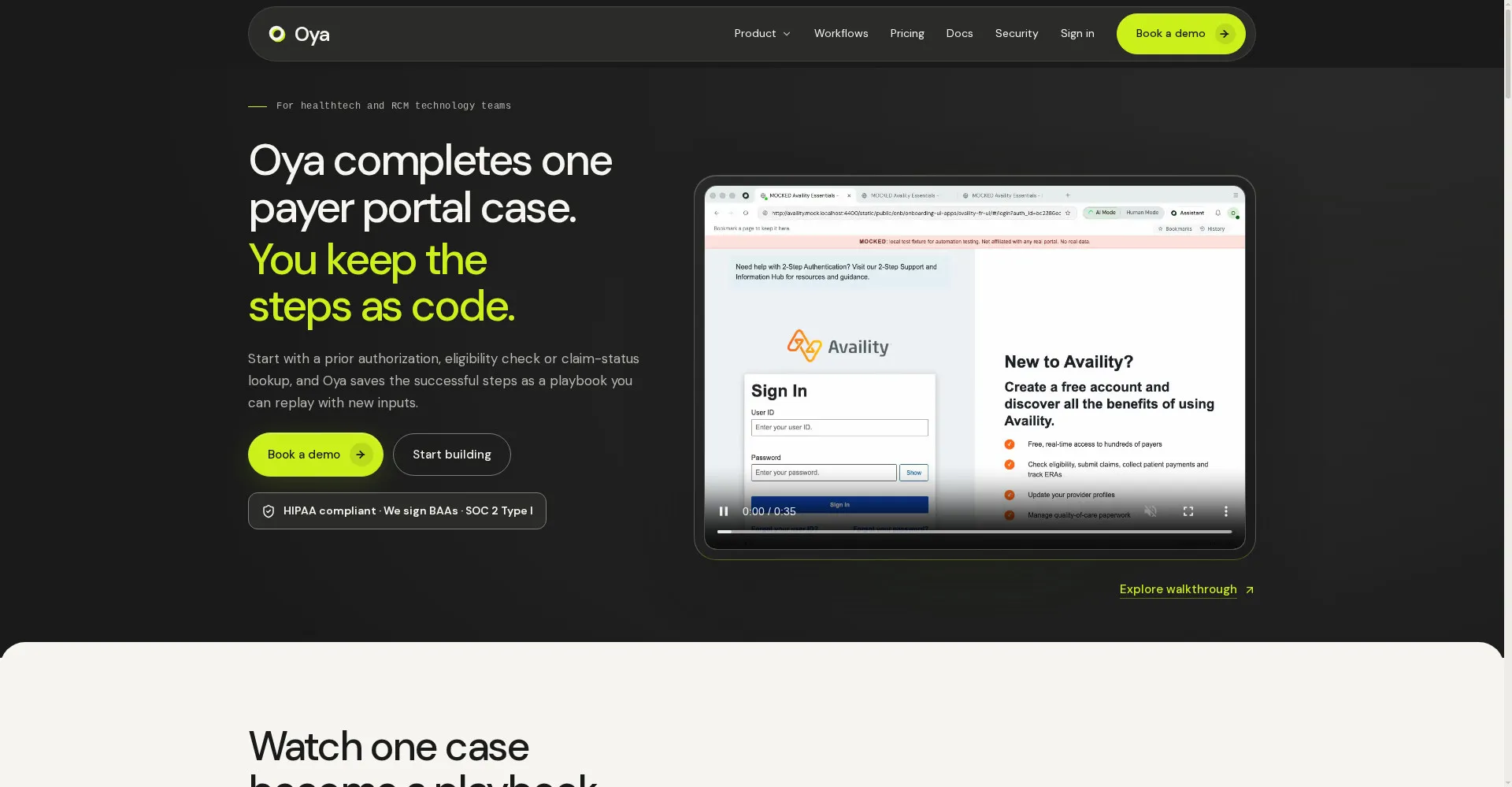
Oya Browser homepage
1 / 3Overview
What is Oya Browser?
A real, logged-in browser for your AI agents
Oya is the browser your agents use to do real work. It is a real, logged-in browser: agents sign in to payer portals and other sites, complete the case, and Oya saves the successful steps as a playbook you can replay with new inputs — without a model in the loop.
It is built for healthtech and RCM teams, is HIPAA compliant with signed BAAs, and the desktop app is free to start.
Platforms and languages
Oya Browser Availability
Platforms
Languages
Capabilities
Oya Browser Key Features
A real logged-in browser
Agents work in a real browser, logged in, completing real work on real sites.
Playbooks save steps as code
Start with one case; Oya saves the successful steps as a playbook you can replay with new inputs.
Replay without a model
Saved playbooks replay the steps without a model in the loop — deterministic and cheap.
Human takeover anytime
Watch the agent work through it, follow the steps, and take control if the task needs you.
HIPAA compliant
HIPAA compliant with signed BAAs and SOC 2 Type I, built for healthtech teams.
Best for
Who uses Oya Browser?
Healthtech and RCM teams
Complete payer portal cases — prior auth, eligibility, claim status — and keep the steps as code.
Teams with repetitive logged-in web work
Turn one completed case into a replayable workflow for the next hundred.
Plans and access
Oya Browser Pricing
Freemium
Free plan $0; Developer $500/month; Startup $2,500/month; Enterprise custom.
Common questions
Oya Browser FAQs
What is Oya Browser?
A browser your agents use to do real work: logged in, completing real workflows on real websites.
What is a playbook?
A saved workflow: the successful steps of a completed task, stored as readable code with inputs as variables.
Can a human take over?
Yes. You can watch the agent, follow its steps, and take control whenever the task needs you.
Is it HIPAA compliant?
Yes. Oya is HIPAA compliant, signs BAAs, and is SOC 2 Type I certified.
Is there a free plan?
Yes. The free plan includes the desktop app, 500 agent steps a month and 1 cloud browser hour.
Reviews
See what the community thinks and share your experience.
—
Based on 0 ratings
Rating distribution
Community reviews
No reviews
No written reviews yet.