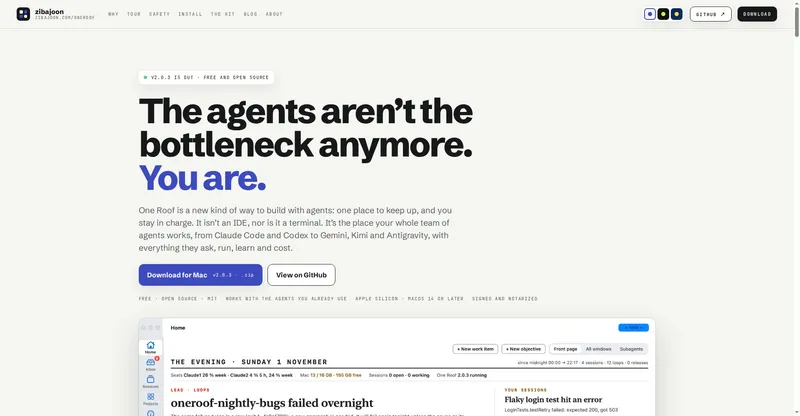
A free desktop app and VS Code panel that puts all your Muse Code sessions, diffs and approvals in one window.
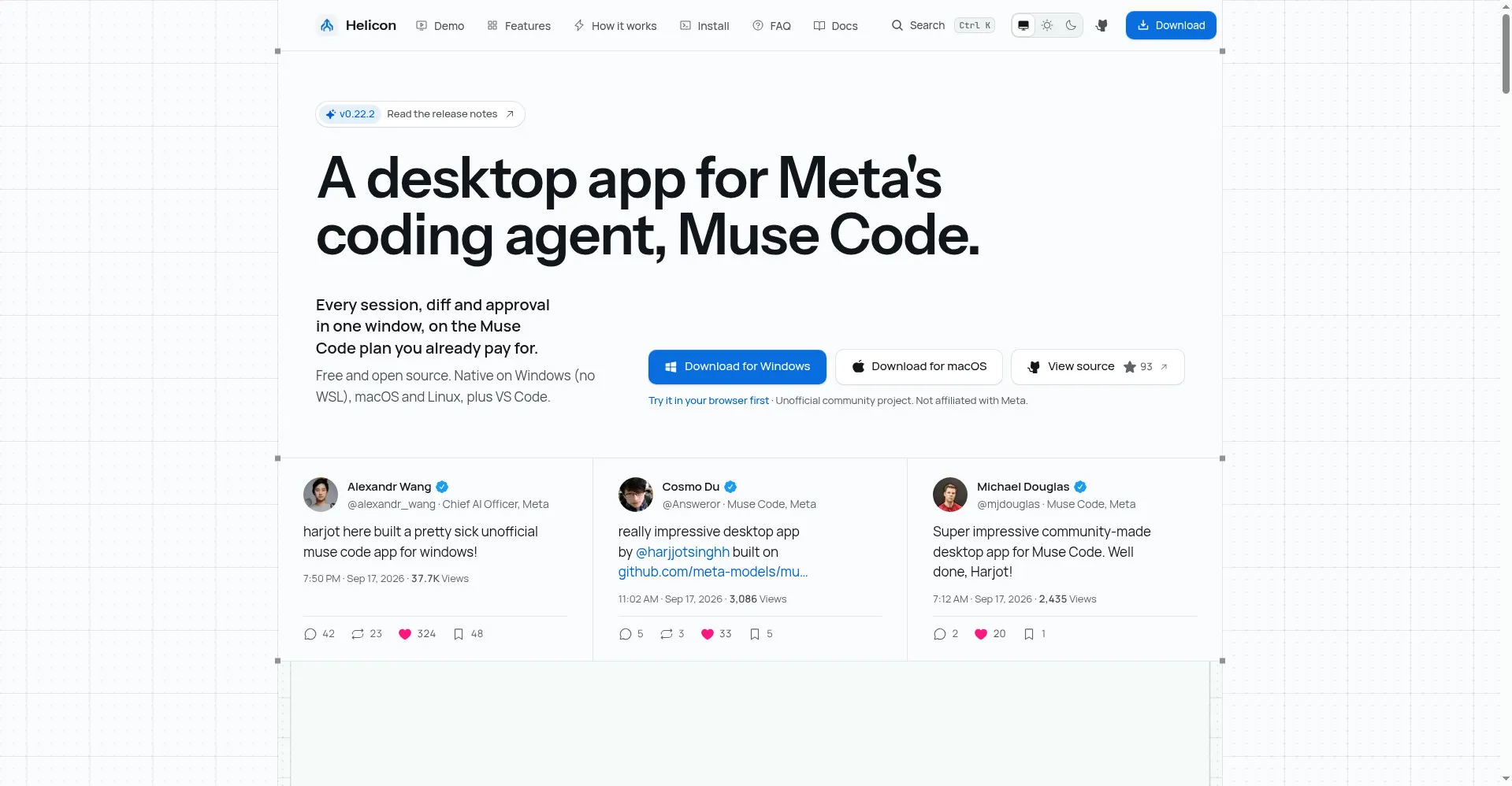
Helicon homepage
1 / 2Overview
What is Helicon?
Open-source desktop app and VS Code panel for Muse Code
Helicon is the missing UI for Muse Code: an open-source desktop app and VS Code panel that puts all your sessions, diffs and approvals in one window.
Projects group by folder including worktrees, every edit lands in the thread as an inline diff, and approval requests surface the moment they arrive — never batched or bypassed. A cost view shows what each thread would cost at API rates, and everything stays keyboard-first.
Free and MIT licensed for Windows, macOS and Linux, plus a web app and VS Code panel. Your Muse login and a local SQLite database — nothing else leaves your machine.
Platforms and languages
Helicon Availability
Platforms
Languages
Capabilities
Helicon Key Features
Every session in one window
Projects grouped by folder including worktrees; resume any thread in one click.
Inline diffs
Every edit lands in the thread as a diff, right where it happened.
Approvals the moment they arrive
Permission requests surface instantly — never batched, never bypassed.
Cost view
See what each thread would cost at API rates.
Keyboard-first
Command palette, slash commands and model picker for fast navigation.
Local and open
MIT licensed. A local daemon speaks the Muse Code Session Protocol via the official MIT-licensed SDK; auth uses your own Muse login, state stays in local SQLite.
Best for
Who uses Helicon?
Muse Code users
Manage sessions, diffs, approvals and costs across projects in one place
Plans and access
Helicon Pricing
Free
Common questions
Helicon FAQs
Is Helicon free?
Yes — MIT licensed and free. Note it needs a Muse Code plan or API key, which are separate.
How is it different from the Muse Code CLI?
It's a companion UI: all your sessions, diffs and approvals in one window, plus a VS Code panel — while the CLI still does the work.
Where is my data stored?
Locally, in SQLite on your machine. Auth goes through your own Muse login.
Reviews
See what the community thinks and share your experience.
—
Based on 0 ratings
Rating distribution
Community reviews
No reviews
No written reviews yet.