iphone-use
Computer-use, but for the iPhone — let AI agents (and your browser) see and drive a real phone.
Open-source tool that lets AI agents see and control a real iPhone, automating apps that have no API.
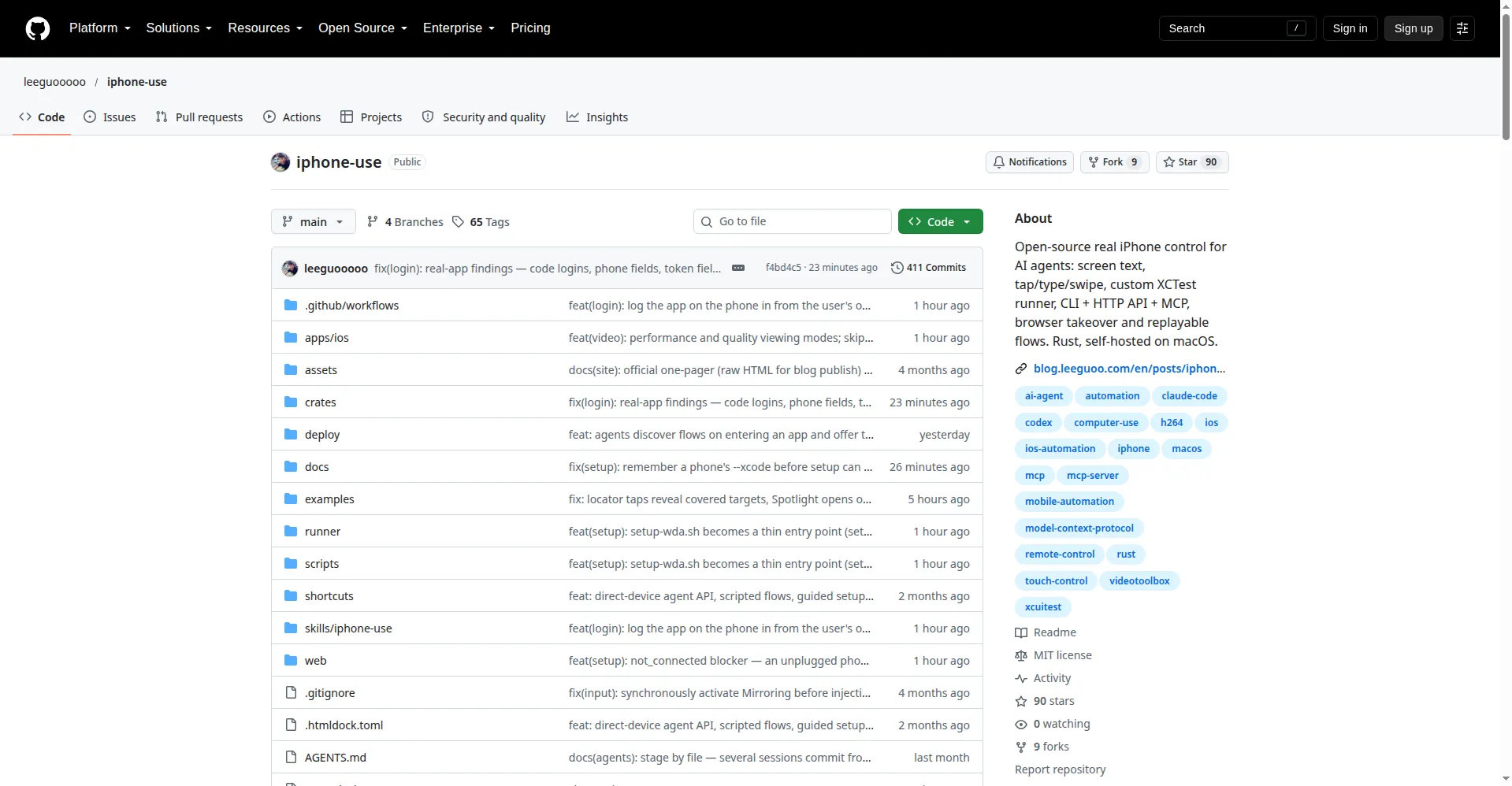
GitHub repository
1 / 2Overview
What is iphone-use?
Computer-use, but for the iPhone — let AI agents (and your browser) see and drive a real phone.
iphone-use is an open-source tool that makes a real iPhone accessible to AI agents. Many everyday apps have no API: banking, payments, health, chat. iphone-use lets a coding agent operate them on a physical phone the same way it operates a browser.
It turns the iPhone screen into text through the accessibility tree and supports tap, type and swipe on a real device over USB. Agents connect through a 24-tool MCP server (for Claude Code and other MCP clients), an HTTP agent API, a CLI, a browser-based live-view control page, or a native iOS companion app. Repeated chores can be recorded once as Flows, JSON scripts that replay with zero model tokens, and shared through a community flow registry.
Every action returns an honest result: applied, not sent, or unknown, plus whether a retry is safe. Taps on covered elements are refused rather than silently landing elsewhere. The system is a self-hosted Rust daemon on macOS with a custom XCTest runner, MIT licensed, free with no cloud subscription. Requirements are a Mac with full Xcode and an Apple ID, and an iPhone with Developer Mode enabled.
Platforms and languages
iphone-use Availability
Platforms
Languages
Capabilities
iphone-use Key Features
Real iPhone control without APIs
Converts the iPhone screen to text via the accessibility tree; tap, type and swipe on a physical device instead of a simulator.
Multiple access methods
CLI, HTTP agent API, 24-tool MCP server for Claude Code, browser live-view page, and a native iOS companion app.
Replayable Flows
Record a repeated task once as a JSON script and replay it with zero model tokens; install reviewed flows from the community registry.
Honest action feedback
Every action reports applied, not sent, or unknown, plus retry safety; blocked taps are refused rather than silently passing through.
Self-hosted and private
Local Rust daemon on macOS with a custom XCTest runner; token-efficient, with data staying on your own machines.
Best for
Who uses iphone-use?
Developers using AI coding agents
Automate real iPhone apps that have no API, for testing or agent-driven workflows
Plans and access
iphone-use Pricing
Free
Common questions
iphone-use FAQs
What hardware do I need?
A Mac with full Xcode and an Apple ID, plus an iPhone with Developer Mode enabled connected over USB. It drives a physical phone, not a simulator.
Is iphone-use free?
Yes. It is MIT-licensed open source and self-hosted, with no cloud subscription or fees.
How do AI agents use it?
Through the 24-tool MCP server in Claude Code, the HTTP agent API, or the CLI. Each action reports whether it was applied and whether a retry is safe.
What are Flows?
Record a task once and replay it as a script with zero model tokens. Flows can be published to and installed from the community flow registry.
Is it safe on untrusted networks?
The phone-side runner ports have no authentication and are reachable on the same Wi-Fi, so never expose them on untrusted networks. The daemon port itself is protected by password or token.
Reviews
See what the community thinks and share your experience.
—
Based on 0 ratings
Rating distribution
Community reviews
No reviews
No written reviews yet.