Free mobile app running 53+ open AI models fully offline on iPhone and Android, with on-device RAG for documents and images.
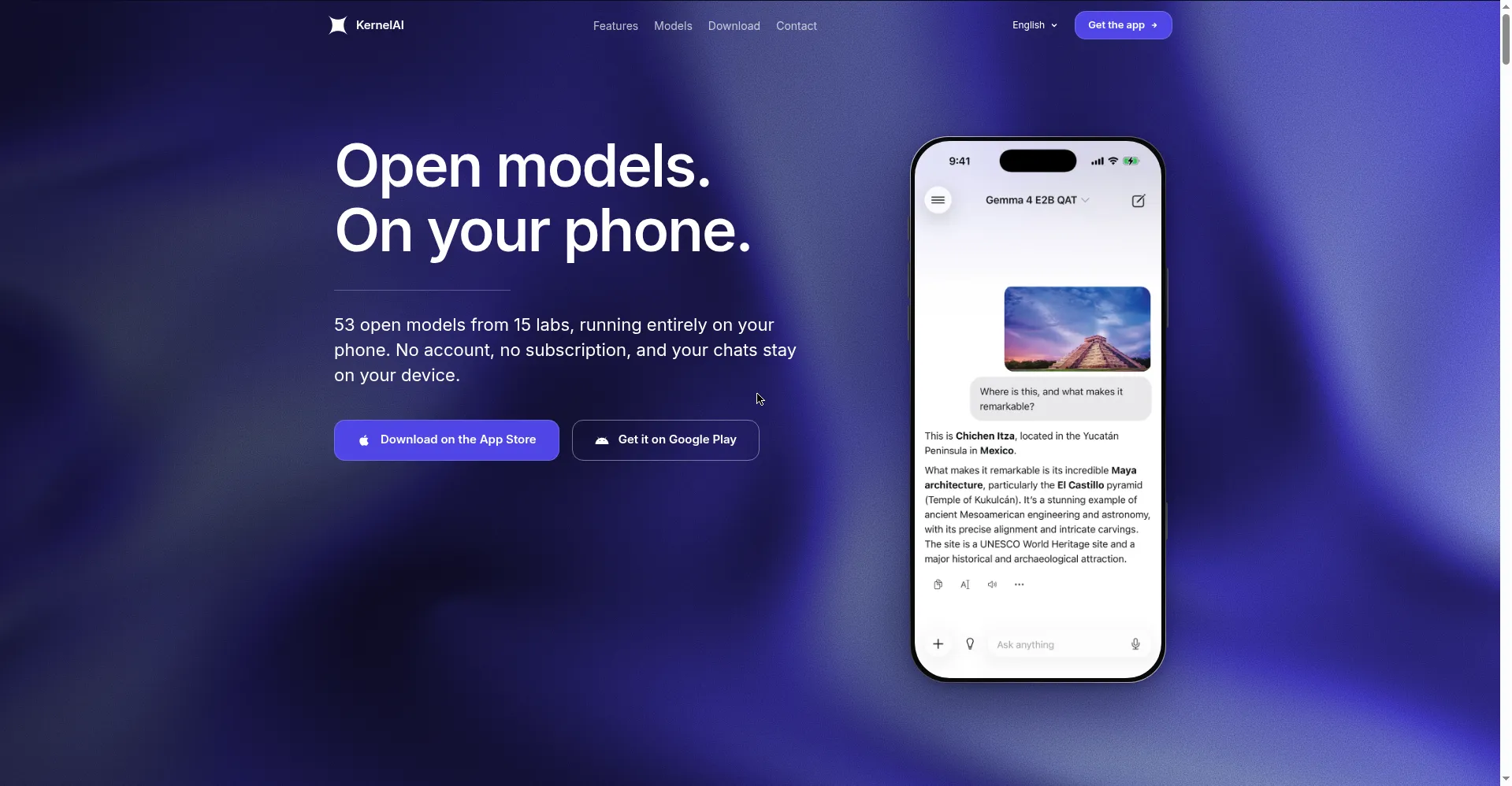
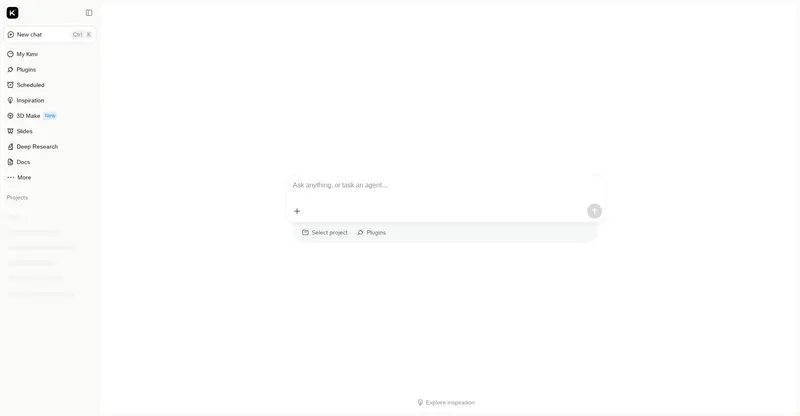
KernelAI homepage — open models, on your phone
1 / 3Overview
What is KernelAI?
Open models. On your phone.
KernelAI is private, offline AI for iPhone and Android. It runs 53 open models from 15 labs entirely on your phone — no account, no subscription, and your chats stay on your device.
Attach PDFs, Word files, or spreadsheets and ask about them with on-device RAG — nothing is uploaded. Vision models understand photos of signs, menus, charts, and receipts. Request, fix, or explain code offline with syntax highlighting, dictate prompts with on-device transcription, and set custom instructions with presets for tone, format, and persona.
Models (112MB–3.11GB, including Qwen, Google, Meta, DeepSeek, and Mistral) download once over Wi-Fi and then run fully offline via llama.cpp on the iPhone CPU/GPU. Each model is labeled with its RAM requirement for your device, and incompatible models are disabled automatically. Optional network search (bring your own Tavily/Exa API key) is off by default; you can also import your own GGUF models (experimental). iPhone users get Siri and Shortcuts actions.
Everything is free: no subscription, no usage limits, no account. Optional tips support development and unlock nothing.
Platforms and languages
KernelAI Availability
Platforms
Languages
Capabilities
KernelAI Key Features
53 on-device models
53 open models from 15 labs (112MB–3.11GB, including Qwen, Google, Meta, DeepSeek, Mistral) download once over Wi-Fi and run fully offline.
On-device document RAG
Attach PDFs, Word files, or spreadsheets and ask about them — nothing is uploaded, everything is processed on the phone.
Vision and code
Vision models understand photos of signs, menus, charts, and receipts, with syntax-highlighted code help offline.
Optional network search
Optional network search with answers and cited sources — bring your own Tavily/Exa API key; off by default.
Voice and Siri/Shortcuts
On-device dictation so voice prompts never leave the phone, plus Ask KernelAI and Extract Text from Document Shortcuts actions.
Best for
Who uses KernelAI?
Privacy-conscious mobile users
Use AI on iPhone or Android with chats and documents staying on the device
Travelers and offline workers
Run AI models with no network — flights, subways, and dead zones
Automation users
Trigger KernelAI actions from Siri and Shortcuts
Plans and access
KernelAI Pricing
Free
Completely free; no subscription, no limits, no account
Common questions
KernelAI FAQs
Is KernelAI really free?
Yes. All current features are free with no subscription, no usage limits, and no account. Optional tips only support development and unlock nothing.
Does it work offline?
Yes. Models download once over Wi-Fi and then run fully offline — airplane mode and dead zones included.
What data leaves my device?
Chats, attachments, images, and transcriptions are processed on your phone. Only model downloads and optional network search use the network; details are in the privacy policy.
How does on-device AI work?
It runs quantized open-weight models via llama.cpp on the iPhone CPU/GPU, downloading once over Wi-Fi and then inferring on-device.
Which devices are supported?
iPhone and iPad on iOS 16.4+, and Android 7.0+. Each model shows its RAM requirement for your device, and models that do not fit are disabled automatically.
Does it support Siri and Shortcuts?
Yes — the Ask KernelAI and Extract Text from Document Shortcuts actions can be triggered by Siri.
Reviews
See what the community thinks and share your experience.
—
Based on 0 ratings
Rating distribution
Community reviews
No reviews
No written reviews yet.