Moonshot AI's assistant on web and mobile, now running Kimi K3.1 Pro with a 1M-token context, research, slides, and 3D creation.
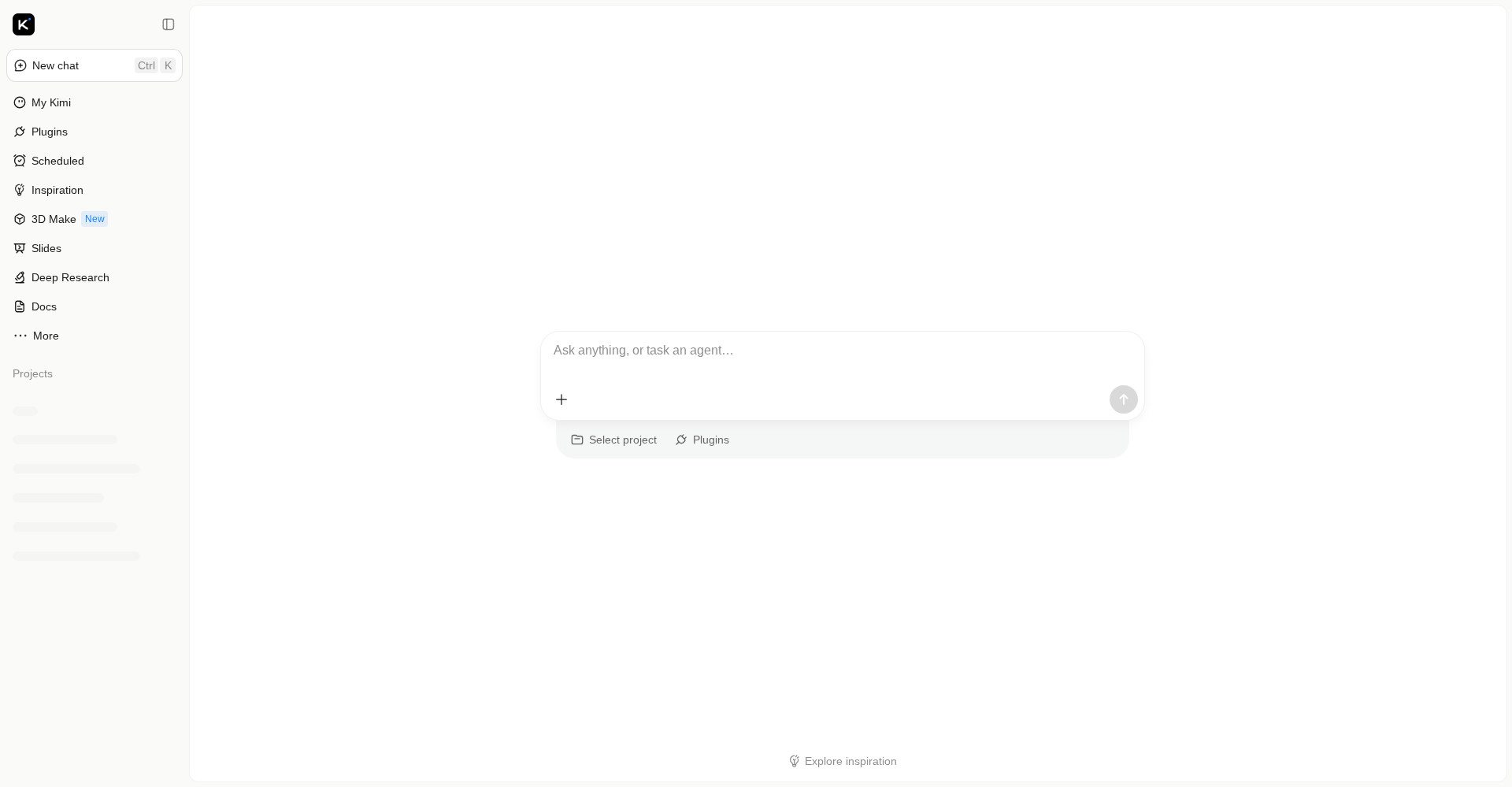
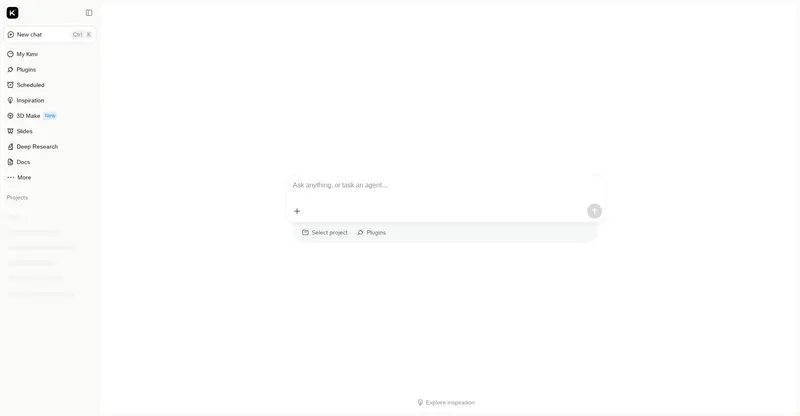
Kimi homepage chat interface
Overview
What is Kimi?
Moonshot's everyday AI assistant, now powered by the K3.1 Pro model.
Kimi is Moonshot AI's AI assistant, available on the web at kimi.com and on iOS, Android, and HarmonyOS. Since October 23, 2026, it runs Kimi K3.1 Pro, Moonshot's most capable 3T-class open-weight model to date, with a 1-million-token context window.
Beyond chat, Kimi includes Deep Research for multi-step research reports, Slides for building presentations, Docs for long-form writing, and 3D Make, a feature that turns text, sketches, or reference images into 3D models that can be previewed and edited online and downloaded for 3D printing. Kimi also supports scheduled tasks and plugins that extend what the assistant can do.
Kimi is free to start, with paid membership tiers that unlock higher usage limits and access to the newest models. The Kimi API offers the same models to developers, with Zero Data Retention available for API customers.
Platforms and languages
Kimi Availability
Platforms
Languages
Capabilities
Kimi Key Features
Powered by Kimi K3.1 Pro
Chat with Kimi K3.1 Pro, Moonshot's flagship model with a 1-million-token context window.
Deep Research
Multi-step research reports with sources, built for longer investigations.
3D Make
Turn text, sketches, or reference images into printable 3D models.
Slides and Docs
Build presentations and long documents from a prompt inside the assistant.
Scheduled tasks and plugins
Automate recurring work with scheduled tasks and extend Kimi with plugins.
Best for
Who uses Kimi?
General users and students
ask questions, research topics, and draft documents with a long-context assistant
Creators and makers
generate 3D models, slides, and presentations from text prompts
Plans and access
Kimi Pricing
Freemium
Common questions
Kimi FAQs
How do I try Kimi K3.1 Pro?
Open kimi.com or install the Kimi app, start a new chat, and pick Kimi K3.1 Pro as the model. No download or setup is required for the web version.
Is Kimi free?
Kimi is free to start. Paid membership tiers raise usage limits and unlock the newest models; Kimi K3.1 Pro access depends on the tier.
Does Kimi have mobile apps?
Yes. Kimi has apps for iOS, Android, and HarmonyOS, plus the Kimi Work desktop app for Windows and Mac.
What is Kimi's 3D Make feature?
3D Make turns a text description, sketch, or reference image into a 3D model you can preview and edit online, then download ready for 3D printing.
Reviews
See what the community thinks and share your experience.
—
Based on 0 ratings
Rating distribution
Community reviews
No reviews
No written reviews yet.