Kling 4.0
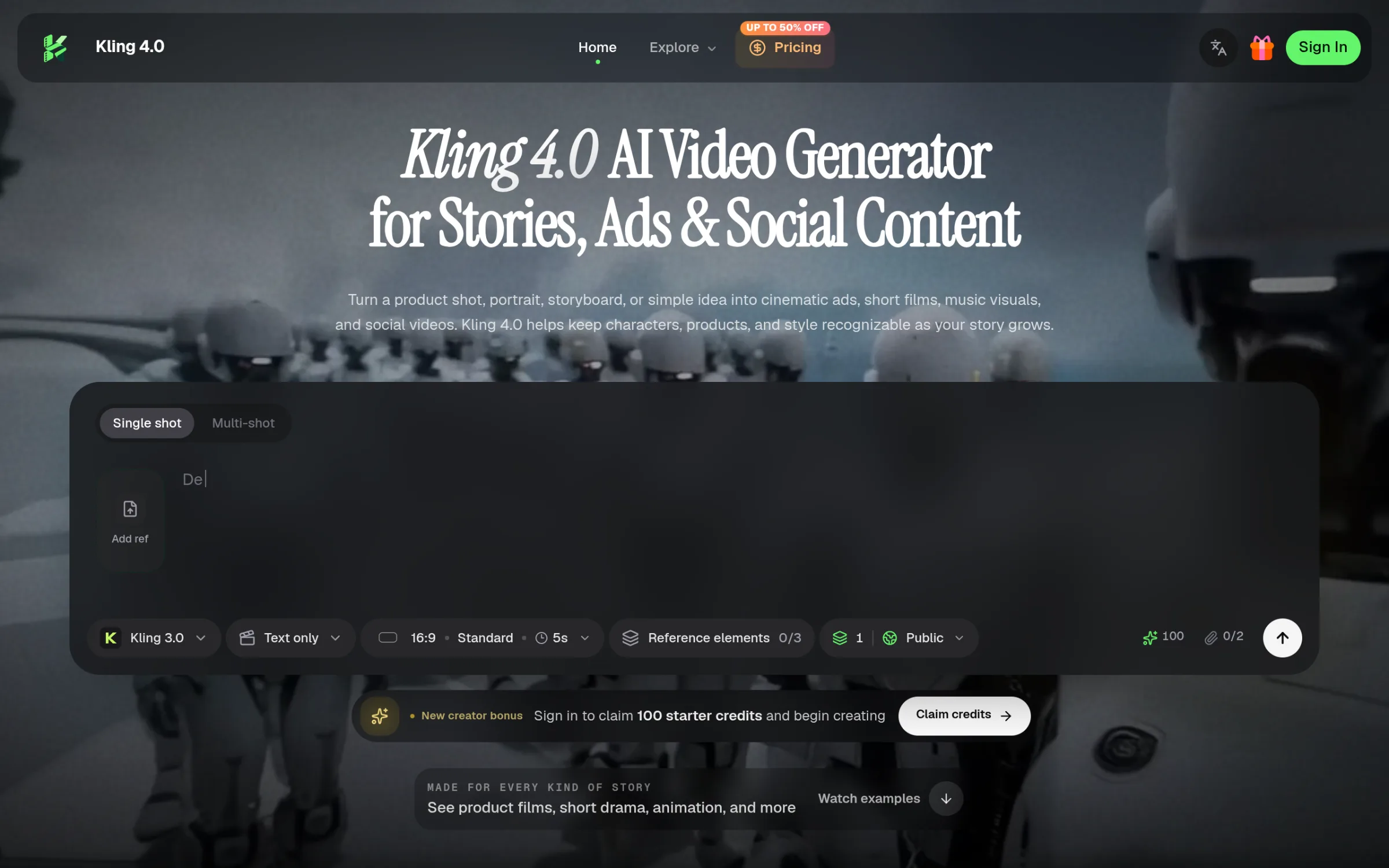
Kling 4.0 is an AI video generator that transforms ideas into cinematic ads, character stories, and social videos, offering a range of creative controls and visual references.
Kling 4.0 is an AI video generator that transforms ideas into cinematic ads, character stories, and social videos, offering a range of creative controls
22.png
Overview
What is Kling 4.0?
Kling 4.0 is an AI video generator that transforms ideas into cinematic ads, character stories, and social videos, offering a range of creative controls and visual references.
What Is Kling 4.0?
Kling 4.0 is an AI video and image creation platform for turning text prompts, product photos, portraits, and storyboards into cinematic content. Built for product advertising, short films, social media, and visual storytelling, it helps creators carry a recognizable character, product, or visual style across connected scenes.
From a single creative idea to a coordinated collection of videos and images, Kling 4.0 brings reference-based generation, camera direction, voice references, and scene extension into one creative workflow.
Key Features
Video Generation up to 30 Seconds
Create videos up to 30 seconds long at resolutions up to 1080p. Give your scene room for an opening, a meaningful action, and a clear ending—whether you are introducing a product, revealing a new setting, or telling a short character story.
Omni Reference with up to 15 Elements
Combine up to 15 reference elements to guide characters, products, clothing, locations, props, composition, visual style, and motion. Use these references to help maintain recognizable details as the camera angle, action, or scene changes.
This makes Kling 4.0 useful for recurring characters, branded product videos, and campaigns that need a consistent visual identity.
Camera, Action, and Scene Direction
Describe what viewers should see first, how the camera should move, and how the action should unfold. Shape the pacing, atmosphere, and final reveal through natural-language instructions.
Explore the platform’s creative controls for reference-driven scenes and connected visual storytelling.
Voice References for Character Scenes
Use up to three voice references to guide distinct character voices and delivery. Develop dialogue scenes, virtual presenters, or recurring characters with a recognizable vocal direction.
Video Extension and Longer Stories
Extend a video to 60 seconds or explore experimental 120-second storytelling at 1080p. Forward and backward scene extension lets you continue an action or add an earlier setup around an existing moment.
Kling Image 4.0
Generate 1–9 related images in a single run with Kling Image 4.0. Create keyframes, thumbnails, posters, product visuals, and storyboard concepts at resolutions up to 4K, with selected workflows reaching up to 8K.
Develop supporting images around the same creative direction as your video for a more coordinated campaign.
Platforms and languages
Kling 4.0 Availability
Platforms
Languages
Capabilities
Kling 4.0 Key Features
Video Generation up to 30 Seconds
Create videos up to 30 seconds long at resolutions up to 1080p. Give your scene room for an opening, a meaningful action, and a clear ending—whether you are introducing a product, revealing a new setting, or telling a short character story.
Plans and access
Kling 4.0 Pricing
Paid
Kling 4.0 Alternatives

Reviews
See what the community thinks and share your experience.
—
Based on 0 ratings
Rating distribution
Community reviews
No reviews
No written reviews yet.