Free, private AI coworker for the Mac that runs fully on local AI models — no account, no cloud.
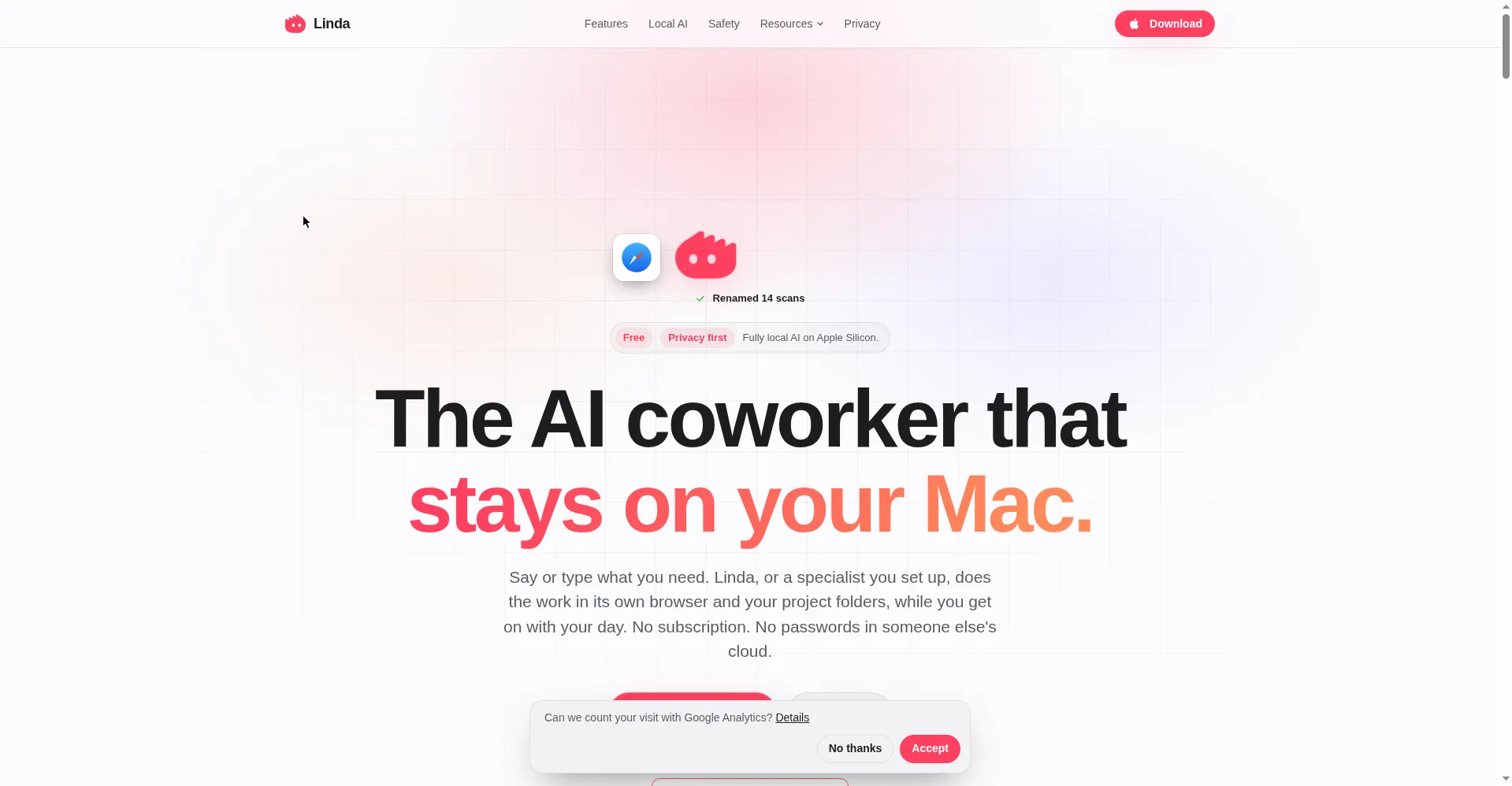
Homepage hero
1 / 2Overview
What is Linda?
The AI coworker that stays on your Mac.
Linda is a free, private AI coworker for the Mac that runs fully on local AI models on Apple Silicon. You speak or type what you need and Linda does the work — handling tasks, automation, and recurring routines entirely on-device — while asking for approval before anything irreversible. No account, no cloud, no data leaves the Mac.
It runs open models (GLM, Qwen, Gemma, Granite) via MLX and connects to Ollama, LM Studio, or mlx-lm for your own models. Memory is stored on-device (built on Qdrant) and is fully visible and removable. Linda works in its own browser profile without touching your browser or email app, and integrates with Outlook, Teams, Calendar, Notion, Todoist, Linear, and more.
Linda is completely free with no paid tiers. It requires an Apple Silicon Mac (M1–M5) running macOS 26.
Platforms and languages
Linda Availability
Platforms
Languages
Capabilities
Linda Key Features
Own browser automation
Linda works in its own browser profile and tabs, never touching your own browser or email app.
Approval before irreversible actions
Sending, buying, deleting, posting, or submitting personal data always shows an approval card first.
Local AI on Apple Silicon
Runs open models (GLM, Qwen, Gemma, Granite) on-device via MLX; connects to Ollama, LM Studio, or mlx-lm.
On-device memory
Remembers people, facts, and preferences in on-device memory built on Qdrant — fully visible and removable.
Routines
Recurring daily, weekly, or monthly tasks that run while you are away, delivered as text, notification, or reminder.
Integrations
Outlook, Teams, Numbers, Pages, Notes, Calendar, Reminders, Notion, Todoist, Linear; web search via DuckDuckGo.
Best for
Who uses Linda?
Mac owners
Get an AI coworker that keeps all data on-device
Privacy-conscious users
Use a free alternative to cloud AI assistants without uploading data
Plans and access
Linda Pricing
Free
Common questions
Linda FAQs
Is Linda really free?
Yes. Linda runs local models on your Mac and has no paid tiers at all.
Can I use Ollama or my own models?
Yes. Linda connects to Ollama, LM Studio, or mlx-lm so you can use your own models.
Does Linda work offline?
Thinking, memory, voice, and files all stay on the Mac. Tasks that visit websites still need an internet connection.
Will Linda touch my own browser or email?
No. Linda works in its own browser profile and task folders, never in your own browser or email app.
Which actions need my approval?
Sending, buying, deleting, posting, or submitting personal data always shows an approval card first.
What are the system requirements?
An Apple Silicon Mac (M1 through M5) running macOS 26. Linda recommends a suitable model for your machine.
Reviews
See what the community thinks and share your experience.
—
Based on 0 ratings
Rating distribution
Community reviews
No reviews
No written reviews yet.