A tiny AI friend called Mielo who lives in your Mac's notch — music, files, focus, weather and answers out loud, right where you already look.
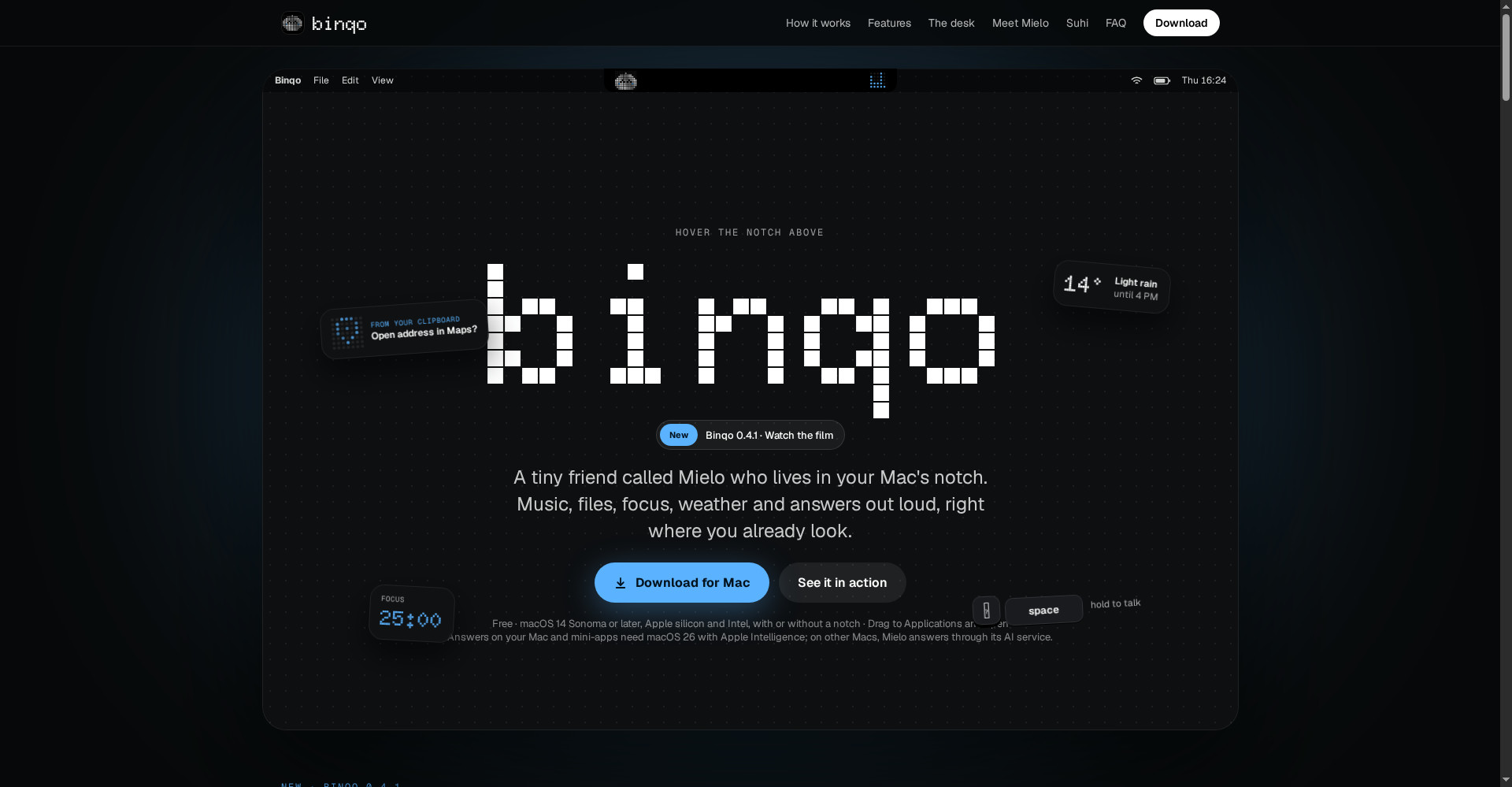
Binqo homepage
1 / 2Overview
What is Binqo?
A tiny friend in your Mac's notch
Binqo is a tiny friend called Mielo who lives in your Mac's notch. Music, files, focus, weather and answers out loud — right where you already look.
- Everything, one glance up: now playing, today's plan, your shelf and a focus timer
- Ask Mielo: hold space to talk and get answers out loud
- Your meetings, written up for you by the Desk
- Music from Spotify or Apple Music, clipboard tools and weather in the notch
- Spring animations that feel alive
Free forever for macOS 14 Sonoma or later, on Apple silicon and Intel.
Platforms and languages
Binqo Availability
Platforms
Languages
Capabilities
Binqo Key Features
Everything, one glance up
Now playing, today's plan, your shelf and a focus timer — one hover away in the notch.
Ask Mielo
Hold space to talk: Mielo answers out loud, on your Mac and through its own AI service.
Your meetings, written up
The Desk writes up your meetings for you.
Music, files and focus
Music from Spotify or Apple Music, your files and a focus timer, right where you already look.
Best for
Who uses Binqo?
Mac users
Get music, meetings, focus and answers from a tiny friend in the notch
People who live in their Mac's menu bar
Glance up for everything that matters, without switching apps
Plans and access
Binqo Pricing
Free
Free forever; requires macOS 14 Sonoma or later.
Common questions
Binqo FAQs
What is Binqo?
Binqo is a tiny AI friend called Mielo who lives in your Mac's notch. Music, files, focus, weather and answers out loud — right where you already look.
What is Mielo?
Mielo is the little character inside Binqo. Hover the notch to open it, hold space to talk to it, and it answers out loud.
Which Macs does Binqo support?
macOS 14 Sonoma or later, on Apple silicon and Intel, with or without a notch. On-device answers need macOS 26 with Apple Intelligence; on other Macs, Mielo answers through its AI service.
Is Binqo free?
Yes. Binqo is free forever.
Reviews
See what the community thinks and share your experience.
—
Based on 0 ratings
Rating distribution
Community reviews
No reviews
No written reviews yet.