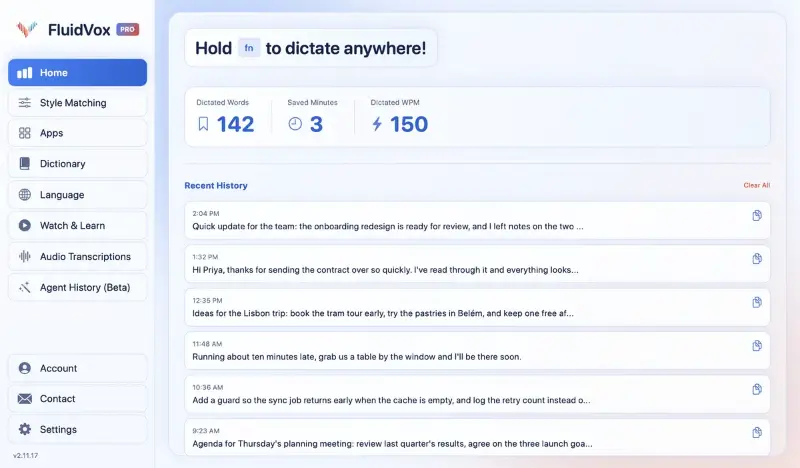
A Mac dictation app that types what you say into any app when you hold a key, running Whisper on your device and learning your words.
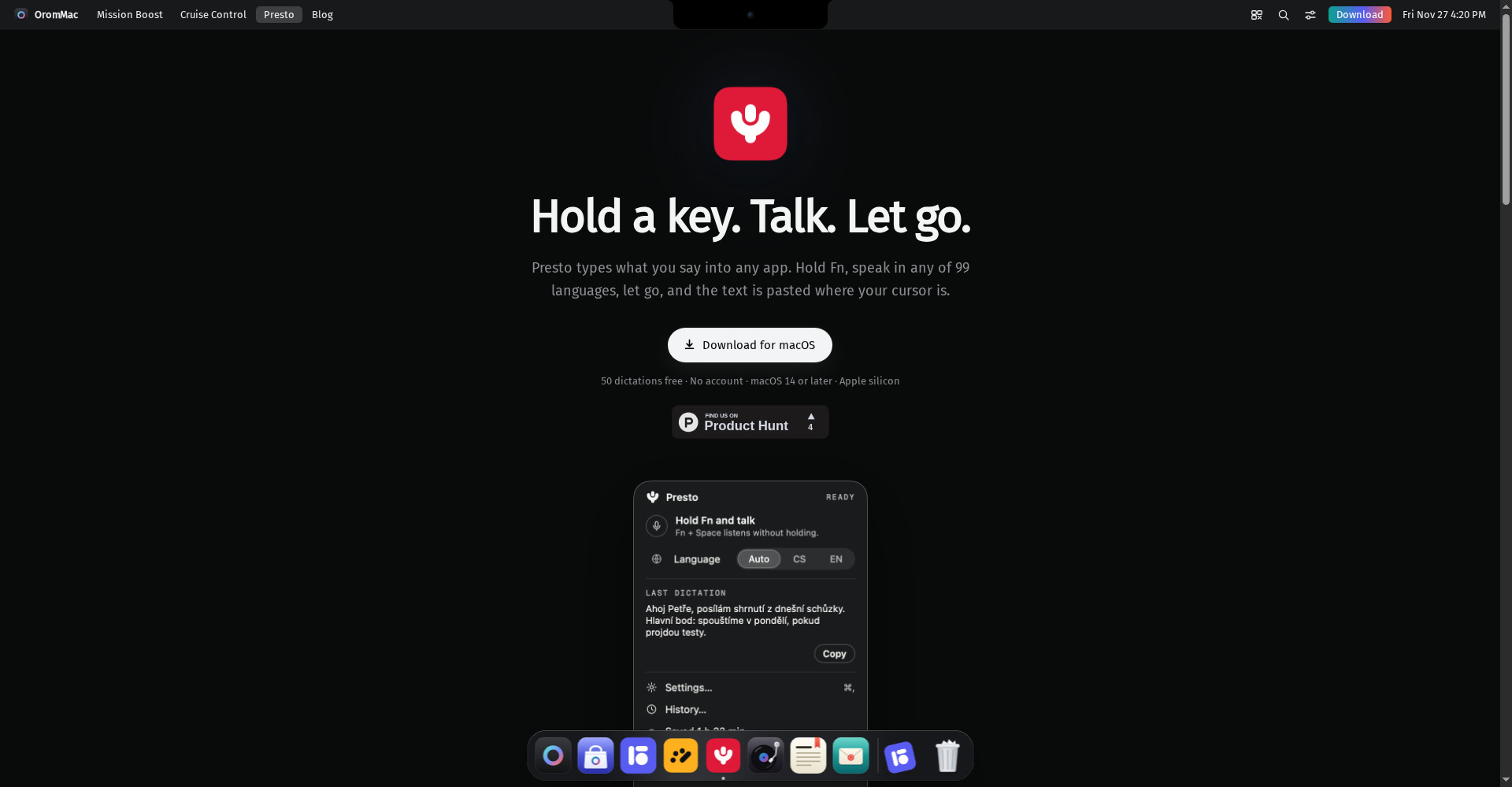
Presto homepage
1 / 2Overview
What is Presto?
Hold a key, talk, and it's typed. On your Mac, in any app
Presto is fast dictation for your Mac. Hold a key, talk, and the text is pasted where your cursor is, in any app. Speech is turned into text on your Mac with Whisper large-v3-turbo, so it works offline and no audio is uploaded. Fix a word after it is pasted and Presto learns it. The first 50 dictations are free, then it is a one-time €19 for one Mac or €49 for five Macs, including one year of updates. Presto runs on macOS 14 or newer, on Apple silicon.
Platforms and languages
Presto Availability
Platforms
Languages
Capabilities
Presto Key Features
Hold a key, talk, let go
Hold a key, talk, and the text is pasted where your cursor is, in any app.
On-device Whisper
Speech is turned into text on your Mac with Whisper large-v3-turbo, and it works offline.
Learns your words
Fix a word after it is pasted and Presto learns it, so it gets your words right next time.
One-time purchase
The first 50 dictations are free, then a one-time payment with no subscription.
Best for
Who uses Presto?
Mac users who type a lot
Dictate into any app by holding a key, without uploading audio
Plans and access
Presto Pricing
Paid
First 50 dictations free; then €19 for 1 Mac or €49 for 5 Macs, one-time.
Common questions
Presto FAQs
How much does Presto cost?
The first 50 dictations are free. After that, it is a one-time €19 for one Mac or €49 for five Macs.
Where does my voice go?
Nowhere. Speech is turned into text on your Mac, and no audio is uploaded.
Which Macs does it run on?
Macs on macOS 14 or newer, with Apple silicon.
Which languages are supported?
Whisper supports 99 languages, including English, Czech, Spanish, German, and French.
Reviews
See what the community thinks and share your experience.
—
Based on 0 ratings
Rating distribution
Community reviews
No reviews
No written reviews yet.