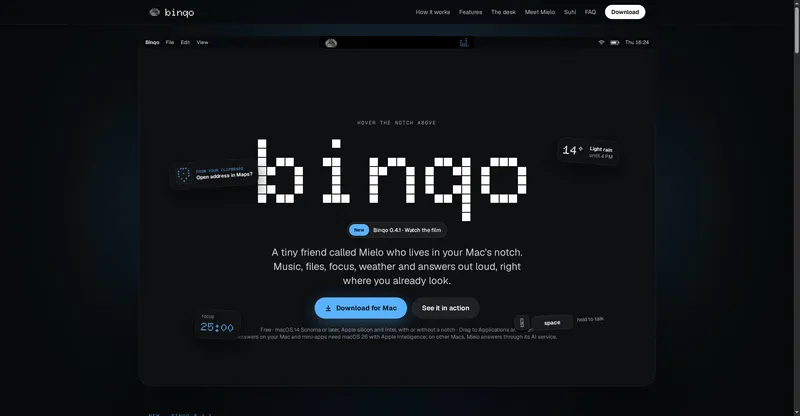
macOS menu-bar app that shows every AI coding limit in one place and warns you before you run dry.
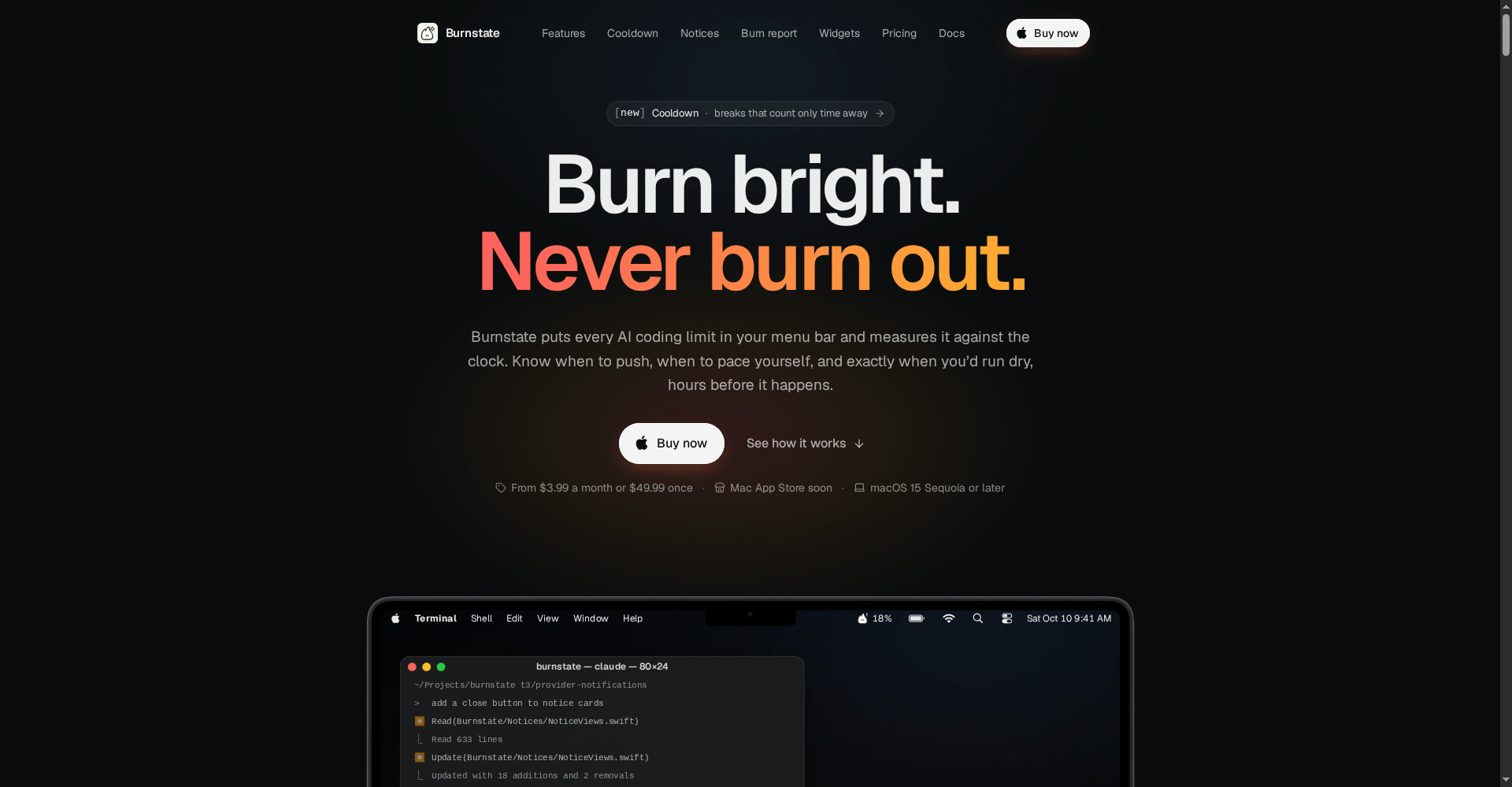
Burnstate home — burn bright, never burn out
1 / 3Overview
What is Burnstate?
Burn bright. Never burn out.
Burnstate is a macOS menu-bar app for developers who live in AI coding tools. It puts every AI coding limit in your menu bar and measures it against the clock, so you know when to push, when to pace yourself, and exactly when you would run dry.
It covers Claude Code, Codex, Cursor and the Vercel AI Gateway, with session, weekly and per-model limits shown as live usage bars. Burnstate reads only the usage data your provider's CLI or app already exposes on your Mac.
Burnstate costs $3.99 per month, $24.99 per year, or $49.99 once per Mac, and is also available through Setapp. It requires macOS 15 or later.
Platforms and languages
Burnstate Availability
Platforms
Languages
Capabilities
Burnstate Key Features
All limits in one place
See Claude Code, Codex, Cursor and Vercel AI Gateway limits in your menu bar.
Burn-down forecasts
Know when to push, when to pace yourself, and exactly when you would run dry.
Session and weekly limits
Track session, weekly and per-model limits with live usage bars.
Local and private
Reads only the usage data your provider's CLI or app already exposes on your Mac.
Best for
Who uses Burnstate?
Developers using Claude Code, Codex or Cursor daily
Track AI coding limits and avoid running out mid-task
Plans and access
Burnstate Pricing
Paid
$3.99/mo, $24.99/yr or $49.99 one-time per Mac
Common questions
Burnstate FAQs
Which AI tools does Burnstate track?
Claude Code, Codex, Cursor and the Vercel AI Gateway, with more providers on the way.
Which macOS version do I need?
Burnstate requires macOS 15 or later.
How much does Burnstate cost?
$3.99 per month, $24.99 per year, or $49.99 as a one-time purchase per Mac. It is also available through Setapp.
Is there a free trial?
Setapp offers a 7-day trial that includes Burnstate. A direct trial is not listed on the Burnstate site.
Reviews
See what the community thinks and share your experience.
—
Based on 0 ratings
Rating distribution
Community reviews
No reviews
No written reviews yet.