A 3D desktop workspace that visualizes CLI coding agents at their desks and hands work off when an agent stops.
Termi Protocol 3D workspace
1 / 2Overview
What is Termi Protocol?
Watch AI agents code in 3D and hand off the work
Termi Protocol is a 3D desktop workspace for watching real CLI coding agents work. Each agent — Claude Code, Codex, Gemini, OpenCode and more — gets its own desk in a room, and you see every file read, command and edit as it happens, like a game.
Key capabilities:
- Live 3D view — Watch agents read, write and run commands in real time, each at its own desk in a shared room.
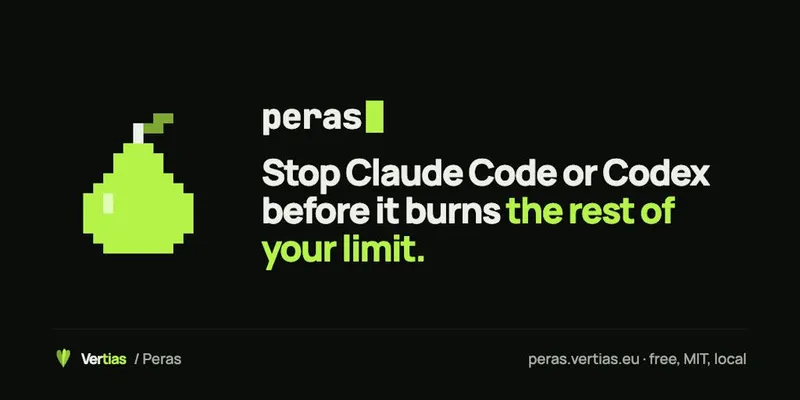
- Limit handoff — When an agent stops at a usage limit, rate limit or full context, Termi saves the goal, changed files, commands, errors, todos and conversation so another agent can continue from the last finished step.
- Boss agent orchestration — Make one agent the orchestrator, give it a goal, and it splits work across your idle agents.
- Approval for risky actions — Anything risky waits for your tap before it runs.
- Files and source control sidebar — Browse files and commit without leaving the room.
Termi is not a chat app and not an IDE: you keep the agents you already use, and Termi visualizes the process. A free demo runs in your browser with no install; the desktop app runs on macOS, Windows and Linux.
Platforms and languages
Termi Protocol Availability
Platforms
Languages
Capabilities
Termi Protocol Key Features
Live 3D agent room
Each CLI agent works at its own desk in a 3D room; watch file reads, commands and edits live.
Limit handoff between agents
When an agent stops at a limit, its goal, files, commands, errors and todos are saved so another agent can continue.
Boss agent orchestration
One agent orchestrates the rest, splitting a goal across idle agents.
Approval-first control
Risky actions wait for your approval before they run.
Files and source control
Browse files and commit from a sidebar without leaving the room.
Best for
Who uses Termi Protocol?
Developers who run CLI coding agents such as Claude Code or Codex
watch agents work live in 3D and approve risky actions as they happen
Developers juggling several coding agents at once
hand work off to another agent when one hits a limit, without re-explaining the task
Common questions
Termi Protocol FAQs
Which coding agents does Termi Protocol work with?
Claude Code, Codex, Gemini, OpenCode and other CLI coding agents. You keep the agents you already use; Termi visualizes what they do.
What happens when an agent hits a usage or context limit mid-task?
Termi catches the moment an agent stops and saves the goal, changed files, recent commands, errors, open todos and the conversation. You pick another agent, choose how much context to send, and it continues from the last finished step — nothing is sent until you confirm.
Is Termi Protocol an IDE or a chat app?
No. Termi is not a chat app and not an IDE. It is a 3D room where your existing CLI agents work at their own desks while you watch and approve risky actions.
Which platforms does Termi Protocol support?
The desktop app runs on macOS, Windows and Linux, and a free demo runs in your browser with no install.
Do I stay in control of what agents do?
Yes. Anything risky waits for your tap, and a deleted agent can be brought back from the Trash with its memory and tasks.
Reviews
See what the community thinks and share your experience.
—
Based on 0 ratings
Rating distribution
Community reviews
No reviews
No written reviews yet.