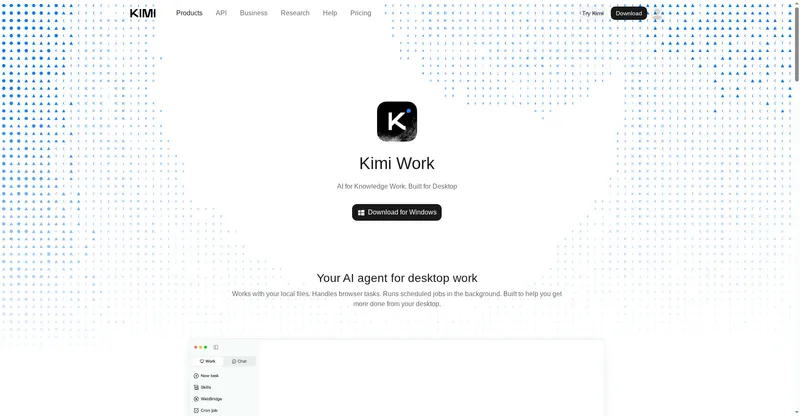
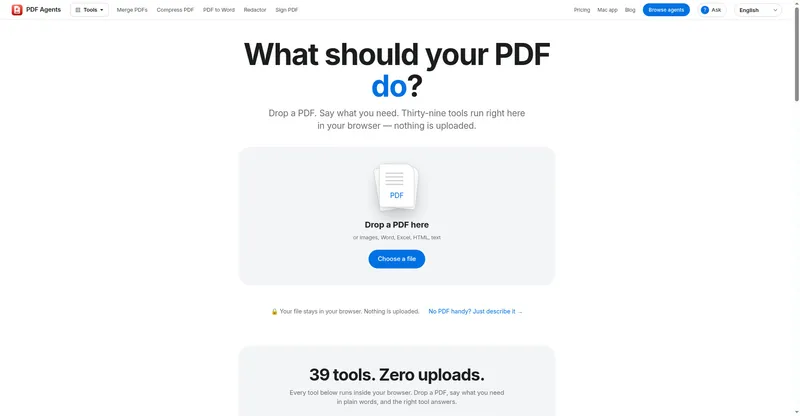
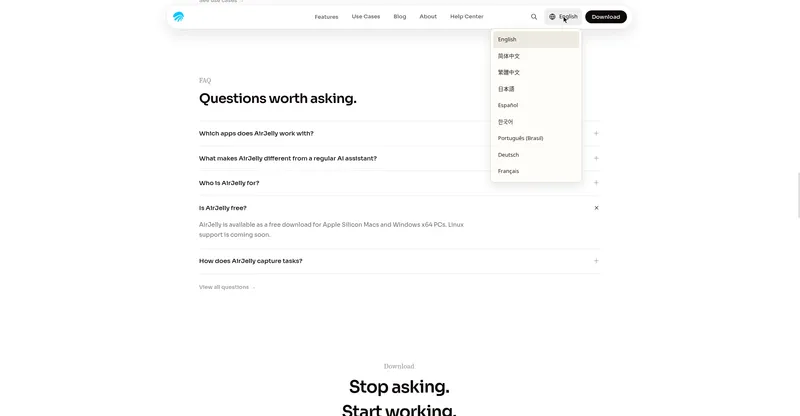
Voyager is a macOS file browser that brings AI agents into everyday file work, letting you find files and use them as context for Claude Code and Codex.
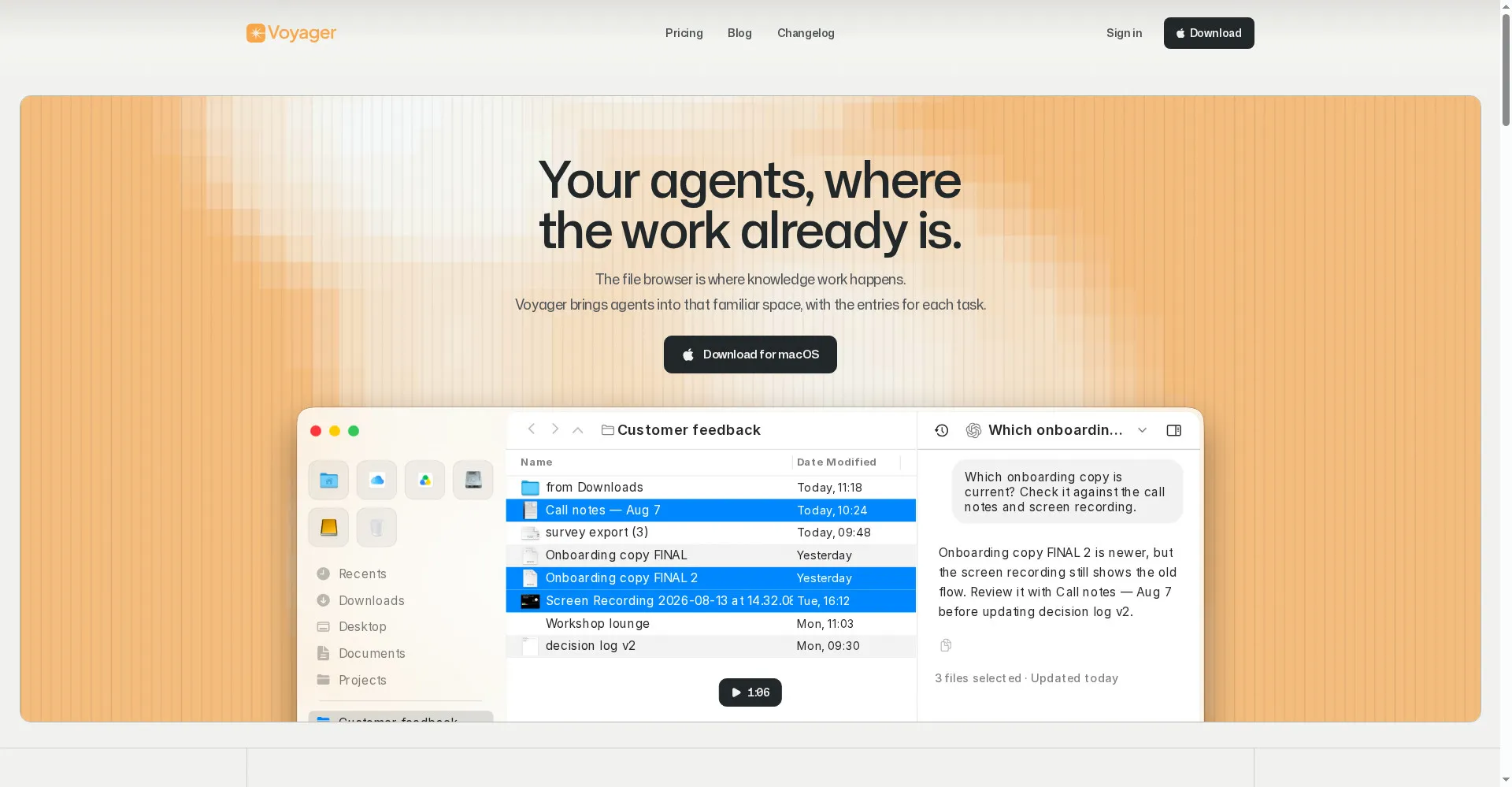
Voyager homepage
1 / 2Overview
What is Voyager?
An agentic file browser to navigate your work context
Voyager is an agentic file browser for macOS. It brings AI agents into your everyday file work: find the files you need and work with Claude Code, Codex, Hermes, OpenClaw and other agents using them as context, all inside a familiar file browser. Saved searches organize files automatically, tab workspaces restore whole file sets, and everything stays local-first — no cloud upload needed.
- Browse, search and preview files like Finder
- Chat with AI agents using selected files as context
- Rule-based saved searches that organize files automatically
- Tab workspaces for saving and restoring file sets
- Local-first: files stay on your Mac
Voyager is free for file management and agent chat; Plus ($10 a month) and Pro ($20 a month) add external apps, S3 storage and cloud sync, and are not yet available. Agent features need your own AI subscription.
Platforms and languages
Voyager Availability
Platforms
Languages
Capabilities
Voyager Key Features
Browse like Finder
Browse, search and preview local files in a familiar file browser.
Chat with agents in context
Talk to Claude Code, Codex, Hermes and OpenClaw from inside the browser, with selected files as context.
Saved searches
Save rule-based searches that keep files organized automatically.
Tab workspaces
Save and restore sets of files as tab workspaces.
Local-first privacy
Files stay on your Mac; no upload to the cloud is needed for local file work.
Best for
Who uses Voyager?
macOS knowledge workers and developers using AI agents
Find files and put them to work with AI agents without leaving the file browser
Plans and access
Voyager Pricing
Freemium
Free plan; Plus $10/mo, Pro $20/mo (not yet available); Early Supporter Pass $200 one-time.
Common questions
Voyager FAQs
Which Macs does Voyager support?
macOS 13 or later on Apple Silicon only. There is no Windows version.
Do I need an account?
No. Local file management works without an account; an account is only needed later for cloud sync.
Do I need a paid AI subscription?
Agent features use your own AI subscription. File management itself needs none.
What does the free plan include?
File management, agent chat, saved searches and tab workspaces. External apps, S3 and cloud sync are coming with the paid plans.
Reviews
See what the community thinks and share your experience.
—
Based on 0 ratings
Rating distribution
Community reviews
No reviews
No written reviews yet.