Fast, simple batch face swaps for photos and videos on Windows, with local GPU processing and live preview.
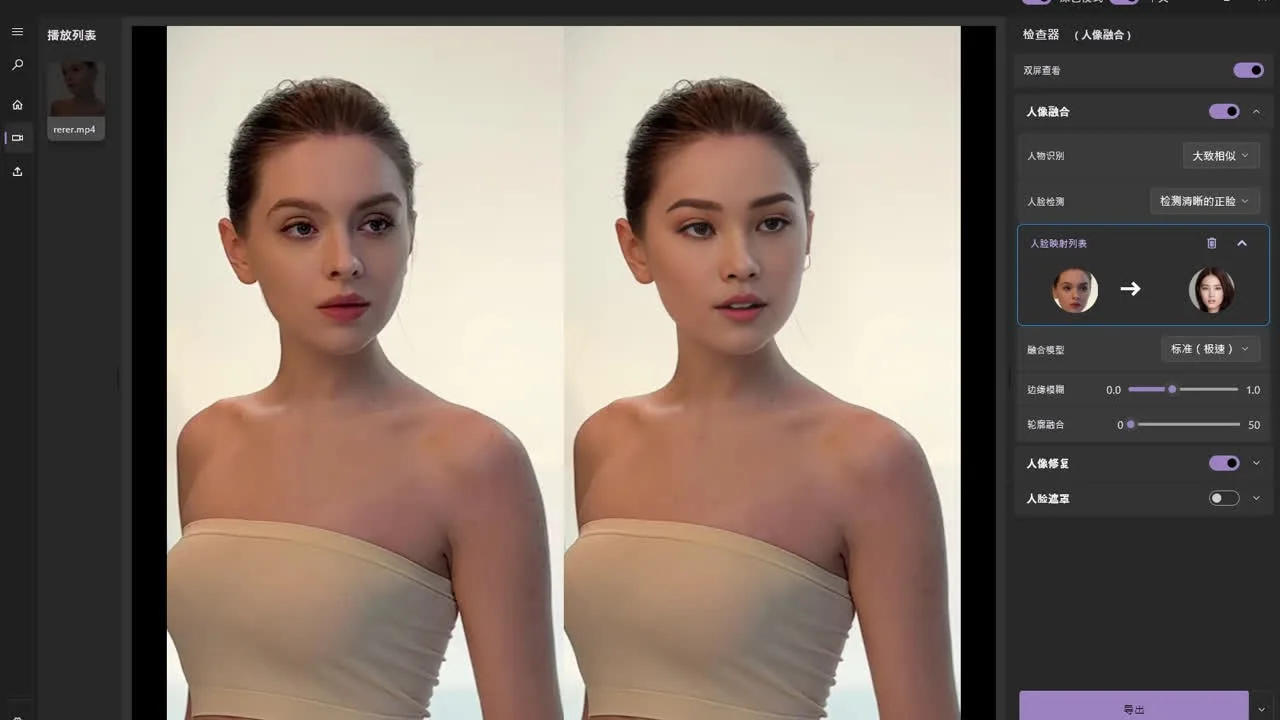
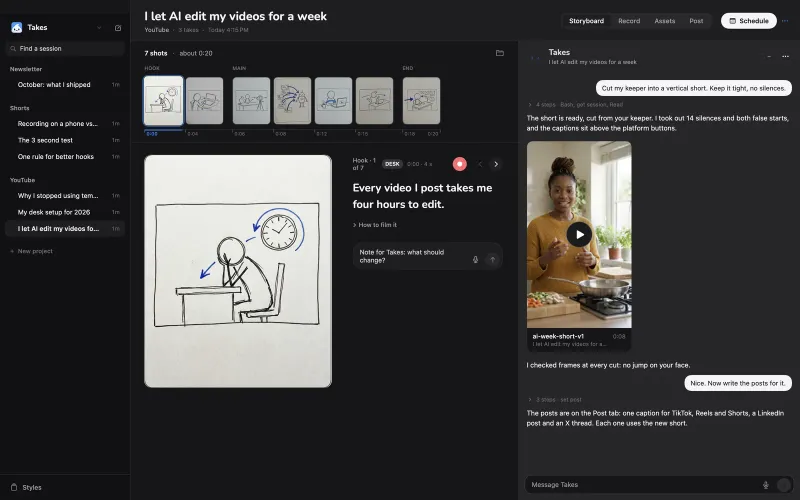
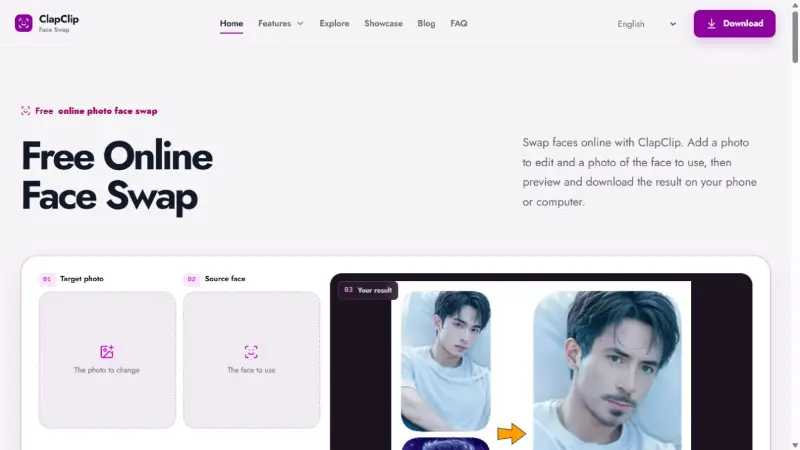
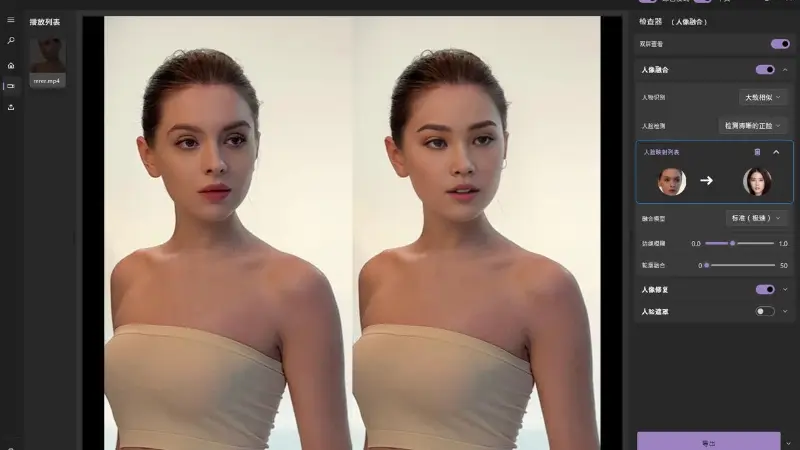
ClapClip AI Windows face editor with side-by-side preview and export controls
Overview
What is ClapClip AI?
Fast, simple batch face swaps for Windows
ClapClip AI is a Windows application for photo and video face swapping, with a focus on a simple workflow and convenient batch processing.
Import the media you want to edit, choose a source face, and check the swap in a live preview before export. Face-swap processing runs locally on your PC and uses GPU acceleration. This makes the desktop app useful when you have several photos or videos to work through.
You can install ClapClip AI for free from the Microsoft Store. Exporting finished photos and videos requires an in-app purchase; check the app for current purchase options. The official website at clapclip.net provides the Windows download and product information.
Platforms and languages
ClapClip AI Availability
Platforms
Languages
Capabilities
ClapClip AI Key Features
Photo and video face swaps
Work with photos and videos in the same Windows app, using a simple workflow for single files and batches.
Local GPU processing
Process face swaps on your Windows PC with GPU acceleration.
Live preview before export
Check the face-swap result in a real-time preview before exporting the finished photo or video.
Plans and access
ClapClip AI Pricing
Freemium
Installation from the Microsoft Store is free. Exporting photos and videos requires an in-app purchase. Check the app for current purchase options and regional prices.
Common questions
ClapClip AI FAQs
Compare similar tools
ClapClip AI Alternatives
Reviews
See what the community thinks and share your experience.
—
Based on 0 ratings
Rating distribution
Community reviews
No reviews
No written reviews yet.