Kimi Work
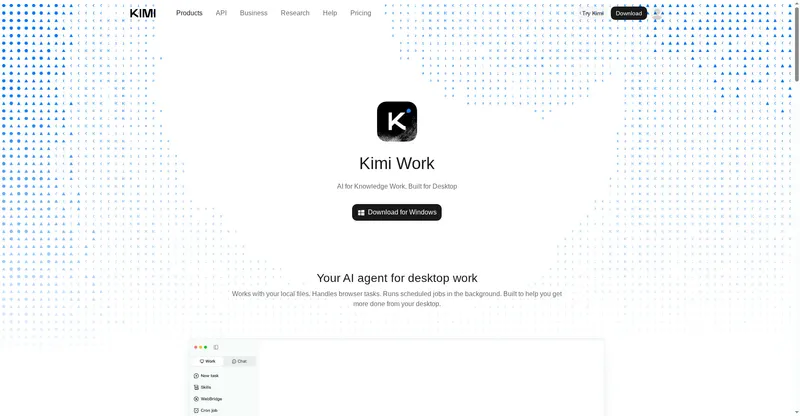
Your AI agent for desktop work — files, browser tasks, and scheduled jobs.
Moonshot's desktop AI agent for knowledge workers: local files, browser tasks, and scheduled jobs, powered by Kimi K3.1 Pro.
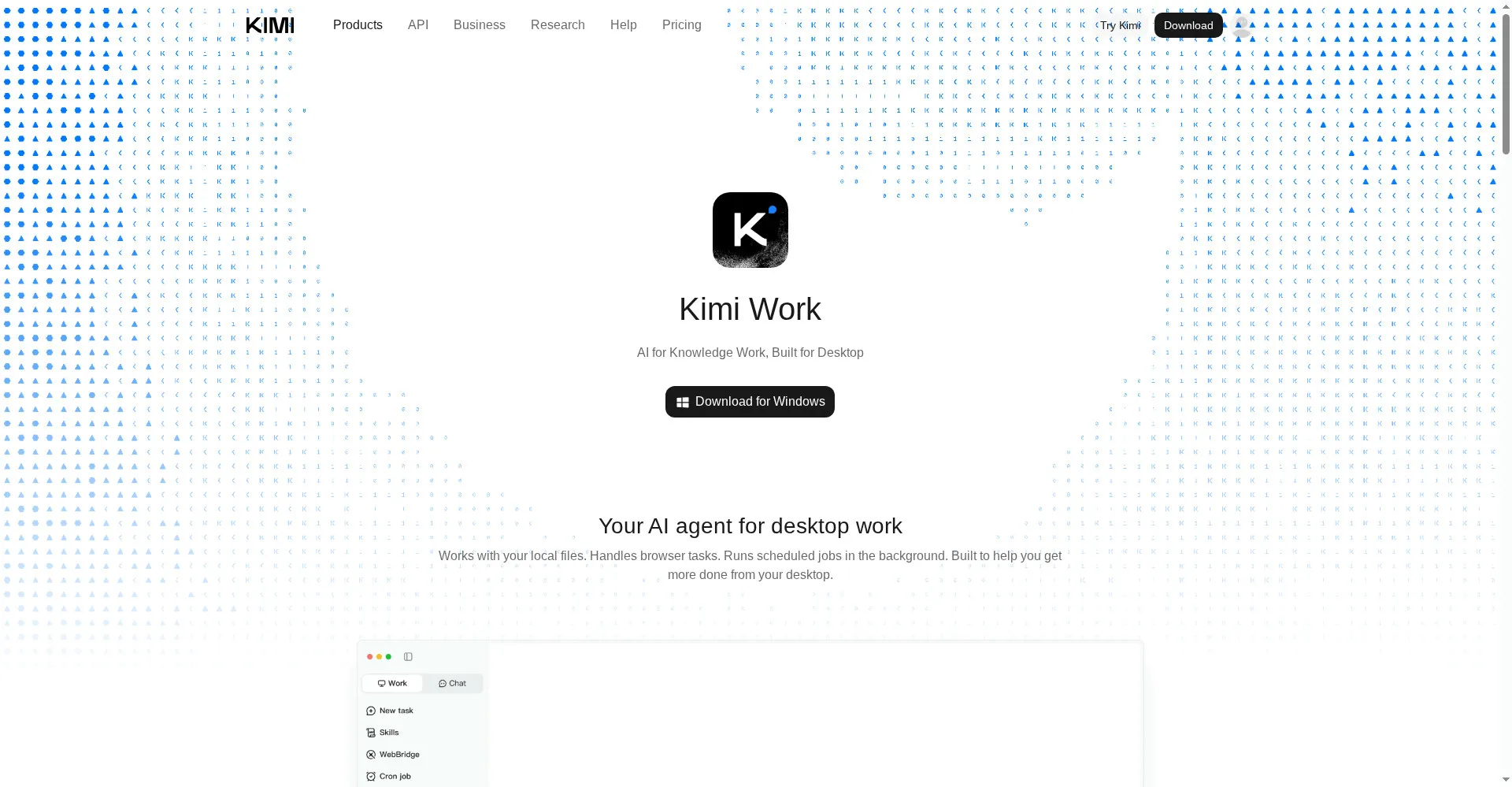
Kimi Work homepage
Overview
What is Kimi Work?
Your AI agent for desktop work — files, browser tasks, and scheduled jobs.
Kimi Work is Moonshot AI's desktop AI agent for knowledge workers, available for Windows and Apple silicon Macs. It works with local files, handles browser tasks, and runs scheduled jobs in the background, so work continues from the desktop instead of inside a browser tab.
Kimi Work runs Kimi K3.1 Pro, Moonshot's flagship model with a 1-million-token context window, starting with version 3.1.0 of the desktop app. The agent is built for desktop work: it can read and organize files on the machine, carry out multi-step browser tasks, and keep recurring jobs running on a schedule.
Kimi Work is part of the Kimi product family alongside the Kimi web assistant and Kimi Code. Kimi Enterprise administrators can enable K3.1 Pro for their organizations, with access off by default at launch.
Platforms and languages
Kimi Work Availability
Platforms
Languages
Capabilities
Kimi Work Key Features
Desktop AI agent
A desktop agent that reads local files and carries out multi-step work from your computer.
Local file access
Works with files on your machine, not just pasted text in a chat box.
Browser task handling
Carries out web research and web-based tasks from the desktop.
Scheduled background jobs
Keeps recurring jobs running in the background on a schedule.
Powered by Kimi K3.1 Pro
Runs Moonshot's flagship model with a 1M-token context window, from app version 3.1.0.
Best for
Who uses Kimi Work?
Knowledge workers
delegate desktop tasks, file work, and recurring jobs to an AI agent
Researchers and analysts
run long-context research and document work from the desktop
Plans and access
Kimi Work Pricing
Freemium
Common questions
Kimi Work FAQs
How do I get Kimi K3.1 Pro in Kimi Work?
Download Kimi Work for Windows or Apple silicon Mac, install it, and make sure you are on version 3.1.0 or later, which includes Kimi K3.1 Pro.
Is Kimi Work a desktop app?
Kimi Work is a desktop app for Windows and Apple silicon Macs; it is not a browser-only tool.
What can Kimi Work actually do?
Kimi Work can work with local files, handle browser tasks, and run scheduled jobs in the background.
How is Kimi Work different from Kimi Code?
Kimi Work is the desktop agent for general knowledge work, while Kimi Code is the coding agent for developers.
Reviews
See what the community thinks and share your experience.
—
Based on 0 ratings
Rating distribution
Community reviews
No reviews
No written reviews yet.