Morse Code Generator
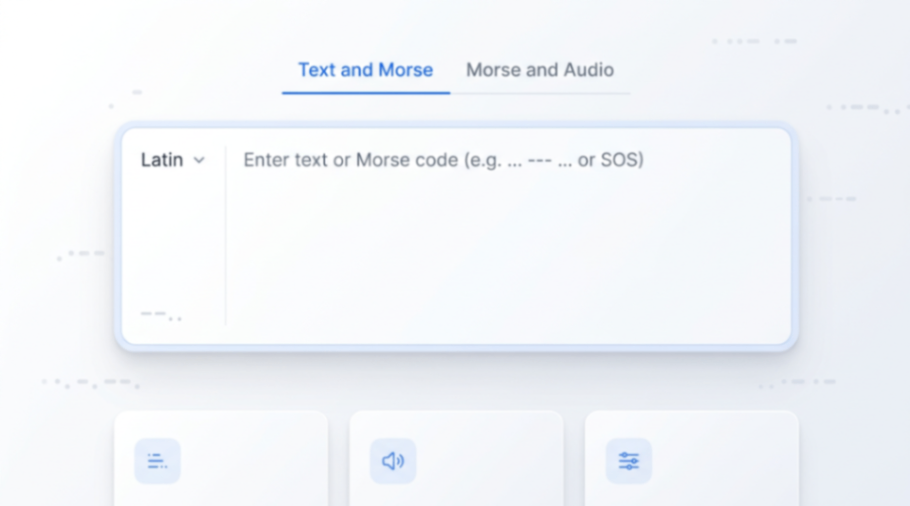
Our free morse code generator online tool helps you convert between text and Morse code, decode Morse back to text, and generate high-quality MP3 audio. No app required—use it in your browser.
Product screenshot
Overview
What is Morse Code Generator?
Morse Code Generator: Beginner → Intermediate → Real‑World MorseGen is built as a one‑stop Morse workflow: learn the basics, verify your output, practice by ear, and apply Morse in real situations—without bouncing between multiple websites or installing an app. We organize everything into a simple progression: Beginner → Intermediate → Real‑World.
Beginner morse code generator: learn the chart and verify two‑way conversion If you’re new to Morse, the first goal is building a reliable mapping between letters/numbers/symbols and dots/dashes. Start with the Morse Code Chart to understand how common characters are encoded, how spacing works between letters, and how word breaks are represented. Then use Text and Morse to verify in both directions: enter plain text to get Morse, or paste dots and dashes to decode back to readable text. This “convert ↔ check” loop is the fastest way to avoid spacing mistakes and build confidence.
A practical beginner routine is to practice short phrases: your name, common abbreviations, simple commands, or a few everyday words. Whenever you hesitate, convert and compare instantly. You don’t need to memorize every symbol on day one—what matters is forming a stable habit of reading and writing Morse accurately.
Core features Free online conversion between text and Morse code (encode and decode) A morse code audio generator with WPM/tone/volume controls and MP3 download Clear playback as a morse code sound generator for learning by ear Maker-friendly references for FPGA/Arduino/circuit timing and test patterns Intermediate: practice by ear with custom speed Once two‑way conversion feels natural, the next level is audio recognition. In real communication, Morse often arrives as sound, not just visual dots and dashes. The Practice Tool is designed specifically for this stage: it includes both letters and common words/phrases so your training matches real usage, not just isolated characters. Practice repeatedly: listen, identify what you heard, and then reveal the answer to confirm. Over time, you’ll reduce hesitation and improve accuracy.
Speed is the core lever for progress. With MorseGen you can adjust WPM (words per minute) gradually: start at a comfortable pace, then increase only when your accuracy stays consistent. Keeping a steady tone and a consistent training routine matters more than rushing. After a practice session, you can return to Text and Morse to quickly diagnose the patterns you confuse most (for example, similar‑sounding letters) and strengthen those weak points.
Real‑World: generate audio for outdoor drills and decode from sound Real‑world use goes beyond conversion—it’s about applying Morse in different environments. The Morse and Audio tool is your audio workspace: generate sound from text or Morse, tune WPM/tone/volume, and download MP3 for reuse. For outdoor practice, generate a training sequence, play it on your phone while walking or camping, and simulate real conditions like background noise and divided attention.
For makers and developers, Morse is a classic low‑bandwidth encoding system and a great way to test timing, pulses, and signaling in Arduino/MCU/FPGA projects. Use MorseGen to generate reference sequences for LED flashes, buzzer tones, or vibration patterns—then validate your hardware implementation against known‑good outputs. For radio enthusiasts, MorseGen also supports practice flows that align with ham radio habits and common phrases.
Morse also retains value in emergency communication: when voice is not possible, networks are down, or devices are limited, simple dot‑dash signaling can still convey essential information. Our Emergency Guide is included as a resource so you can learn the practical “when and how” alongside the tools. The advantage of keeping both in one place is immediate action: read a scenario, then generate the exact signal you need right away.
Morse code generator workflow: why one‑stop matters Many Morse tools solve only one piece of the puzzle—conversion, audio, or a static chart. That leads to fragmented workflows: a chart from one site, a converter from another, a training app elsewhere, and your own ad‑hoc setup for real‑world practice. MorseGen is built to connect the full loop in a single workflow: learn → convert/verify → train by ear → generate real signals → use resources.
Whether you’re a complete beginner, an intermediate learner focused on speed, or someone preparing for outdoor drills, hardware prototyping, or emergency readiness, the idea is simple: one tool covers every stage and scenario. Bookmark MorseGen and keep coming back—we’ll continue to ship useful tools and tutorials so your Morse workflow stays in one place as you grow.
Platforms and languages
Morse Code Generator Availability
Platforms
Languages
Compare similar tools
Morse Code Generator Alternatives
 ytzoloYTZolo is an AI-powered YouTube content generator that helps creators produce engaging scripts, SEO-friendly titles, descriptions, tags, and content ideas quickly to grow their channels more efficiently.AI Text WritingAI Marketing ToolsOther AI Toolsai ytzolo youtube script
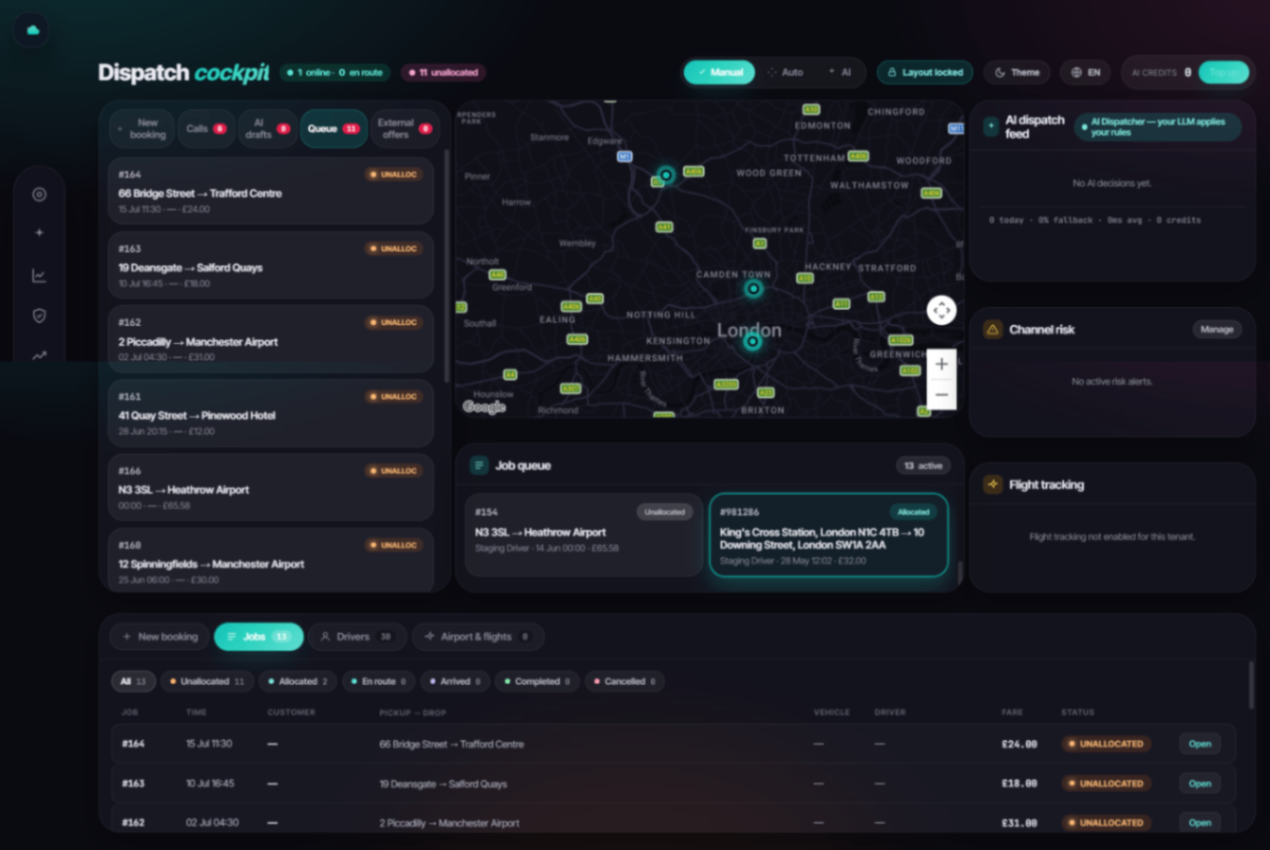 TaxiCloudAI-powered taxi dispatch platform that helps operators automate bookings, driver allocation, pricing, airport transfers and customer communication.Other AI Tools
 MP Chat - Live with Crypto.MP is a privacy-first communication and crypto platform that empowers individuals and global businesses to chat securely with end-to-end encryption, manage and spend digital assets seamlessly through an integrated wallet and card, and build next-generation decentralized applications on our developer platform—all within one ecosystem designed for the new era of cryptocurrency.5.0(1 reviews)Non AI
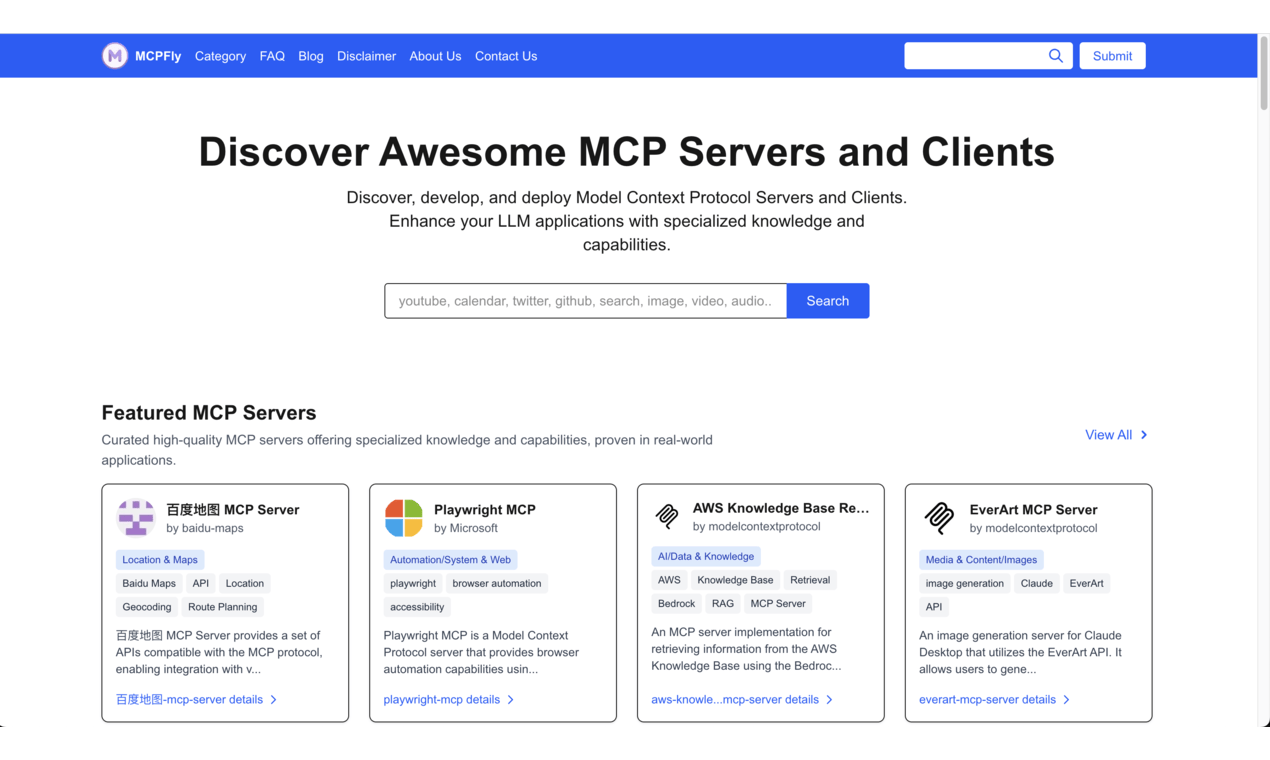 MCPFlyDiscover and explore a wide range of awesome MCP servers, clients, and reliable hosting solutions for all your needs.5.0(1 reviews)Other AI Tools
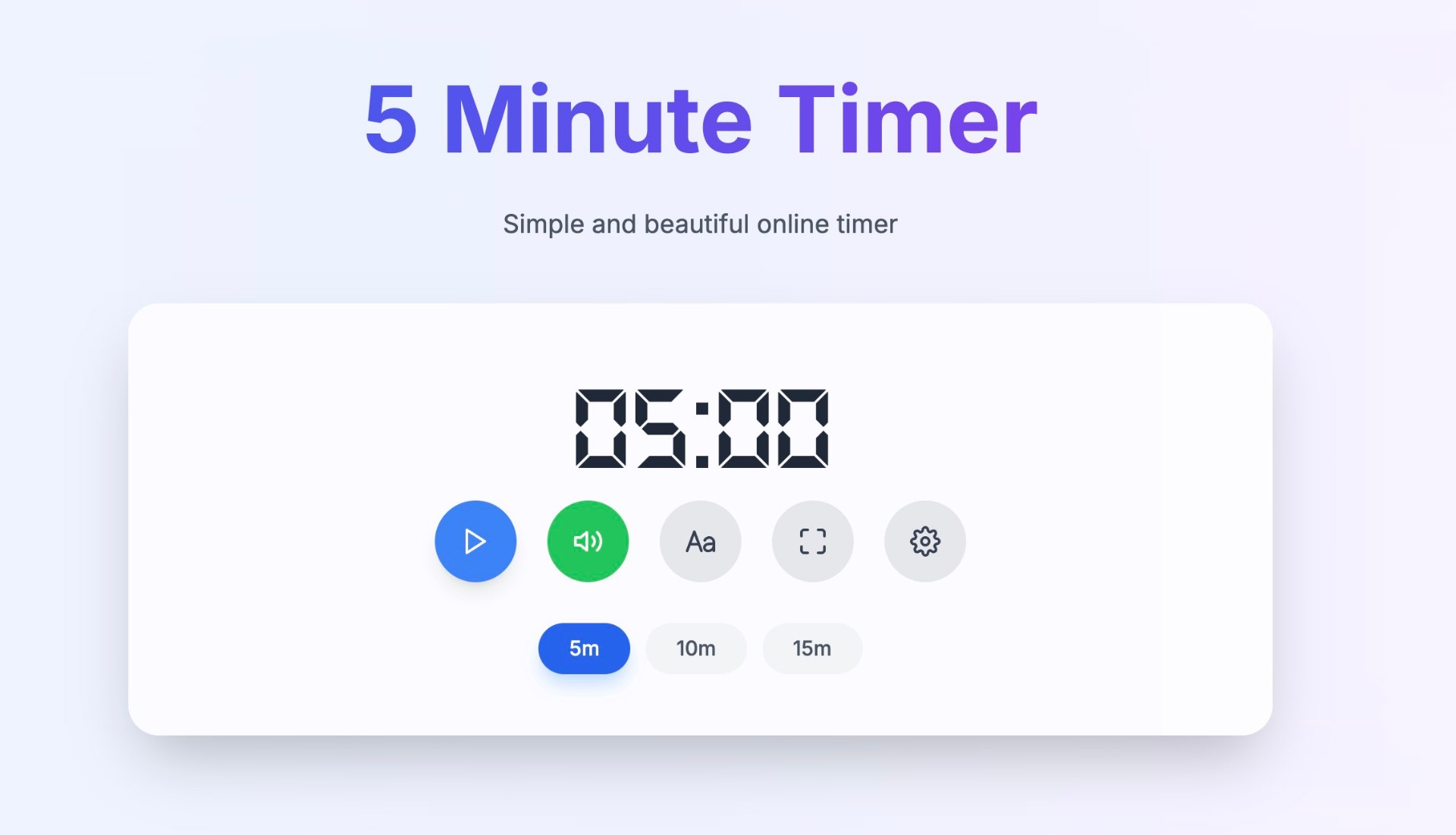 Minute TimerMinuteTimers: A simple, free, and customizable online timer designed to help you stay productive, manage time effectively, and achieve your goals with precision.5.0(1 reviews)Non AIOther AI ToolsMinute Timer Timer Online Timer
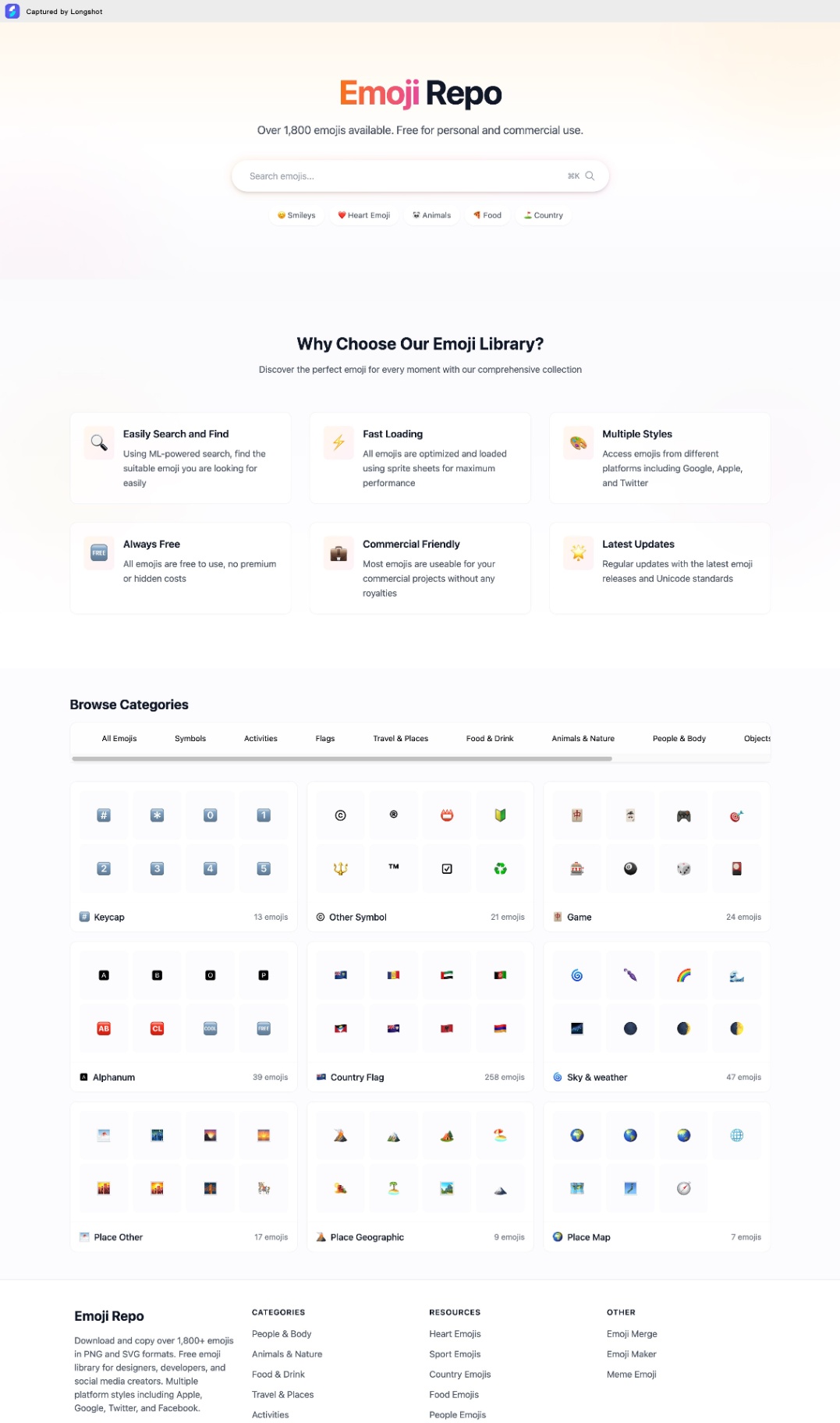 Emoji RepoFree Emojis in PNG and SVG formats. Copy and Download 1,800+ emojis for commercial use. Multiple styles from Apple, Google, Twitter & Facebook.5.0(1 reviews)Non AIOther AI ToolsEmoji Repo Emoji coppy Emoji download
 MonitorGuardMonitorguard and security guard Workforce management systemOther AI Tools
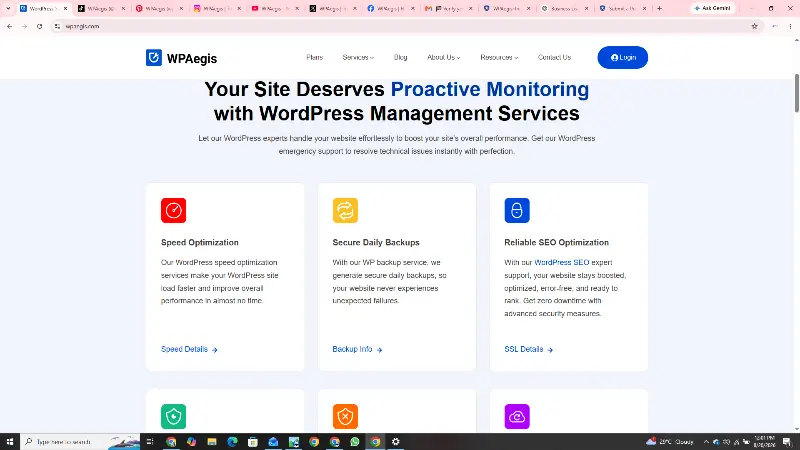 WPAegisWPAegis keeps WordPress websites secure, fast, updated, backed up, and reliably maintained.Other AI ToolsAI Security ToolsAI Marketing ToolsWordPress SecurityWordPress MaintenanceWebsite Performance
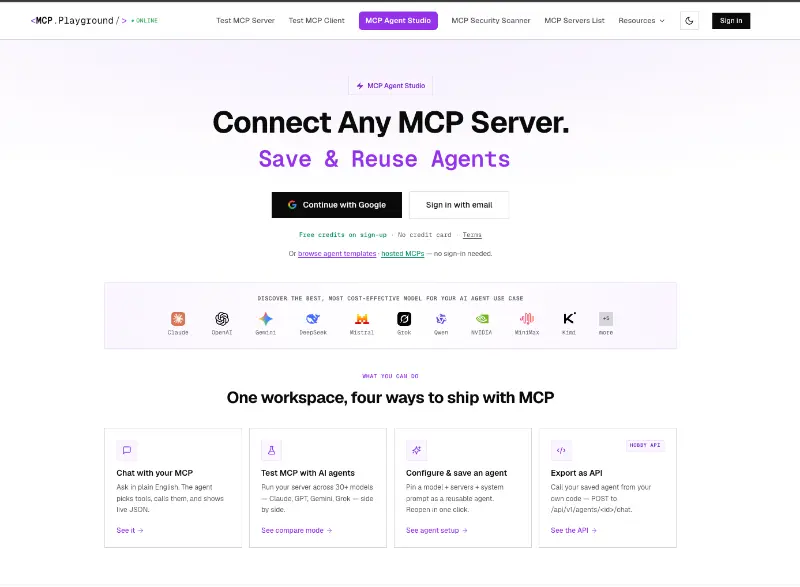 MCP Playground OnlineMCP Playground Online is an all-in-one browser-based platform for building, testing, debugging, and deploying MCP-powered AI agents. Connect to any MCP server, deploy 60+ hosted servers instantly, and test agents with live tool-call inspection. Compare 60+ AI models, use ready-made templates, collaborate with your team, and export agents as production-ready APIs—all without managing SDKs, Docker, or infrastructure.Other AI Toolsmcpaiagent
 Tokenhot LLM API GatewayOpenAI-compatible LLM API gateway for 100+ models. One endpoint, one API key, zero KYC. Cut costs by up to 90% with intelligent routing. Supports text, vision, video, and TTS.AI Productivity ToolsOther AI ToolsAPIAutomation
Reviews
See what the community thinks and share your experience.
—
Based on 0 ratings
Rating distribution
Community reviews
No reviews
No written reviews yet.