MOVO AI turns an idea, script or reference into a complete long-form video through conversation, keeping characters and scenes consistent across episodes.
MOVO AI homepage - turn ideas into complete videos through conversation
1 / 2Overview
What is MOVO AI?
The world's first long-form video agent for mobile
MOVO AI is a conversational video agent built for long-form creation. Start with an idea, script, reference or a few assets, and direct it in plain language: it plans the story, establishes characters and visual direction, generates scenes, responds to feedback and composes everything into one cohesive video.
It is designed to remove prompt gymnastics, canvas-heavy workflows and manual clip stitching. Projects keep characters, scenes, products and styles consistent, and the same world carries forward into later episodes. Creation runs asynchronously, so you can approve a storyboard on the train, review scenes after work and refine the ending before bed.
New users get 100 free credits to explore the workflow. Generated videos may be used commercially, subject to applicable laws and third-party rights.
Platforms and languages
MOVO AI Availability
Platforms
Languages
Capabilities
MOVO AI Key Features
Conversational video creation
Start with a rough idea, script, reference or assets, then direct MOVO AI in plain conversation instead of writing complex prompts for every scene.
Complete long-form videos
Generate a full video in one chat session, including 120-second-plus narratives, rather than stitching separate clips by hand.
Character and scene consistency
Keep characters, products, scenes and visual styles consistent within a project and across episodes in the same world.
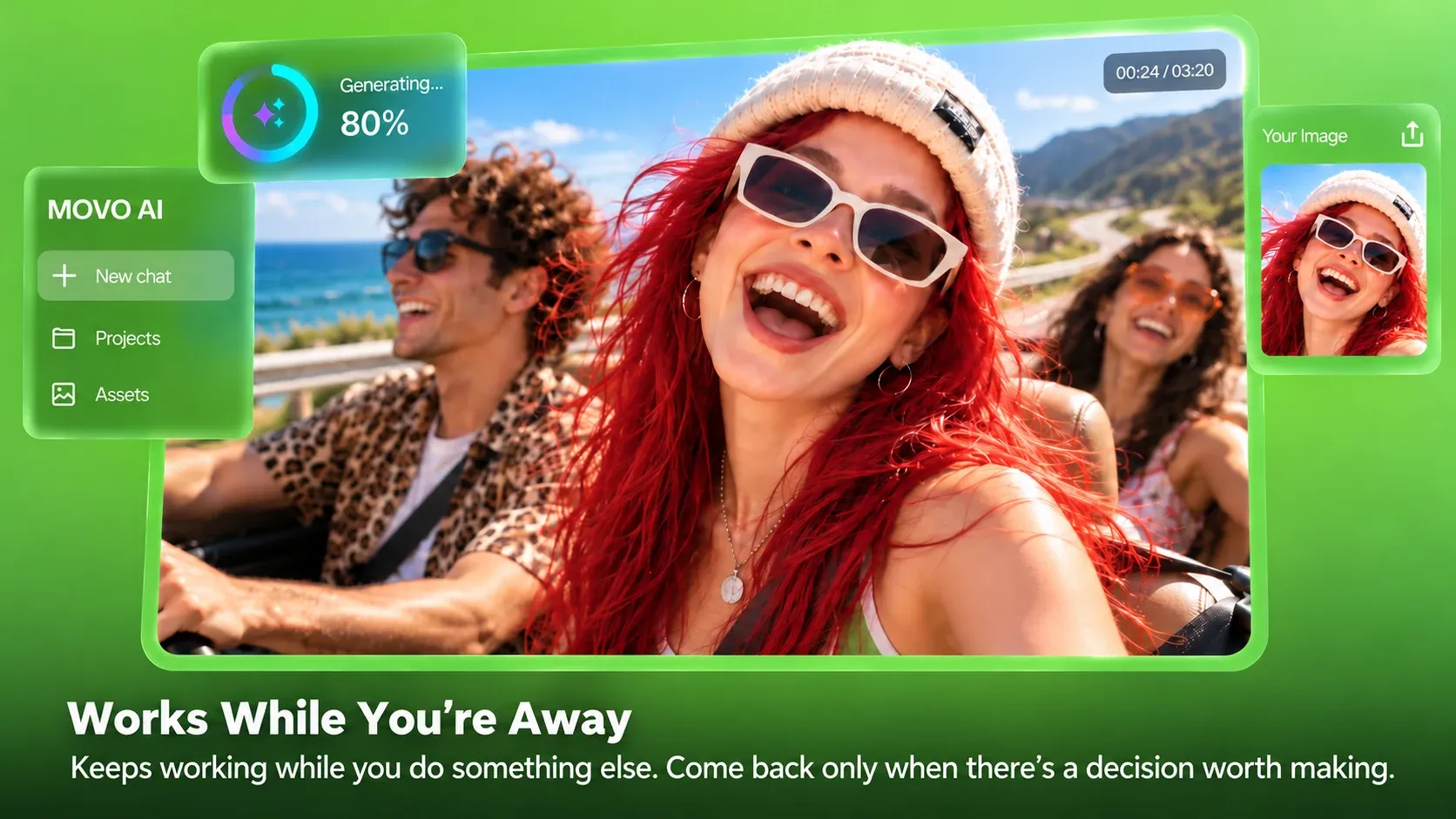
Works while you are away
Creation continues asynchronously, so you can lock your phone, review scenes later and refine the result through chat.
Reference-guided direction
MOVO AI studies your references for style, structure and storytelling patterns, then applies those cues to an original video.
Best for
Who uses MOVO AI?
Creators, founders and small teams making long-form video
Turn an idea into a publish-ready video without prompt engineering, timelines or manual clip stitching
Plans and access
MOVO AI Pricing
Freemium
100 free credits for new users; additional credits and paid plans available
Common questions
MOVO AI FAQs
What is MOVO AI?
It is an AI video agent for long-form creation: describe your idea, and it plans the story, generates scenes, supports review and refinement, and composes the finished video.
Is MOVO AI free to use?
New users receive 100 free credits to try the video creation workflow; credits are spent based on model, output type, duration, resolution and complexity.
Can I use MOVO AI videos commercially?
Yes, users may use generated content commercially, subject to applicable laws and third-party rights for any uploaded materials.
Does it work on mobile?
Yes. The MOVO AI mobile app is available on the App Store, and projects also work on the web, so you can start, review and refine anywhere.
Reviews
See what the community thinks and share your experience.
—
Based on 0 ratings
Rating distribution
Community reviews
No reviews
No written reviews yet.