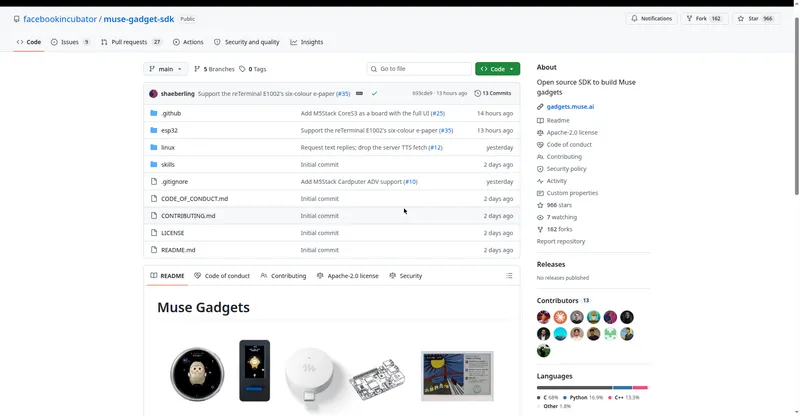
Meta's open-source kit for building physical AI gadgets that bring the Muse agent into the real world via ESP32 or Raspberry Pi.
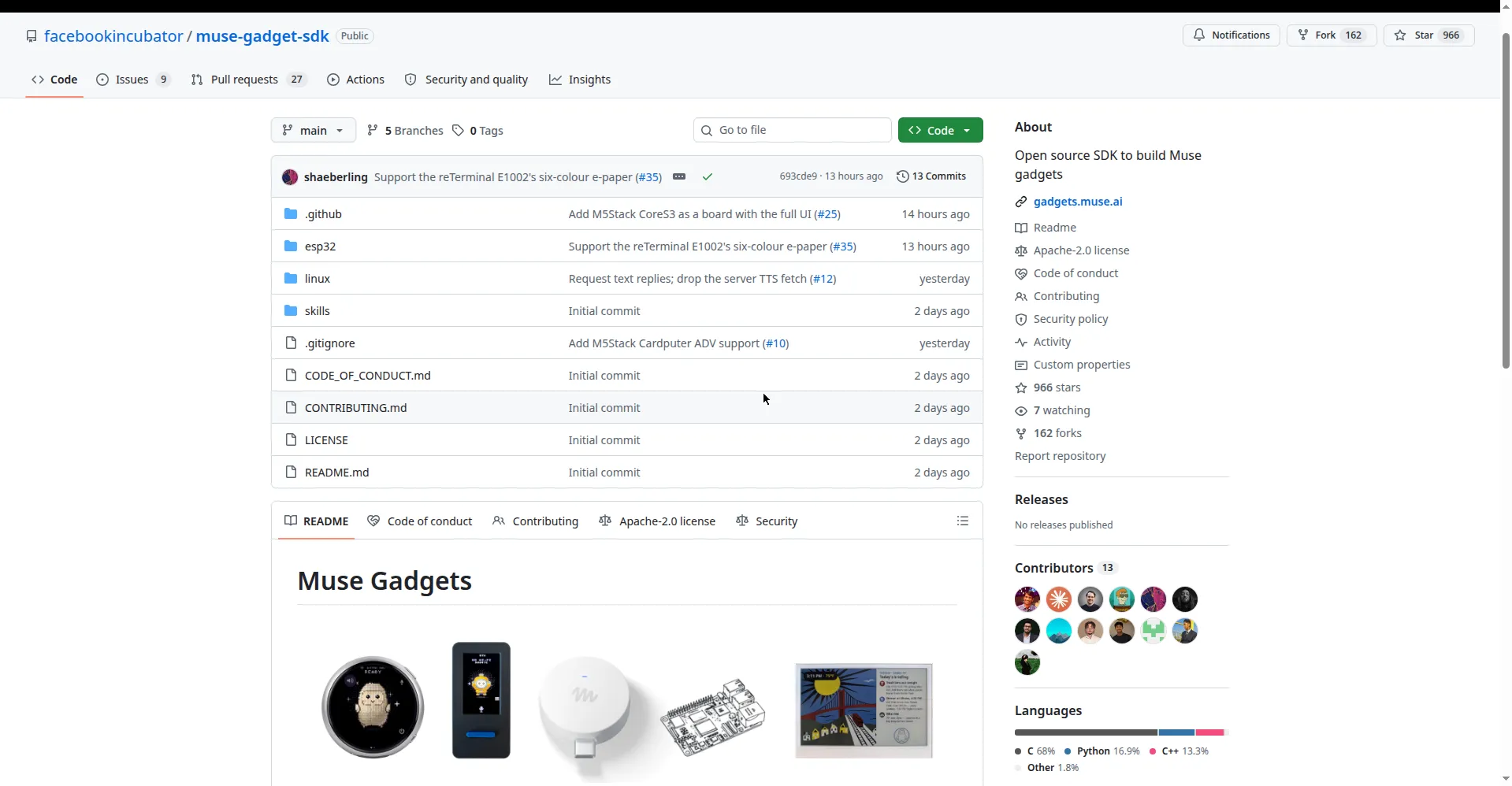
Muse Gadgets GitHub repository
Overview
What is Muse Gadgets?
Meta's open-source kit for building your own AI gadgets
Muse Gadgets is Meta's open-source kit for building physical AI gadgets that bring the Muse agent into the real world. The ESP32 Device SDK connects off-the-shelf ESP32 boards to Muse with support for displays, audio in/out, buttons, sensors and actuators (around 17 popular dev boards supported); the Linux Device SDK turns a Raspberry Pi or Linux computer into a Muse gadget for sysadmin and Home Assistant tasks. Devices pair securely through the Muse mobile app with a fresh encrypted session per pairing, and each gadget needs a free SDK token. Around 45 community-contributed skills (Philips Hue, Roomba, Apple TV and more) extend what gadgets can do, and an LVGL desktop simulator lets you test without hardware. SDKs and firmware are Apache 2.0 open source; you supply the hardware. Official site: gadgets.muse.ai.
Platforms and languages
Muse Gadgets Availability
Platforms
Languages
Capabilities
Muse Gadgets Key Features
ESP32 Device SDK
Connect off-the-shelf ESP32 boards to Muse with displays, audio in/out, buttons, sensors and actuators; about 17 popular dev boards supported.
Linux Device SDK
Turn a Raspberry Pi or Linux computer into a Muse gadget for sysadmin and Home Assistant tasks.
Secure pairing
Pair through the Muse mobile app with developer mode; each pairing establishes a fresh encrypted session confirmed by a button press.
Free SDK tokens
Each gadget uses a free SDK token from the official site, subject to the Gadget SDK Terms.
Community skills and simulator
About 45 community-contributed skills (Philips Hue, Roomba, Apple TV and more), plus an LVGL desktop simulator for testing without hardware.
Best for
Who uses Muse Gadgets?
Makers, hardware hackers and developers
Build physical gadgets that let the Muse AI agent interact with the real world through displays, sensors, buttons and more
Plans and access
Muse Gadgets Pricing
Free
Common questions
Muse Gadgets FAQs
What hardware do I need?
Any of about 17 supported ESP32 dev boards, or a Raspberry Pi 3B+/4/5/Zero 2 W (other Linux computers with Bluetooth LE also work). Your development computer needs macOS or Linux.
How do I pair a gadget with Muse?
Get a free SDK token from the official site's account page and accept the Gadget SDK Terms. Then enable developer mode in the Muse app's Settings, Devices, add the MuseGadget-XXXXXX device and press its button to confirm. Pairing windows last 10 minutes.
What programming languages are used?
ESP32 firmware is written in C (ESP-IDF v6.0.1); the Linux SDK is Python-based. Each SDK ships an AGENTS.md so coding agents like Muse Code can help with development.
What is the license?
Apache License 2.0 (some third-party files keep their upstream licenses).
Where can I get help or share my build?
The community Discord server, or submit a new skill via pull request following the skills-spec.md in the repo.
Reviews
See what the community thinks and share your experience.
—
Based on 0 ratings
Rating distribution
Community reviews
No reviews
No written reviews yet.