Free browser-based tools for images, PDFs, video, audio, text and QR codes. Files stay on your device.
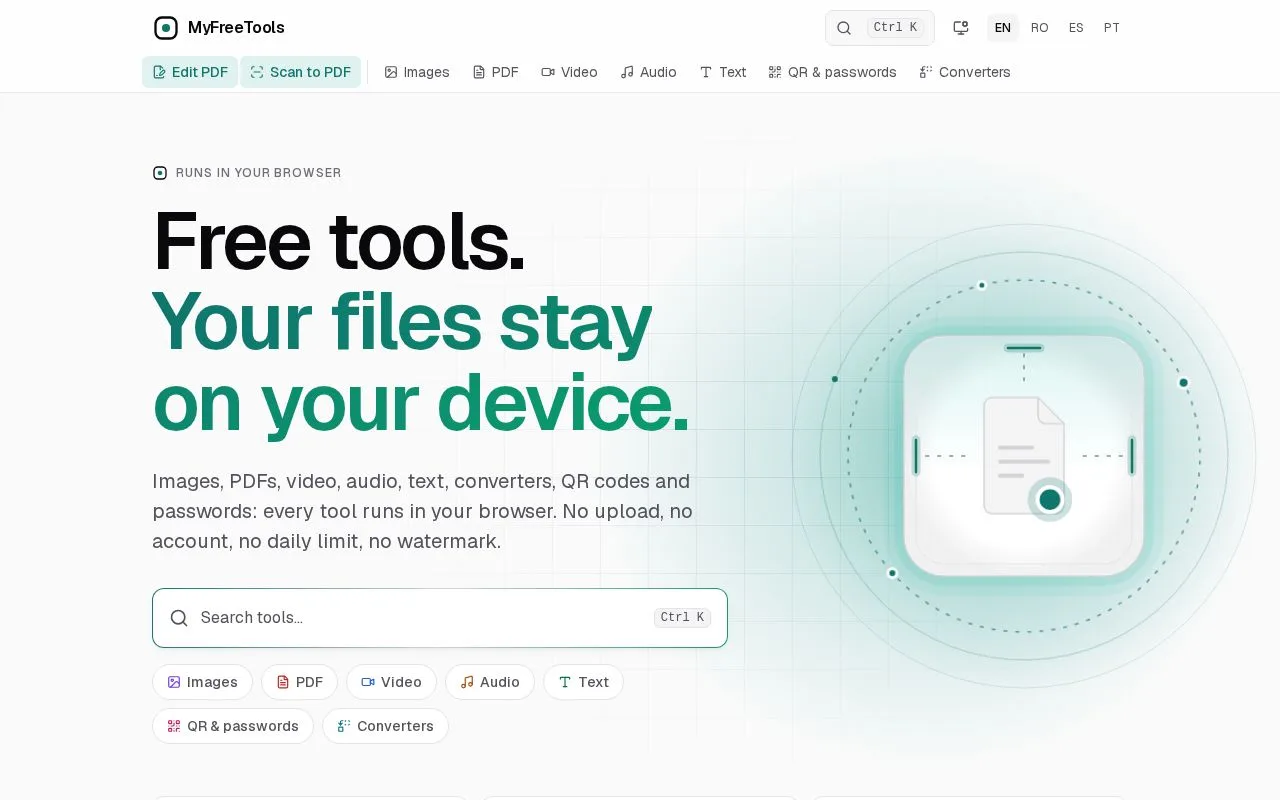
myfreetools image and PDF tools running in the browser
Overview
What is myfreetools?
Free tools. Your files stay on your device.
Free browser-based tools that keep your files private
MyFreeTools offers tools for images, PDFs, video, audio, text, QR codes, passwords and files. Each tool runs in your browser, so your files are read into the device's memory and processed locally using WebAssembly and open-source engines.
- Image resizing and compression
- PDF editing and conversion
- Video trimming and compression
- Audio editing and OCR
- QR code generation and password creation
- Document, font and archive converters
No account, no sign-in, no daily limits and no watermarks. Files are not uploaded or stored on the servers, and the tools keep working offline after the first visit once pages and engines are cached.
Platforms and languages
myfreetools Availability
Platforms
Languages
Capabilities
myfreetools Key Features
Image and PDF tools
Resize, compress and convert images, and edit or convert PDFs, with files processed in the browser on your device.
Video and audio editing
Trim and compress video and edit audio files directly in the browser, with no upload step.
Best for
Who uses myfreetools?
Writers, designers and students
Editing, compressing and converting documents and images without creating an account or uploading files.
Plans and access
myfreetools Pricing
Freemium
Free, no account or daily limit
All tools are free to use with no sign-in, no daily limits and no watermarks. Files are processed on your device and are not uploaded to the servers.
myfreetools Alternatives
 GammaGamma is an AI-powered tool for creating presentations and visual content.
Reviews
See what the community thinks and share your experience.
—
Based on 0 ratings
Rating distribution
Community reviews
No reviews
No written reviews yet.