Native macOS app that turns the MacBook notch into a live island for music, system indicators and AI coding-agent alerts.
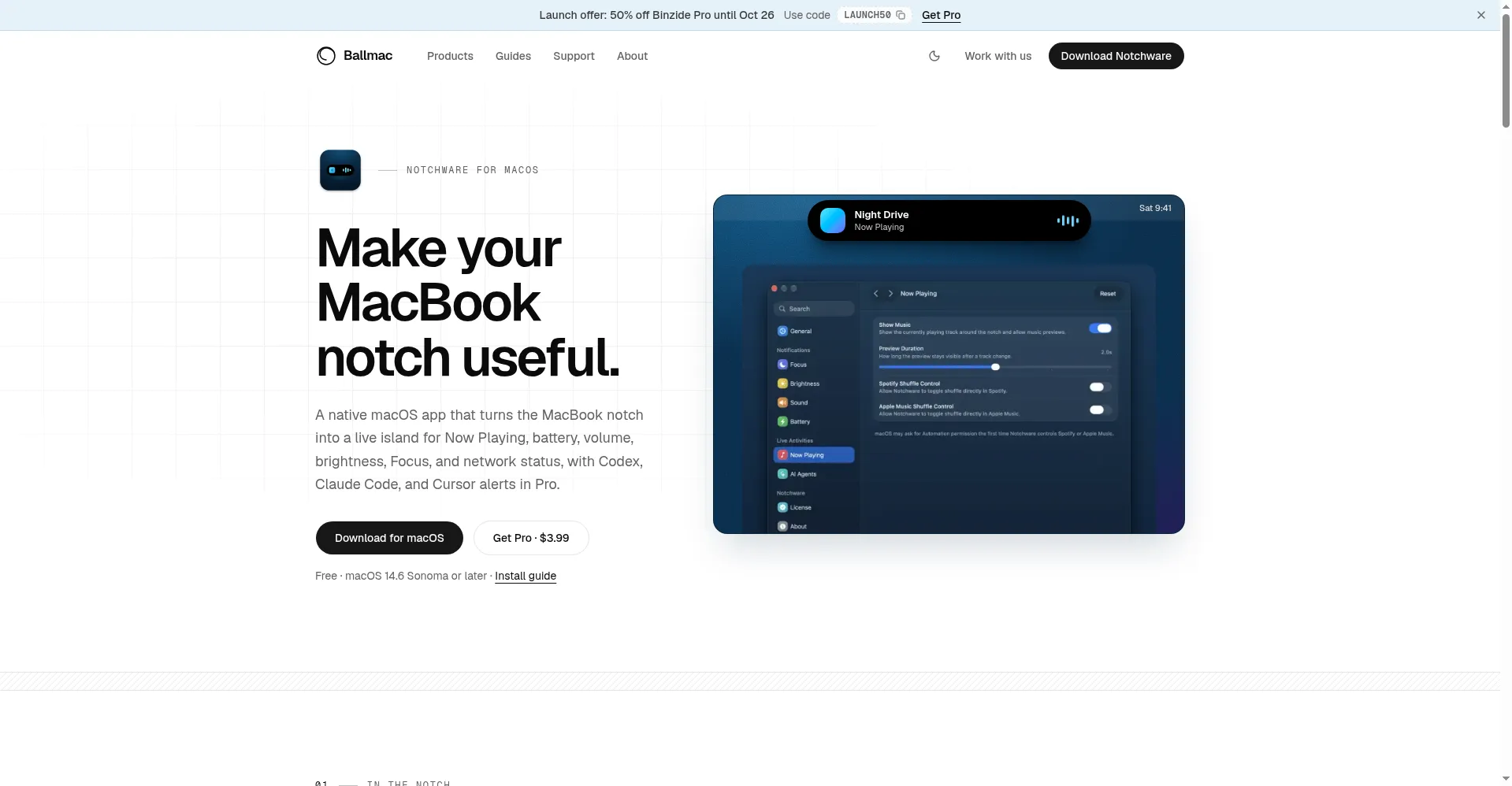
Notchware homepage hero
1 / 2Overview
What is Notchware?
Music and AI agent alerts in your MacBook notch
Notchware is a native macOS app by Ballmac that turns the MacBook notch into a live island. It shows Now Playing with album artwork and playback controls for Spotify and Apple Music, plus animated indicators for battery, volume, brightness, Focus mode and Wi-Fi. The $3.99 one-time Pro upgrade adds AI agent alerts from Claude Code, Codex and Cursor — surfacing approval requests and task completions via small local hooks that never read your prompts or code — along with Lock Screen music controls. Everything runs on-device with no account, analytics or cloud backend. Requires macOS 14.6 Sonoma or later on a MacBook with a notch.
Platforms and languages
Notchware Availability
Platforms
Languages
Capabilities
Notchware Key Features
Now Playing in the notch
Live music and podcast info with album artwork, progress and playback controls for Spotify and Apple Music, right in the notch.
System indicators
Animated notch utilities for battery, volume, brightness, Focus mode, Wi-Fi and internet status, plus display options.
AI agent alerts (Pro)
Pro: approval requests, task completions and agent status from Claude Code, Codex and Cursor via local hooks that never read prompts or code.
Fully on-device
Native SwiftUI app with no account, no analytics and no cloud backend — everything runs locally on your Mac.
Lock Screen integration (Pro)
Pro: Lock Screen music controls and the option to hide the Lock Screen profile photo.
Best for
Who uses Notchware?
MacBook users, especially developers
See music controls and system status at a glance in the notch, and know instantly when an AI coding agent needs approval or finishes
Plans and access
Notchware Pricing
Freemium
Free; Pro $3.99 one-time, 14-day money-back
Common questions
Notchware FAQs
Why does macOS say Notchware can't be opened?
The app is not Apple-notarized yet, so Gatekeeper blocks it. Allow it once via Open Anyway in System Settings, Privacy and Security, or follow the install guide on the site.
What do I need to run Notchware?
macOS 14.6 Sonoma or later on a MacBook with a notch. It may ask for Automation permission to control Spotify or Apple Music.
How do the AI agent alerts work?
In Settings, AI Agents, install the hook for Codex, Claude Code or Cursor. Notchware adds a small local command to that tool's hook settings that writes status events only — it never reads your prompts or responses.
Does Notchware send my data anywhere?
No. There is no account, analytics or cloud backend. The only network traffic is Pro license activation/verification and update checks you trigger yourself.
How does Pro work?
Buy a $3.99 one-time license key and paste it into Settings, License. The key is stored in the macOS Keychain, can be moved between Macs, and comes with a 14-day money-back guarantee.
Reviews
See what the community thinks and share your experience.
—
Based on 0 ratings
Rating distribution
Community reviews
No reviews
No written reviews yet.