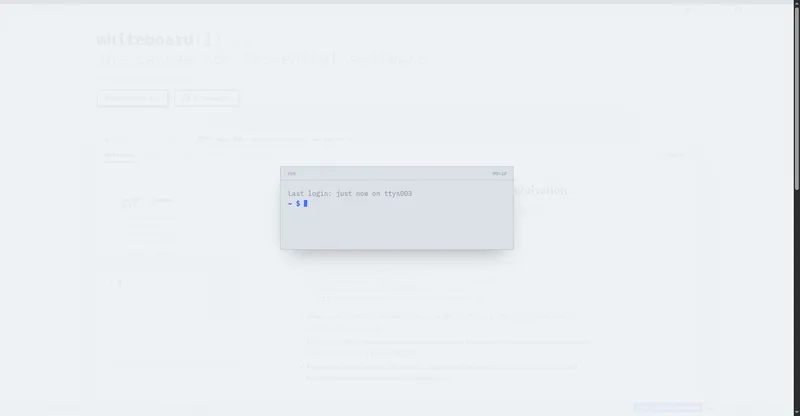
An AI coding teammate in your terminal: describe a goal and it writes code, runs tests and fixes bugs.
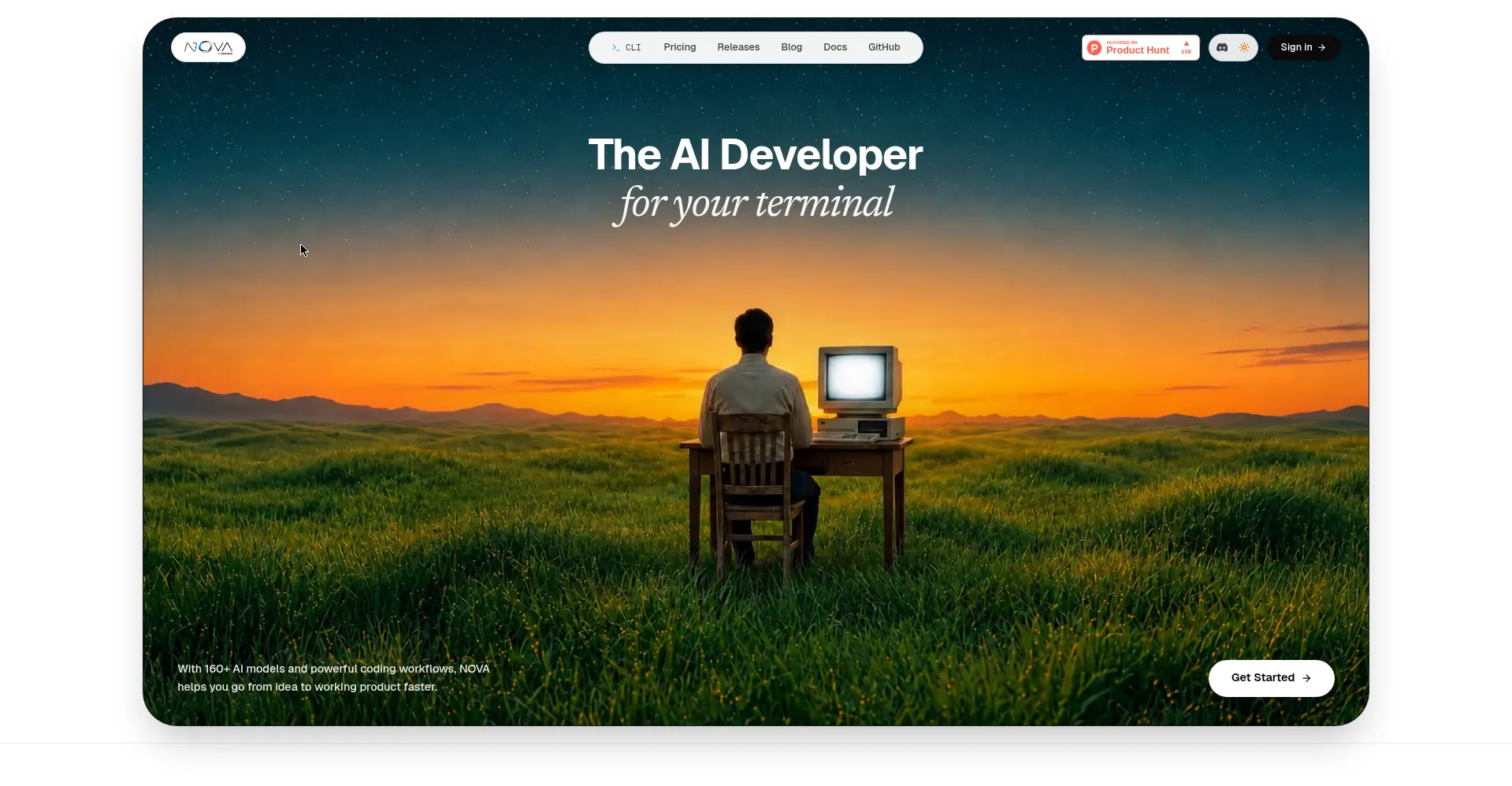
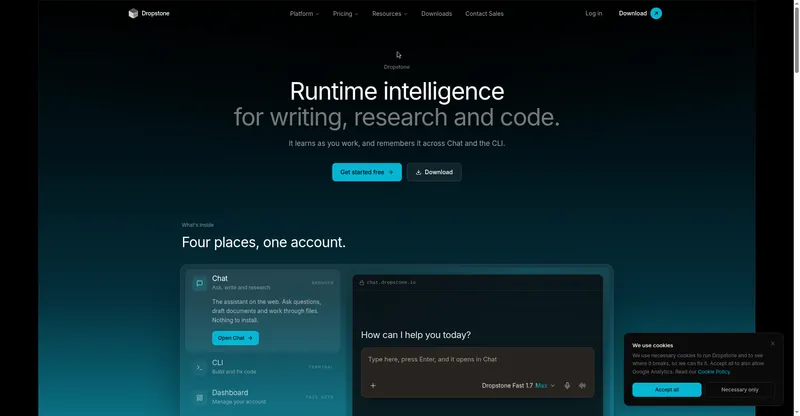
NOVA CLI homepage
1 / 2Overview
What is NOVA CLI v1.0?
AI developer in your terminal
NOVA CLI is an AI developer that lives in your terminal: describe a goal in plain words and NOVA reads the project, makes the change, runs the project's own tests and build, fixes what it broke, and gives you an honest verdict on what it checked. No separate AI account or API keys to manage — 160+ AI models are included on paid plans, and one patch costs one credit regardless of the model chosen.
It works with the tests and tooling you already have, so there is nothing new to set up. Features include multi-file context across large codebases, persistent project memory across sessions, a Healer that analyzes stack traces and fixes bugs without switching tools, and AI pair programming in real time.
Pricing: Free plan with a daily credit allowance; Starter $14/mo, Pro $22/mo, Max $120/mo. Install via pip (pip install nova-bridgeye) or the install script; native apps for Linux, macOS, and Windows.
Platforms and languages
NOVA CLI v1.0 Availability
Platforms
Languages
Capabilities
NOVA CLI v1.0 Key Features
Code faster in the CLI
Generates boilerplate, refactors code, and writes functions directly inside the terminal.
Healer debugging
Analyzes stack traces, fixes bugs, and resolves issues without switching tools.
Persistent context
Remembers project structure, workflows, and coding history across sessions.
AI pair programming
Asks and answers questions and solves coding problems in real time in the CLI.
Multi-file context
Understands and modifies large codebases with deep cross-project awareness.
Best for
Who uses NOVA CLI v1.0?
Developers who work in the terminal
Describe goals in plain words and let AI write code, run tests and fix bugs
Plans and access
NOVA CLI v1.0 Pricing
Freemium
Free plan (40 credits/day); Starter $14/mo, Pro $22/mo, Max $120/mo
Common questions
NOVA CLI v1.0 FAQs
Do I need to load files before every command?
No. Once initialized in a directory, NOVA is context-aware and automatically understands the project structure and file connections.
How do NOVA credits work?
Credits meter usage; one patch costs one credit regardless of which AI model you choose.
Do unused credits roll over?
No. Patch limits are daily allowances that reset at midnight UTC.
Can I use my own API keys?
Yes — bring-your-own-key is supported on the MAX plan.
How do I install NOVA?
Via pip (pip install nova-bridgeye) or the install script: curl -LsSf https://nova.bridgeye.com/install.sh | sh.
Reviews
See what the community thinks and share your experience.
—
Based on 0 ratings
Rating distribution
Community reviews
No reviews
No written reviews yet.