Create and edit static posters from a brief, then turn a supported poster into a short MP4.
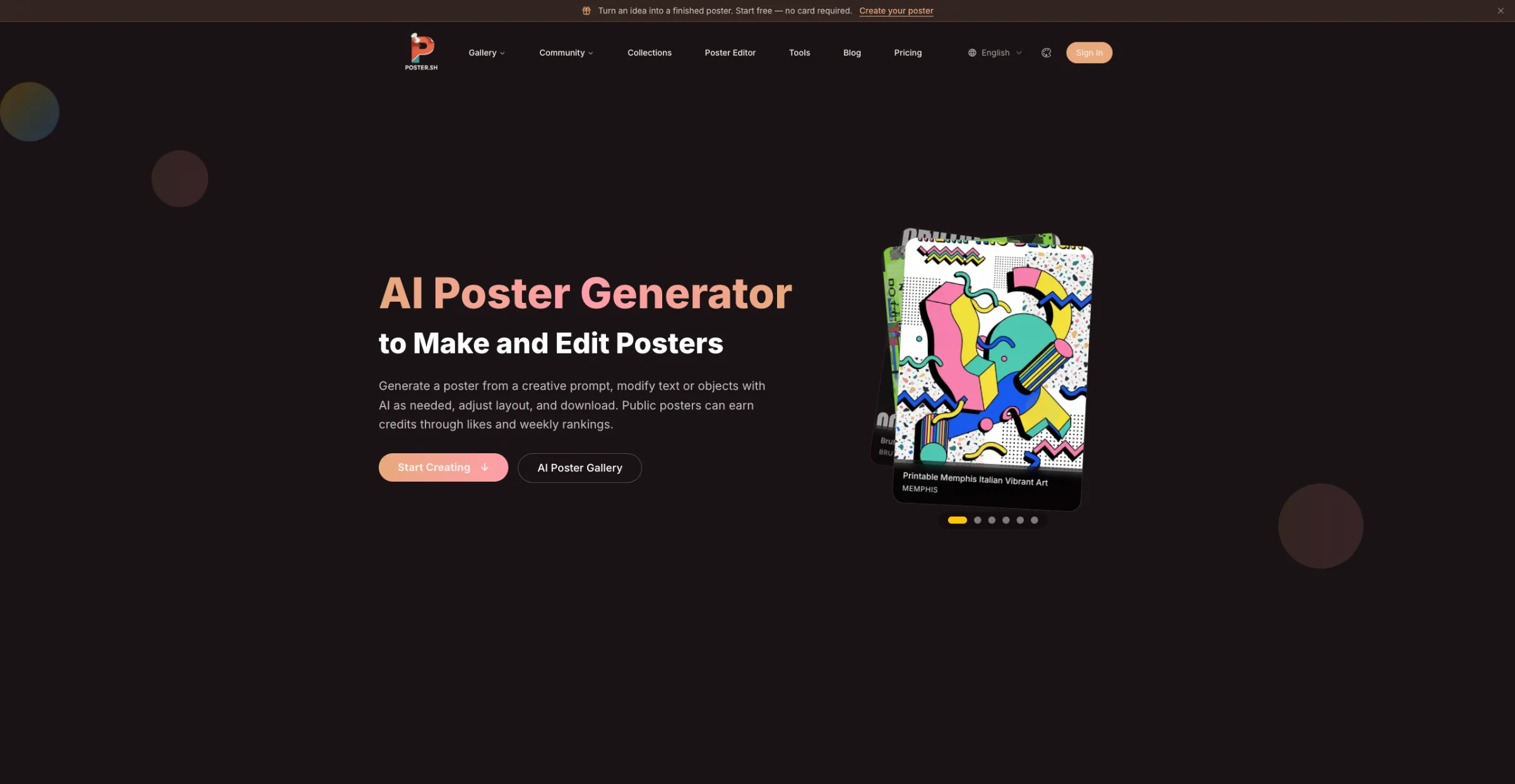
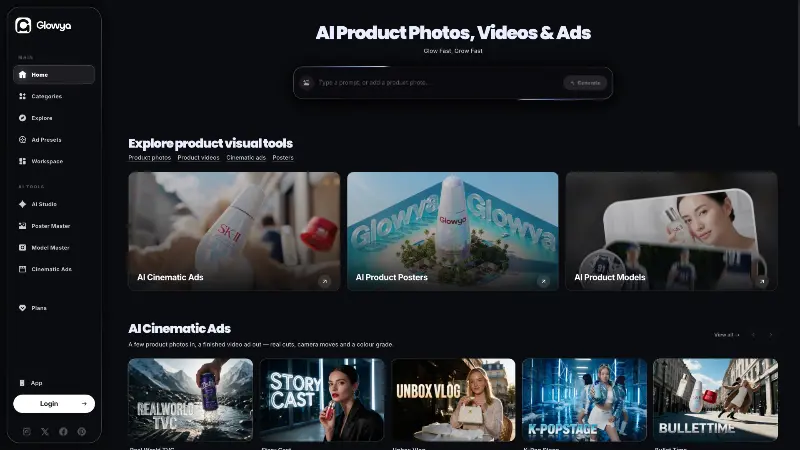
Poster - AI poster generator home page
1 / 3Overview
What is Poster?
Create and edit static posters, then turn a poster into a short MP4.
What Poster.sh does
Poster.sh turns a short written brief or a reference image into a finished poster, then keeps the design editable. It suits people who need a usable poster quickly but still want control over the wording, objects and layout.
How it works
- Start from a brief or a reference image, choose a style and a canvas size (1:1, 3:4 or 9:16), then generate a draft. A prompt optimizer can expand a thin brief.
- Refine the result in the built-in editor: select text on the poster and describe new wording, select an object and describe a replacement, add text, images or QR codes, and move layers by hand.
- Export a still design as PNG, JPG or WebP, or as a single-page PDF for print. A supported existing poster can also be animated into a 5, 10 or 15 second MP4 with a motion preset and optional background music, sound effects, speech or singing, keeping the original proportions.
Useful limits
- Credits are quoted before a generation or animation starts, and the animation quote is locked in the preview dialog.
- Animation is a paid, credit-based feature rather than a free extra; 4K posters are download-only and cannot be edited.
- Multi-size layouts rearrange the canvas; they do not promise lossless lettering, and text inside an image does not become editable layers.
Platforms and languages
Poster Availability
Platforms
Languages
Capabilities
Poster Key Features
AI poster generation from a brief
Type a short brief or upload a reference image, pick a style and a canvas size (1:1, 3:4 or 9:16), and generate a poster. A prompt optimizer can expand the brief, and credits for each run are quoted before generating.
Poster editing on the canvas
Select text in the generated poster and describe new wording, select an object and describe a replacement, then add text, images or QR codes and move layers by hand. Export the result as PNG, JPG or WebP, or as a single-page PDF for print.
Plans and access
Poster Pricing
Freemium
Free tier with starter credits; paid plans from $9.90 per month
Free plan: 5 starter credits, 1080p output, PNG and JPG export. Starter plan $9.90/month: 200 credits per month, 4K downloads, WebP and print PDF, custom brand colors and fonts, commercial usage rights. Pro plan $29.90/month: 700 credits per month, team-ready workflow and priority support. Annual billing is 20% off. One-time credit packs are available. Poster generation costs 2-5 credits; AI edits cost 1 credit to identify the selection plus 2 credits for the change; manual editing is free. Animating a poster is quoted in credits before the job starts (for example 20 credits per 5 seconds for a motion poster) and the quote is locked in the preview dialog.
Poster Alternatives
Reviews
See what the community thinks and share your experience.
—
Based on 0 ratings
Rating distribution
Community reviews
No reviews
No written reviews yet.