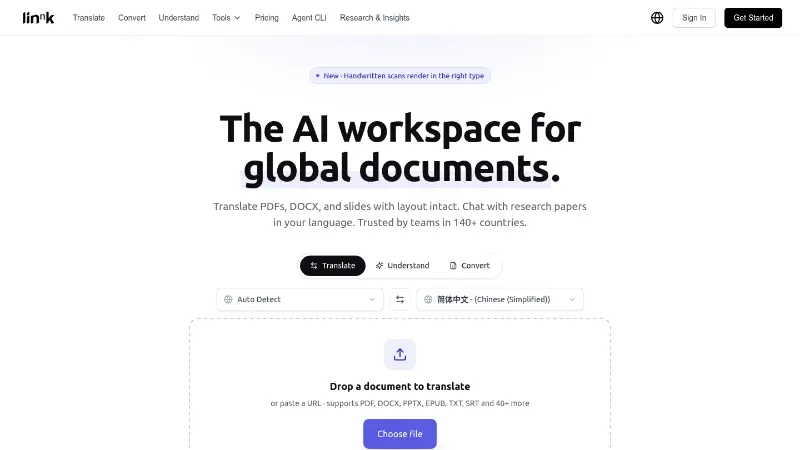
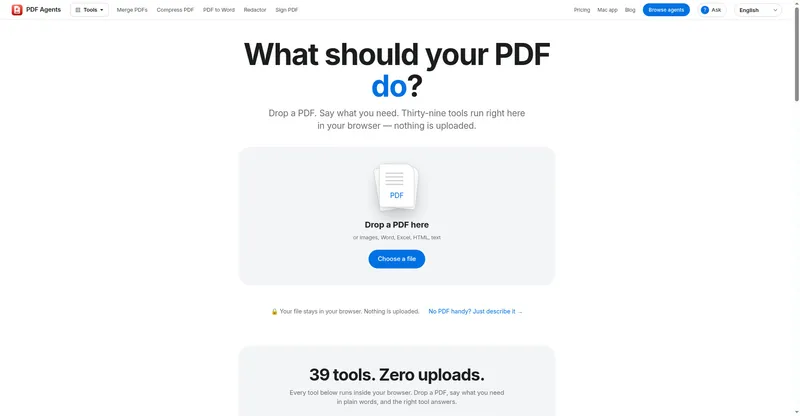
Listen to PDFs, Word files and web pages in a natural voice, ask Quillo Ai about your documents, and use 21 free PDF tools — on the web, Android and iPhone.
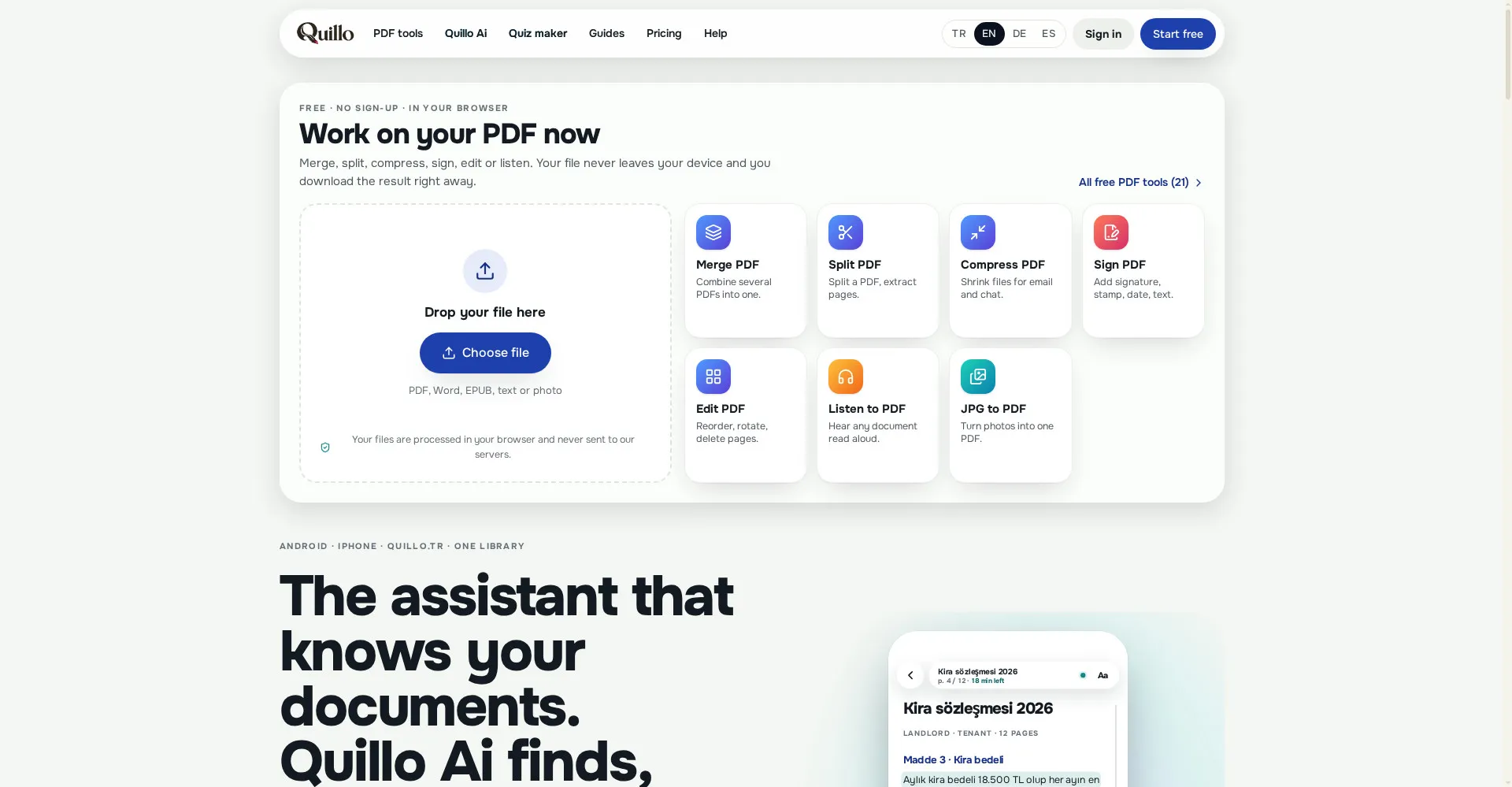
Quillo homepage
1 / 2Overview
What is Quillo?
Listen to any PDF in a natural voice, then ask Quillo Ai
Quillo reads PDFs, Word files, photos and web pages aloud in a natural voice and highlights each sentence. Quillo Ai answers questions about your documents, summarizes with page citations, and searches the web when needed. Merge, compress, sign, scan and convert for free on Android, iPhone and the web — 21 PDF tools in total — and turn notes into exams with instant grading.
- Natural-voice reading with sentence highlighting, online and offline
- Quillo Ai answers, summarizes and cites page numbers
- 21 free PDF tools processed in your browser
- Exam maker with instant grading and mistake flashcards
- 13 languages of on-device translation; files stay on your device and your own Google Drive
The free plan covers reading, device voices and all PDF tools. Starter is $4.99 a month and Pro is $9.99 a month for cloud voice and Quillo Ai. New accounts get 10 minutes of cloud voice and 10 AI pages once, with no card required.
Platforms and languages
Quillo Availability
Platforms
Languages
Capabilities
Quillo Key Features
Natural-voice reading
Reads PDFs, Word, EPUB, photos and web pages aloud sentence by sentence, highlighting each word — and picks up where you left off, even offline.
Quillo Ai answers
Ask questions about your documents, get summaries with page citations and web search, by text or voice.
21 free PDF tools
Merge, split, compress, sign, edit, convert and scan in your browser, free.
Exam maker
Turn notes, chapters or sample-question photos into exams with instant grading and flashcards for mistakes.
13 languages, offline
On-device translation in 13 languages and offline listening; files sync across 5 devices through your own Google Drive.
Best for
Who uses Quillo?
Students and teachers
Listen to course materials, ask questions about them, and turn notes into exams
Professionals reading long documents
Listen to contracts and reports hands-free and ask Quillo Ai for the key points
Blind and low-vision users
Read documents by listening, with TalkBack and VoiceOver support
Plans and access
Quillo Pricing
Freemium
Free plan; Starter $4.99/mo, Pro $9.99/mo. New accounts get 10 min cloud voice + 10 AI pages.
Common questions
Quillo FAQs
Do I need an account?
No account is needed to listen, annotate, scan or sign. An account is only needed for cloud voice, Quillo Ai and syncing across devices.
Which files can I open?
PDF, Word, EPUB, text, Markdown, code and data files, photos, scans, web links and pasted text.
What happens when my cloud minutes run out?
Reading never stops — it continues from the same sentence with the on-device voice.
Does Quillo Ai see my document?
Only the text needed to answer your question is sent, and it is deleted after the answer. Files are never uploaded to Quillo's servers.
Reviews
See what the community thinks and share your experience.
—
Based on 0 ratings
Rating distribution
Community reviews
No reviews
No written reviews yet.