styleLatex converts PDFs, images, handwritten notes and Word files into editable LaTeX, with compilation checks and exports to .tex, PDF or Word.
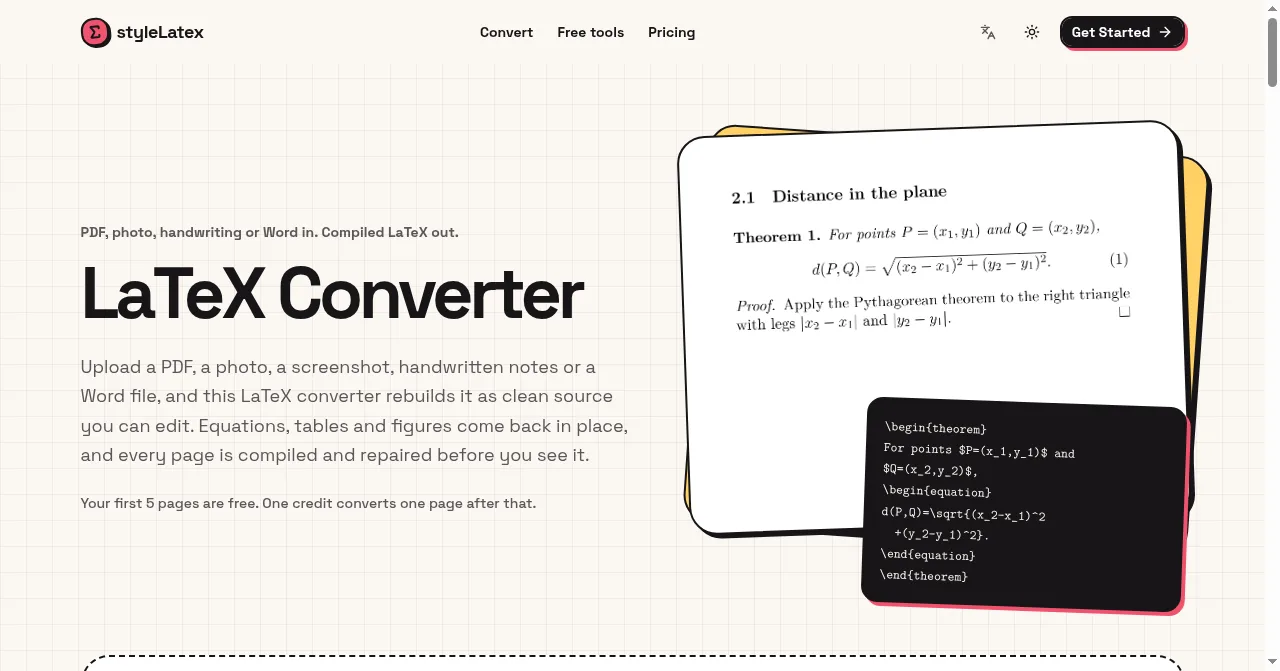
styleLatex homepage: PDF, images and Word to editable LaTeX
Overview
What is styleLatex?
Turn PDFs, photos and Word files into editable LaTeX.
styleLatex is an online LaTeX converter for students, researchers and teachers. Upload a PDF, photo, screenshot, handwritten notes or a Word document to turn equations, tables and document content into editable LaTeX. Each converted page is compiled with XeLaTeX and repaired from compiler errors before review. Users can compare the source with a PDF preview, edit and compile the result, and download .tex, PDF or Word files, with extracted figures available in a ZIP. The site also offers free tools for LaTeX tables and conversions between LaTeX, Markdown, HTML and Typst.
First five conversion pages are free; paid subscriptions start at $8 per month.
Official website: https://stylelatex.com/
Platforms and languages
styleLatex Availability
Platforms
Languages
Capabilities
styleLatex Key Features
Convert documents into editable LaTeX
styleLatex converts PDFs, images, handwritten notes and Word files into editable LaTeX, with compilation checks and exports to .tex, PDF or Word. Compare source and compiled PDF previews, edit results, and export .tex, PDF or Word.
Plans and access
styleLatex Pricing
Freemium
First 5 conversion pages free; each subsequent page costs1credit. Starter $8/month or $72/year:200pages/month,max10pages/conversion. Pro $16/month or $144/year:500pages/month,max20pages/conversion. Selected format tools are free.
styleLatex Alternatives
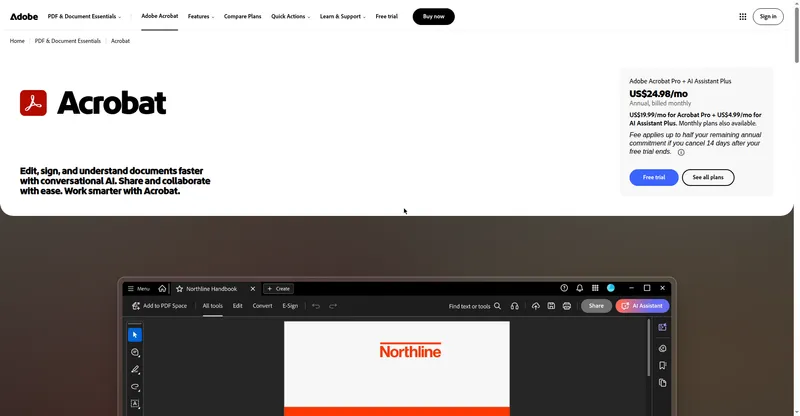
 Adobe AcrobatThe industry-standard PDF toolkit from Adobe: view, edit, convert, sign, and protect PDFs on desktop, web, and mobile, with AI-assisted summaries and doc Q&A.
Reviews
See what the community thinks and share your experience.
—
Based on 0 ratings
Rating distribution
Community reviews
No reviews
No written reviews yet.