The industry-standard PDF toolkit from Adobe: view, edit, convert, sign, and protect PDFs on desktop, web, and mobile, with AI-assisted summaries and doc Q&A.
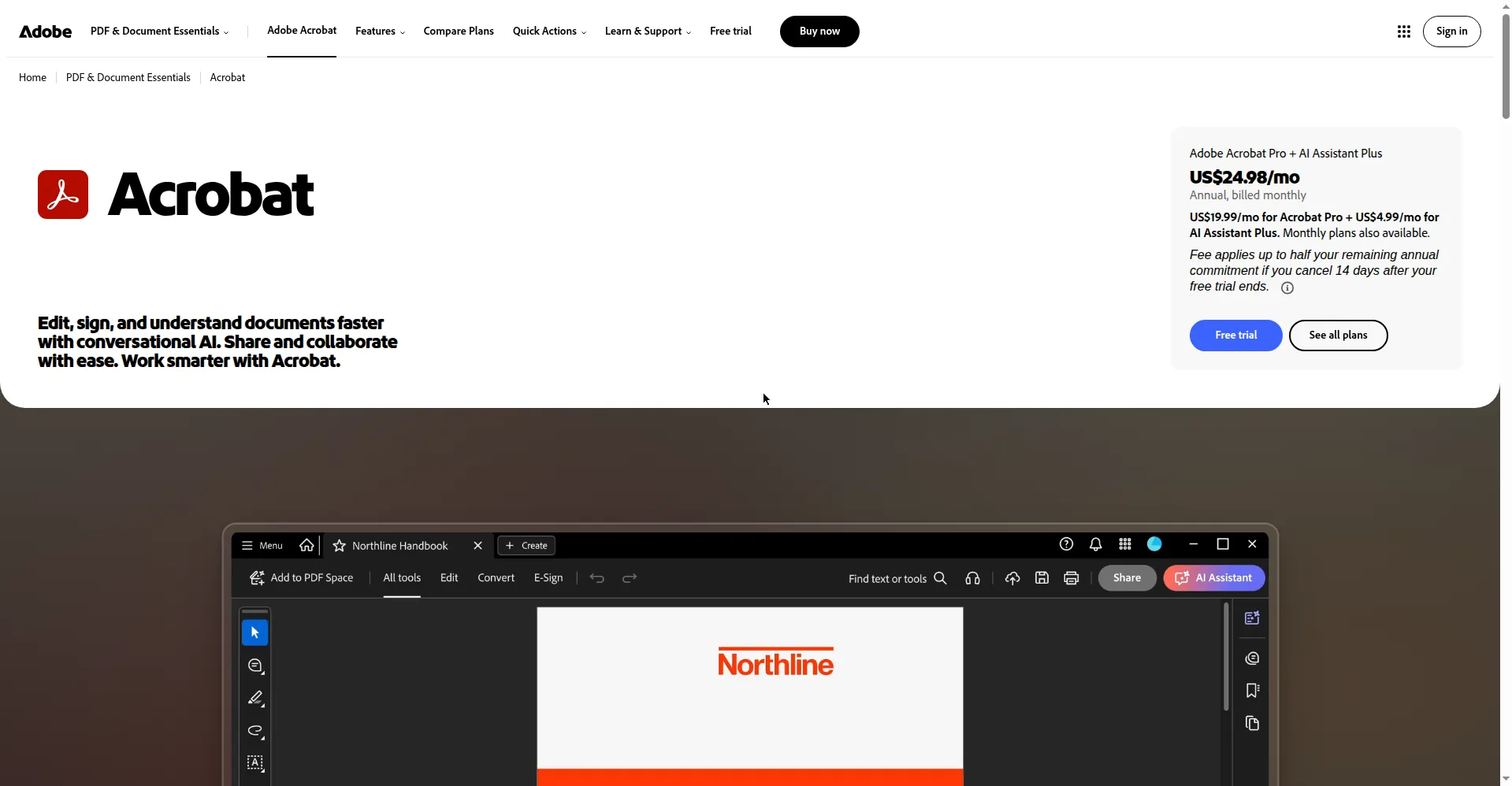
Acrobat homepage: 'Edit, sign, and understand documents faster with conversational AI' with plan pricing
1 / 2Overview
What is Adobe Acrobat?
Get the essential PDF toolkit, enhanced by AI.
Adobe Acrobat is the original — and still the industry-standard — PDF toolkit. It covers the full document lifecycle: view, create, edit, convert, e-sign, protect, and share PDFs, all synced across desktop (Windows and macOS), any web browser via Acrobat online tools, iOS and Android apps, and browser extensions through Adobe Document Cloud.
Paid plans come in three tiers. Acrobat Standard handles the essentials — editing and organizing PDFs, converting to and from PDF, form filling, e-signatures, and password protection. Acrobat Pro adds OCR for scanned documents, PDF comparison, redaction, web forms, and bulk e-signature sending. Acrobat Studio is the AI-forward tier: everything in Pro plus AI Assistant for Acrobat (one-click summaries, chat-with-your-documents Q&A with precise citations, voice prompts on mobile), shared AI workspaces called PDF Spaces, and Adobe Express Premium.
Pricing is subscription-only (US list prices reported by third-party outlets: Acrobat Pro from about $19.99/month on an annual plan billed monthly, or $29.99/month monthly; Acrobat Standard from about $12.99/month annual). Acrobat Reader remains free for viewing, printing, annotating, and signing. A 7-day free trial of Pro gives full access without charge if cancelled in time — a practical way to test whether the paid tier earns its keep against cheaper PDF editors.
Platforms and languages
Adobe Acrobat Availability
Platforms
Languages
Capabilities
Adobe Acrobat Key Features
AI Assistant for Acrobat
Chat with your documents and get fast answers, generate one-click summaries, and ask questions by voice on mobile — bundled with Acrobat Studio.
PDF Spaces
Bring PDFs, Microsoft 365 files, and web links into a shareable AI-powered workspace that surfaces insights with precise citations.
Edit PDFs in a few clicks
Update text and images, rearrange content, organize pages, and make quick edits without converting back to source files.
Create and convert PDFs
Turn Microsoft files, images, and scans into high-fidelity PDFs, or convert PDFs to Word, Excel, PowerPoint, JPG, PNG, TIFF, and HTML.
E-signatures and workflows
Request legally binding e-signatures, track status in real time, set reminders, send in bulk, and create reusable e-sign templates (Pro).
Scan & OCR
Turn scanned paper documents into fully searchable and editable PDFs with built-in text recognition (Pro).
Protect and redact
Add passwords and permissions, and permanently redact sensitive data from PDFs.
Compare and review
Compare two PDFs to review differences, collect comments in real time from multiple reviewers, and share via secure links (Pro).
Plans and access
Adobe Acrobat Pricing
Freemium
Common questions
Adobe Acrobat FAQs
Is Adobe Acrobat free?
Acrobat Reader — for viewing, printing, annotating, and signing PDFs — is free. Editing, converting, OCR, and advanced e-signature features require a paid Acrobat Standard, Pro, or Studio subscription.
What is the difference between Acrobat Standard and Acrobat Pro?
Standard covers the essentials: edit and organize PDFs, convert files to and from PDF, fill forms, sign, and password-protect. Pro adds OCR for scanned documents, PDF comparison, redaction, web forms, bulk e-signatures, and 70+ additional features (per Adobe's plan comparison).
Is there a free trial of Acrobat Pro?
Yes. Adobe offers a 7-day free trial of Acrobat Pro with full, unrestricted access to Pro features on desktop, web, and mobile. You won't be charged if you cancel before the 7 days end, and you get an email reminder before it converts to a paid plan.
Which devices and platforms does Acrobat work on?
A paid subscription includes the desktop app (Windows and macOS), Acrobat online tools in any web browser, the Acrobat Reader mobile app (iOS and Android), the Adobe Scan app, and browser extensions — all syncing files through Adobe Document Cloud.
What AI features does Acrobat include?
Acrobat Studio bundles AI Assistant for Acrobat: one-click document summaries, conversational document Q&A with citations, voice prompts on mobile, AI-powered PDF Actions, and PDF Spaces — shared workspaces that pull insights across your PDFs, Microsoft 365 files, and web links.
Reviews
See what the community thinks and share your experience.
—
Based on 0 ratings
Rating distribution
Community reviews
No reviews
No written reviews yet.