Free web tool that turns a one-line idea into three copy-paste-ready prompts for Midjourney, Runway, Kling and Sora.
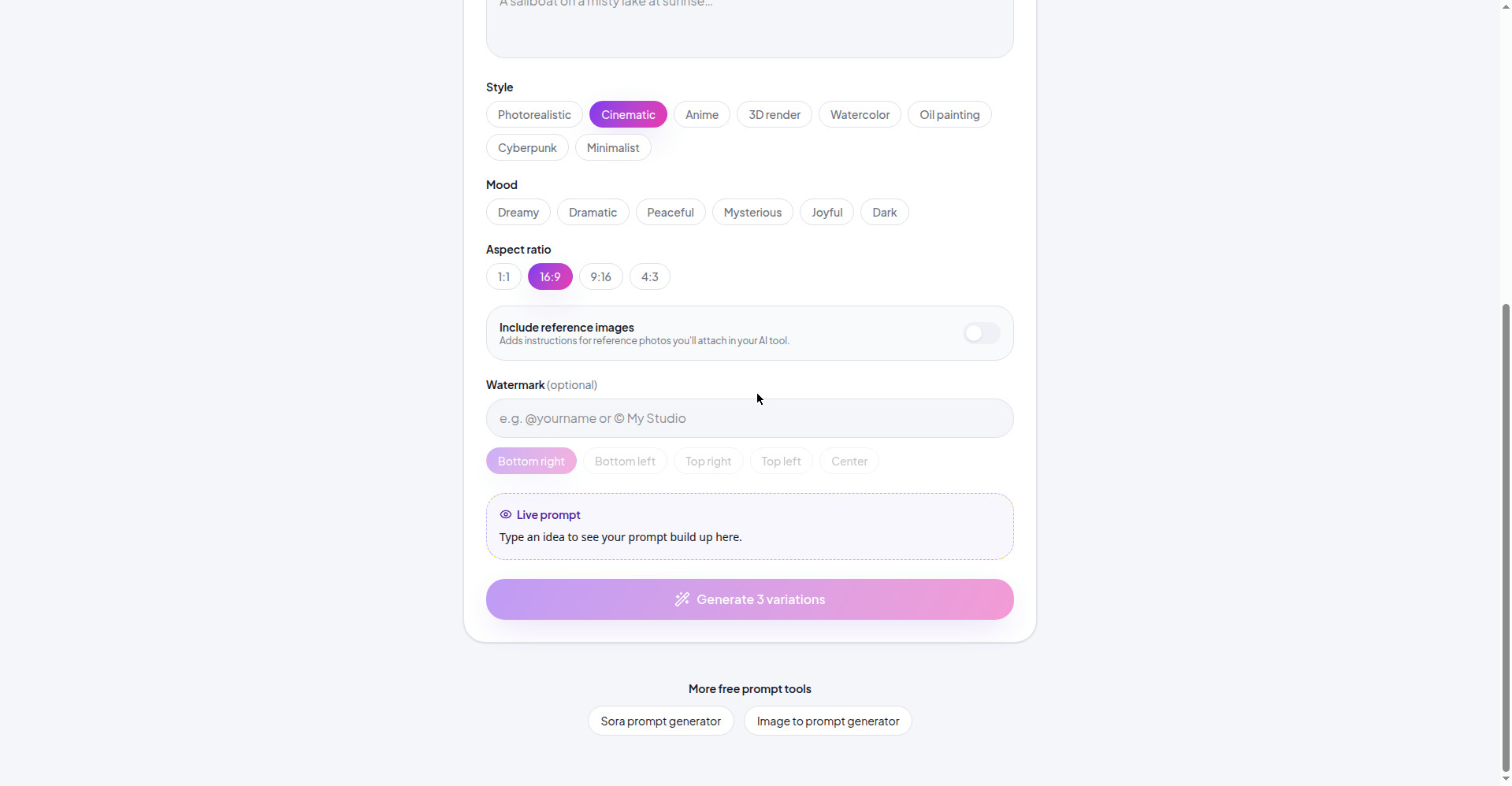
Homepage builder: style, mood and aspect ratio picker with live prompt
1 / 3Overview
What is Scenechemy?
Turn a simple idea into prompts for AI images and videos
What is Scenechemy?
Scenechemy turns a simple one-line idea into three detailed, ready-to-paste prompts for AI image and video tools such as Midjourney, Kling, Runway and Sora. Every generation gives you three versions: one close to your idea, one with a new framing, and one bolder take.
Highlights
- Three variations per idea: faithful, reframed, and bold versions of every prompt.
- Builder mode: choose Image or Video output, 8 styles (Photorealistic, Cinematic, Anime, 3D render, Watercolor, Oil painting, Cyberpunk, Minimalist), 6 moods and 4 aspect ratios, with a live prompt preview as you tweak.
- Chat mode: answer questions and the tool fills in the builder details for you.
- Advanced mode: control subject, wardrobe, pose, lighting, camera, and shot-by-shot video sequences.
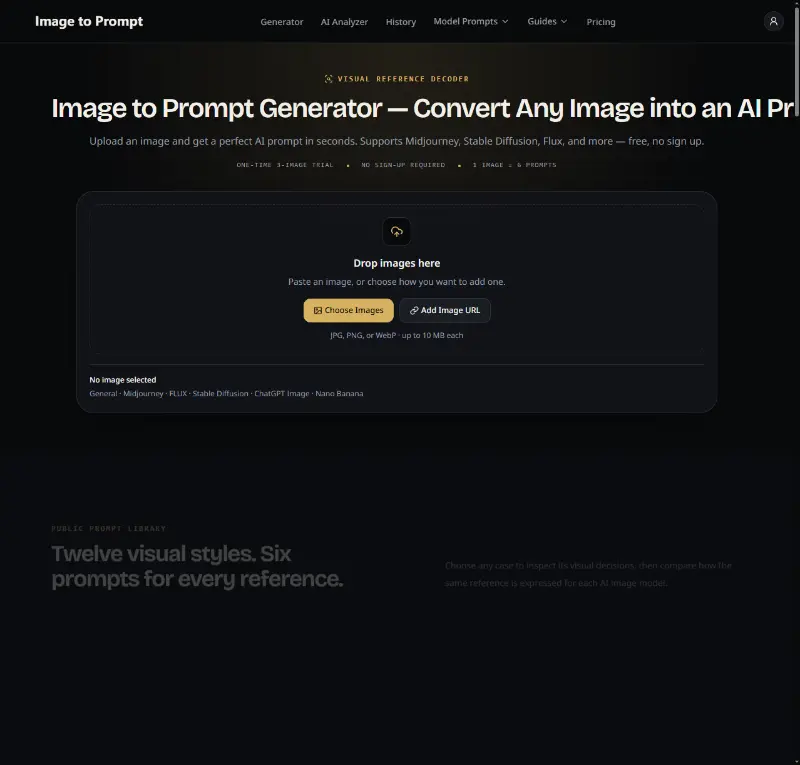
- Image to prompt: upload a photo (JPG/PNG/WebP, up to 5 MB) and get a detailed, copyable prompt back.
- Scene packs: one-tap starter templates for product shots, portraits and short video sequences.
- Sora prompt generator: a dedicated page tuned for Sora, also compatible with Kling, Runway and Veo.
Pricing
Free — no plans, no paid tiers, and no sign-up required. Nothing is stored on a server; saved prompts stay on your own device.
Platforms and languages
Scenechemy Availability
Platforms
Languages
Capabilities
Scenechemy Key Features
Three prompt variations per idea
Each generation returns three versions: one faithful to your idea, one with a new framing, and one bolder take.
Builder mode
Pick Image or Video output, choose from 8 styles, 6 moods and 4 aspect ratios, and watch the Live prompt build as you adjust.
Chat mode
Answer a few questions in chat and the tool fills in the builder details for you automatically.
Advanced mode
Fine-grained control over subject, wardrobe, pose, lighting, camera, and shot-by-shot video sequences.
Image to prompt
Upload a photo (JPG, PNG or WebP up to 5 MB) and get a detailed, copyable prompt describing subject, lighting and composition.
Scene packs
Ready-made templates for product shots, portraits and short video sequences that load into the builder with one tap.
Sora prompt generator
A dedicated generator tuned for Sora, also compatible with Kling, Runway and Veo.
Free with no sign-up
Completely free to use, no account needed, and nothing is stored on a server — saved prompts stay on your own device.
Best for
Who uses Scenechemy?
Content creators, designers and marketers using AI image or video tools like Midjourney, Runway, Kling and Sora
Expand a one-line idea into detailed, paste-ready prompts instead of staring at a blank prompt box
Plans and access
Scenechemy Pricing
Free
Common questions
Scenechemy FAQs
Is Scenechemy really free?
Yes. Scenechemy is completely free with no paid tiers — Product Hunt lists it as Free and the site states "Free, no sign-up" throughout.
Do I need to create an account?
No. There is no account system and no login; saved prompts are kept on your own device rather than on an account.
What happens to my uploaded images and data?
Nothing is stored on a server. Uploaded images are analyzed in memory and are not saved to any library.
Which AI tools work with Scenechemy's prompts?
The prompts are written for tools like Midjourney, Kling, Runway, Sora, Stable Diffusion, DALL·E, Flux and Veo.
Can Scenechemy describe a photo back into a prompt?
Yes — the "From image" mode accepts JPG, PNG or WebP files up to 5 MB and extracts a detailed, copyable prompt from them.
Reviews
See what the community thinks and share your experience.
—
Based on 0 ratings
Rating distribution
Community reviews
No reviews
No written reviews yet.