Screenshot to Code
Screenshot to Code: Free AI tool to convert screenshots to HTML, React, Tailwind, Vue, Ionic & Bootstrap code instantly.
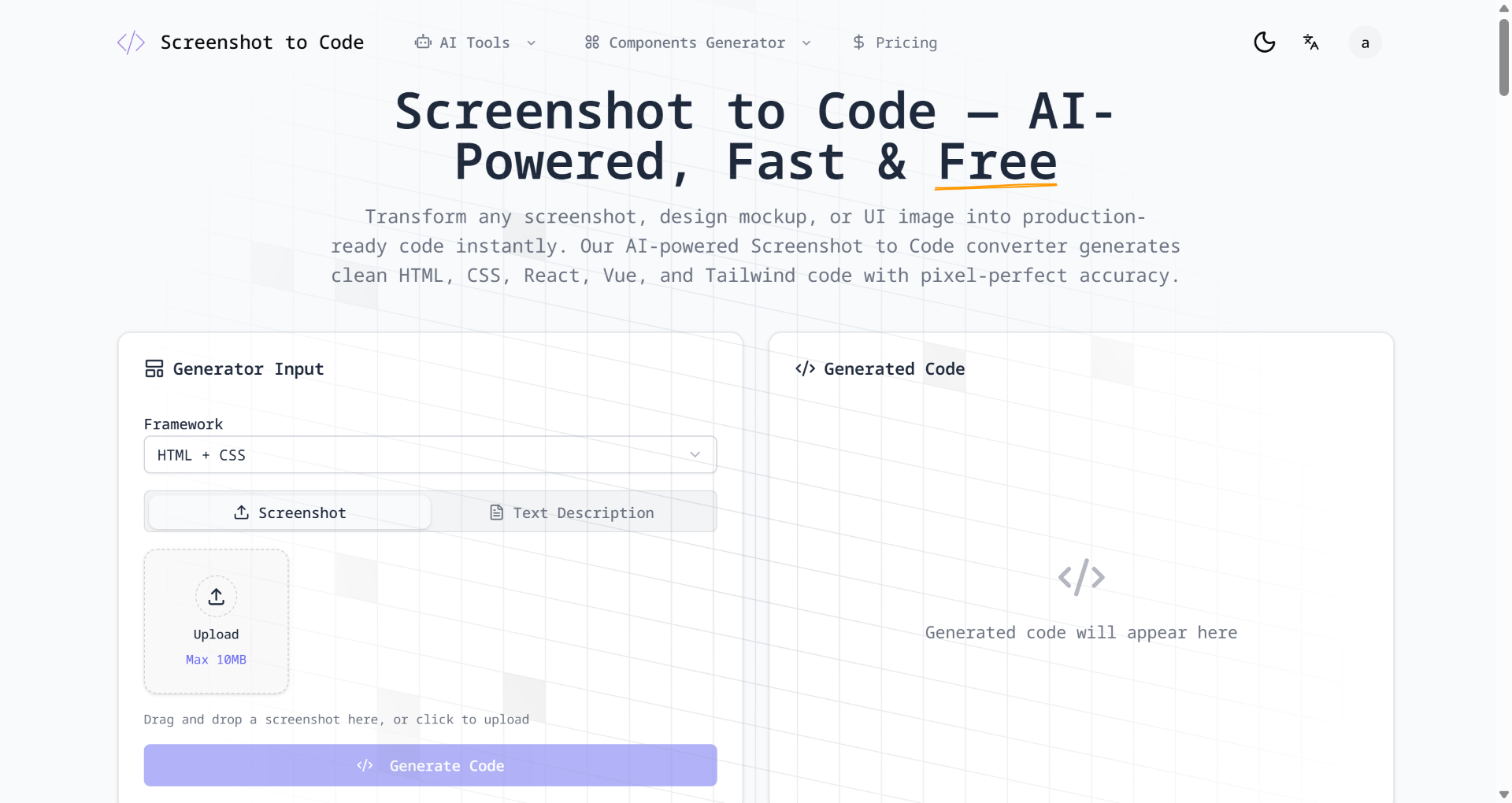
Product screenshot
Overview
What is Screenshot to Code?
Screenshot to Code is a highly innovative AI-driven tool. As the name suggests, its core capability is converting web screenshots, UI designs (like Figma mockups), and even hand-drawn wireframes directly into clean, usable front-end code. The project has gained massive traction in the open-source community (GitHub). It leverages the visual recognition capabilities of advanced multimodal large language models (such as GPT-4 Vision and Claude 3 Opus) to significantly shorten the development cycle from visual design to code implementation. Whether you are a product manager needing to build prototypes quickly or a front-end developer looking to skip tedious CSS layout work, it can massively boost your efficiency.
Screenshot to Code Core Feature
- Powerful Multi-Framework Support: It goes beyond generating basic HTML; it supports one-click exports to various modern front-end frameworks, including HTML + Tailwind CSS, React, Vue, Bootstrap, and Ionic.
- High-Precision Visual Restoration: Powered by the visual recognition engines of top-tier AI models, the tool can accurately parse typography layouts, colors, font hierarchies, and even infer the interactive states of UI components from your screenshots.
- Real-Time Preview and Built-in Editor: The generated code is instantly rendered as a visual webpage on the right side of the interface. Users can directly modify the code in the built-in editor and see the effects in real-time.
- Natural Language Iteration: If the AI's initially generated code has slight deviations, you don't need to edit the code manually. Just type natural language instructions in the chatbox (e.g., "Change the primary button color to dark blue" or "Add a two-column layout"), and the AI will automatically make corrections based on the original code.
- URL Cloning: Besides uploading images, users can directly input the URL of an existing webpage, and the tool will automatically scrape it and generate the corresponding style code.
Screenshot to Code Usage
The workflow for using Screenshot to Code is highly intuitive and easy to get started with:
- Prepare Assets: Capture a partial or full screenshot of the webpage you want to convert into code, or export your Figma design (JPG/PNG formats are supported).
- Upload Image: Open the Screenshot to Code interface and drag & drop the image directly into the workspace, or paste the screenshot from your clipboard using keyboard shortcuts.
- Select Tech Stack: Choose the code framework your project requires from the dropdown menu (e.g.,
React + Tailwind). - Auto-Generate: Click the generate button and wait for the AI to analyze the image. Within seconds, the right panel will render a real-time webpage preview and provide the complete code below it.
- Tweak and Export: Use the chatbox to input prompts for the AI to adjust any imperfect details. Once satisfied, simply click "Copy Code" to paste it into your local code editor.
Screenshot to Code Price
Screenshot to Code offers different usage and pricing models to meet diverse needs:
- Open-Source Self-Hosted (Free / Pay-as-you-go): The core project is completely open-source on GitHub. Users with development experience can download and deploy it locally for free. In this setup, the software itself is free; you only need to configure your own OpenAI or Anthropic API Key, paying only for the actual API token usage billed by the LLM providers.
- Hosted Cloud Services (SaaS): If you prefer not to deal with local deployment environments, you can directly use hosted web versions. These cloud SaaS services typically operate on a subscription basis or sell credit packs, generally costing around $15 to $20 per month, depending on the monthly generation quota and advanced features provided.
Screenshot to Code FAQs
1. Can the code generated by Screenshot to Code be used directly in production? The generated code (especially the Tailwind CSS structure) is generally very standard and perfect as a starting point for static pages or UI prototypes. However, for dynamic applications involving complex interactions, state management, or backend data binding, developers still need to manually intervene to add business logic. It is usually not recommended to push it to production with "zero modifications."
2. Why are there sometimes differences between the generated code and my screenshot? Although AI visual recognition is highly advanced, recognition deviations can occur with overly complex, densely packed pages, or screenshots containing many custom fonts and non-standard design components. It is recommended to break down complex, long pages into smaller sections (e.g., screenshot the Header, Content Area, and Footer separately) for piece-by-piece generation, which significantly improves accuracy.
3. Can people with no programming knowledge use it? Yes. The user interface is extremely simplified, requiring just an "upload image -> wait for generation" process. Designers or founders who don't know how to code can use it to quickly turn their design concepts into clickable, interactive high-fidelity webpage prototypes in the browser without having to bother developers.
4. Can it recognize and extract images and icons from the screenshot? Typically, Screenshot to Code uses placeholder images or generic open-source icon libraries (like FontAwesome) to replace specific illustrations in your screenshot. Its core purpose is to build the code "skeleton" rather than scraping static image assets. You will need to manually replace them with real image URLs later.
Platforms and languages
Screenshot to Code Availability
Platforms
Languages
Compare similar tools
Screenshot to Code Alternatives
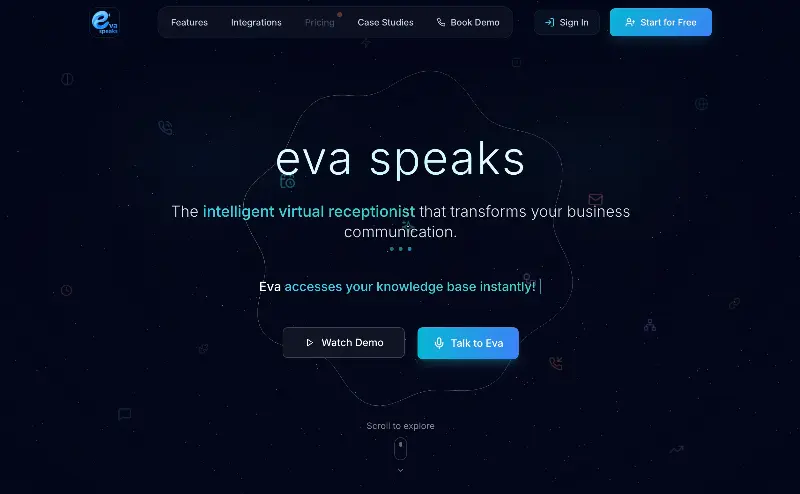 EvaSpeaksEvaSpeaks is an AI-powered virtual receptionist that answers calls 24/7, handles customer inquiries, schedules appointments, captures leads, and routes calls to the right team. It helps businesses improve response times, reduce missed opportunities, automate routine communication, and provide reliable customer support even outside regular business hours.5.0(1 reviews)AI Business SolutionsAI Voice RecognitionAI WorkflowAI receptionist
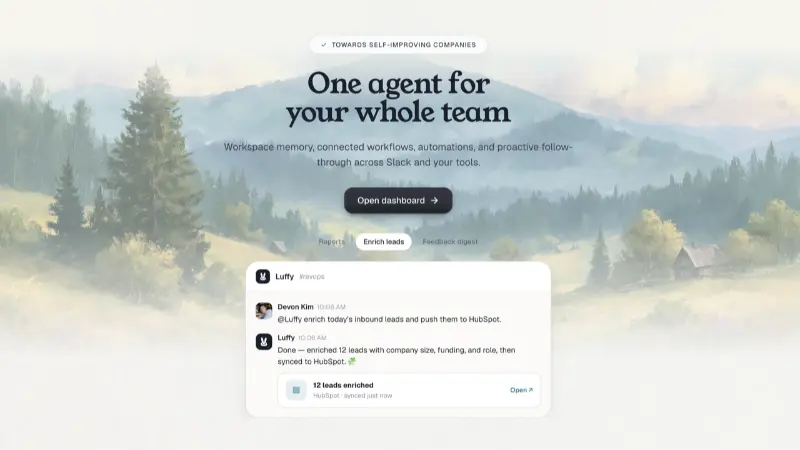 LuffyAI employee that gets work done directly in Slack5.0(1 reviews)AI Productivity ToolsAI Personal AssistantsAI WorkflowAI assistantautomationworkflow
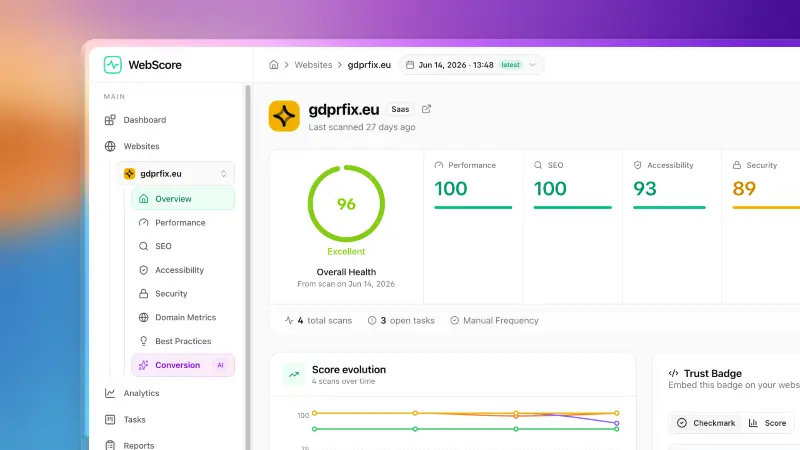 WebScore - Website audit toolWebScore audits any website across performance, SEO, accessibility, security, best practices, domain authority and an AI conversion audit — and hands you prioritized, step-by-step fixes. Now with an MCP server, so your AI (Claude, Cursor, Codex, Grok) can run the audits for you.5.0(2 reviews)AI Coding AssistantsAI Search EnginesAI Marketing Toolswebsite auditconversion auditperformance check
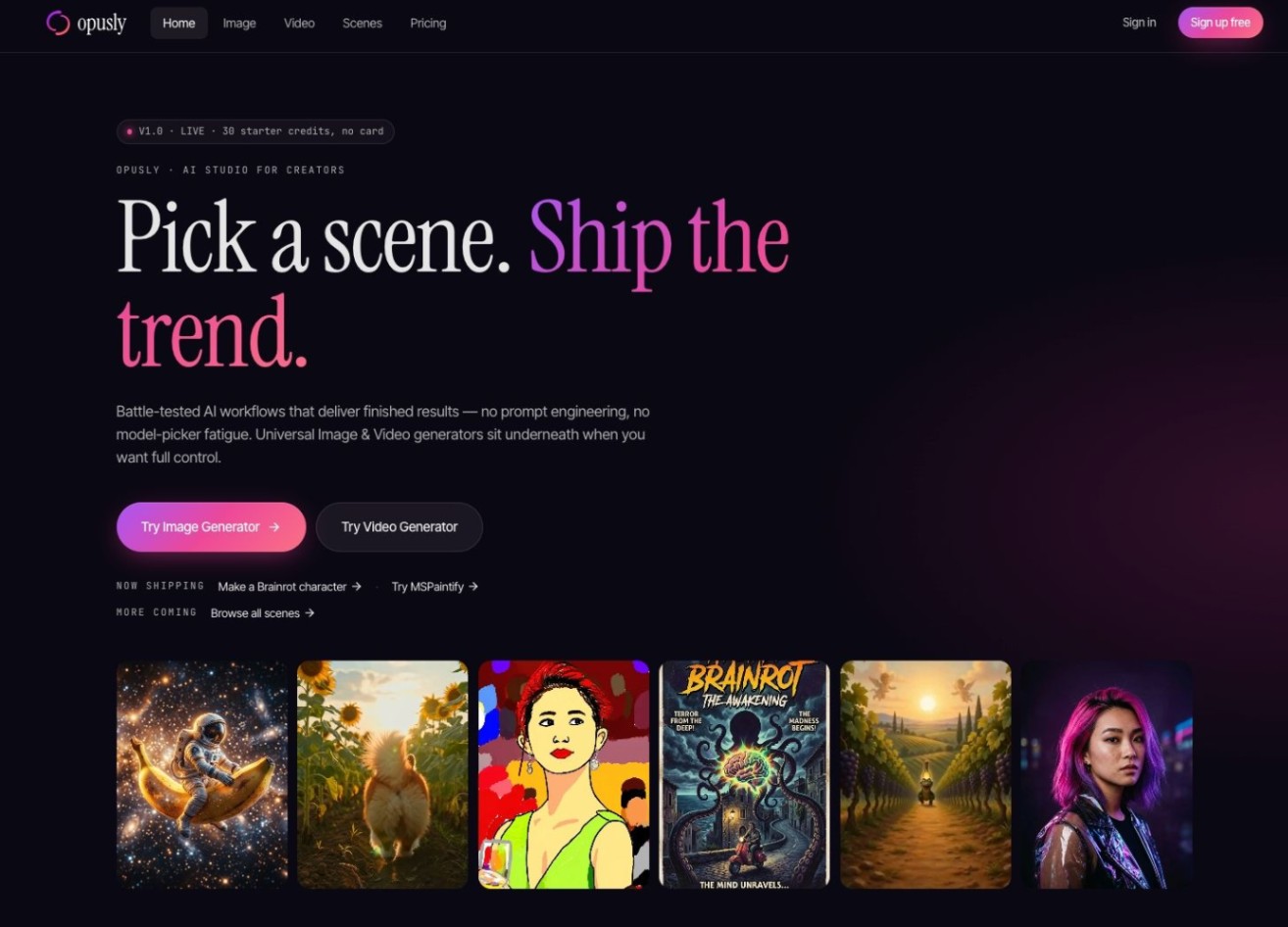 OpuslyOpusly is an AI studio for creators — generate images and videos with auto-picked best models (Nano Banana 2, GPT-Image-2, Seedance 2.0), or use one-click scene templates like Italian Brainrot and MSPaintify. Free signup includes 30 credits.AI Image GenerationAI Video CreationAI Design Art
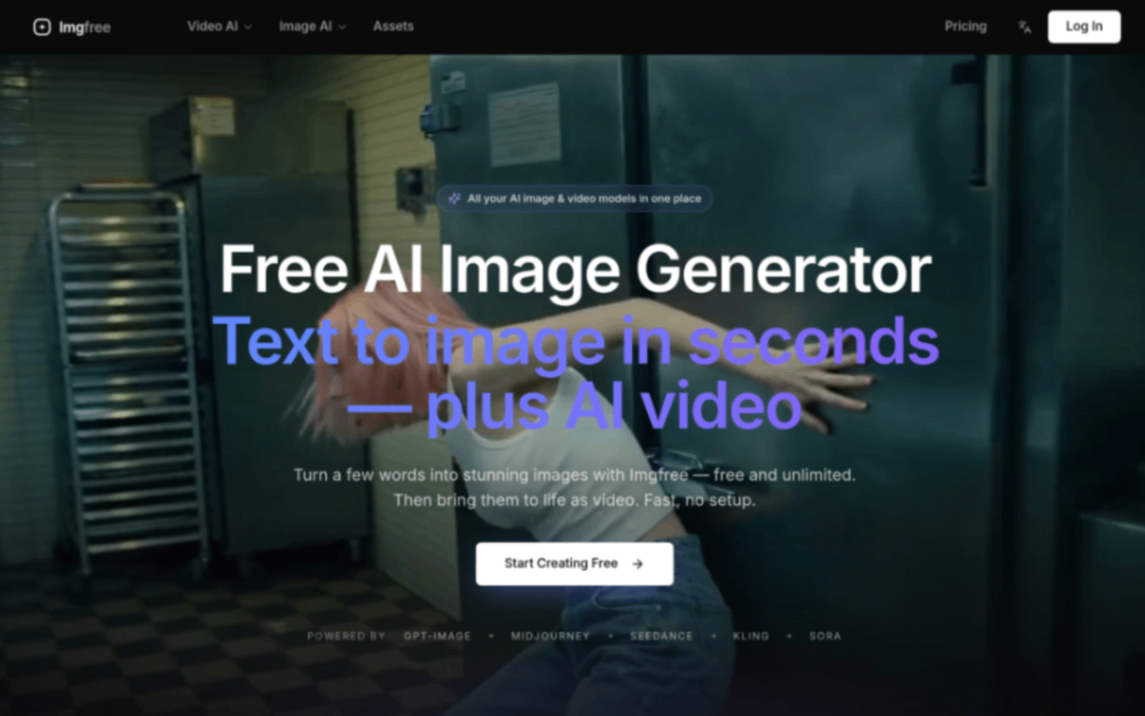 ImgfreeImgfree is a free AI image and video generator that allows users to create stunning visuals from text prompts, offering unlimited access to various AI models without the need for credits.AI Image GenerationAI Video CreationAI Design Art
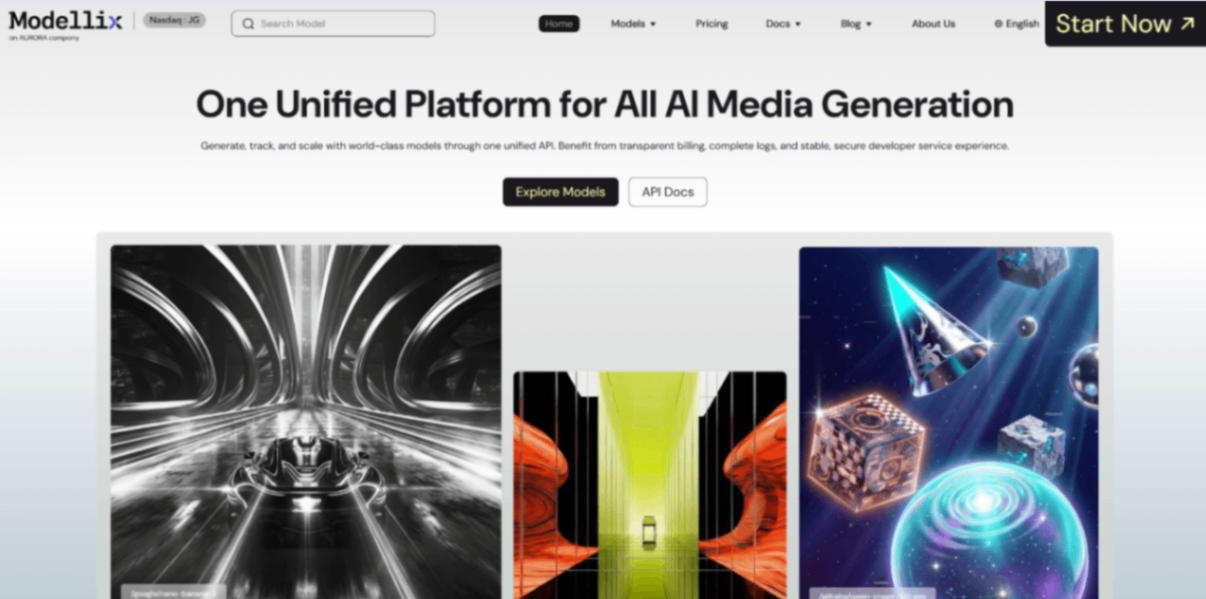 Modellix.aiModellix is a MaaS (Model as a Service) platform that provides unified API access to maintream AI models, covering text-to-image, text-to-video, image-to-image, image-to-video, video editing, and more. Supported models include Nano Banana, Kling, Veo, Seedance, Seedream, Minimax, Qwen, Wanx, GPT, and others.
Whether you’re a developer building AI-powered applications or a creator producing visual content, Modellix provides the tools you need through a single API.AI Video CreationAI Marketing ToolsAI Image Generation
Modellix.aiModellix is a MaaS (Model as a Service) platform that provides unified API access to maintream AI models, covering text-to-image, text-to-video, image-to-image, image-to-video, video editing, and more. Supported models include Nano Banana, Kling, Veo, Seedance, Seedream, Minimax, Qwen, Wanx, GPT, and others.
Whether you’re a developer building AI-powered applications or a creator producing visual content, Modellix provides the tools you need through a single API.AI Video CreationAI Marketing ToolsAI Image Generation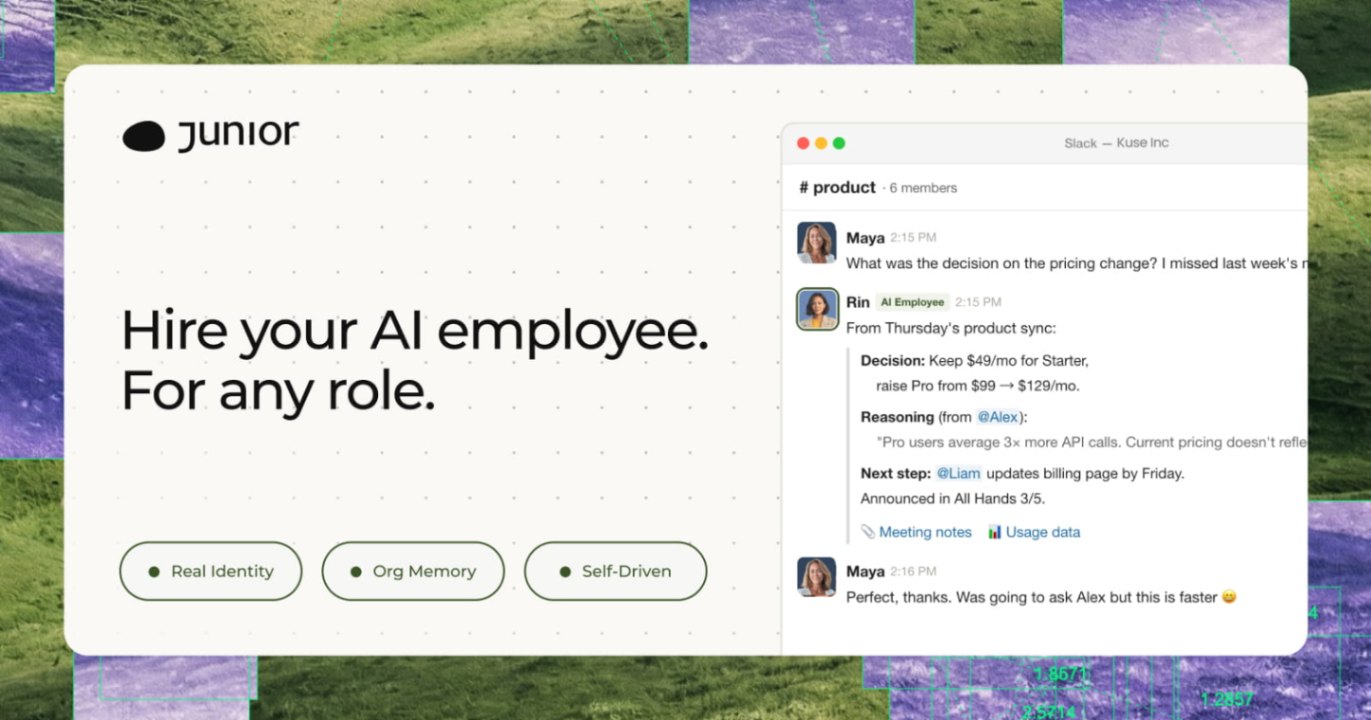 JuniorJunior is an AI employee that works inside your Slack, Teams, Lark, or Telegram. It connects to 3,000+ tools and handles sales ops, from outreach and CRM updates to follow-ups and pipeline reports. Built-in approval gates keep your team in control of every outbound action. Featured in Bloomberg, Business Insider, and LinkedIn News.AI Productivity ToolsAI Text WritingAI WorkflowAI
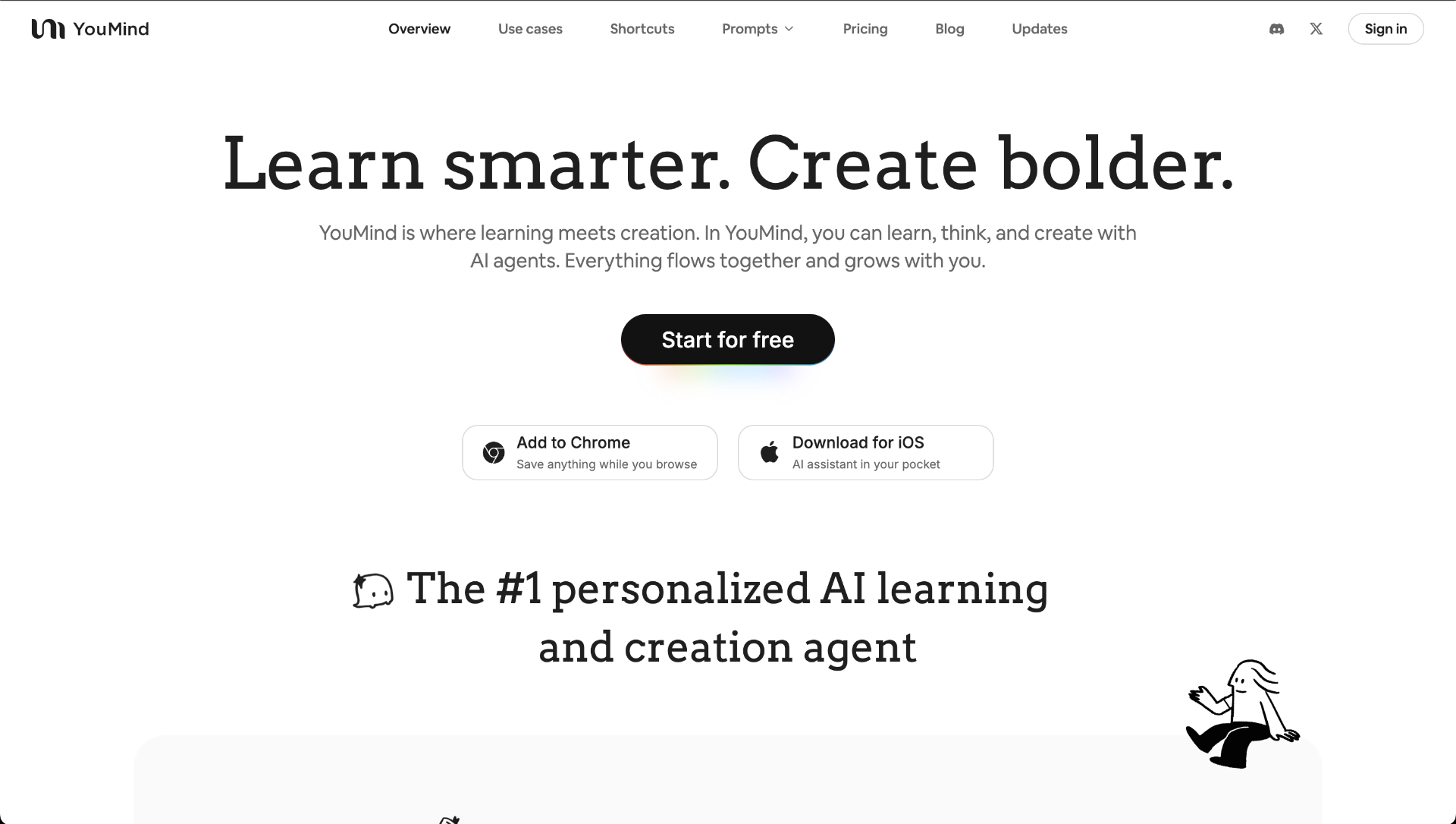 YouMindYouMind is an innovative creation agent that harnesses the power of generative AI to transform diverse materials into inspired creations.5.0(1 reviews)AI Image GenerationAI Text WritingAI Workflow
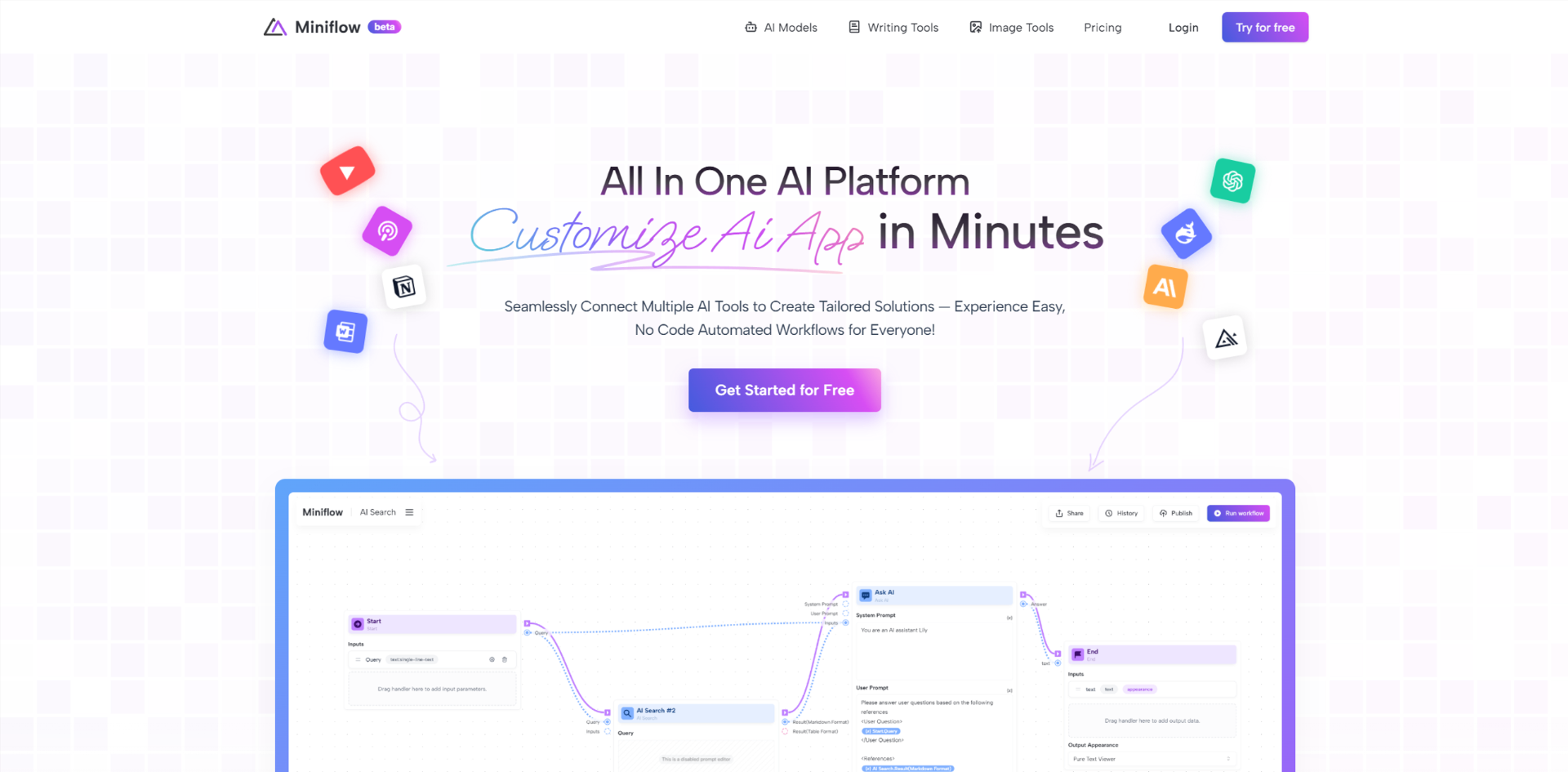 Miniflow AISeamlessly Connect Multiple AI Tools to Create Tailored Solutions — Experience Easy, No Code Automated Workflows for Everyone!5.0(1 reviews)AI WorkflowAI Productivity Tools
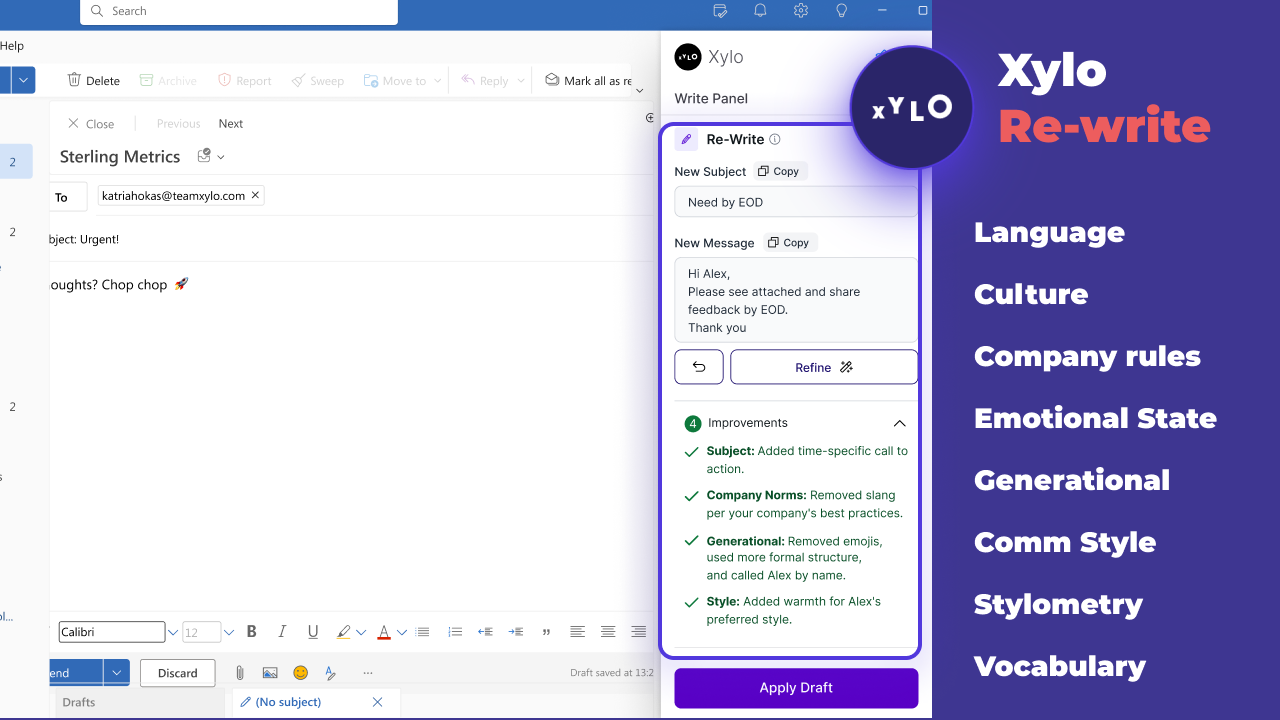 Xylo AISupporting productive working relationships and written communication with emotionally intelligent AI email assistant.AI Business SolutionsAI WorkflowAI Productivity Tools
Reviews
See what the community thinks and share your experience.
—
Based on 0 ratings
Rating distribution
Community reviews
No reviews
No written reviews yet.