Toon Tone is a fast online color matching game where players adjust hue, saturation, and brightness sliders to match a target color across quick 10-round challenges.
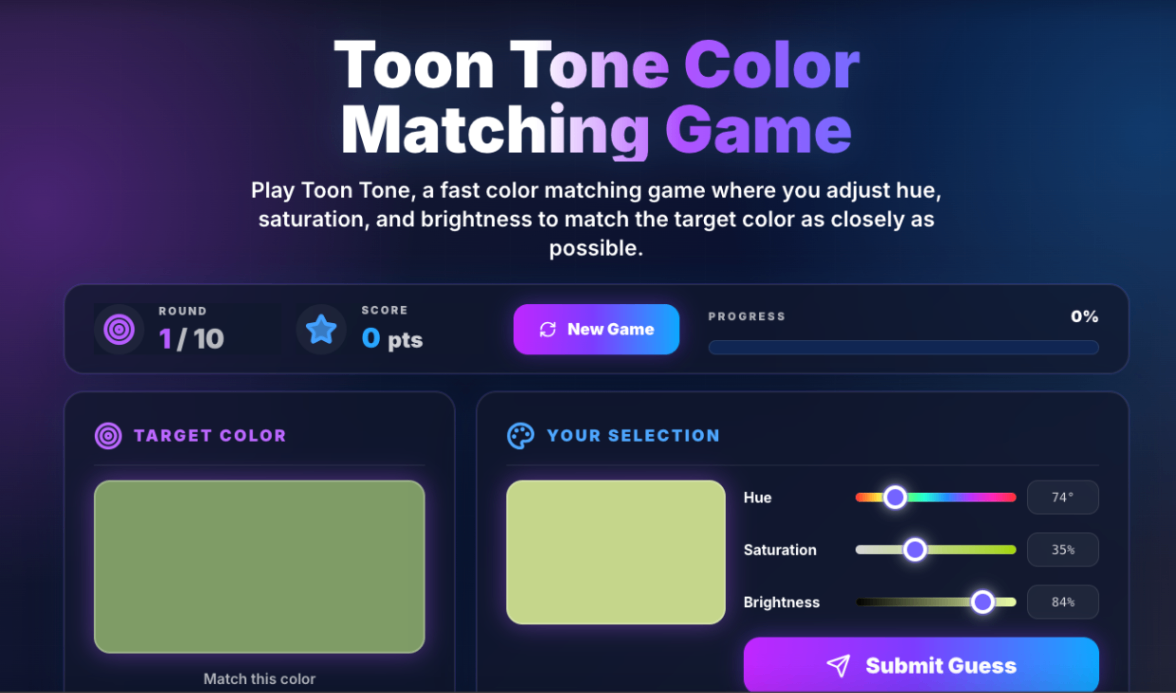
Product screenshot
Overview
What is toontone?
Toon Tone is a fast and simple online color matching game designed to test how accurately you can see and recreate colors. In each round, the game shows you a target color, and your goal is to match it as closely as possible by adjusting three sliders: hue, saturation, and brightness. The gameplay is easy to understand but surprisingly challenging. Small changes in hue or brightness can make a big difference, so every round becomes a quick test of your color perception and attention to detail. After submitting your guess, Toon Tone calculates your score based on how close your selected color is to the target color. Each game includes 10 rounds, making it short enough to play anytime while still giving you a clear score to improve. Toon Tone works directly in the browser, with no download or sign-up required. The interface is built for both desktop and mobile, so you can play on a computer, tablet, or phone. Toon Tone is great for casual players, designers, artists, students, and anyone who enjoys visual challenges. Whether you want a quick color game, a simple creativity break, or a fun way to train your eye, Toon Tone gives you an easy and addictive color matching experience. How to Use: 1. Open Toon Tone in your browser. 2. Look at the target color shown on the screen. 3. Adjust the hue, saturation, and brightness sliders to match the target color. 4. Watch your selected color update in real time. 5. Click Submit Guess to check your accuracy. 6. Get your score for the round and continue to the next color. 7. Complete all 10 rounds and try to improve your total score.
Use Cases: 1. Quick Color Challenge: Play a short color matching game during a break. 2. Color Perception Training: Practice recognizing hue, saturation, and brightness differences. 3. Designer Warm-Up: Use Toon Tone as a quick visual exercise before design work. 4. Art Student Practice: Improve color awareness through simple matching challenges. 5. Casual Browser Game: Enjoy a lightweight game without downloading anything. 6. Mobile Color Game: Play quick rounds on your phone or tablet. 7. Creative Break: Take a fun break from work while still training your eye. 8. Score Improvement Challenge: Replay 10-round sessions and try to beat your previous score.
Platforms and languages
toontone Availability
Platforms
Languages
Compare similar tools
toontone Alternatives
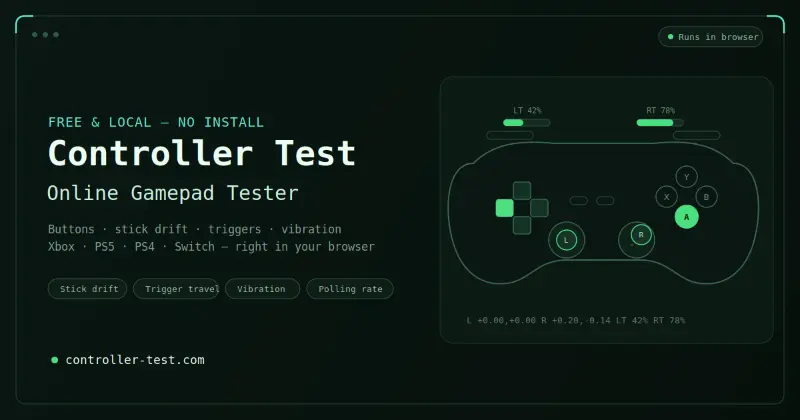 Controller TestTest your gaming controllers online with free, easy-to-use tools for checking buttons, sticks, triggers, vibration, and overall controller functionality.AI Gamingcontrollertestfree
 LinkedIn Pinpoint AnswerGet today's LinkedIn Pinpoint answer with detailed explanations, clues, and strategies. Browse our complete archive of past answers and improve your game.AI GamingAI Education PlatformsAI Knowledge Learninggamespuzzleeducation
 Stardew Valley PlannerPlan, design, and visualize your Stardew Valley farm layout before making changes in the game.AI GamingTPRG
 Stat SniperAI-powered sports betting research with player props, Daily Picks, live odds, and explainable insights across 14+ sports.4.0(1 reviews)AI Productivity ToolsAI Business SolutionsAI GamingSports BettingSports AnalyticsAI Assistant
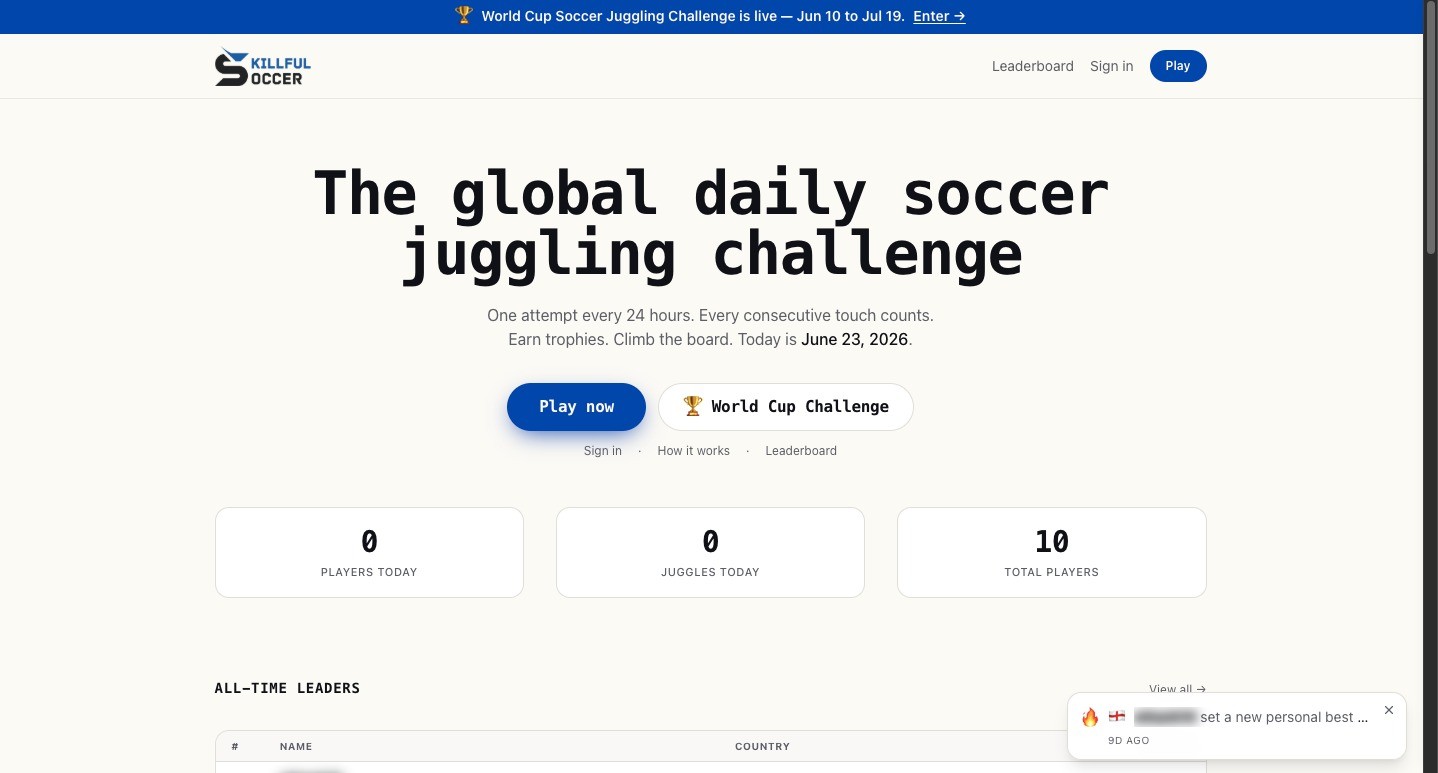 Skillful SoccerSkillful Soccer is a daily soccer juggling challenge where players record an attempt to climb a global leaderboard.AI Gaming
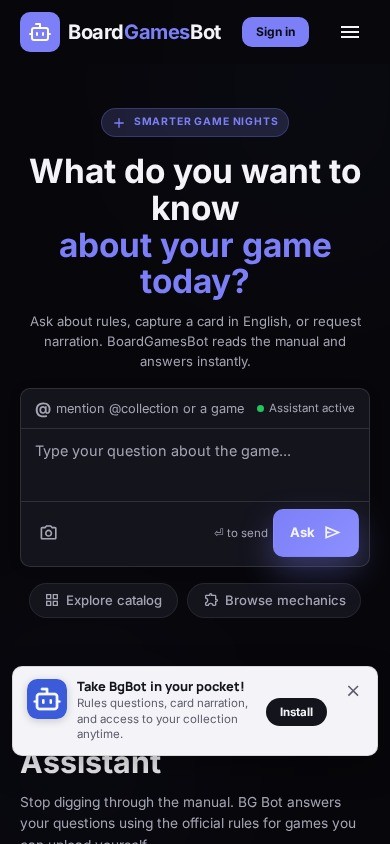 Board Games BotBoardGameBot is a free AI assistant for board game players. Ask any rules question in plain language, scan physical cards with OCR to get instant explanations, and explore a catalog of 300+ games with mechanics, ratings, and prices. Works in English and Brazilian Portuguese.AI Gaming
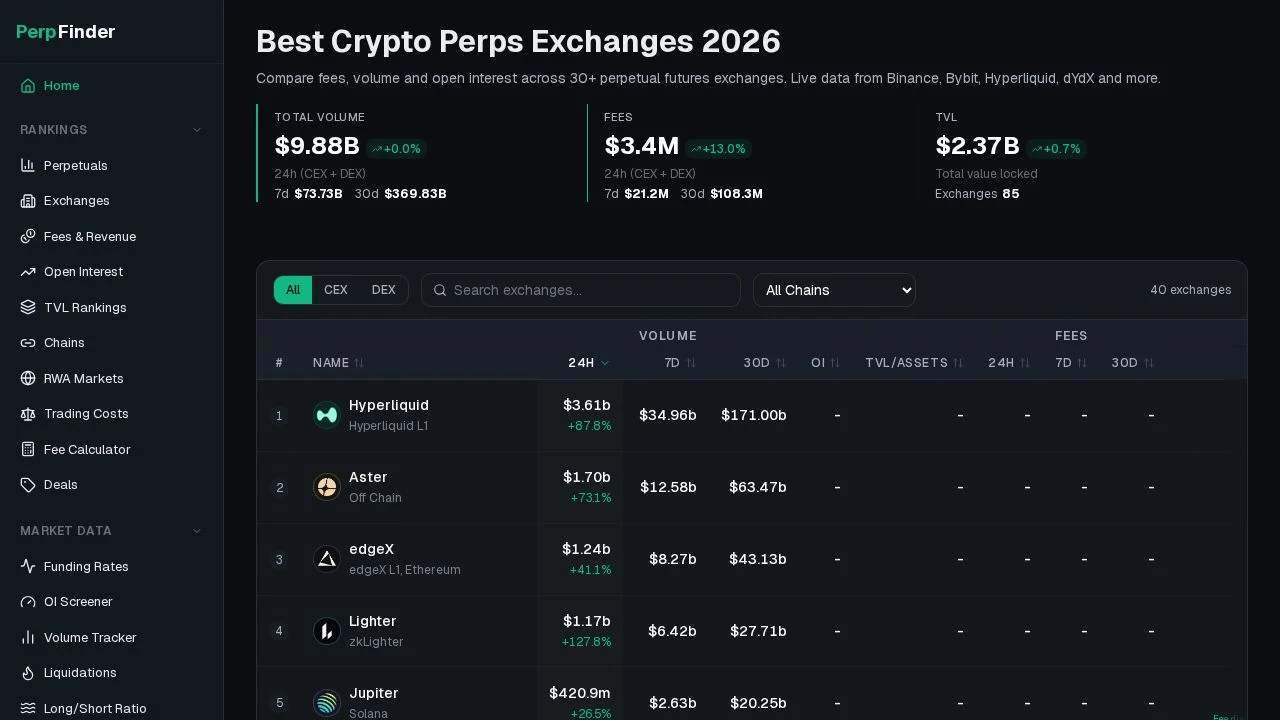 PerpfinderPerpfinder - Overview of crypto perpetual dataAI Gaming
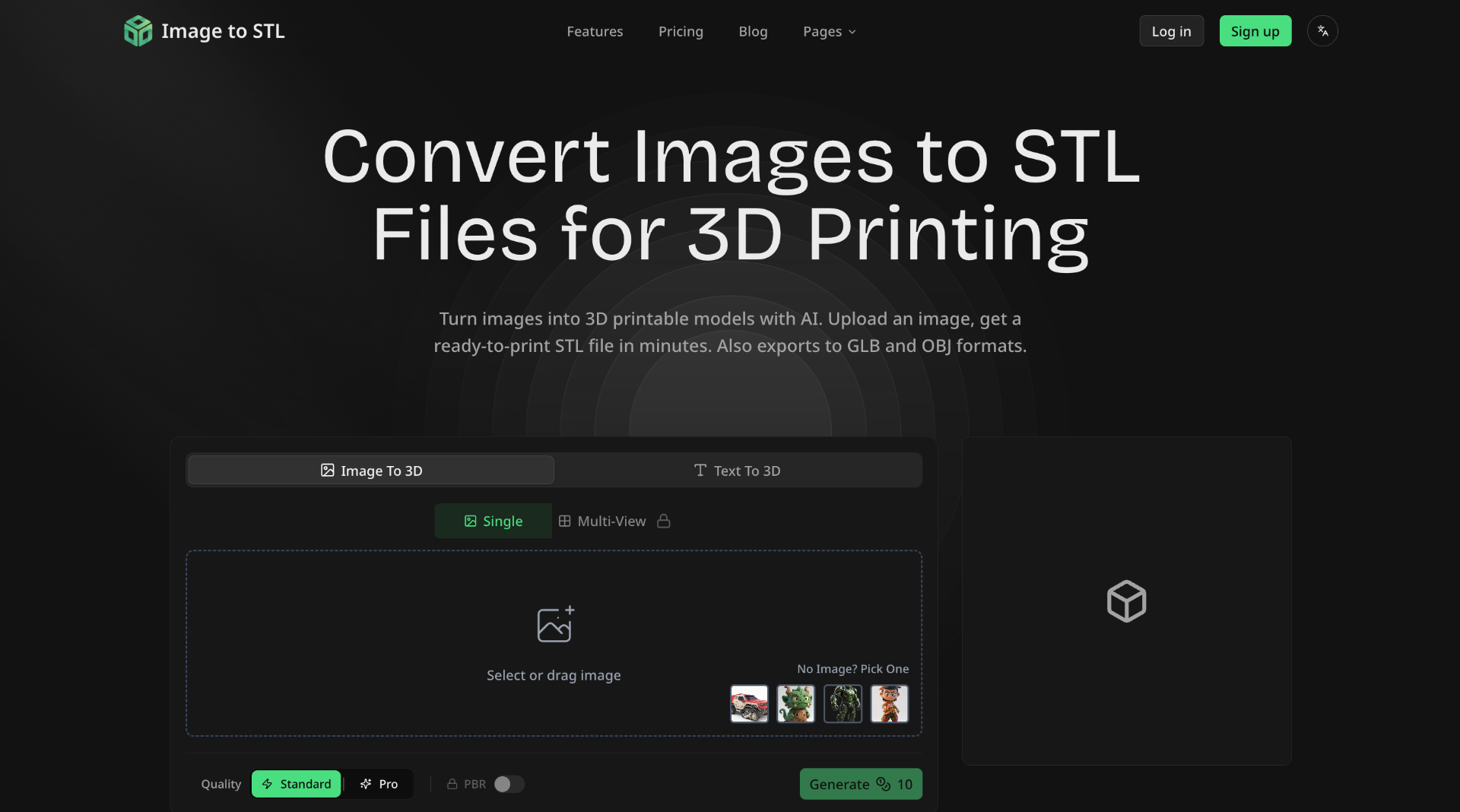 IMAGE TO STL## What is Image to STL
Image to STL is an AI-powered online platform that converts 2D images into 3D printable models. It allows users to upload images or describe their desired 3D model using text, and then generates a 3D mesh that can be downloaded in various formats.
## How to Use Image to STL
1. **Upload or Describe:** Upload an image (JPG, PNG, WebP) or describe what you want to create with text.
2. **AI Processing:** The AI analyzes your input and generates a 3D mesh. Choose between Standard or Pro mode.
3. **Preview & Refine:** Preview the 3D model in the interactive viewer. RotateAI Image GenerationAI 3D ModelingAI Gaming
IMAGE TO STL## What is Image to STL
Image to STL is an AI-powered online platform that converts 2D images into 3D printable models. It allows users to upload images or describe their desired 3D model using text, and then generates a 3D mesh that can be downloaded in various formats.
## How to Use Image to STL
1. **Upload or Describe:** Upload an image (JPG, PNG, WebP) or describe what you want to create with text.
2. **AI Processing:** The AI analyzes your input and generates a 3D mesh. Choose between Standard or Pro mode.
3. **Preview & Refine:** Preview the 3D model in the interactive viewer. RotateAI Image GenerationAI 3D ModelingAI Gaming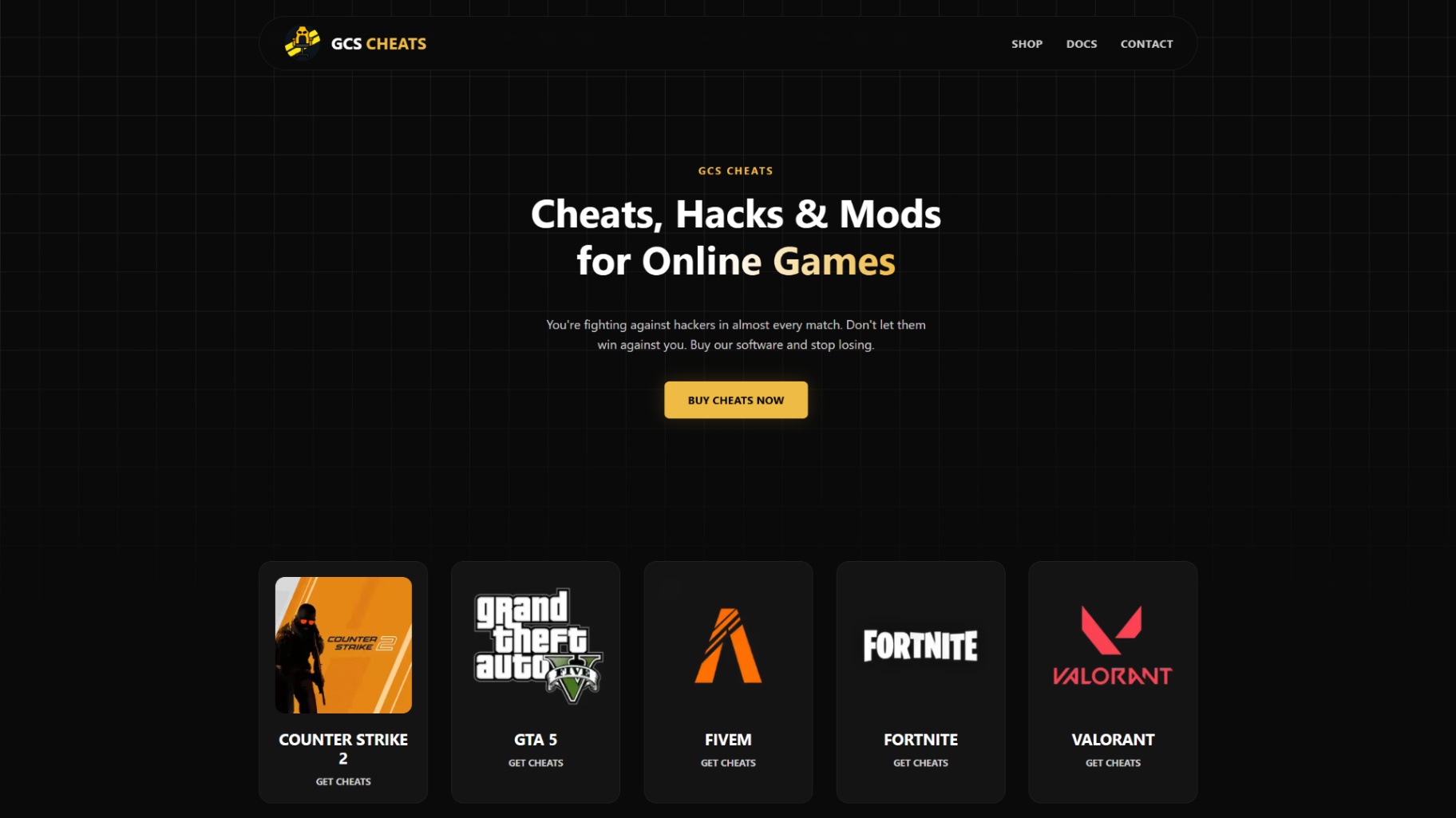 GCS Cheats100% undetected AI game hacks and external + internal PC cheats. Dominate with computer vision aimbots, pixel-perfect triggerbots, and built-in HWID spoofers for extra safety.5.0(1 reviews)Other AI ToolsAI Security ToolsAI Gaminggaming game cheats game hacking
 cleverbetlabsSmart insights for informed decisionsAI Gaming
Reviews
See what the community thinks and share your experience.
—
Based on 0 ratings
Rating distribution
Community reviews
No reviews
No written reviews yet.