An AI-native game engine that turns plain-language ideas into playable 3D games in the browser, no coding needed.
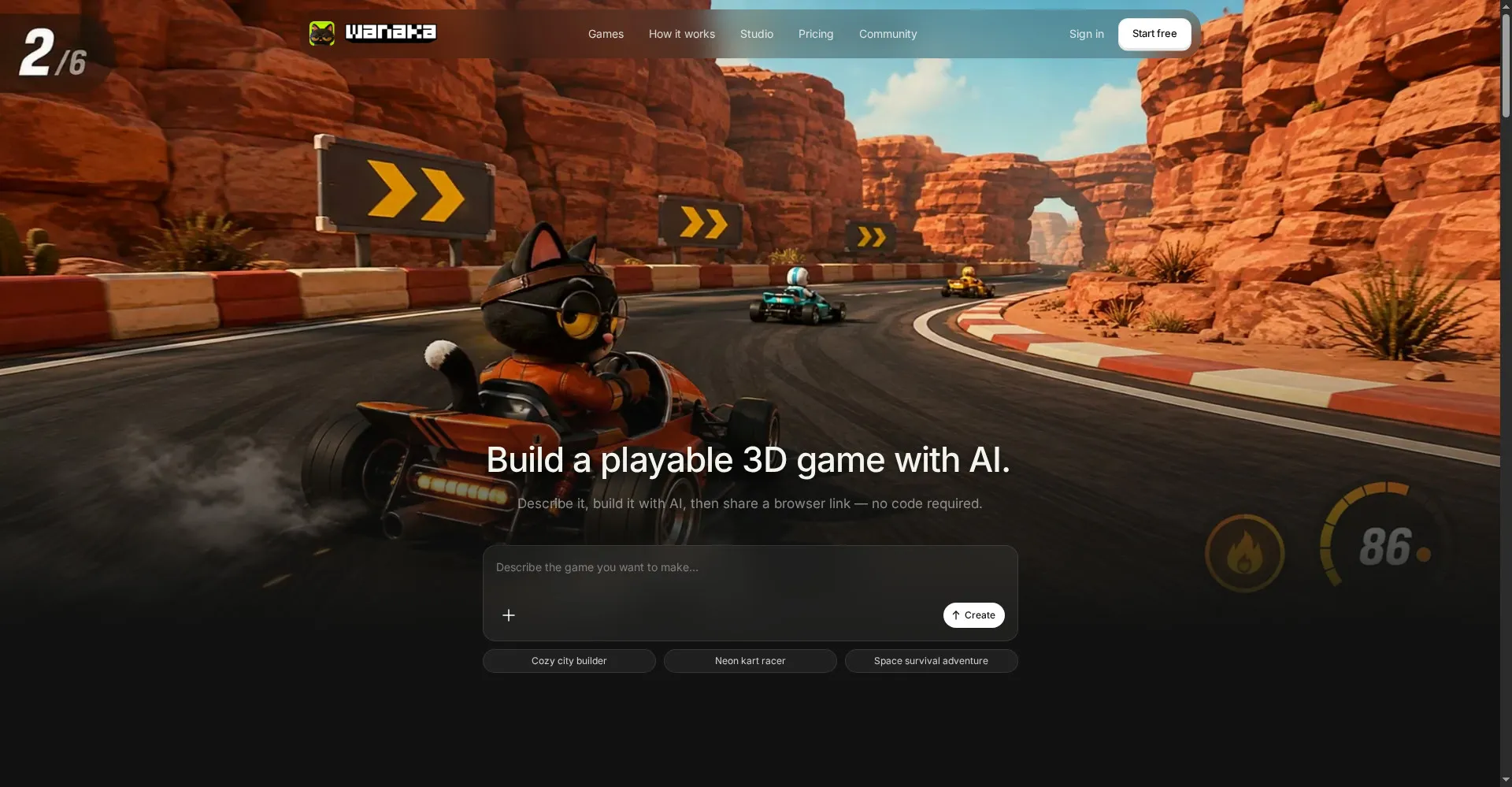
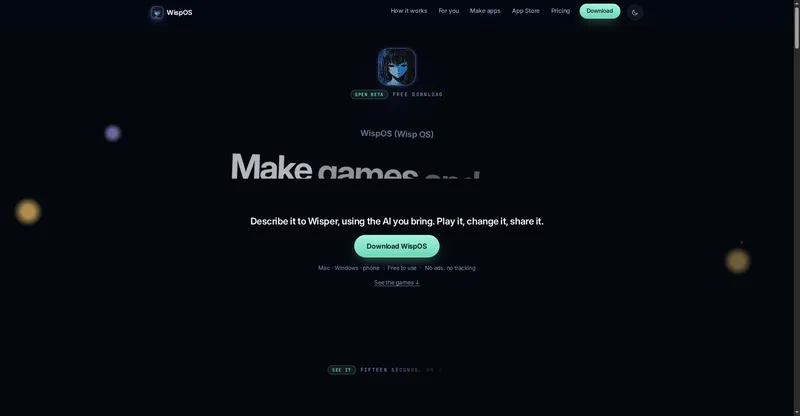
Wanaka Studio homepage
1 / 2Overview
What is Wanaka Studio?
Make and publish 3D games with the first AI game engine
Wanaka Studio is the first AI-native game engine. You describe the game you want in everyday language, and an AI agent builds a playable 3D game that you can edit directly in a synced visual editor — no code required.
- Describe an idea and get a playable 3D game
- Edit scenes, characters and logic in a visual editor
- Auto-rigging and multiplayer built in
- One-click publish with a browser link anyone can play
- Import assets and add sound effects and music
Wanaka Studio has a free plan. Paid plans start at Pro $19, Max $49 and Ultra $200 per month, with annual billing saving two months.
Platforms and languages
Wanaka Studio Availability
Platforms
Languages
Capabilities
Wanaka Studio Key Features
Describe a game, AI builds it
Describe your idea in plain language and an AI agent generates a playable 3D game.
Synced visual editor
Edit scenes, characters and logic directly in a visual editor that stays in sync with the AI build.
Auto-rigging and multiplayer
Characters are rigged automatically and multiplayer is built in, ready for shared play.
One-click publish
Publish your game and share a browser link anyone can open and play.
Assets, sound and music
Import your own assets and add sound effects and background music to your game.
Best for
Who uses Wanaka Studio?
Aspiring game creators without coding skills
Describe a game idea and get a playable 3D game without writing code
Indie developers
Prototype and ship 3D games faster with AI generation and a synced editor
Plans and access
Wanaka Studio Pricing
Freemium
Free plan available; Pro from $19/month, Max $49/month, Ultra $200/month.
Common questions
Wanaka Studio FAQs
Do I need to know how to code to use Wanaka Studio?
No. You describe the game you want in everyday language, and the AI builds it; you refine it in the visual editor.
What kinds of games can I build?
Almost any 3D game, from casual builders and racing games to adventure games.
Can I edit what the AI builds?
Yes. The visual editor stays in sync with the AI build, so you can adjust scenes, characters and logic and see changes live.
How do I share my game?
Publish it with one click and share the link; anyone can open and play it in a browser.
Where can I play my games?
Games run in the browser, so they play on almost any device.
Reviews
See what the community thinks and share your experience.
—
Based on 0 ratings
Rating distribution
Community reviews
No reviews
No written reviews yet.