A desktop CAD app that turns plain-language descriptions into real, editable parametric 3D models you can export for 3D printing and manufacturing.
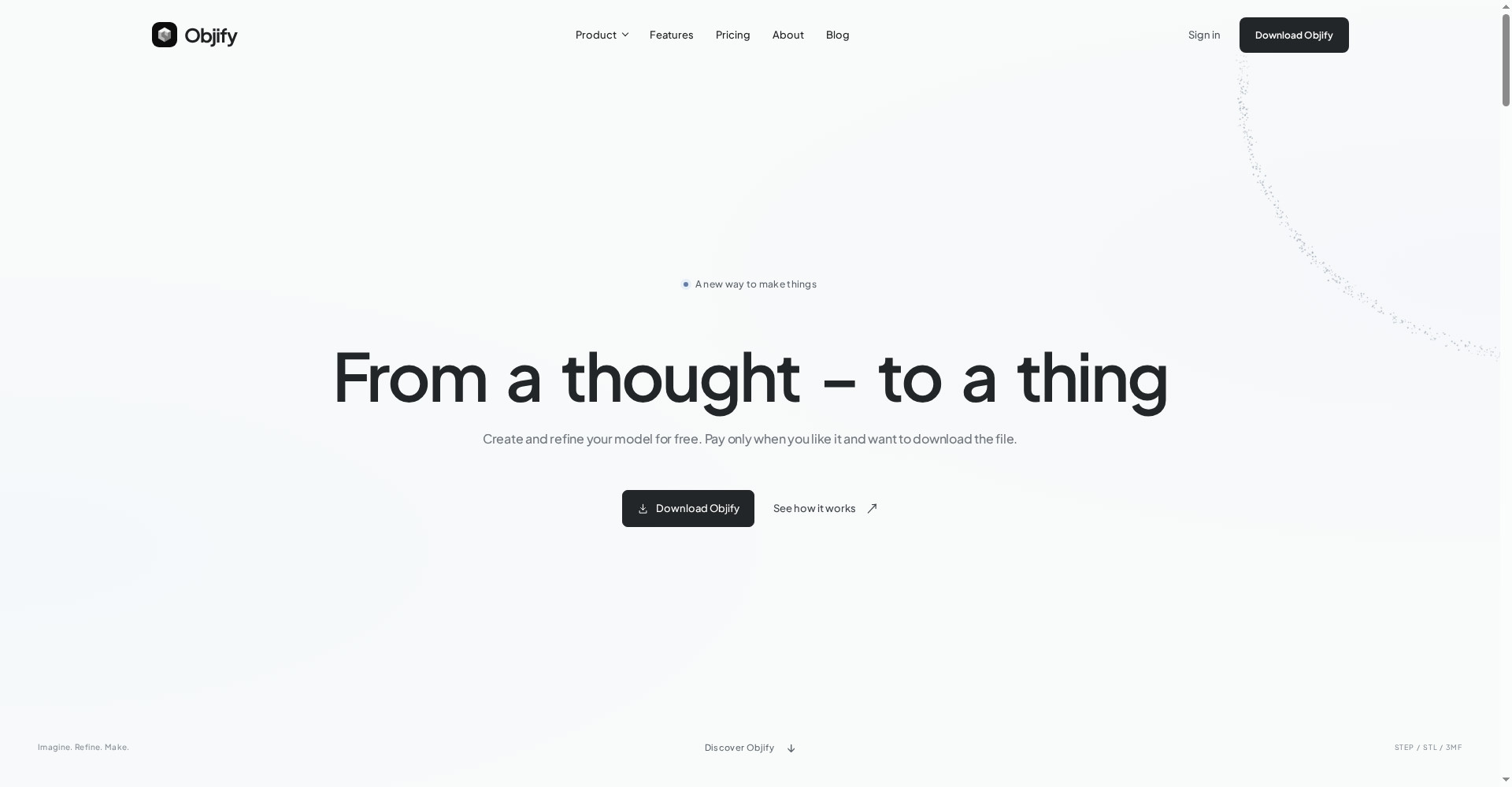
Objify homepage
1 / 2Overview
What is Objify?
Create 3D CAD models through conversation
Objify lets you create and refine 3D CAD models through conversation. Describe the part or product you need, review the generated geometry, and iterate with AI, without building every feature by hand in traditional CAD software. The models are real, editable parametric geometry, and the app includes a full CAD toolkit: parametric modeling, sketching, 3D modeling, assemblies, and technical tools. You can start from a reference image, keep a design conversation going, and export STEP, STL, 3MF, GLB, SVG, DXF, and PDF files for 3D printing and manufacturing. Creating and editing is free, and you only pay when you want to download files. Plans start at $4.99 a month.
Platforms and languages
Objify Availability
Platforms
Languages
Capabilities
Objify Key Features
Conversational modeling
Describe the part or product you need and AI plans and builds the model for you.
Real parametric geometry
Generates real, editable parametric CAD geometry, not mesh pictures, so you can make targeted fixes.
Full CAD toolkit
Includes parametric modeling, sketching, 3D modeling, assemblies, and technical tools.
Reference images and dialogue
Feed in reference pictures and keep a design conversation going with AI-assisted edits.
Manufacturing-ready export
Exports STEP, STL, 3MF, GLB, SVG, DXF, and PDF for 3D printing and manufacturing.
Best for
Who uses Objify?
Makers, hobbyists, and professional designers
Create and refine 3D models by describing them instead of modeling every feature by hand
Plans and access
Objify Pricing
Freemium
Free to create and edit; downloads from $4.99/month (5 downloads), $14.99/month (15), $24.99/month (unlimited).
Common questions
Objify FAQs
Can I try Objify before paying?
Yes. Download the app and create and edit models for free. You only pay when you want to download a file.
Which file formats can I export?
STEP, STL, 3MF, GLB, SVG, DXF, and PDF.
Which operating systems are supported?
Windows, macOS, and Linux, with installers on the download page.
How much does Objify cost?
The app is free to download. Subscriptions start at $4.99 a month for 5 downloads, $14.99 for 15, and $24.99 for unlimited. Quarterly billing saves 10% and annual saves 20%.
Can I use Objify for 3D printing?
Yes. Export STL or 3MF files and print them with any standard 3D printer.
Reviews
See what the community thinks and share your experience.
—
Based on 0 ratings
Rating distribution
Community reviews
No reviews
No written reviews yet.