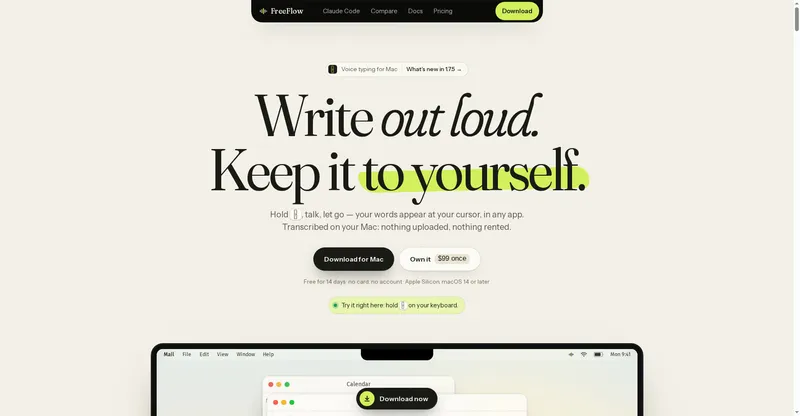
Voice dictation that writes like you do, plus an AI notetaker that records meetings and writes summaries.
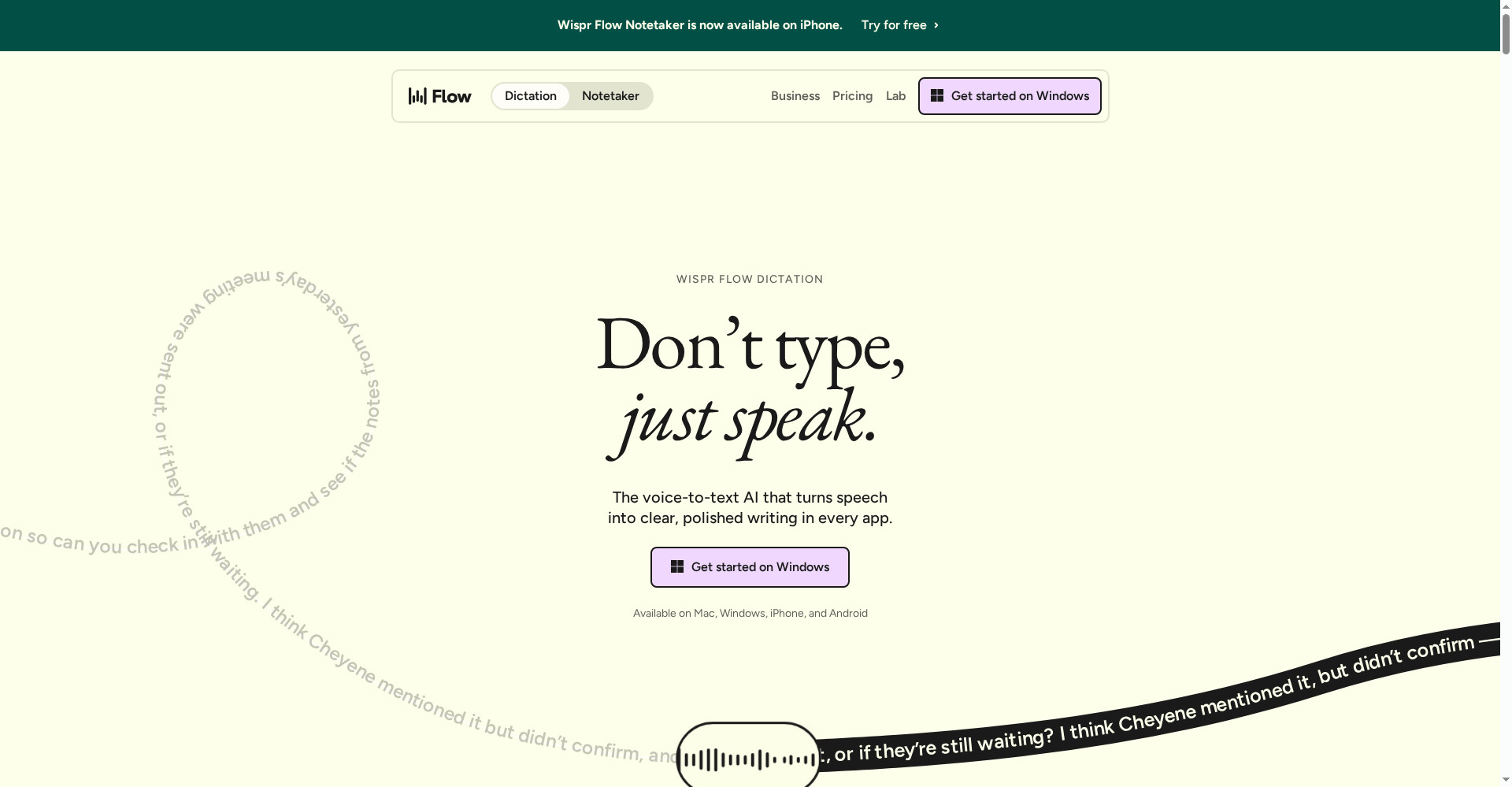
Wispr Flow homepage
1 / 2Overview
What is Wispr Flow?
Voice productivity for your writing and your meetings.
Wispr Flow is voice productivity for your writing and your meetings. Dictate at around 220 words a minute and get polished, formatted text back — filler words removed, mistakes and repeats fixed — in a style that learns your vocabulary and sounds like you. It works in more than 100 languages, detects the language automatically, and handles mixed-language speech. The built-in Notetaker joins your meetings, records them, and writes the summary for you. Flow runs on Mac, Windows, iOS, and Android, with an MCP API for connecting your tools. The free plan is free forever; Pro is $12 per user a month.
Platforms and languages
Wispr Flow Availability
Platforms
Languages
Capabilities
Wispr Flow Key Features
Dictation that sounds like you
Speech becomes polished, formatted text at about 220 words a minute, in your own style.
100+ languages
Automatic language detection with support for mixed-language speech.
AI meeting notetaker
Notetaker records meetings and writes summaries for you.
Learns your vocabulary
Flow learns your words, snippets, and writing style over time.
Works on every device
Mac, Windows, iOS, and Android, with an MCP API for your tools.
Best for
Who uses Wispr Flow?
Writers, developers, marketers, and anyone who thinks faster out loud
Dictate documents in your own voice and get meeting notes written automatically
Plans and access
Wispr Flow Pricing
Freemium
Free plan included; Pro $12/user/mo, Growth $18/user/mo. Students get 50% off Pro.
Common questions
Wispr Flow FAQs
Is Wispr Flow free?
Yes. The free plan is free forever, and Pro adds more usage for $12 per user a month.
What happens if I exceed my free usage?
You can keep using Flow or upgrade to a paid plan.
Does Flow work on my computer?
Yes. Flow runs on Mac, Windows, iOS, and Android.
Is my voice data private?
Flow is SOC 2 Type II and HIPAA compliant, does not sell your data, and only improves models with your opt-in.
Reviews
See what the community thinks and share your experience.
—
Based on 0 ratings
Rating distribution
Community reviews
No reviews
No written reviews yet.